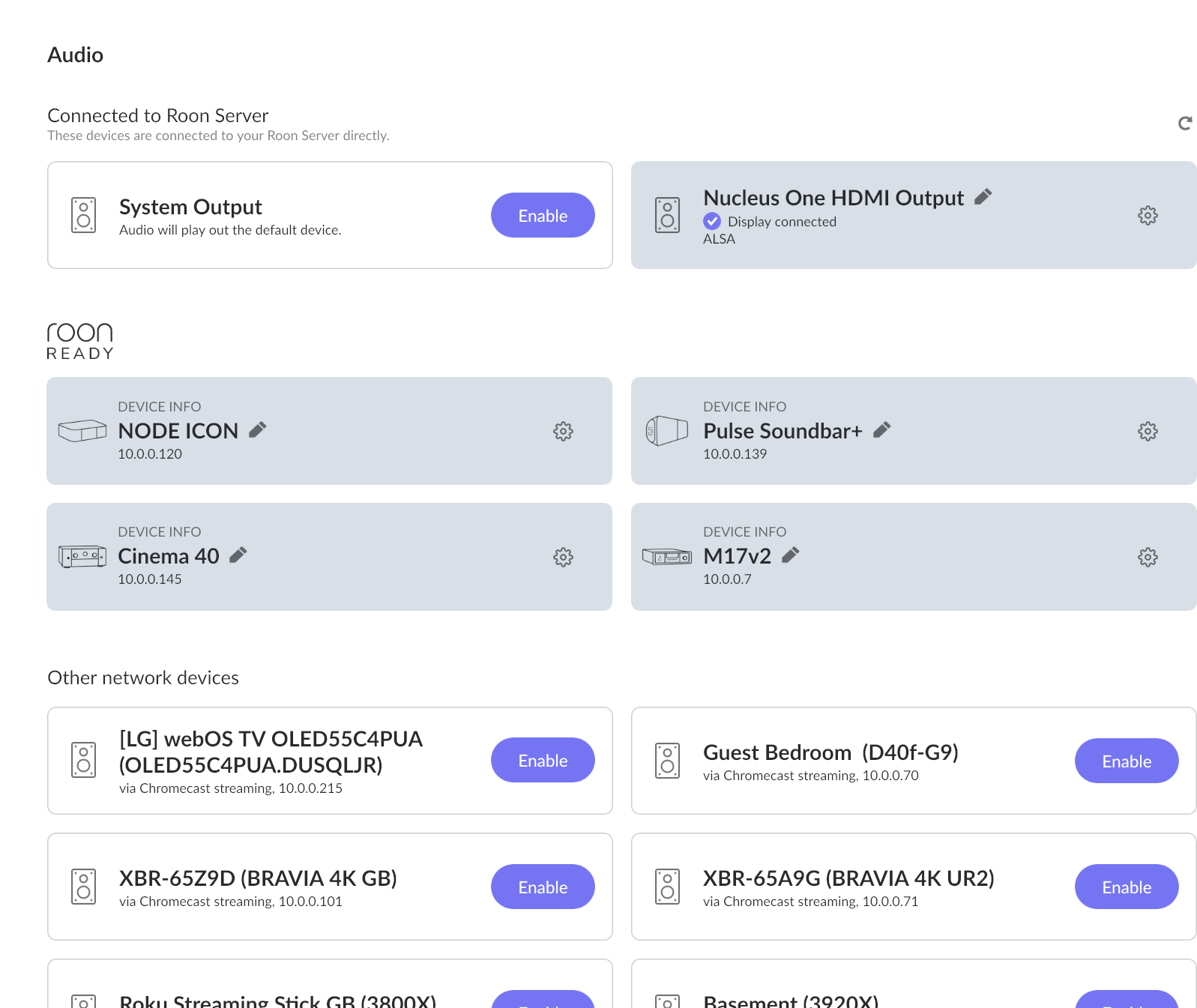
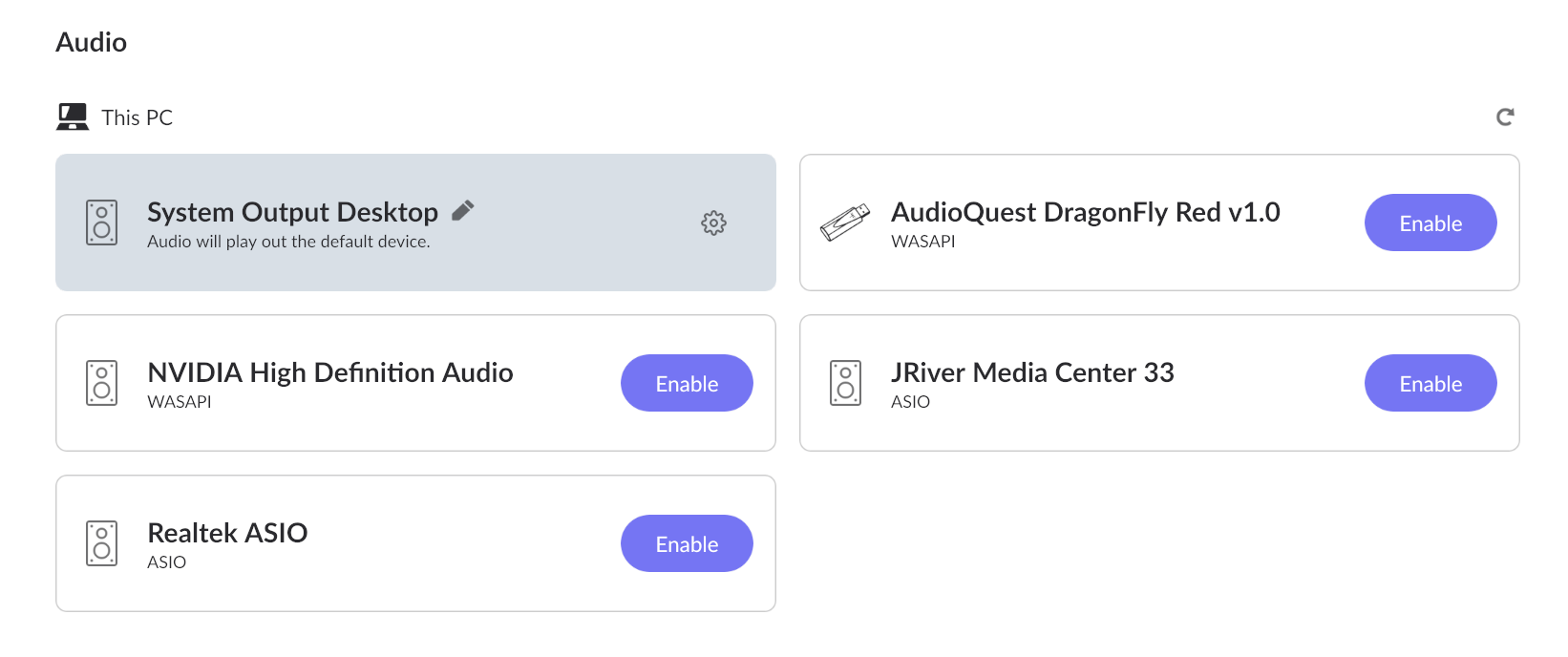
· About one hour ago, I updated to the latest Roon version after being prompted. I have a Nucleus One Server. After the update, I could not see my desktop nor laptop in Settings->Audio. Somehow I had another System Output added to the Server listing (I directly connect the HDMI out to my surround processor for multi-channel playback). All computers and other Roon Ready devices connect via network but the computers do not show. I have screen shots. What should I do? I ran RoonBridge again but still do not see my computers listed in Audio devices (never experienced this problem before)
Tell us about your home network
· Gateway is from Comcast Xfinity made by Technicolor. It is brand new and was installed this afternoon.
Thanks for reaching out. Since other zones are visible other than the Windows 11 bridge, I suspect there could be a firewall issue at play. Please verify that both Roon.exe and RAATServer.exe have been added as exceptions to your Windows firewall.
You can use these instructions to add the exceptions and the executables themselves would be located in your Database Location/Application folder path.
I would also add these exceptions to any Antivirus or other Firewall blocking applications you may have and ensure that you connected to your network via a Private network, not a Public one, see this guide for more information.
Hi, I use Norton 360. I checked the smart firewall settings and both Roon and RAATServer are allowed. BTW, Roon functions properly on my Roon Ready devices. When the new gateway router/modem was installed, the ethernet network was given a new name. I also do not remember seeing the default output associated with my server, just the HDMI output. There was a problem after I reinstalled Roon based on a prompt and it restarted that process on me for some reason. I wonder if I should uninstall Roon from one of my machines, download again, and reinstall. Does that make sense? Open to other suggestions. Thanks, Paul
I continue NOT to have success getting my laptop, which is connected via wifi, to be shown under Audio. I power cycled the Nucleus One and the laptop. Please respond with advice.
OK. I realized that I had the network as public, not private. I made the change and I have now connected my laptop. You can close out this support ticket. Thanks very much for the help.