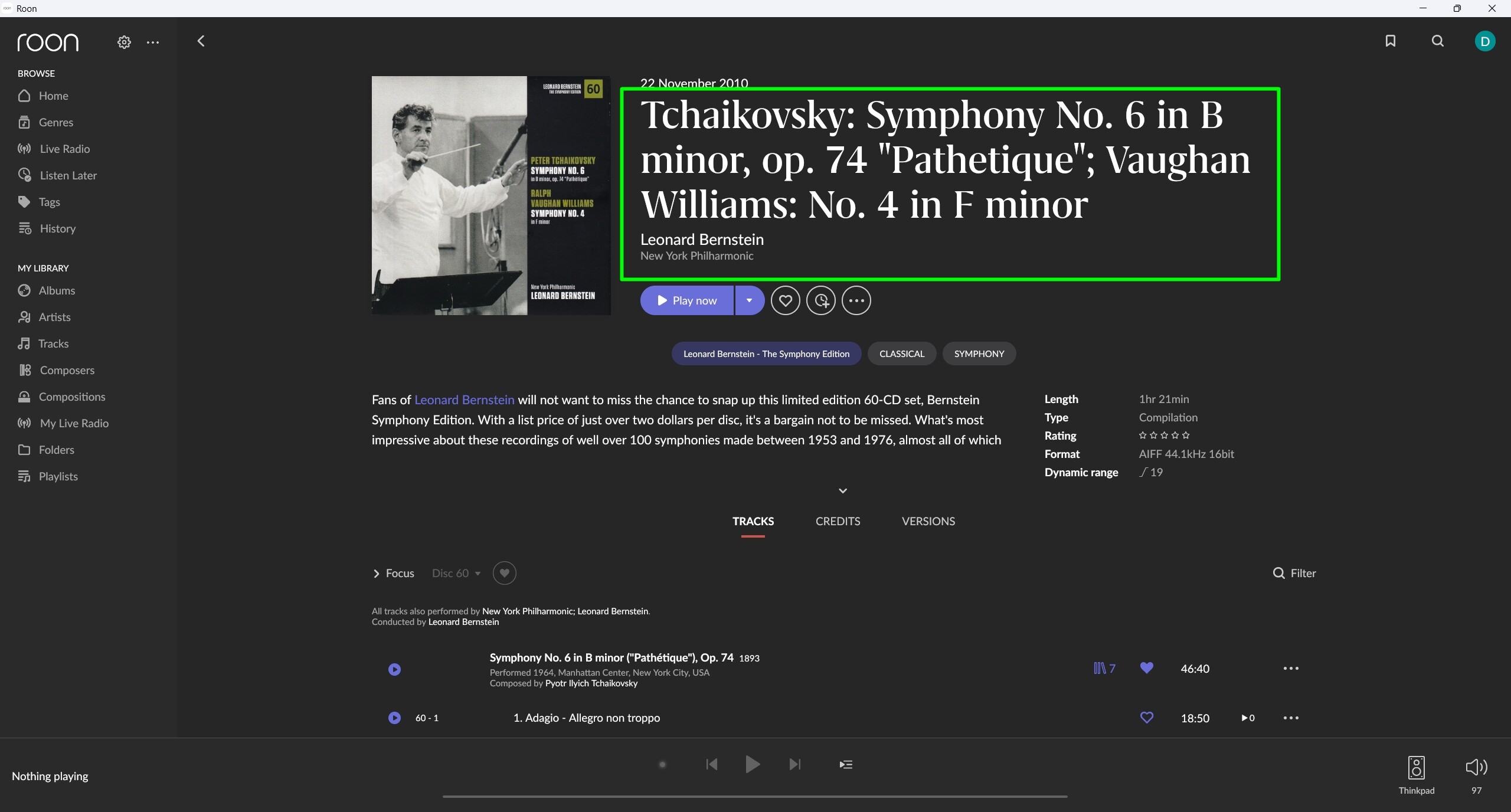
Album metadata changes not saved in configuration (ref#O6YIJT)

What’s happening?

· Other

How can we help?

· None of the above

Other options

· Other

Describe the issue

When editing an album - changing metadata preferences - the changes are executed, but not stored in the configuration

Describe your network setup

not relevant


AFAIK, this behaviour is as designed. That screen executes what you set when you click Save (as you have found). If you open that screen again it is cleared so that you can set a different set of criteria if desired.

This behaviour has been present from the start of Roon in 2015.

Good day @Dirk_De_Taey !

I hope you’re doing well today.

Thanks for noticing such a bug.

We have reported it to R&D and will expect it to be investigated and fixed in future updates.

as of now there is nothing we might require from you as we were able to reproduce the issue internally.

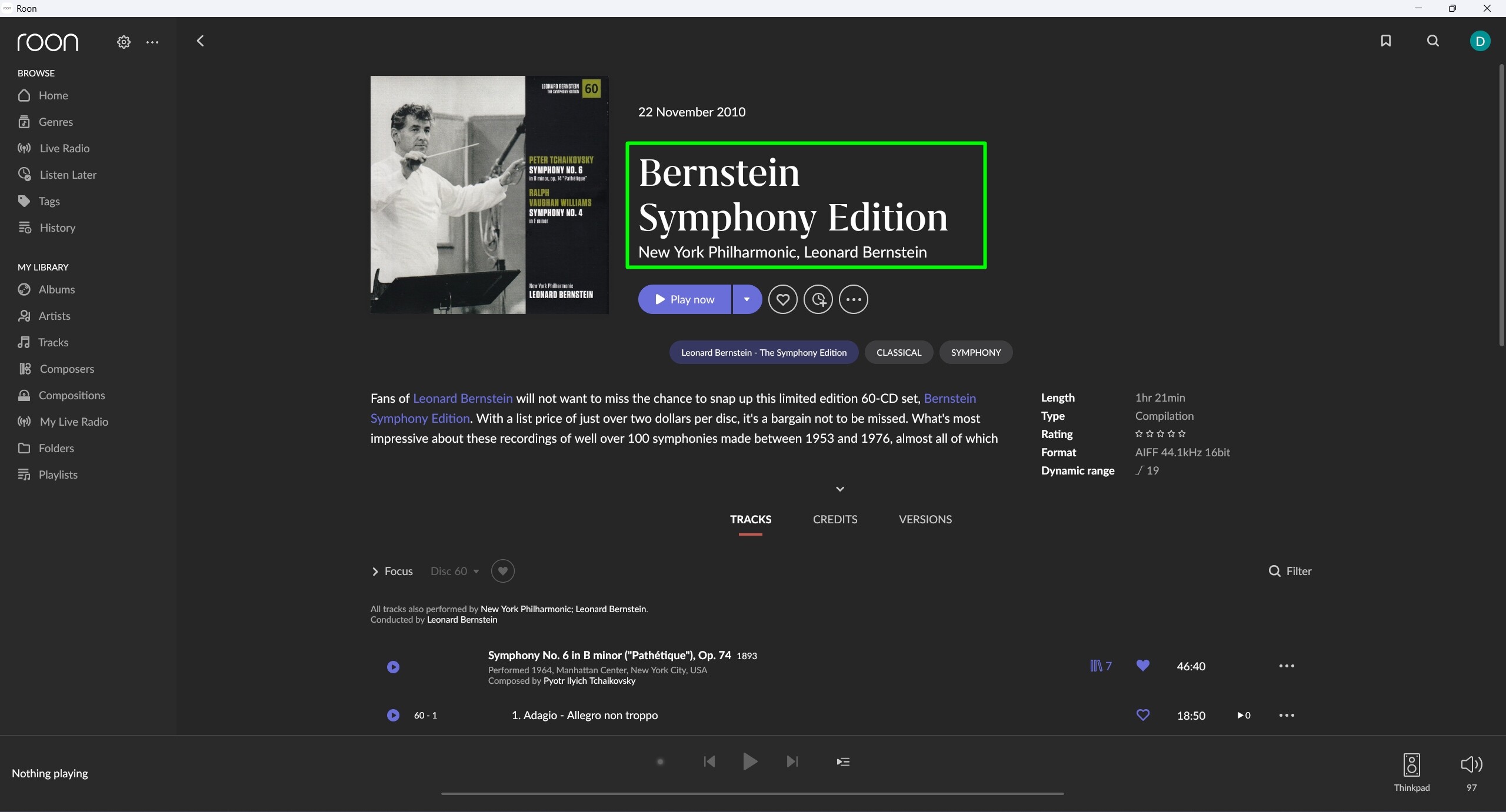
Right now you can deal with the issue by manually changing the name of the album on “Edit Album” page. We’re sorry for that issue.

Have a nice day!

Regards.

This has not changed to my knowledge, You should be able to find threads about it from years in the past. Use the “Edit Album” if you want Roon to load the current values and show you the actual content – as far as possible, you will notice that it may become a challenge for multi-selections (the bigger the more impossible). The tab you show is to make quick adjustments to (even a big selection of) Albums without loading current values that, in the case of a multi-selection, may be conflicting anyway. Tbh, this tab makes no sense when editing a single Album and should be the last tab present and for a single album maybe even hidden. This would be a Feedback > Feature Suggestions though I guess.
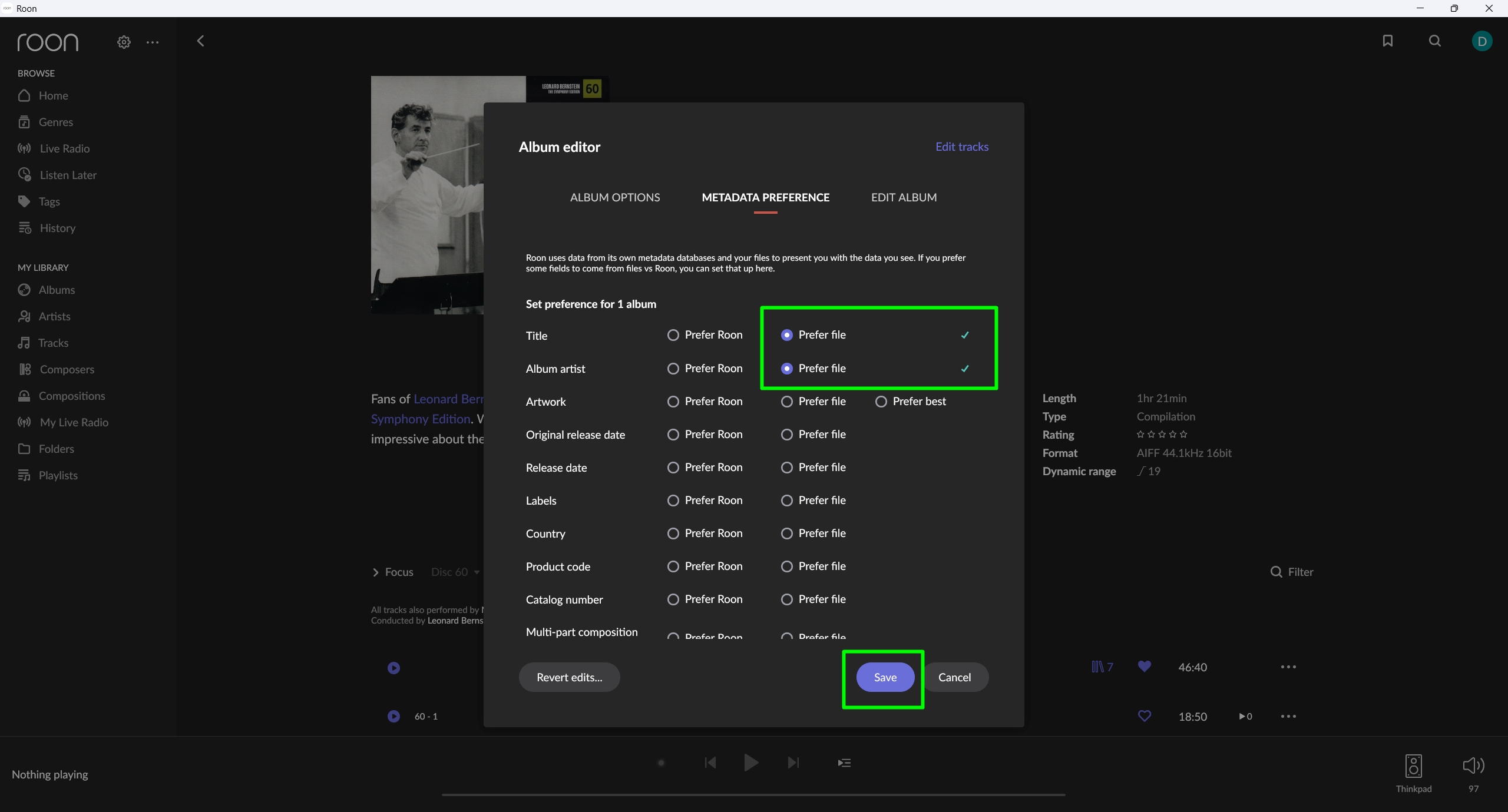
Add a third state for multi-part composition grouping, so the people who wish to disable it for a bunch of albums in one go, get a place to do this.

This topic was automatically closed 9 days after the last reply. New replies are no longer allowed.