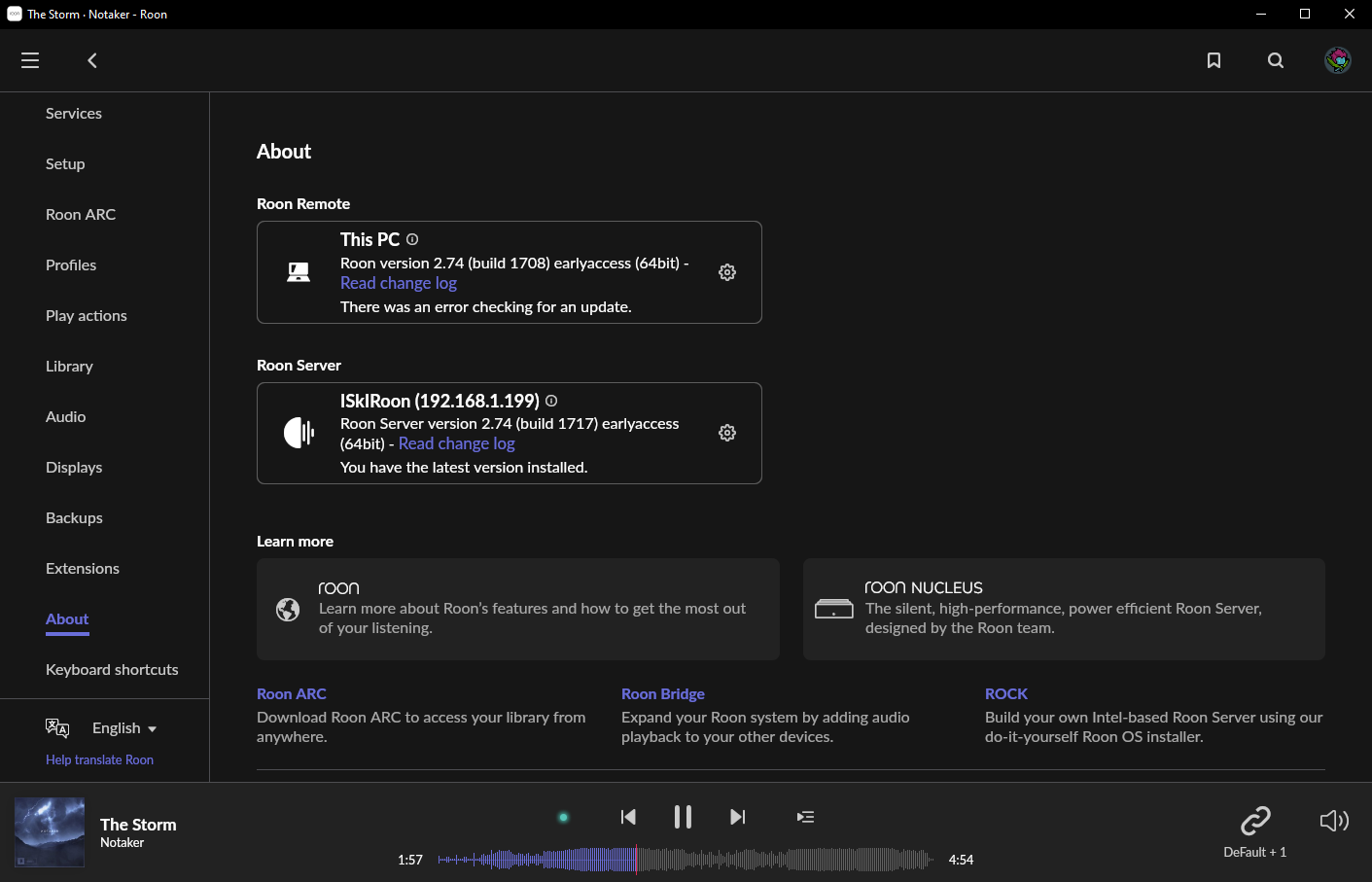
RoonServer version 2.74 (build 1708) earlyaccess (64bit)
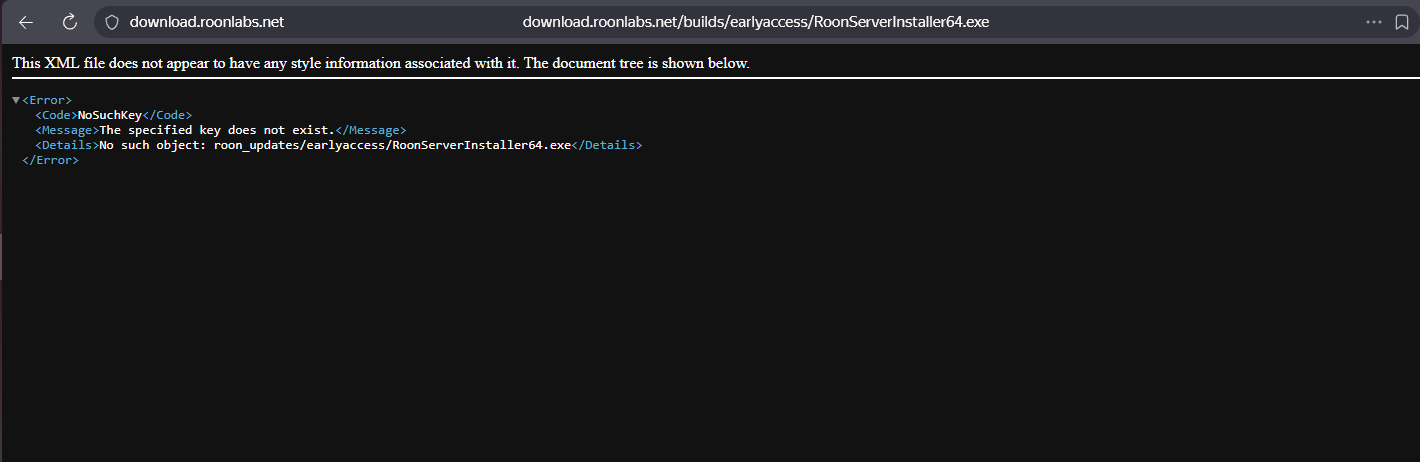
Official Early Access installer link also shows error
<Error>
  <Code>NoSuchKey</Code>
  <Message>The specified key does not exist.</Message>
  <Details>No such object: roon_updates/earlyaccess/RoonServerInstaller64.exe</Details>
</Error>
Windows 10 Pro for both Roon Remote and Roon Server. The application successfully checks for and downloads updates for Roon Remote, but when checking for updates for Roon Server, the error shown in the screenshot above occurs. In the post at your link, I only see a link to download “Roon” – but I only need the Roon Server installer, without Roon Remote. As far as I remember, there used to be separate installers for this. In any case, the fact remains that the server should check for updates on its own, but it returns an error.
I got this link from a post I found on Google. It was pinned in the Early Access Info category, so I thought it was relevant.
Thank you for your response. We don’t have separate installers for Roon and RoonServer anymore, it’s a combined installer, so I will edit the post.
As for the update error message in the application, could you manually install the update and then let me know if it will persist (we have an new EA release coming up later today)