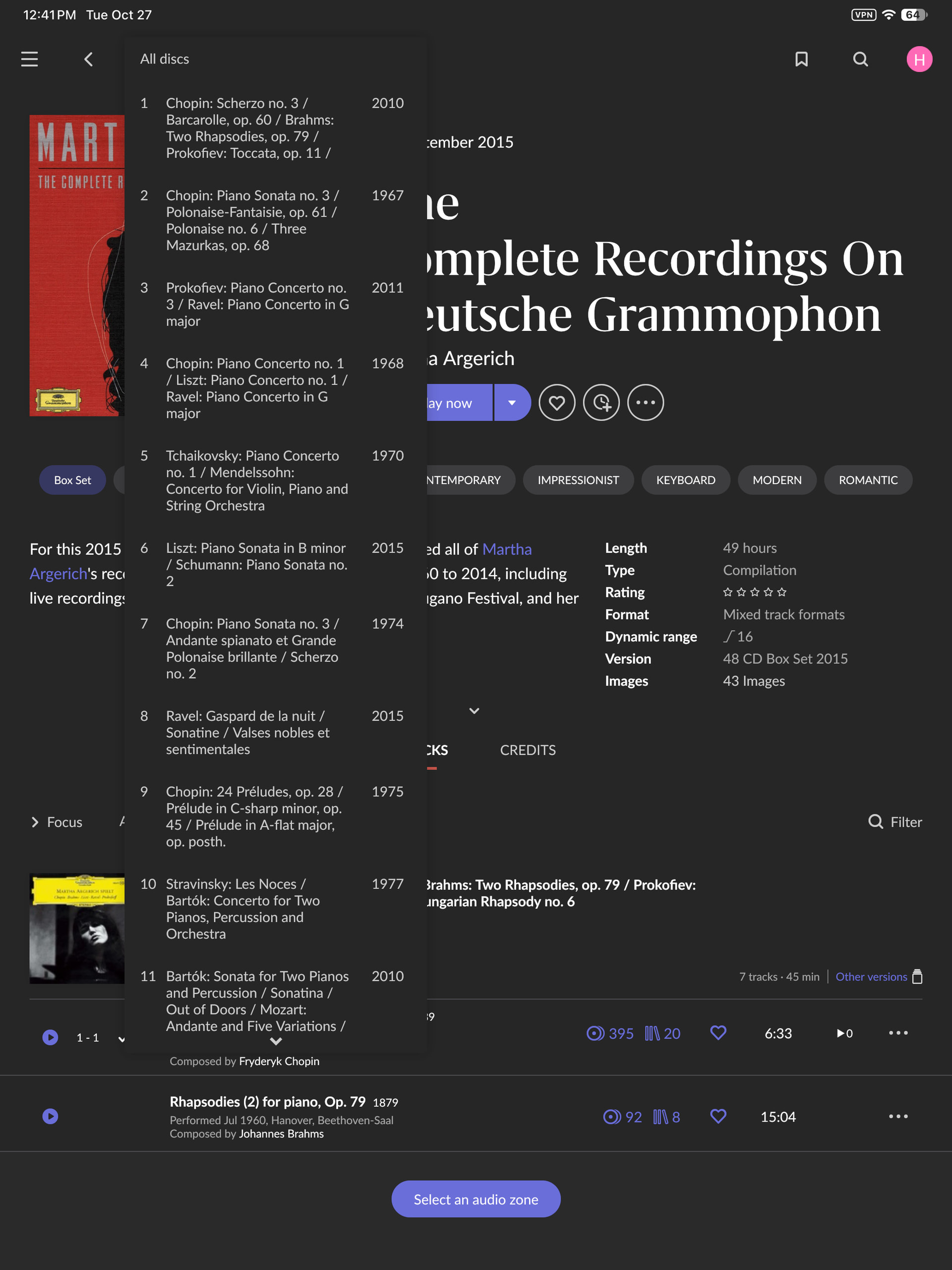
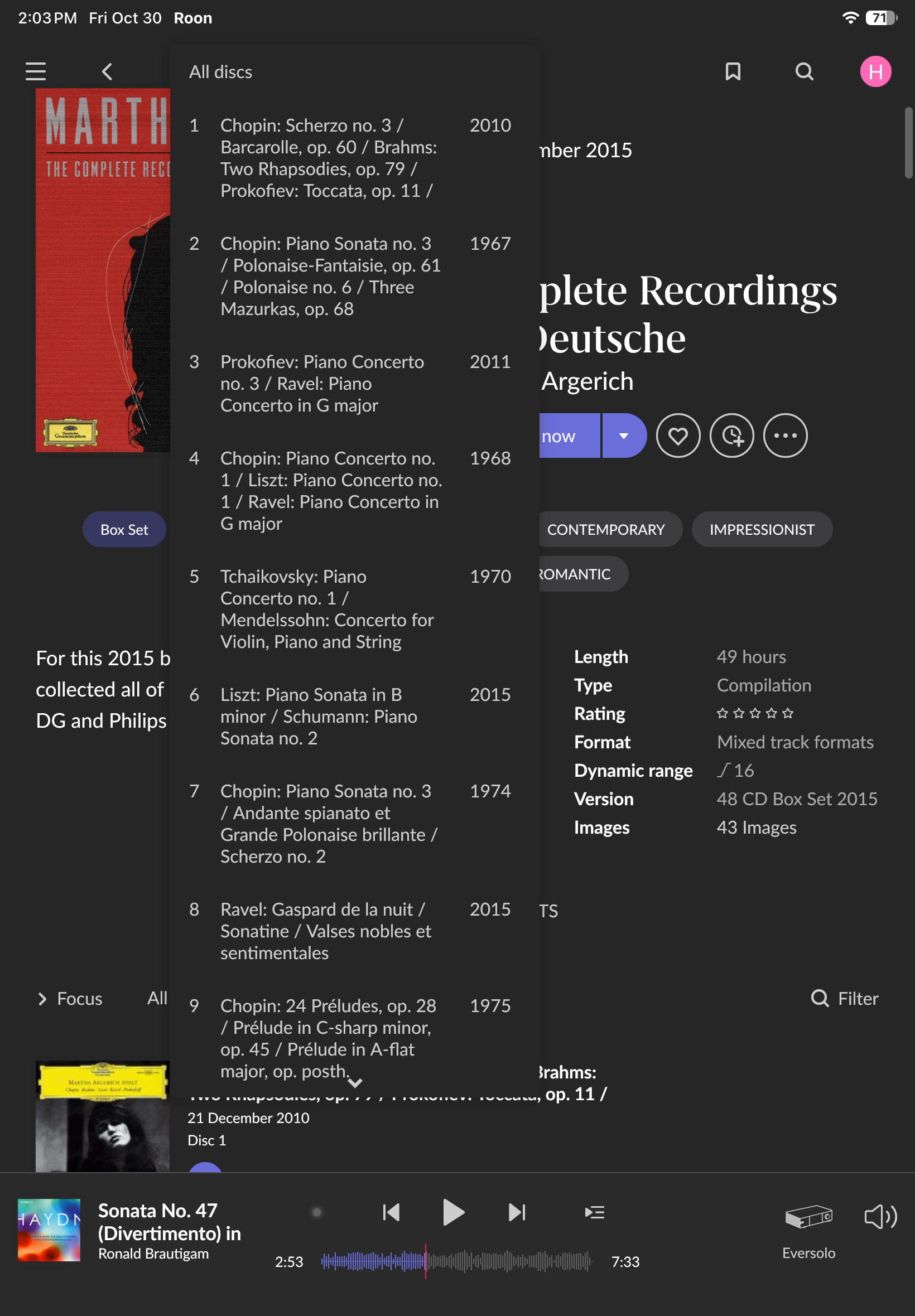
· The new box set feature is working very well for me on my MacBook Air and 13” iPad. I can see the descriptors of the individual disc contents, and the cover art for each of the individual discs. Not so with my regular 9” ipad.
IMG_1929 IMG_0087 is there a setting that I’m missing?
Thank you for your post. We’ve requested logs from the iPad A16 in your screenshot, but the device hasn’t responded to our cloud diagnostic servers yet.
Please open Roon on the affected iPad at your convenience so the log upload can proceed automatically.
It’s possible that the update initially failed on the affected remote and only succeeded after it reconnected with the broker on reopening.
If this happens again, let us know.
We recommend reinstalling the app itselfon this iPad if you have problems with future updates. This won’t affect your database if it’s just the iPad remote.