Hi Connor,
Thanks for your help.
Let’s take it step by step.
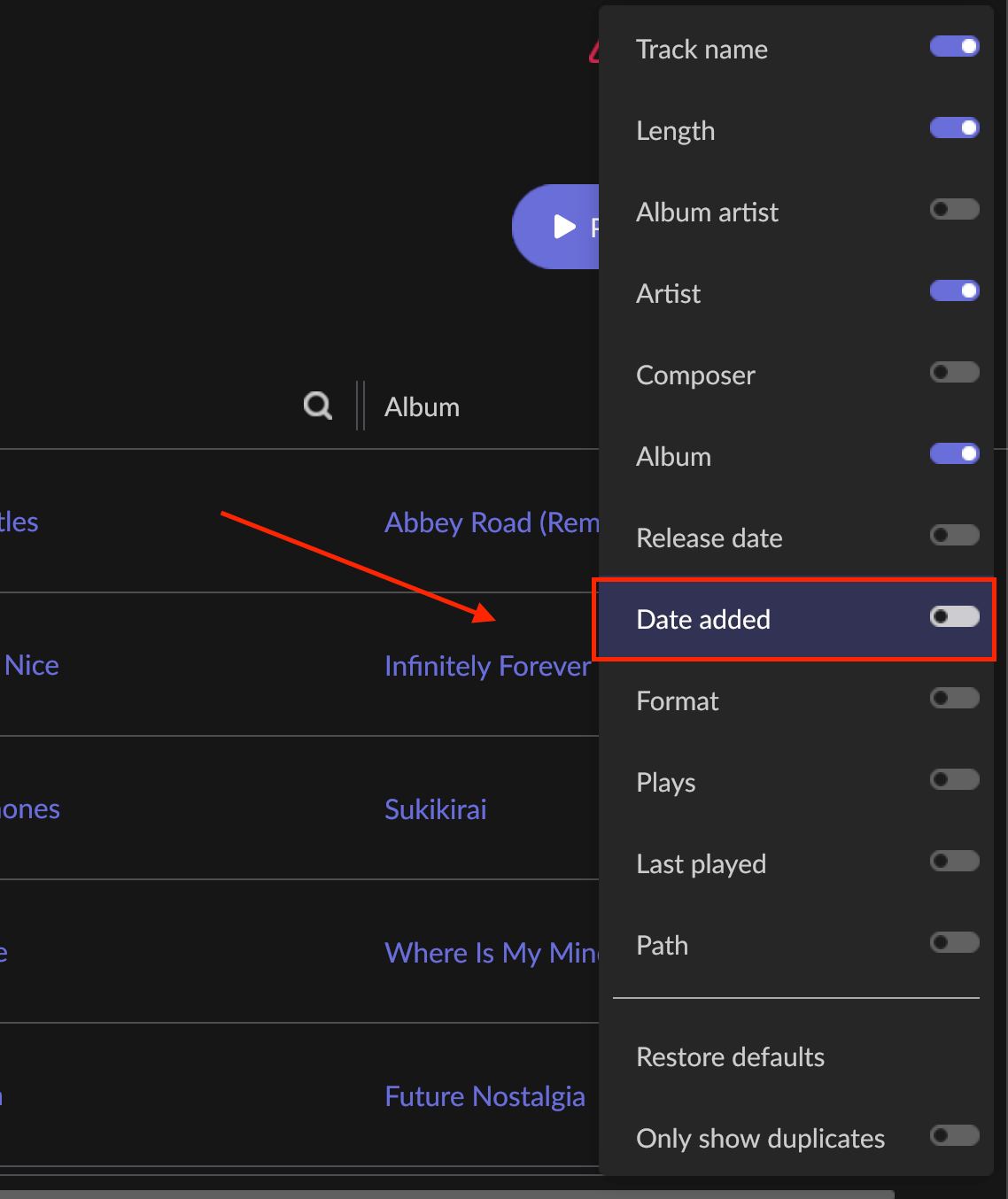
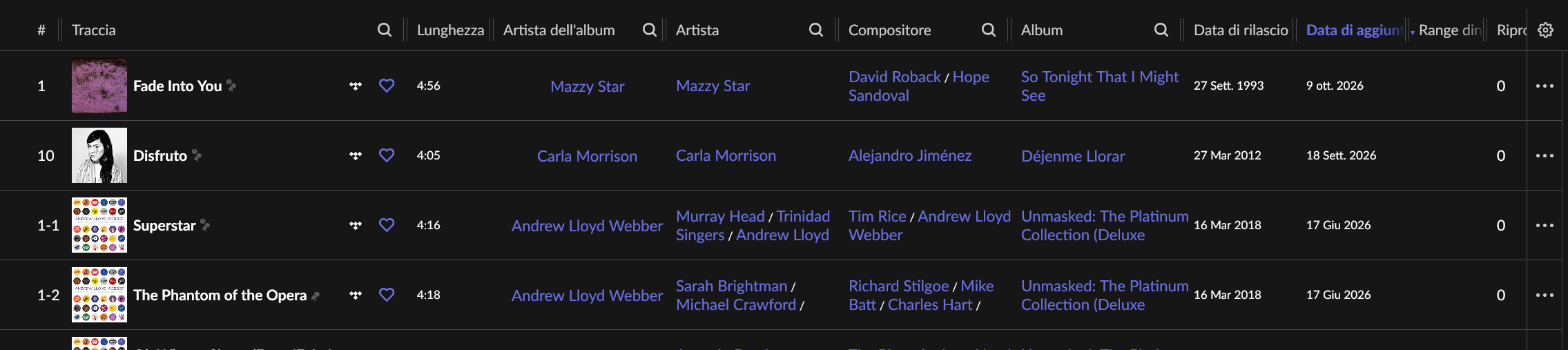
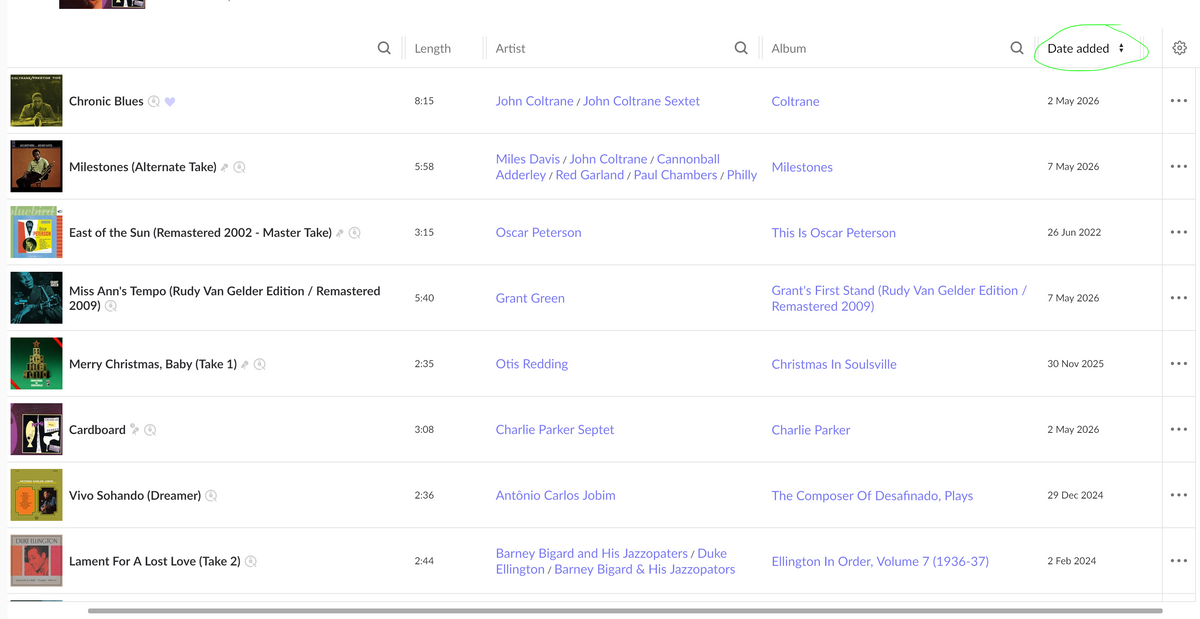
First, I’ll tell you that, as you suggested, I created a new playlist directly within Roon and added songs to it directly from My Library within Roon, bypassing Tidal. Indeed, in that new playlist, I see the dates in the DATE ADDED column and can sort the songs by date added.
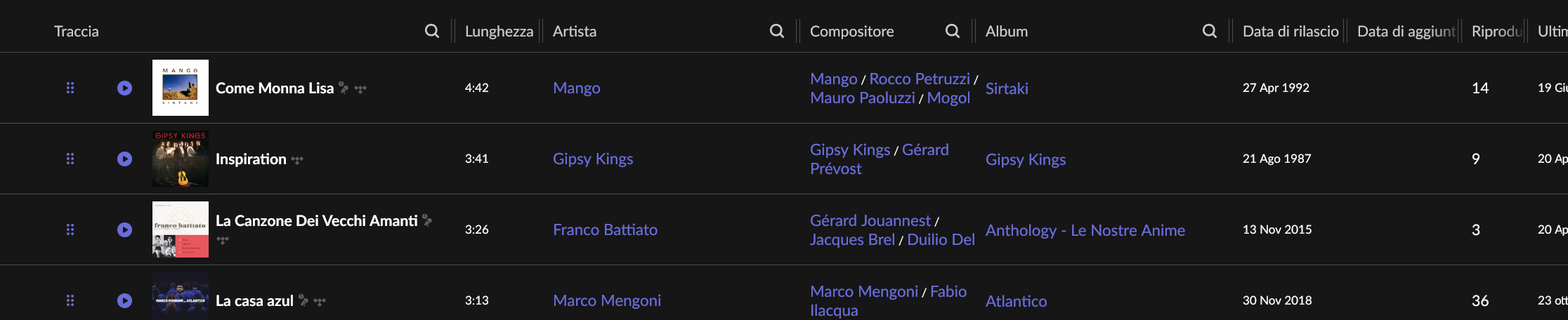
So, I understand that to see the added dates within a playlist, I have to work exclusively within Roon. If I add songs to that playlist while working in Tidal, the added dates don’t appear in the playlist within Roon.
I’m not sure, however, that I understand your second suggestion, which is to automatically add the ADDED DATES to the chosen playlist by importing them from My Library into Roon.
For example, I went to the WOW playlist in Roon, selected COPY in the menu, and it gave me the option to copy into two playlists (SMART and WOW 2, which I had already created). If I click OK, all the songs from WOW are copied into WOW 2, for example. Then I go to WOW 2 and see the IMPROVE function in the top left, which allows me to match just a few songs with those in My Library. If I then click OK, the songs that IMPROVE matched now actually have the correct ADDED DATES, but they are very few. The remaining songs still don’t have the ADDED DATES visible. Is there a way to import the ADDED DATES into the playlist automatically, or do I have to add the songs not matched by Improve manually, working within Roon?
Could Smart Playlists help me import the correct ADDED DATES into the WOW playlist?
So, ultimately, to get the added dates for a playlist, I can add songs to My Library from both Tidal and Roon, but I only have to add the songs to the playlist from Roon, not Tidal. Is that correct?
I hope I’ve explained myself clearly.
Thank you.
Best regards.