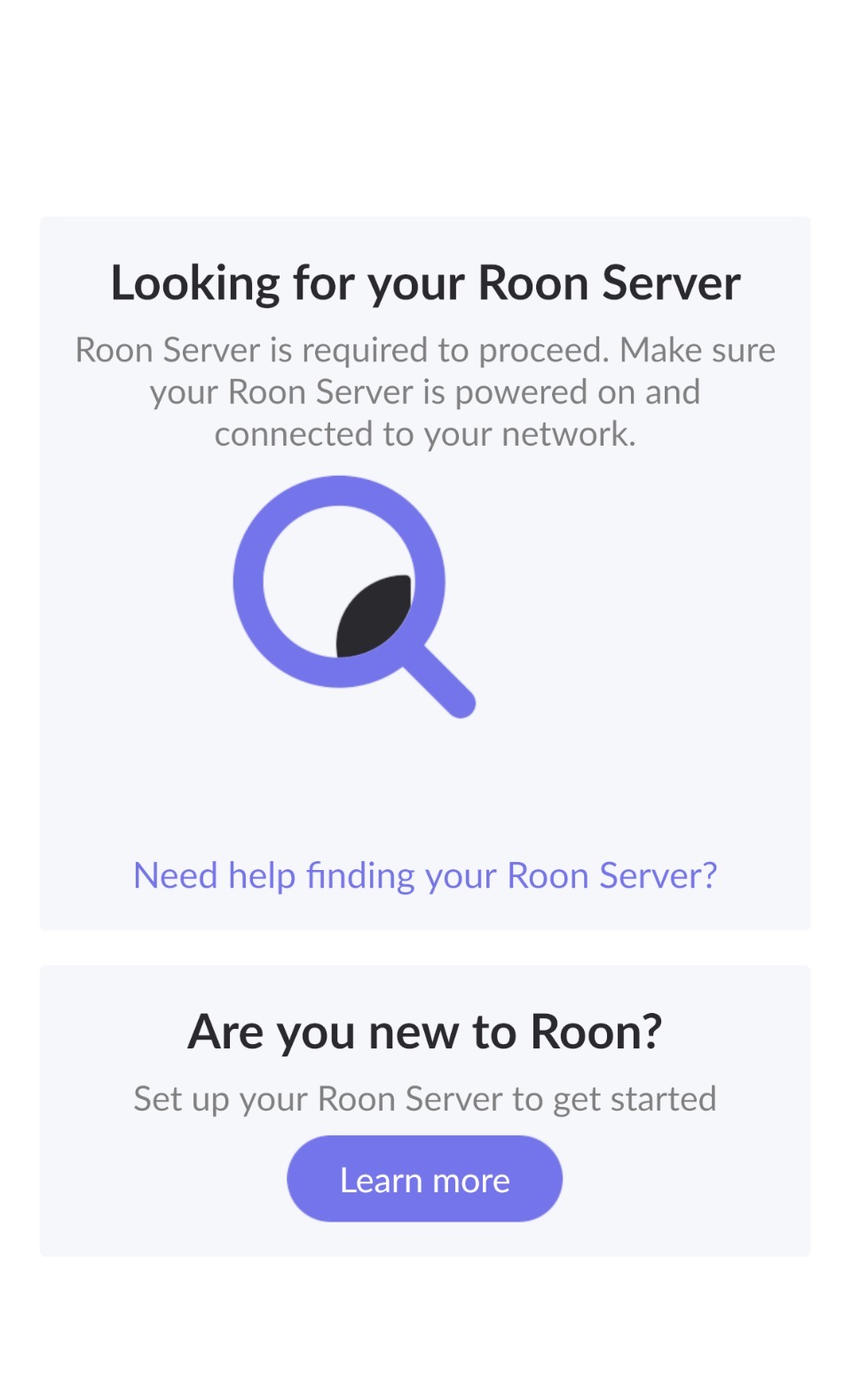
Please try to restart your network setup by unplugging, waiting 30 seconds and then replugging in your networking gear.
· No, the issue remains the same
Please select how you've connected your Roon Server to the internet
· Roon Server is connected by *Ethernet*
Have you checked your firewall settings to ensure that Roon is allowed through?
· Roon still won't connect even after checking this aspect
Have you verified that Roon Server is on the same subnet as your Remotes?
· My Remotes and Server are on the same subnet and I still can't connect
Sometimes the issues can be resolved with a reinstall of your Roon Remote app. Let's try to perform a reinstall and see if it helps.
· I've reinstalled the Roon Remote but it did not help
What is the operating system of your Roon Server host machine?
· *Roon Optimized Core Kit* (ROCK)
Select any of the following components that are present in your local network setup
· *Mesh networks*
You mentioned a mesh network in your setup. Certain common mesh networks might require slight reconfiguration to support Roon.
· Eero
Click below for next steps with an Eero mesh network.
· I still need help.
Describe the issue
I have changed from to-link router to eero7 I i have been through all of the suggested support however it still does not connect to my ROCK. it was working fine prior to changing to Eero
Describe your network setup
NUC connected via Ethernet cable directly to router
Since the issue started right after switching to the Eero 7, it’s likely something in the new mesh configuration is interfering with Roon’s network discovery. Could you please confirm a few things for us?
Are all your Roon Remotes (phones, tablets, PCs) connected to the same Eero network and getting IP addresses from the same subnet as your NUC/ROCK?
Are you using a mesh setup (multiple Eero units), or just a single router?
In your Eero app, please check that IGMP Snooping (sometimes called Multicast Enhancement) is enabled — Roon relies on multicast traffic to discover your Core. You can find Eero’s guide for this here: Eero Support: Enable IGMP Snooping
As a next step, please also try:
Connecting your NUC directly to a monitor and keyboard.
Connect a USB keyboard to the Nucleus. Power on the Nucleus and let it boot.
Press ENTER
4.Type resetnetwork
5.Press ENTER
If the NUC still doesn’t appear, try temporarily connecting it directly to the main Eero unit via Ethernet (bypassing any switches or secondary nodes).
Once you’ve checked these points, please let us know what you find — it’ll help us pinpoint whether this is a multicast or DHCP issue.
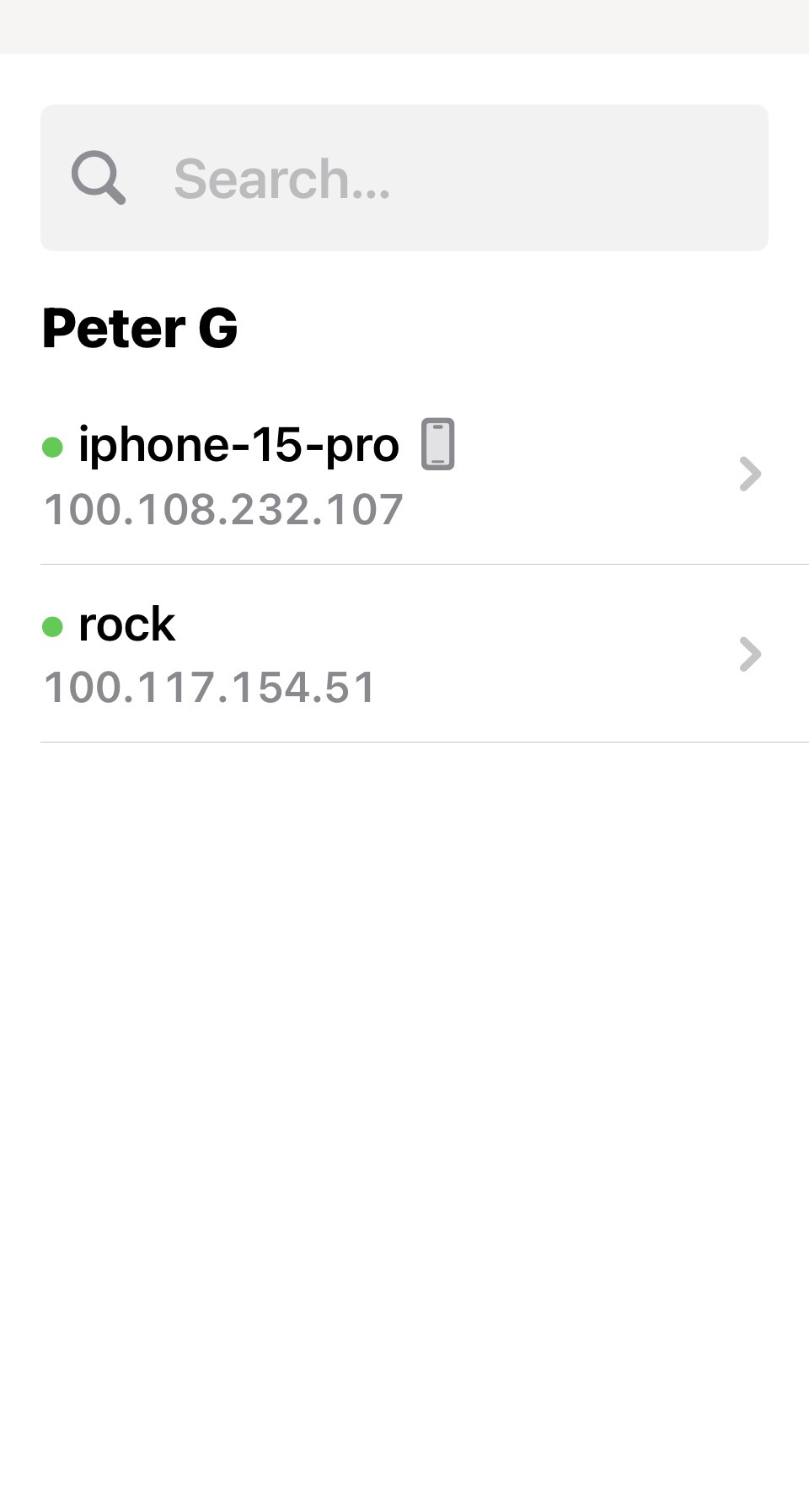
Would you kindly log out from the Tailscale via the ROCK Web UI and log back in again.
Additionally, while connected to the home WiFi network with disabled Tailscale on your phone and ROCK, please log out from the ARC and log back in again wth your Roon credentials.