Thank you for the question. It depends on where the old playlist is:
If it’s already a playlist in Roon: open Playlists, click the three dots on that playlist and choose “Move to” or “Copy to”, then pick the folder. More here: Playlists
If it’s a playlist file on your disk (for example .m3u): please copy the file into one of your watched music folders, and Roon will import it as a playlist. The tracks it lists need to be in that same watched folder. More here: Importing Playlists
If neither of these matches what you have, please let us know what kind of file it is and where it came from.
Diagnostics indicate that you might have multiple active RoonServer instances.
Are you in the process of migrating between machines? We want to make sure we’ve supplied all the information you’ll need to accomplish what you’re trying to do successfully.
I have powered off my laptop, but I can power off the desktop as well if that simplifies matters. Please let me know.
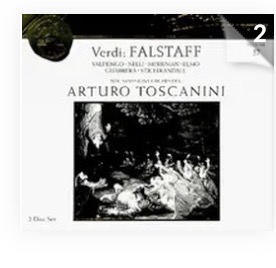
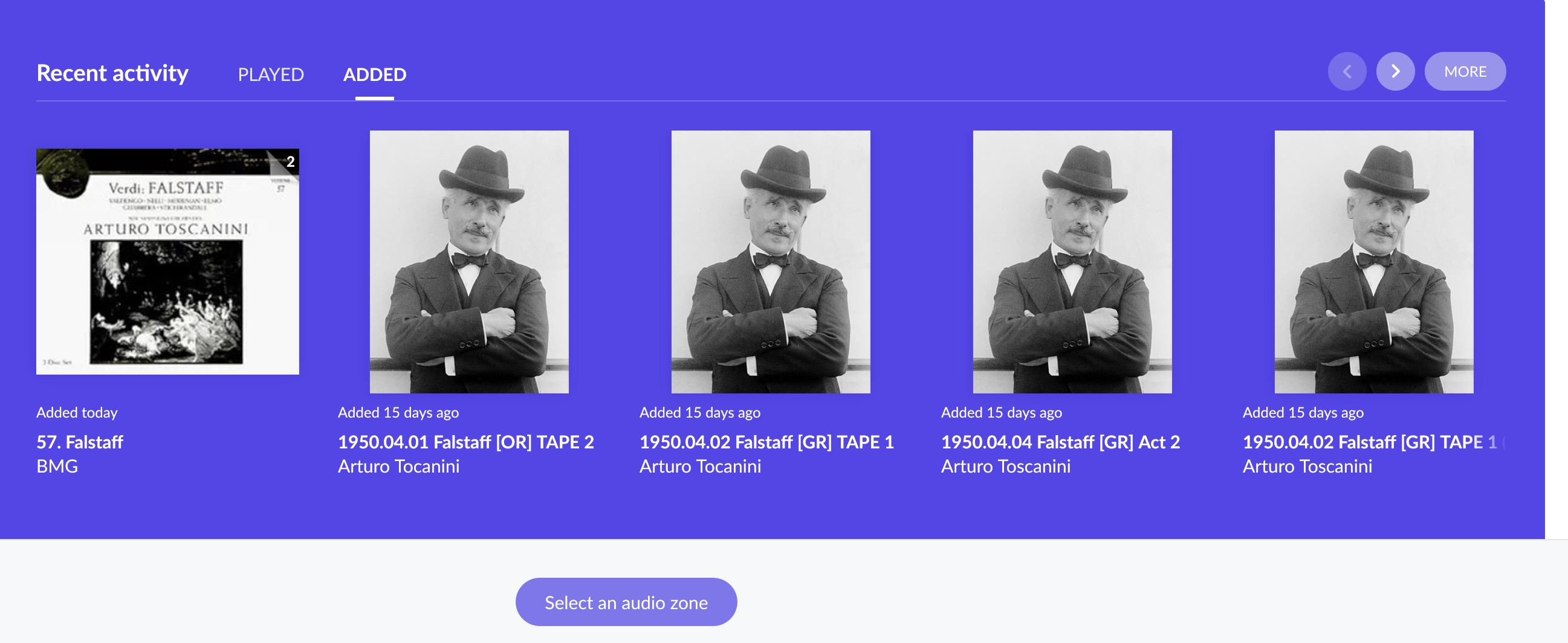
Regarding the Falstaff album: is there an explanation why this album sometimes doesn’t appear in the albums menu but does appear when manually conduct a search for it?
Thanks,
Laurence
PS: is there an estimated ETA for normalizing the sorting issue with ARC?
Thanks for the update. Here’s what a fresh set of Roon Server show:
Multiple servers: You don’t need to keep the desktop off. Your Zenith has held the Roon Server licence without a break since 24 October. To be sure, check Settings > General in Roon on both Macs. Each should say it’s connected to “zenith”. If either Mac also has the separate RoonServer app installed, uninstall it.
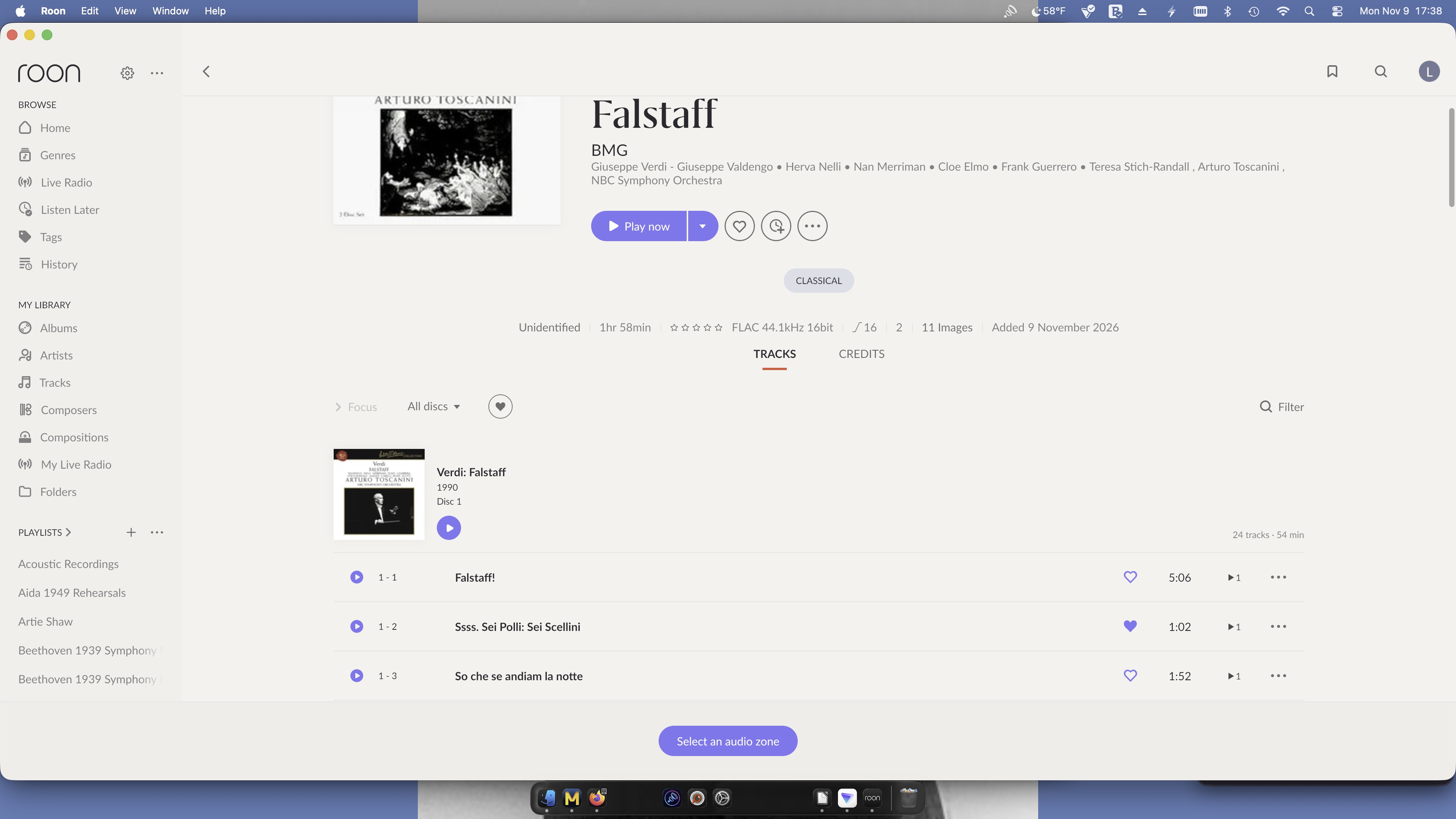
Falstaff missing from Albums: The Falstaff folders on the Zenith have been deleted and re-created four times since Saturday. Each time they came back under a new name ([FLAC] (1), [FLAC] (2)…). The naming points to the InnuOS library tools. Each time this happens, Roon removes the album and imports it as a new one, so it’s missing until the import finishes. Today it was gone from 11:36 to 11:49. When it is there, it sorts under G in Albums, because the album artist tag reads “Giuseppe Verdi - Giuseppe Valdengo • …”. Search still finds it, which is why it always turns up there.
To fix it, leave the folders alone and make your edits in Roon instead (album ⋮ > Edit). Roon’s edits don’t touch the files. While you’re in there, set the album artist to Arturo Toscanini.
Playlists: Your Falstaff rehearsal playlists point to 29 tracks that were removed from the Music Folder on 28 October. If you still have those files, copy them back to the same place and Roon should reconnect them.