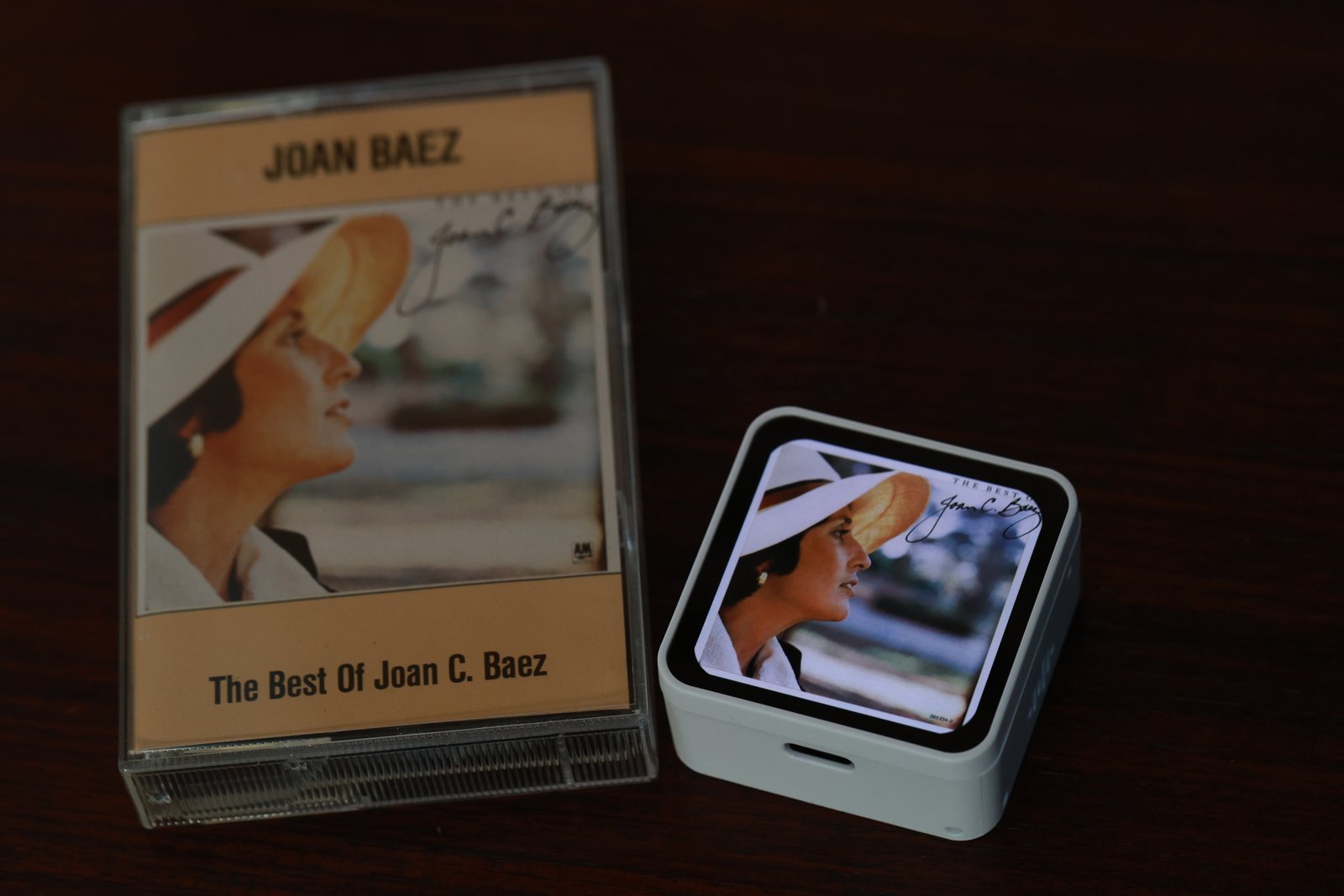
CoverArt Mini – A Tiny AMOLED Album Art Display and Controller for Roon (ESP32)

Hi everyone,

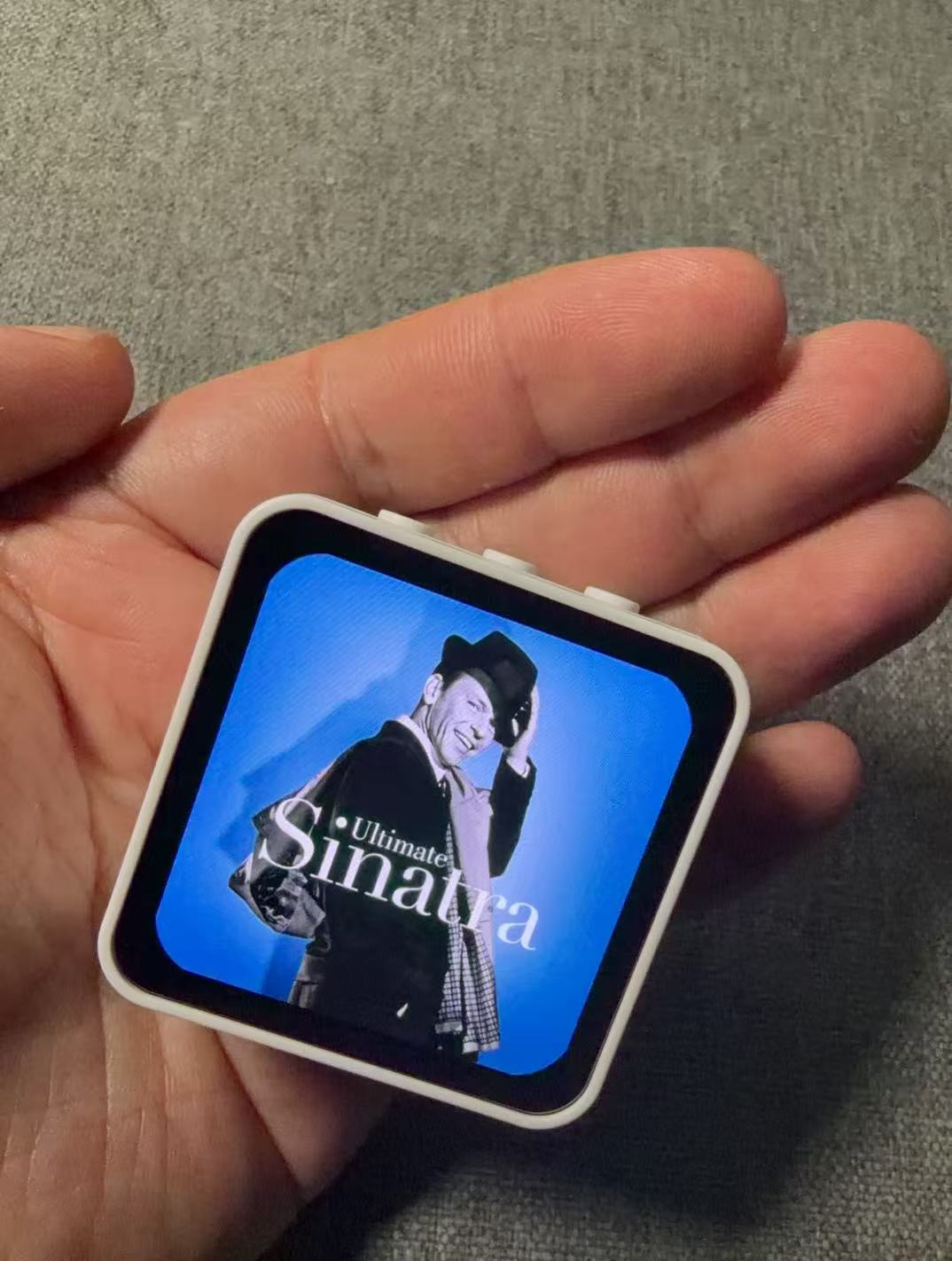
I’d like to share a small project I’ve been working on: CoverArt Mini, a compact, standalone album art display and controller for Roon.

I’ve always enjoyed the visual side of listening to music, especially album cover artwork. I wanted a small, dedicated display that could sit beside my audio system and show the album I’m listening to, without keeping a phone or tablet screen on.

That idea eventually became CoverArt Mini.

What makes it different?

The key design decision was to run the Roon Extension directly on the ESP32 itself.

The device communicates with Roon Server over the local network, automatically discovers the server, and follows a selected playback zone.

There’s no need for a separate Raspberry Pi, a background application, Home Assistant, or a cloud service.

It’s a display and controller, not an audio playback endpoint.

Hardware and features

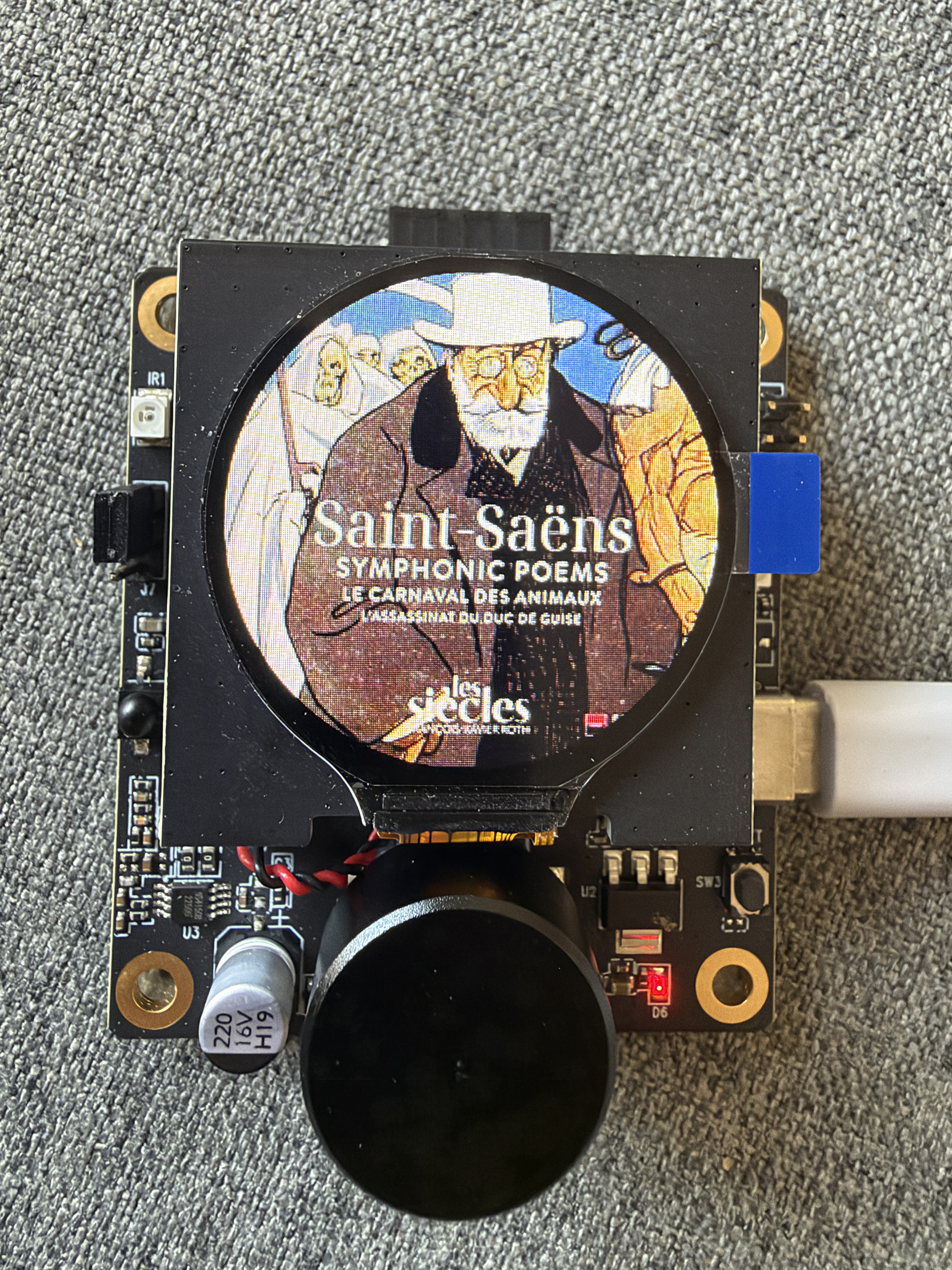
The Mini is built around the Waveshare ESP32-S3-Touch-AMOLED-2.16 board, featuring a 2.16-inch, 480 × 480 AMOLED touchscreen.

Some of its features:

  • Album artwork: Automatically follows the selected Roon zone, with artwork typically updating within about a second of a track change.
  • Touch controls: Swipe left for the next track and right for the previous track.
  • Motion controls: Place the device face down to pause playback and turn off the display. Turn it face up again to resume playback, provided the pause was initiated by the device and the resume conditions are still met.
  • AMOLED protection: Automatic dimming, screen timeout, and subtle pixel shifting to help reduce burn-in risk.
  • Battery support: Can operate on battery power when equipped with a battery, including automatic shutdown after 15 minutes face down.
  • Multiple zones: Multiple displays can be used independently, each following its own Roon zone.

I’d be interested to hear what other Roon users think, particularly about the physical interaction concept. I like the idea of controlling music through simple, natural gestures rather than always reaching for a phone.

Feedback, suggestions, and contributions are welcome!

3 Likes

Pretty cool! It makes me wonder how hard it is to simply have a large (say record album size) display mirroring the album art….

NICE!

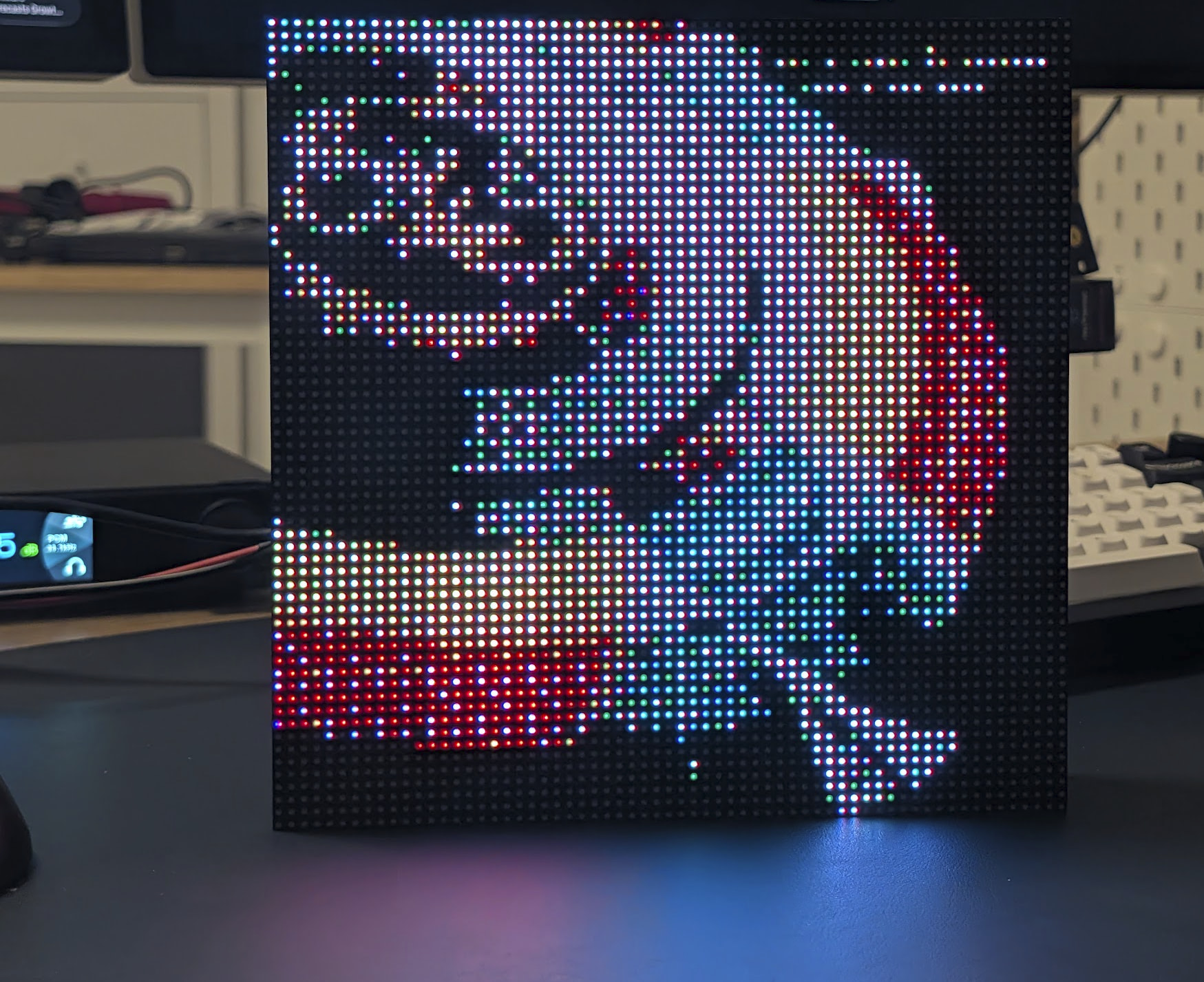
I built a similar thing recently for a larger 64x64 RGB LED display, but yours looks nicer - I have just recently ordered 4" ESP32 displays to play with…

Actually

CoverArt Mini can now listen: hold a key, ask for music, and it plays through your Roon system

A small update on CoverArt Mini: it now does voice requests.

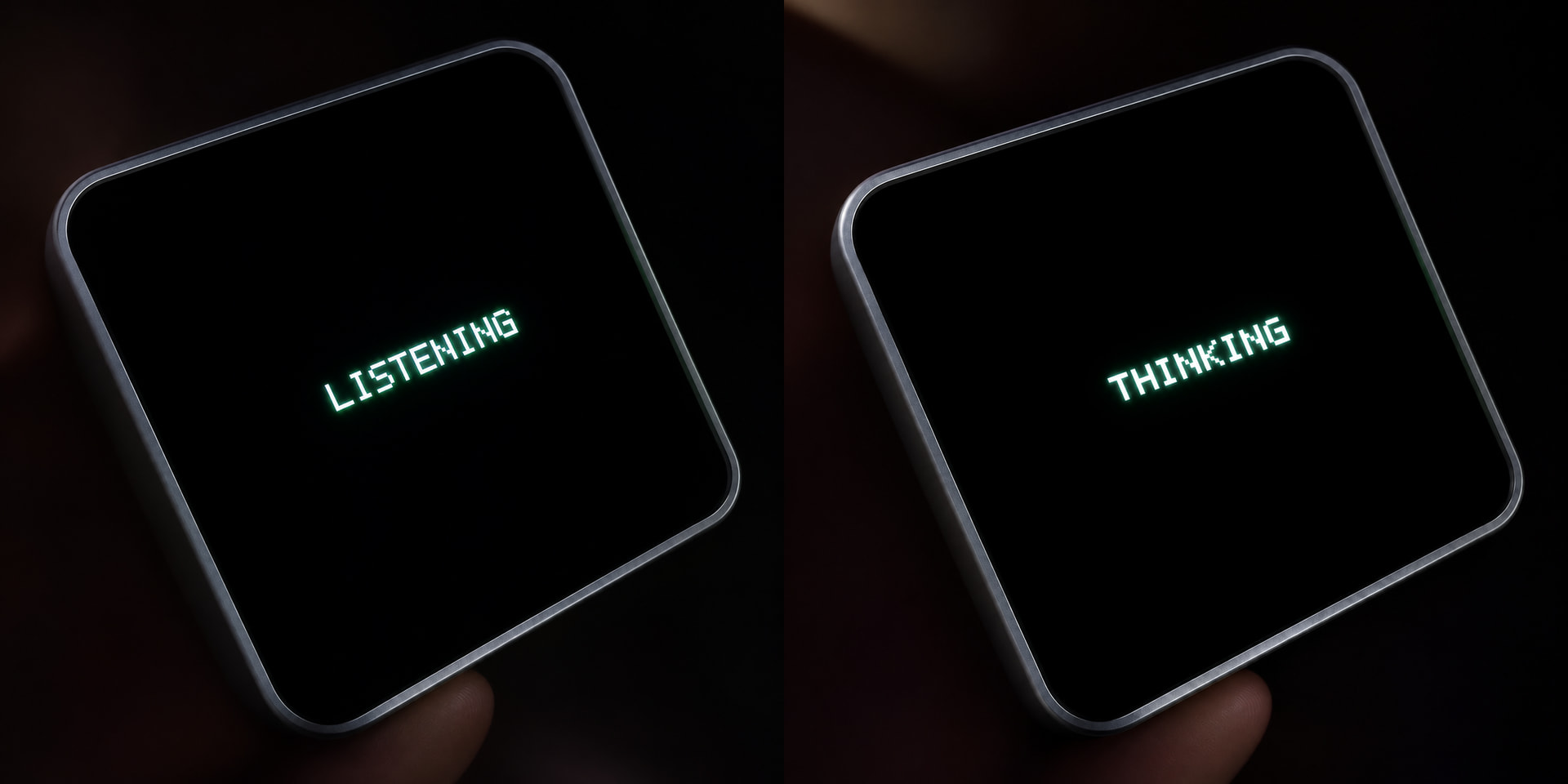
Hold the left key, say what you want, and let go. The screen shows LISTENING, then THINKING, and the music starts in your chosen Roon zone with the new cover on screen.

The AI never touches the audio

This was the design decision that mattered most to me. It isn’t a smart speaker, and nothing about your playback chain changes.

The AI only decides what to play. It finds the music through Roon’s own browse and search, then Roon plays it to your zone as usual, through the same endpoint, DAC, amp and speakers.

What you can ask for

  • Something specific: an artist, an album, a track or one of your playlists
  • A genre: jazz gets a Roon radio; classical and its sub-genres, like chamber music, get a whole album, because a single classical track is often just one movement
  • A vague idea: an instrument, a mood, or an occasion like music for working
  • Nothing in particular: a random playlist, or recommended and new playlists from TIDAL or Qobuz

Why a language model helps here

Library search only matches what you type, and music is often listed under a different language or script. A language model knows these are the same thing.

These are real requests, spoken in Mandarin on my own Roon setup. Your results will depend on your library and services.

What I said (in Mandarin) Searching in Chinese What it found
“木匠乐队” (a common Chinese name for the Carpenters), “昨日重现” Only 2 results Searched Carpenters Yesterday Once More and played it
“理查德·马克斯”, “此情可待” No results Searched Richard Marx Right Here Waiting and played it
“王杰”, “一场游戏一场梦” 8 results in Simplified Chinese, none sung by the artist Searched in Traditional Chinese and found the artist’s own recording

It also checks the results before playing anything. If nothing fits, the screen says NOT FOUND and the current music keeps playing. In one test it misheard a name and guessed the wrong artist. There was a song with the right title by someone else, but it refused to play that.

What it costs you, and what it can’t do yet

  • Slow: it took about 13–14 seconds from releasing the key to the track changing in my tests, and can take 10–20 seconds in general
  • Cloud required for voice: speech recognition and the language model run on Alibaba Cloud Bailian. Your recording, the recognized text, your playlist names and search results are sent there
  • Your own API key: it needs a Beijing-region Bailian key, entered in the extension’s settings in Roon, and usage is billed to your account. This may be a hurdle outside China
  • Tested in Mandarin only: I haven’t tested speaking English or other languages yet, so I can’t promise how well they work
  • Music selection only: voice can’t skip, pause or change volume, so those stay on the keys
  • Replaces what’s playing: a new request usually takes over the current music
  • Can get it wrong: it may pick a cover if you don’t name the artist, and asking for a classical work by name may play just one movement

What hasn’t changed

Voice is optional. It only records while you hold the key, and there’s no wake word. Without a key, the device talks only to your Roon Core, with no cloud service at all, as in my first post. A short press on the left key is still previous track.

Existing devices get this through a firmware update, with no new hardware and all settings kept.

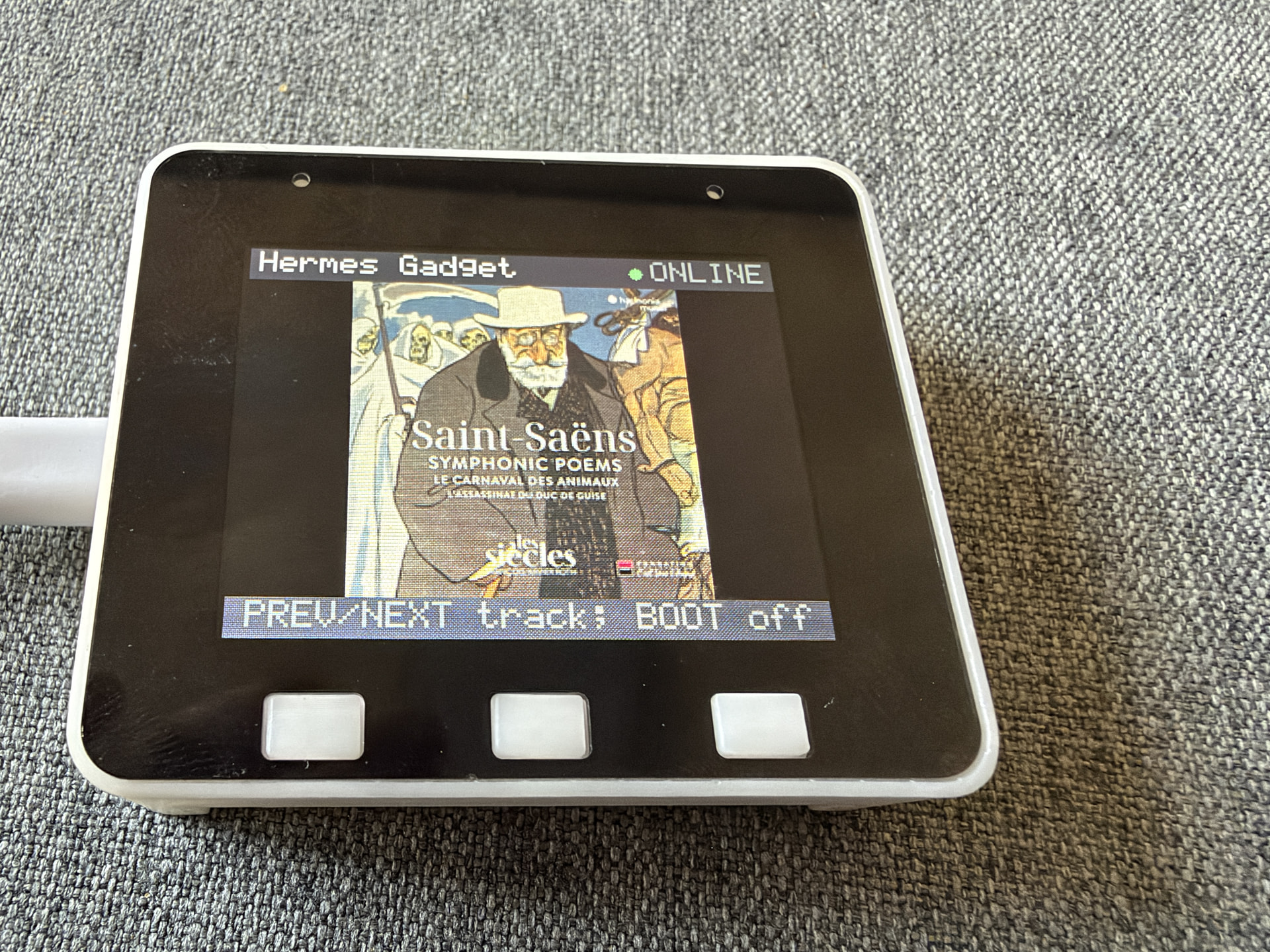
This is what it should look like

Streaming in the age of AI doesn’t need new speakers, and it doesn’t need one more app.

You already have a good library, a good playback system and good speakers. All that was missing was a way in that understands plain speech.

Now it’s right at your fingertips: half the size of your palm. Hold, speak, and the music comes.

I’d love to hear what you think, especially from anyone curious about using it in English.