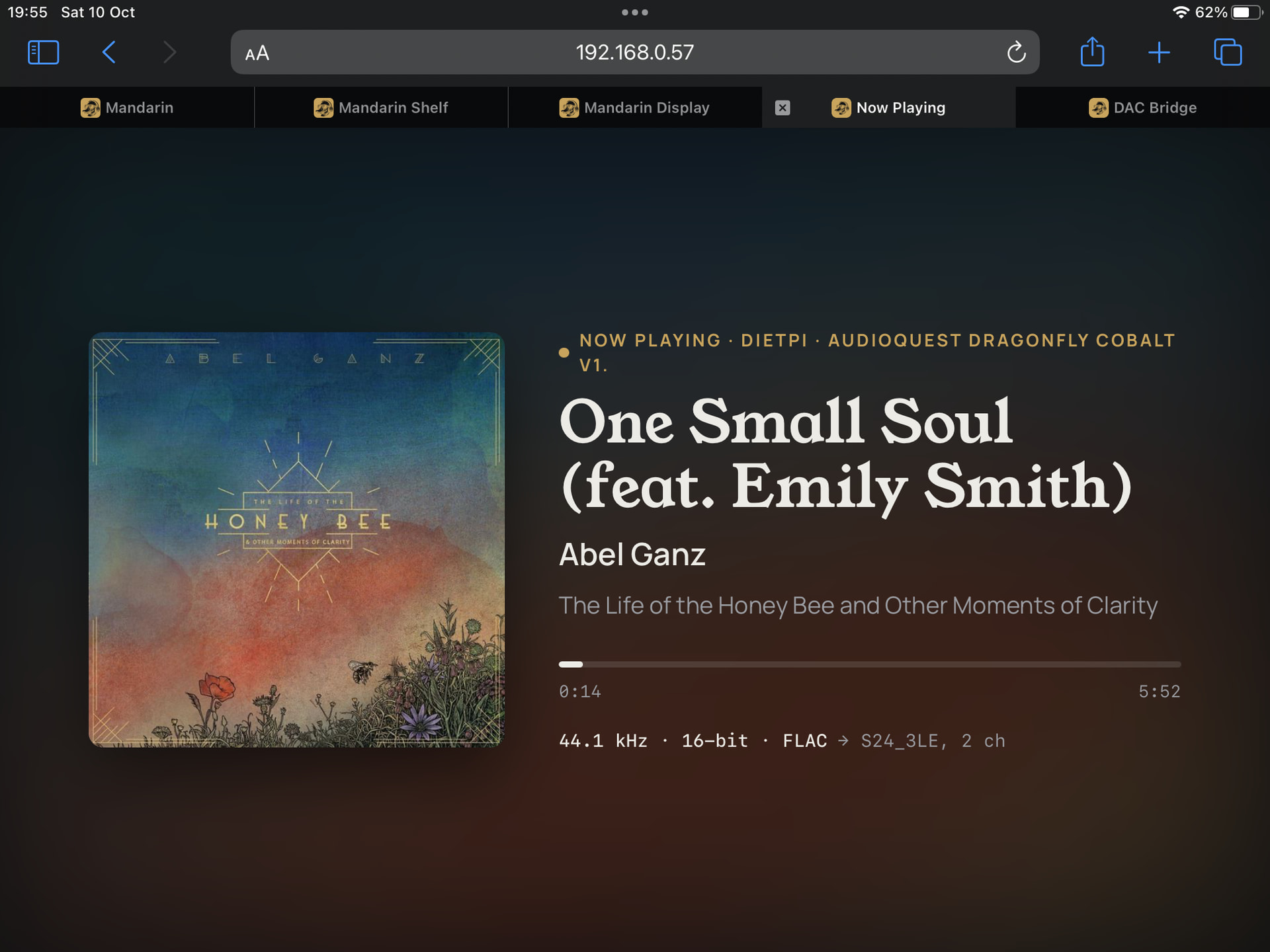
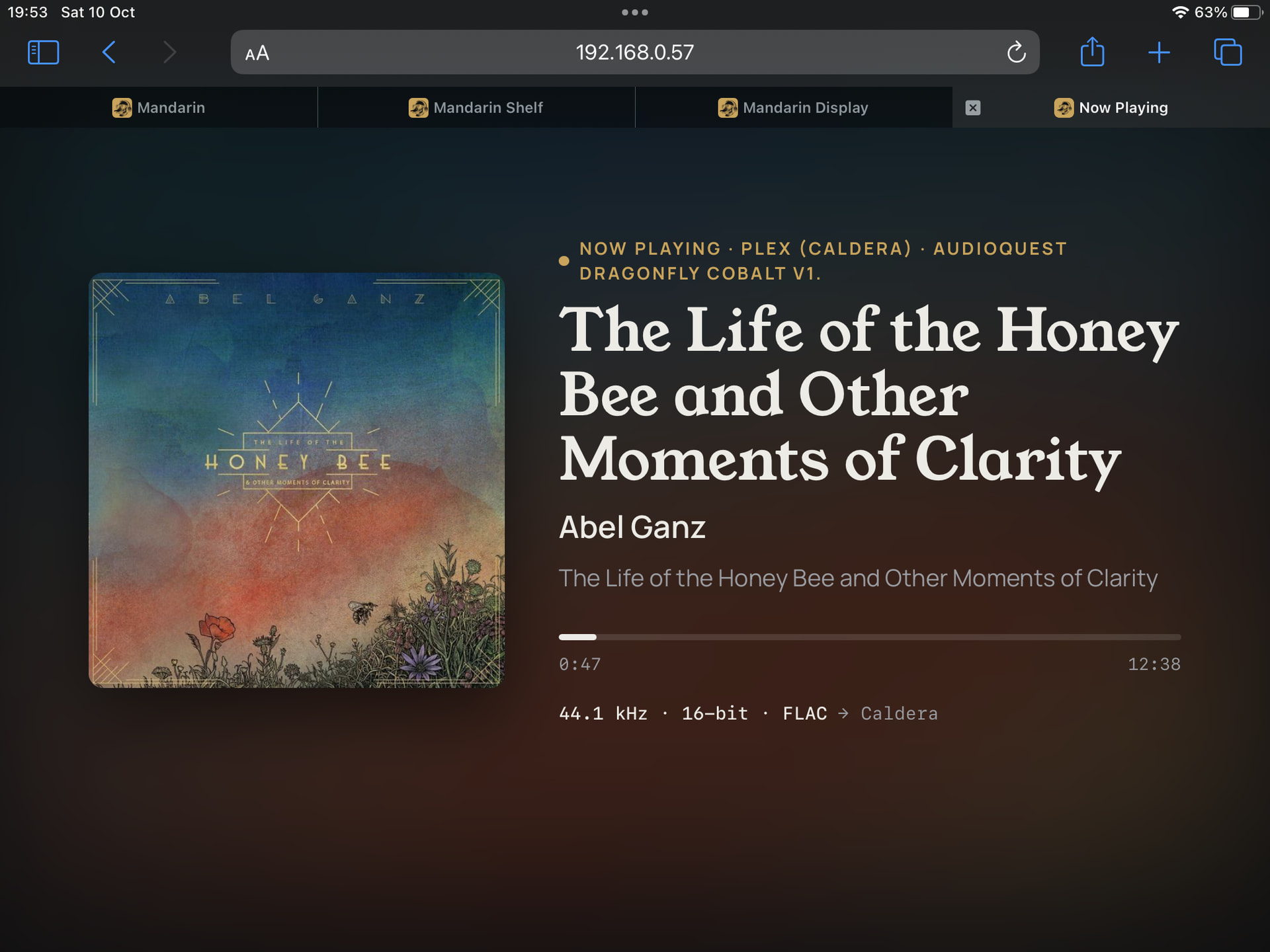
Audirvana, like other music server softwares have an exclusive mode.
What does that mean?
When exclusive mode is enabled it can prevent other softwares like Mandarin from detecting the connected USB DACs.
Now I don’t want my music loving friends give up bit-perfect streaming due to operating systems having limitations with their audio stack, that Audirvana and others need an exclusive mode, which is a limitation in itself IMHO.
So MusicD Project is proud to announce


DAC Bridge came about because a friend who uses Audirvana installed on a Mac, wanted to try out Mandarin (from MusicD Project). Then they contacted me to say Mandarin was broken as it failed to detect his DACs (during install, USB DAC support was enabled).
I was like “Oh no it isn’t”
He was like “Oh yes it is”
(Mandarin ain’t broken 
 )
So what does DAC Bridge do?
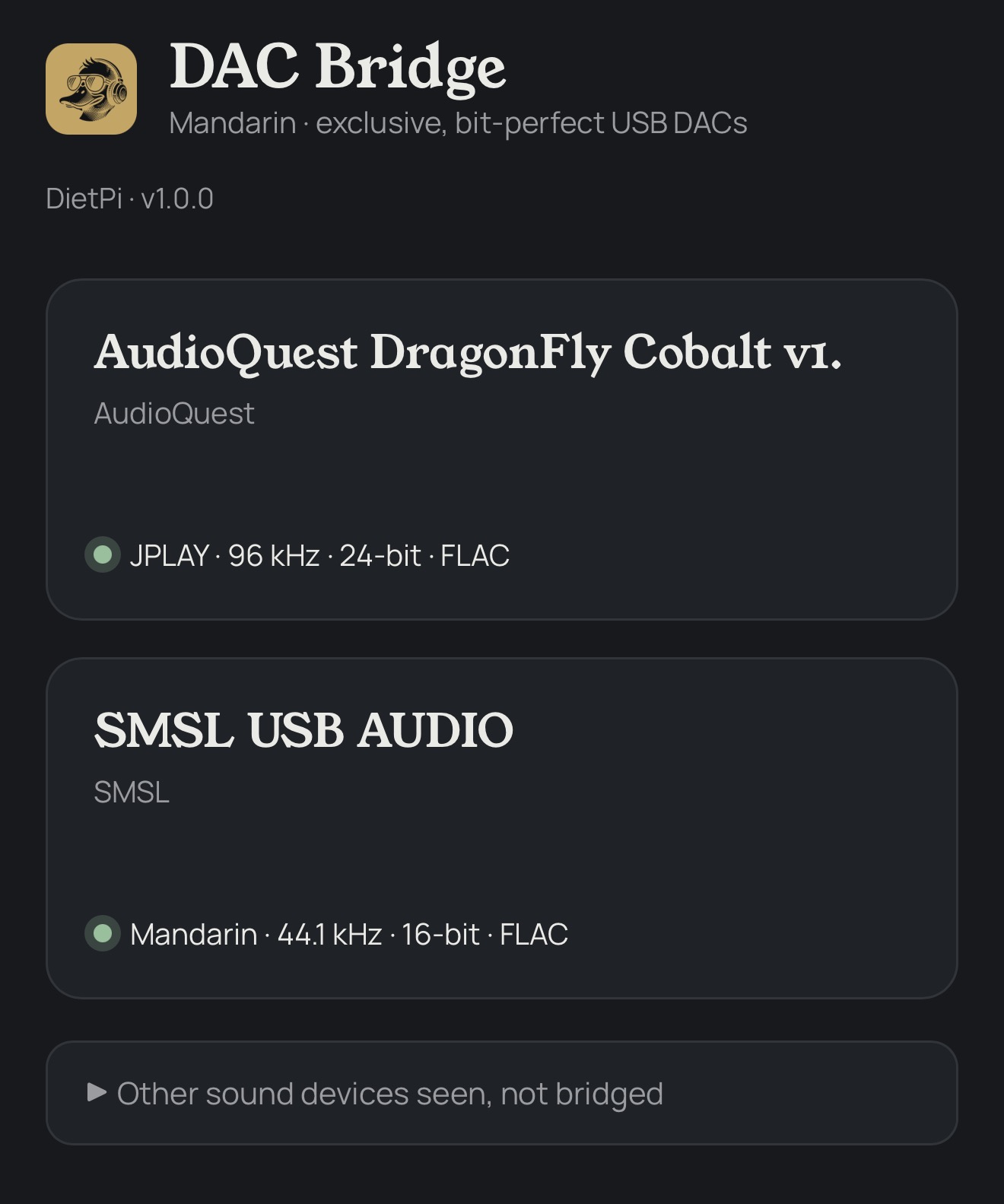
Easy, it takes exclusivity of the Mac (& Linux and Windows). It auto detects the connected DACs and asks them what their specifications are.

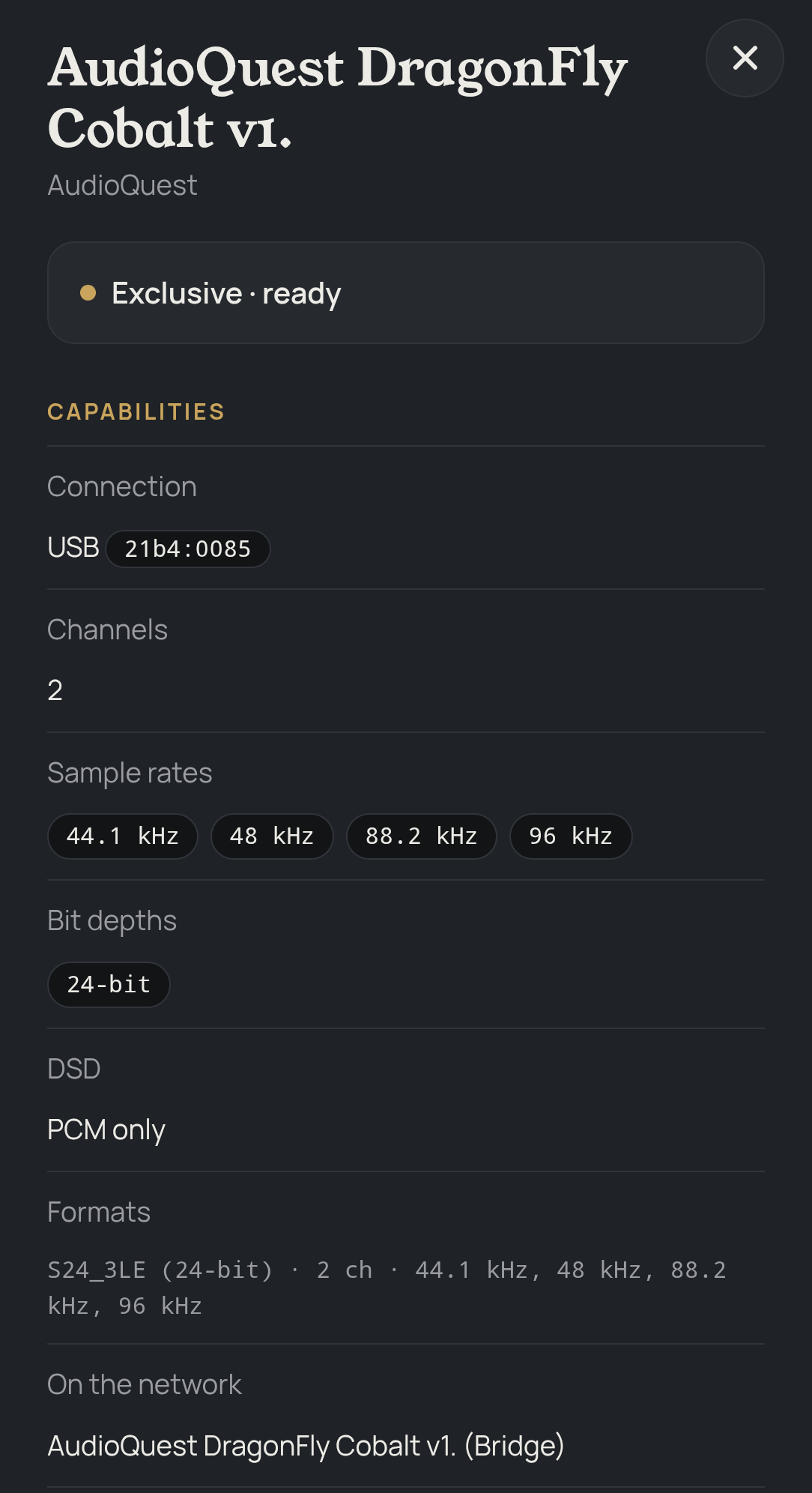
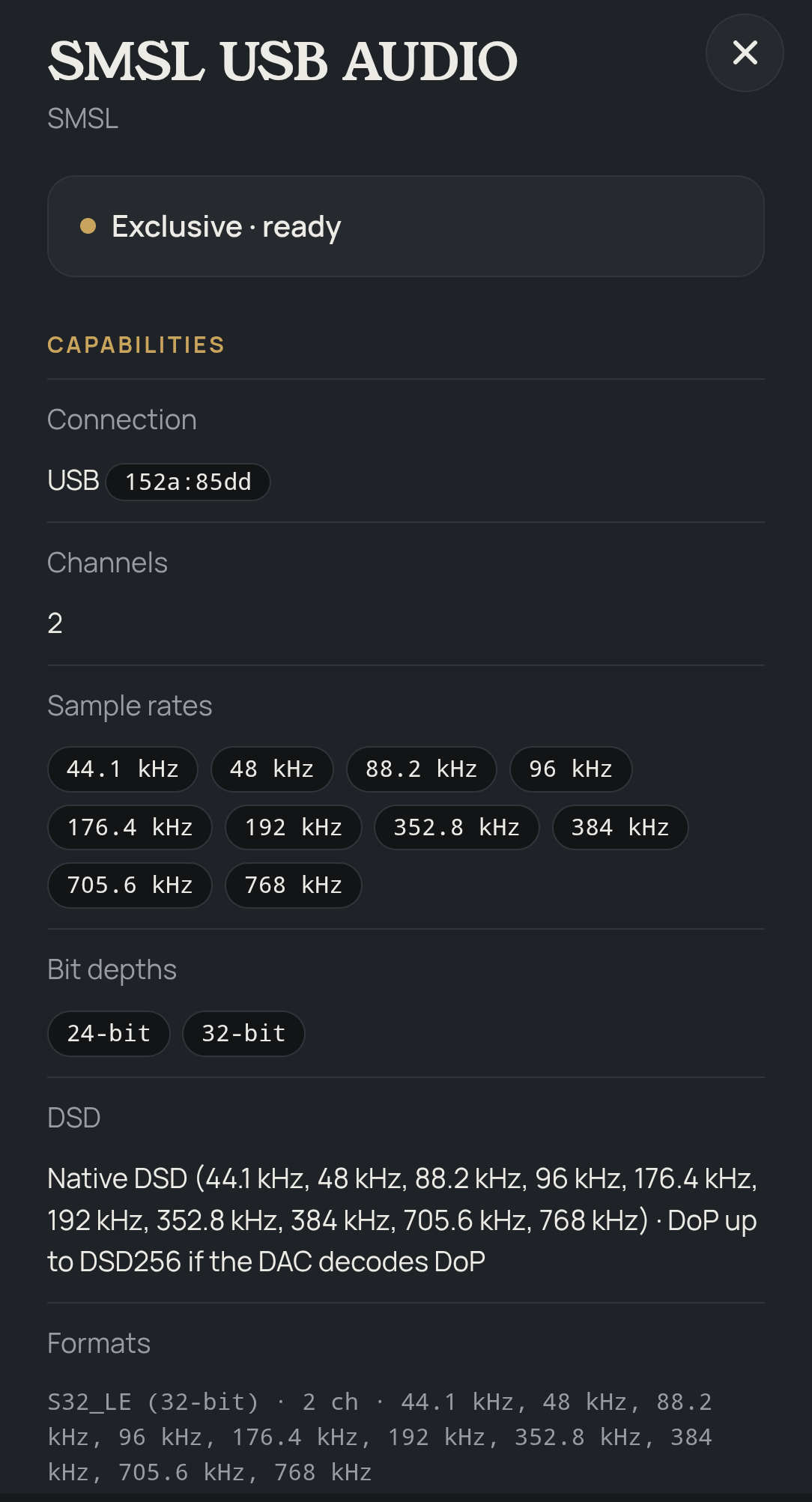

In Mandarin they both show as separate DACs and if connected to two different systems, you can play simultaneously with different play queues.
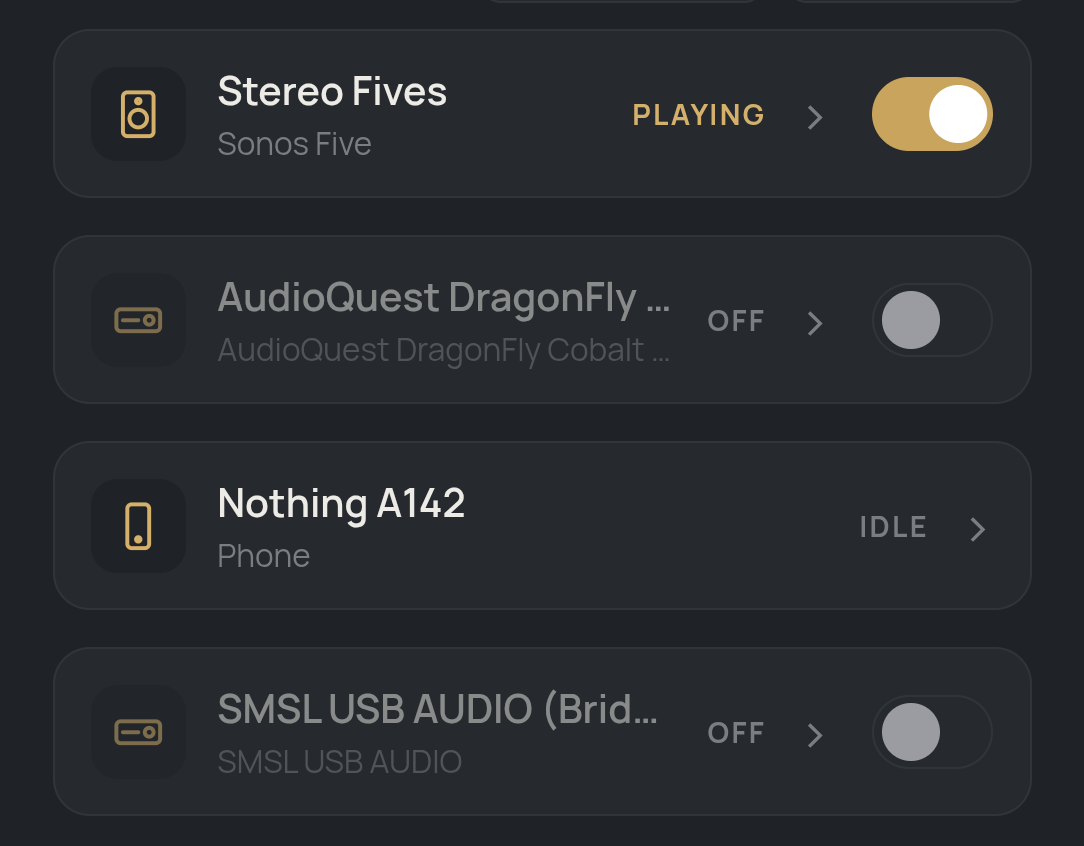
Cool right!
It gets better.
What if you want to use an app on your phone like JPlay, a UPnP controller app. I don’t want you to run a cable from your iPhone to a DAC. No, don’t be crazy. That’s so 2000’s.
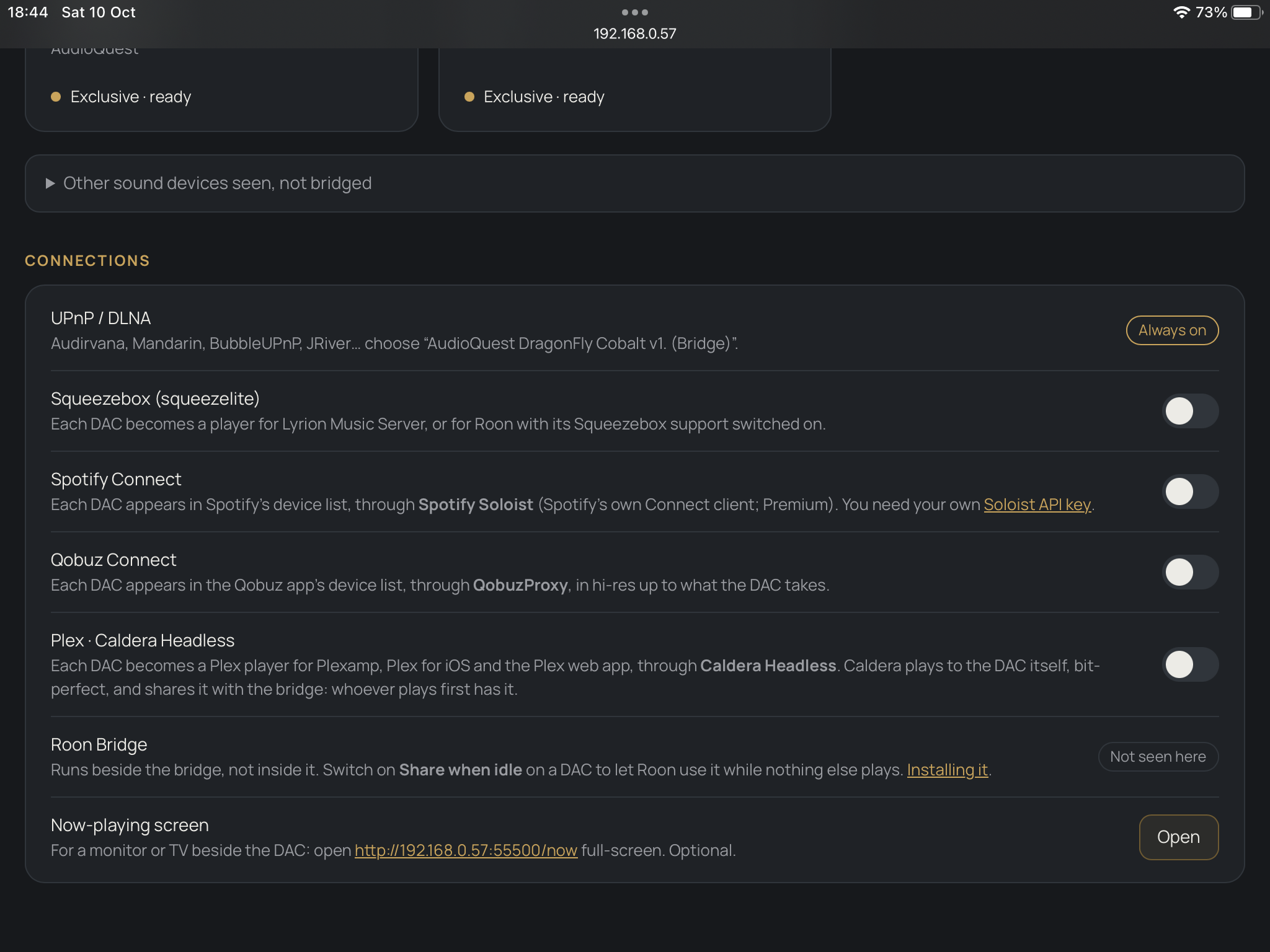
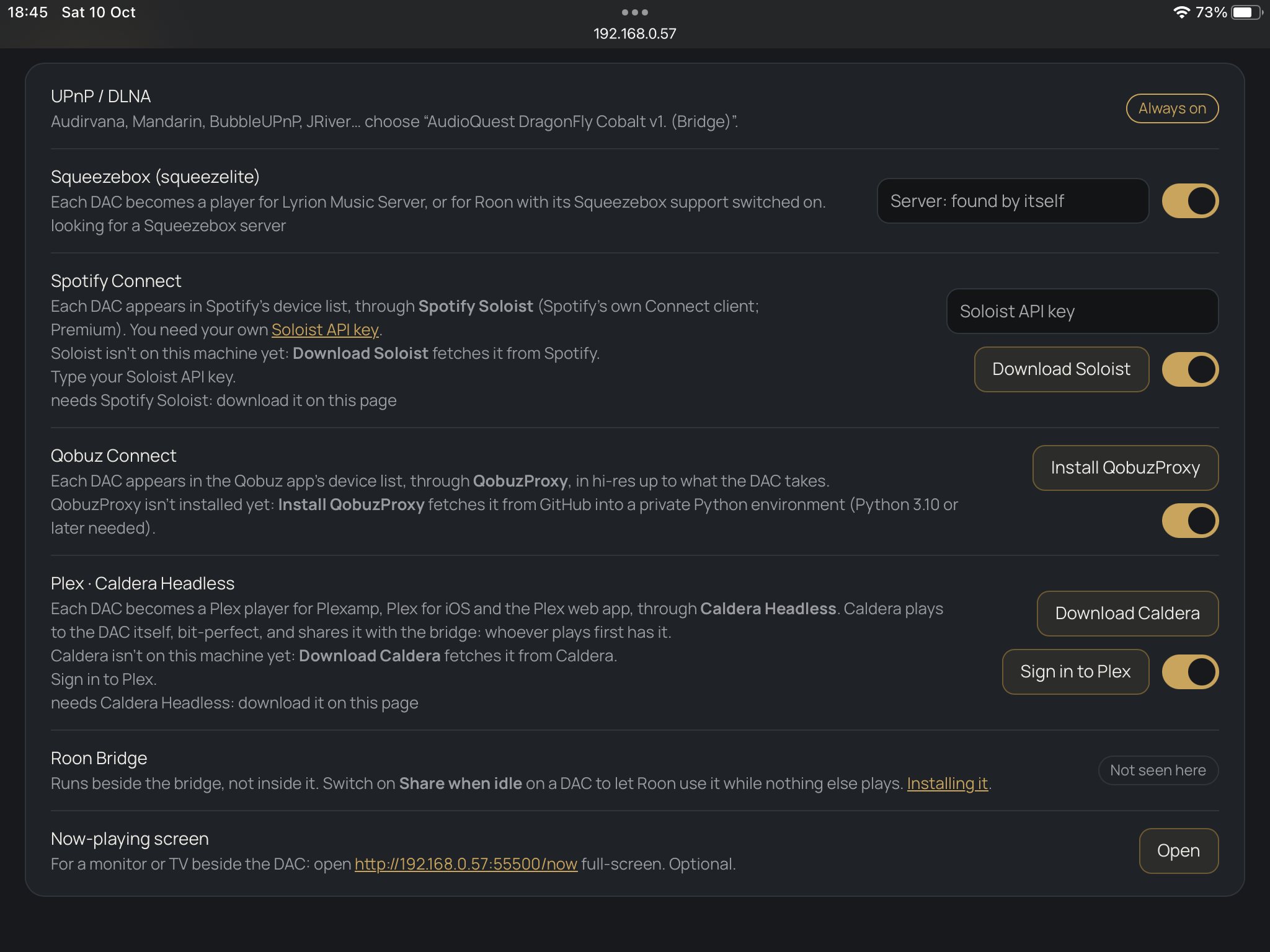
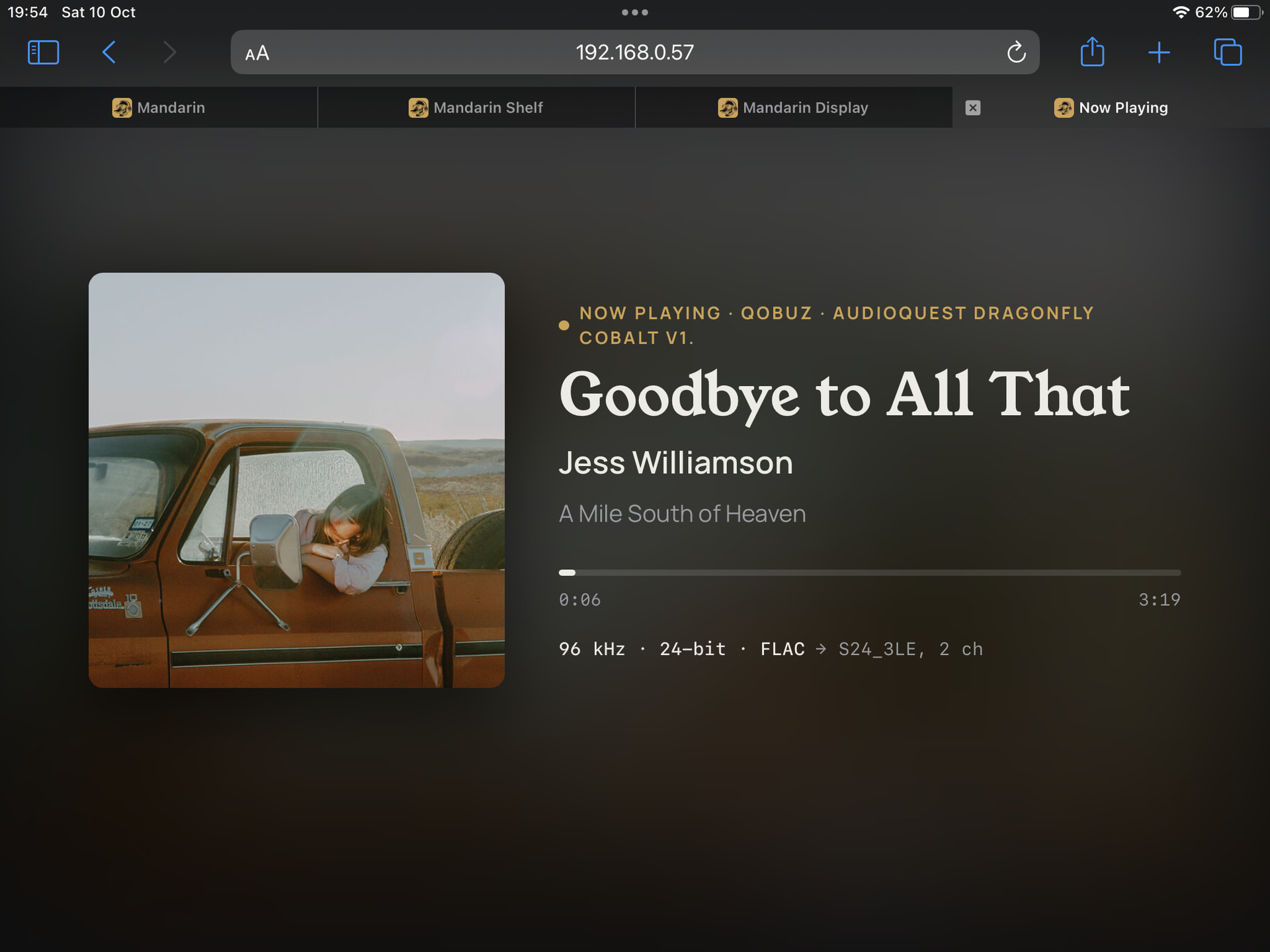
DAC Bridge will present each DAC as a UPnP renderer with bit-perfect output due to DAC Bridge having exclusivity 

I know, sounds too good to be true.
I can’t stop there.
If your DAC supports DSD, this does to
From the folks at the MusicD Project (me), I wish you all the best 
(Small print - still in testing, but works with what I’ve tested it with )