What is the operating system of your Roon Server host machine?
· Nucleus
What kind of device are you using to perform the login?
· Mac
Where are you trying to login?
· I can't log into Qobuz
Please try to restart your Roon Server by closing the Roon Server app in the taskbar (MacOS), task manager (Windows) or rebooting your Roon Server machine.
· No, the issue remains the same
Different device
· I am able to switch to the diffrent device
Are you still facing the issue on the different device
· No, the issue remains the same
Record the timestamp
· 01:49 AM, Amman (JORDAN) time
Describe the issue
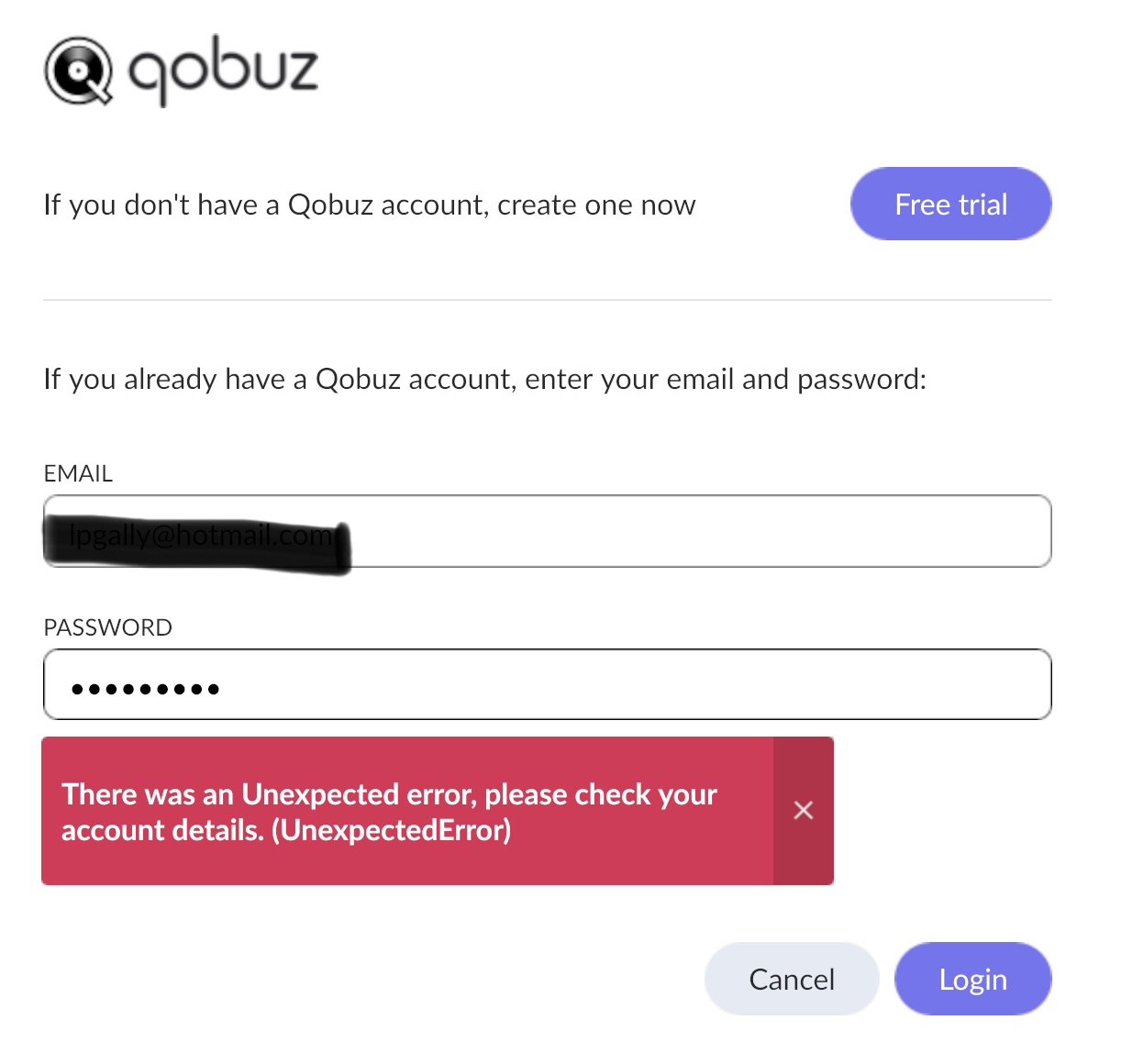
Hello Roon team. Yesterday, I could not play any of my Qobuz albums (I have had my Roon Nucleus for almost 5 yrs and never faced this issue). Message I was getting was that they were "not currently available". I restarted Roon app + rebooted the Nucleus ---> still same issue. Then I decided to "unlink" Qobuz from Room (in order to relink it). [ Please note that my Qobuz is working (it works from the Qobuz App on various devices). ]. When I tried to reconnect Qobuz to Roon, I get the following error message : "There was an Unexpected error, please check your account details. (UnexpectedError)". I tried reconnecting Qobuz to Roon from different devices and I get the same error message. I have tried to reboot the Nucleus twice and rebooted my rooter ---> still the same error message. This, in details, is my issue ---> hope I described it well.
Describe your network setup
My ISP in Jordan is Zain (I use fiber). Router is Huawei, Model "EchoLife HG8245W5 - GPON Terminal".
Qobuz account support isn’t officially available in Jordan yet at this time, although you can usually still stream as long as your account was configured originally in one of their 26 supported countries.
Are you relying on a VPN or proxy to sign into the native Qobuz app?
You can verify that a reliable DNS service has been assigned in the router settings admin page. We recommend Cloudflare (1.1.1.1).
Please also double-check for due diligence that you’re using the exact same Qobuz credentials in the native player and in Roon.
Did you originally create your Qobuz account through a third-party service (Google/Appe/Facebook? If so, please try these steps.
The Qobuz account was configured in one of the 26 approved countries indeed, back in 2020. I subscribed directly via the Qobuz website.
When I got my Roon Nucleus in 2021, I put my Qobuz credentials and the combo Roon+Qobuz had been working flawlessly until yesterday (Oct. 29).
To sign in the native Qobuz App, I indeed need to use a VPN.
I’ve also tried to use a VPN with Roon, but when I try to reconnect/relink my Qobuz credentials to Roon, I get the same error than the screenshot I submitted earlier in my ticket. So basically the VPN makes the Qobuz App work, but it doesn’t help under Roon.
To answer your suggestions, yes, I’m using the same credentials between the native player and Roon itself.
As of just now, I put my Qobuz credentials one more time and they got recognized under Roon. Also, I am able to play tracks.
→ Basically Qobuz seems to be working again.