· When first starting a long-established playlist, Roon frequently skips songs entirely. If I hit the go- back-a-track button, the song subsequently plays fine. Happens quite frequently, but seems to settle down after 10-12 songs – no more skipping.
Have tried restarting, even reinstalling, ROCK. And, of course, rebooting all the endpoints. Problem still recurs.
FWIW, have 3-4 endpoints in single group, including 2 with displays, if that makes any difference.
Has been happening at every start of first playlist in new listening session for several weeks now. Note1: It is typically days between my listening sessions. Note2: Sources are primarily Qobuz, with some Tidal. Note3: I run the Roon app on a newer iPad Pro.
We’ve gone through the logs from your Roon Server, and the skips come from how your Raspberry Pi endpoints show up on the network, not from any single device.
Three of your Pis (the one with the Digi2Pro and the two with displays) report the same identity to Roon Server, which usually happens when they were set up from a cloned SD card. To Roon they look like one device jumping between addresses, so their connections clash, and the whole group drops out at the moment one track hands over to the next. On top of that, several endpoints keep changing IP addresses.
To fix it:
Reflash each Raspberry Pi with a fresh image of its own instead of a cloned card, so every one gets a unique identity.
Assign a static IP address to each endpoint (a DHCP reservation in your Google mesh app works well), so they keep the same address.
After that, the group should change tracks cleanly. If you still hear a skip, let us know the time and we’ll take another look.
This triggers a teardown timing race for RAAT. As sample loss accumulates, the endpoints are tearing down the stream at different times, and RAAT is attempting to coordinate those failures alongside the track transitions.
The timing race resolves in most cases as the buffer refills from the streaming service and the various clocks resync.
But in some cases, Tidal is unexpectedly serving tracks in preview mode (low-quality, restricted to 0:30) and the stream simply cuts off at 0:30 despite Roon expected several minutes’ worth of data.
These are two separate causes that have the same effect: the grouped Zones are expecting samples and don’t receive them, and after a few seconds of inactivity, they tear down playback with RAAT.
First, verify the status of your Tidal account on their accounts page. Sign out and back into Tidal in Roon Settings → Services.
Next, try playing local content only to a grouped Zone involving these endpoints.
After taking the two steps that Vadim suggested – – refreshing the Pi’s, and assigning reserved IP addresses – – the problem seems to have resolved itself. That said, I have no idea how it appeared that some of the pies were cloned. I swear I flashed a new copy of the image as I added devices overtime. It’s a moot point now it seems because everything is working.
As a bonus, the graphical display of each songs dynamic range on the timeline is working for the first time for every song. Previously, it only worked for locally stored files.
Q1: Would it be wise to create a more stable network by signing a fixed IP address to the Roon server itself as well?
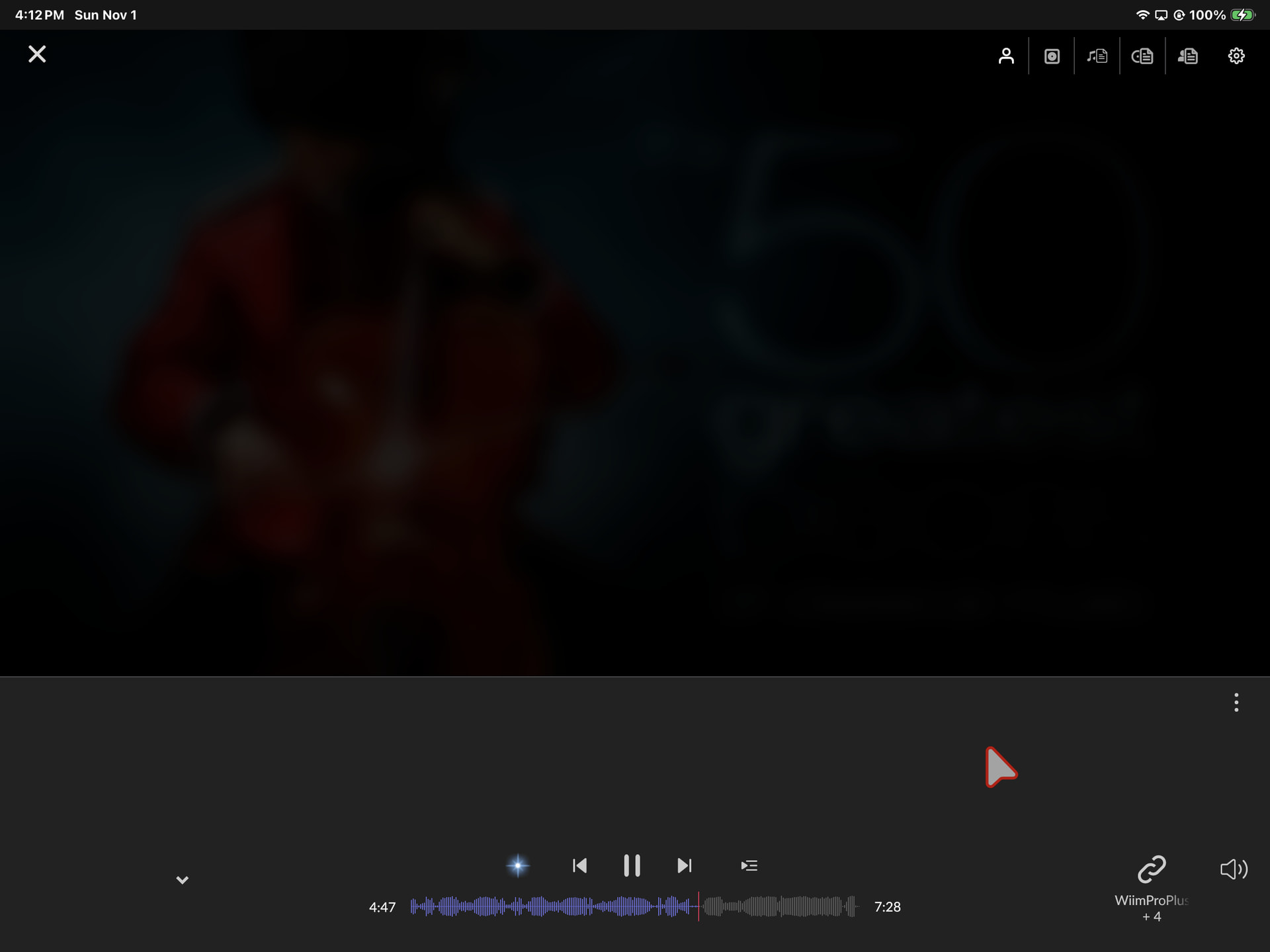
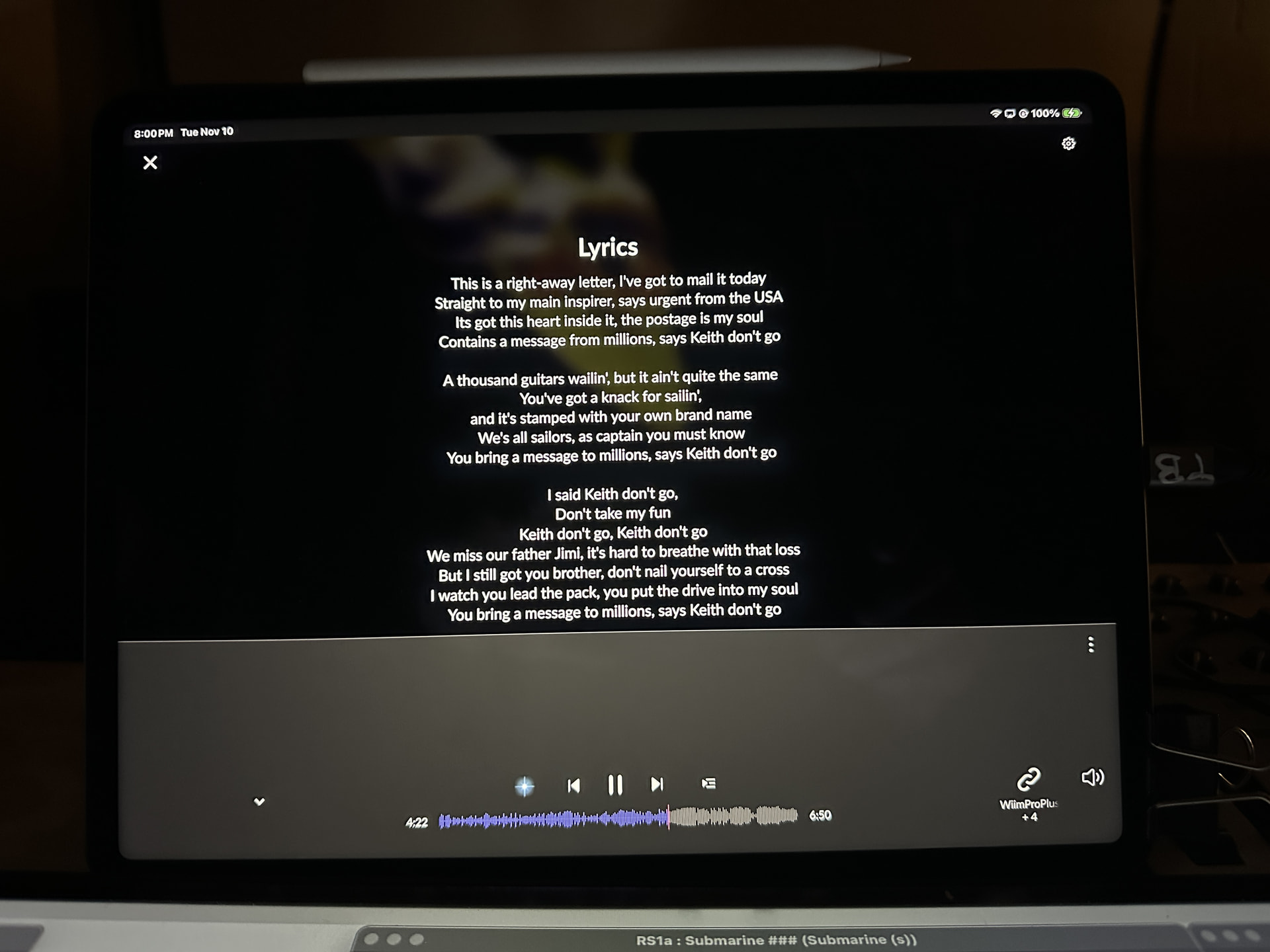
One buggy thing though since I took the suggested steps. There is normally shortcuts for pix/lyrics/album/artist/etc. on the upper right. And some text in the lower left with artist/track name. Occassionally there is only the lyrics with not shortcuts or names. Clicking next track and then back track restores the functionality.
Q2: Does this mean I botched something else or has the functionality somehow changed?
Looks like my Tidal subscription fell back to lowest tier due to an expired credit card. That is now fixed.
Q3: Are the sample losses still showing up?
Q4: Where can I look at the logs you are reviewing?
Again thanks for any and all past and future help.
Just checking in on this. Have you had a chance to set a fixed IP for your Roon Server as well, and could you share a few Screenshots of the times when the upper-right shortcuts and track info disappear? If you are able to grab them, the screenshot guide should make that quick to capture. Reply back with any updates when you are ready.
Please note, if we don’t hear back from you this thread may close automatically soon. If the thread auto-closes and you need further assistance, please submit a reopen support request via the technical support help form below and specify that the issue should be reopened. Thank you.
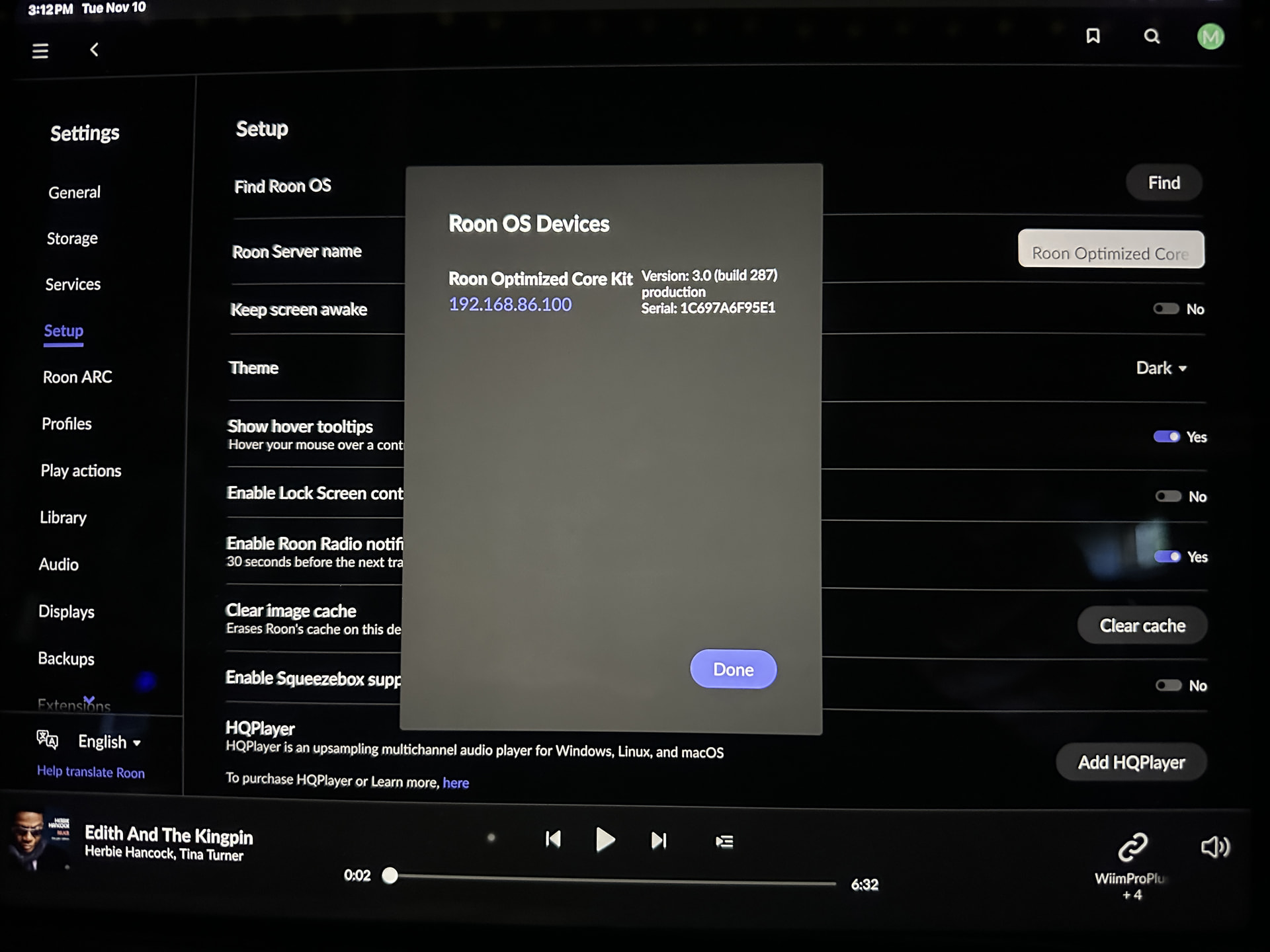
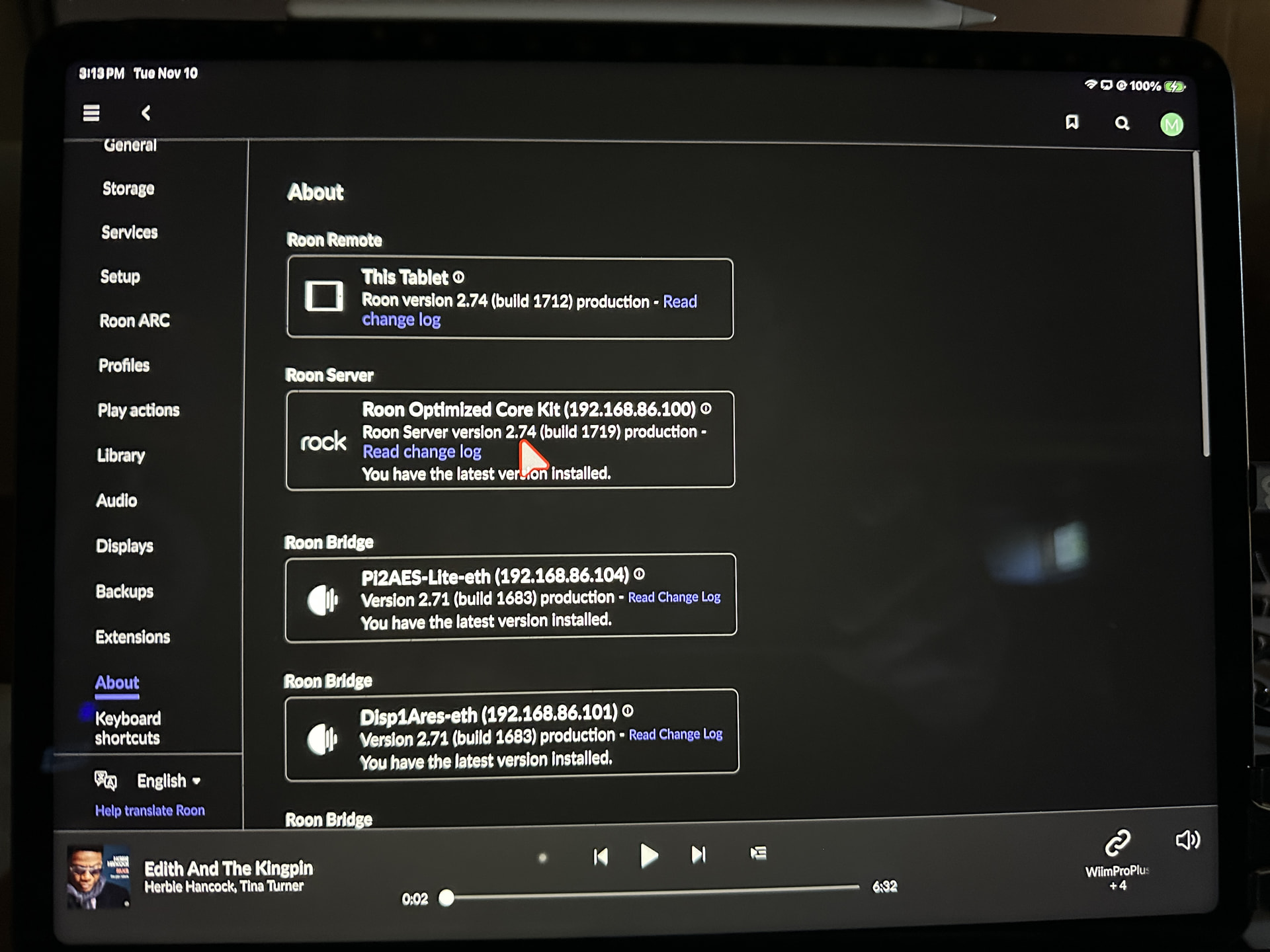
Thanks for the update, and good to hear there has been no recurrence since you got back. Both numbers are correct: 3.0 is the version of RoonOS, the operating system on your ROCK, and 2.74 is the version of Roon Server, the software that runs on top of it. They update separately, which is why the two screens differ. If the skipping or the odd screen comes back, post the time here so we can find it in the logs, thanks!