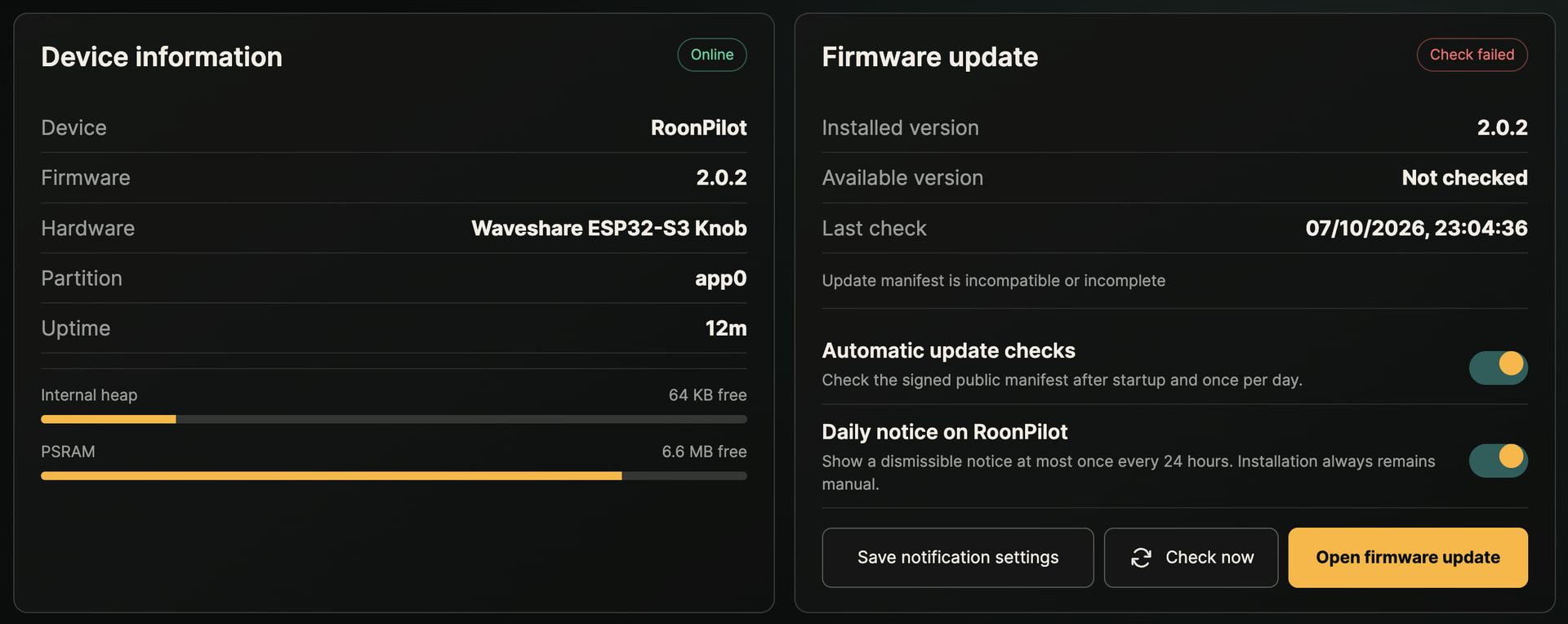
I can’t say categorically it is required, but it worked for me, and after I re-enabled the extension. Maybe @Georg can provide more assistance and insight.
You are absolutely right. After installing the firmware via USB, you will need to carry out the initial setup again, as all saved settings have been deleted. This also includes re-authorising the Roon Extension.
So it looks like 2.0.1 is installed however my screen only momentarily connects to Roon and then switches over to the “Wi-Fi Connecting” message on the ESP. I did all installation right next to the router and nothing on the network has changed from before - any ideas?
After three attempts I have reverted back to 1.0.2 which installs fine. Strange.
Unfortunately, I’m experiencing exactly the same thing. Firmware 2.0.1 installs, but afterwards, the display keeps turning off and on again. It’s impossible to establish a connection to “RoonPilot-Setup-XXXXXX,” regardless of whether I use a stable USB charger or connect directly to the computer’s USB-C port. The log repeatedly shows the same message: “E BOD: Brownout detector was triggered.” Installing version 1.0.2, however, always works perfectly on the first try.
Edit:
As far as I’m concerned, that’s the end of it; the device was still running version 1.0.2 this afternoon. Now everything is dark—a reset doesn’t help, no charging current is flowing, and nothing is detected via USB on the computer, even after flipping the USB-C connector. I’d say the damage couldn’t possibly be more total
There is a difference compared to version 1.0.2 which could cause these problems. In version 2.0.1, under voltage detection is enabled to prevent incidents such as bootloaders being damaged by faulty write operations caused by under voltage. Not all devices seem to be affected by this problem either. For example, I cannot reproduce it on my two test devices. Please bear with me; I need to analyse this issue further first.
I think I’ve now identified the problem. The settings for brownout detection have been adjusted and optimised. If version 1.0.2 has been working up to now, version 2.0.2 should work as well. Unfortunately, I’ve had to leave the OTA update disabled for the time being, so the only option is to reflash via USB.
As I said before, I didn’t have this problem on my own devices, so I’m relying on your tests and feedback.
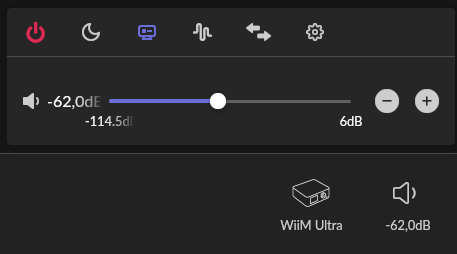
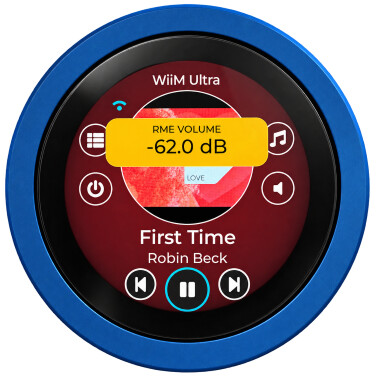
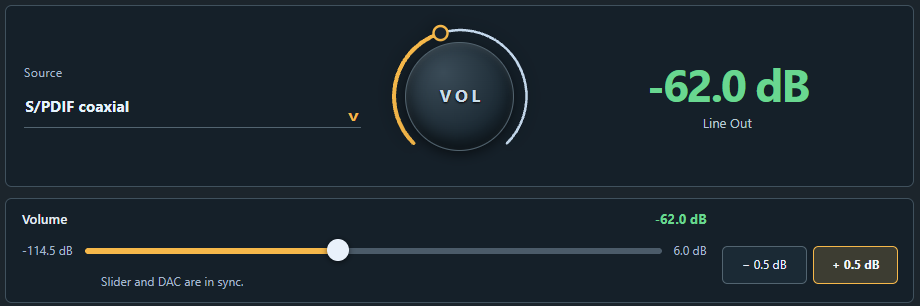
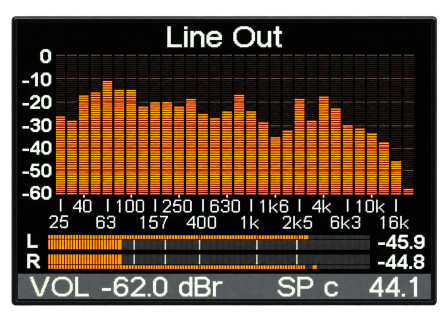
As it seems that version 2.0.2 is now up and running ‘in the wild’, I’ve been able to turn my attention back to the RME Bridge. This project is also making great progress:
Just wanted to confirm that 2.0.2 worked with ZERO issues. Thank you @Georg !
I had a request for a future version but perhaps it is already implemented?
I’m loving the Orbit Player Screen but would love the ability to reduce the cover art visibility to about maybe half its current brightness/intensity to allow the control icons to be more visible.
I assumed “Cover Background Intensity” would do this but playing with the slider at both extremes (and of course saving in the process) doesnt seem to change the album art brightness. Ideas?
This is a fascinating project. I’ll be ordering the hardware imminently.
For some time I’ve been using the ‘commercial’ controller that re-purposes a Microsoft Surface Dial. It works really well when the volume control is managed through the native Roon interfaces.
But I have a use case (for a zone using DALI SoundHub - which has ONLY IR volume control) for your RoonPilot. I currently use a re-purposed Logitech Harmony hub and RPi (and the Deep Harmony extension) to attempt this - but the combination is slow and unreliable.
I wonder whether you looked at the Seeed Studio XIAO Smart IR Mate (https://www.seeedstudio.com/XIAO-Smart-IR-Mate-p-6492.html) as a suitable hardware platform for RoonPilot IR Bridge. It’s cheap, ESP-32-based, all in one (in a housing) and seems to have the connectivity you need (WiFi and BLE).
Obviouisly I’m not trying to de-rail your project - just pointing out something that might make the RoonPilot IR Bridge easier for users to deploy (no assembly, no case to print).
Thank you very much for your positive feedback.
I can implement your request and have made a note of it for the next version of RoonPilot. There will be a separate control for this.
Thank you very much for your interest in RoonPilot. In reply to your question:
There are dozens of these hardware types on the market, and they disappear just as fast. That’s why I chose not to add support for them. Maybe you can find someone to help you set up an IR bridge. I made sure to keep the design simple and well-documented.
So I turned the power off my ESP earlier as I wasn’t using Roon for a few hours. When I switched it back on to use it, it was stuck on the Roon Pilot / Touch the Screen but nothing would happen. Rebooting everything including the server failed to revive it so decided to reinstall 2.0.2. I can reinstall no issues but I am stuck on the “Select Zone” screen. I can see that the screen is recognizing my selections (I can also lock/unlock the control with the long press) but I cannot get off this screen. If I delete the extension in Roon it goes back to the “Waiting for Approval” screen and as soon as I enable it I’m back, but stuck on the same “Select Zone” screen. The web browser UI is reporting a “ESP_ERR_INVALID_STATE” error - even a brand new browser download (Brave Browser) is reporting the same issue.
Ideas?
Ok, four reinstalls later its working again, but I can’t save anything in the UI editor - I am getting this error on Chrome, Brave Browser across 3 different computers and my Android phone:
Could not reserve settings recovery storage (ESP_ERR_NVS_INVALID_STATE); no settings changed
Likewise, only basic changes on the unit itself will save, but not all (such as changing the player screen).
And if select “Restart Device” in the UI I am back to the “Display Ready Screen” where I cant connect to it anymore
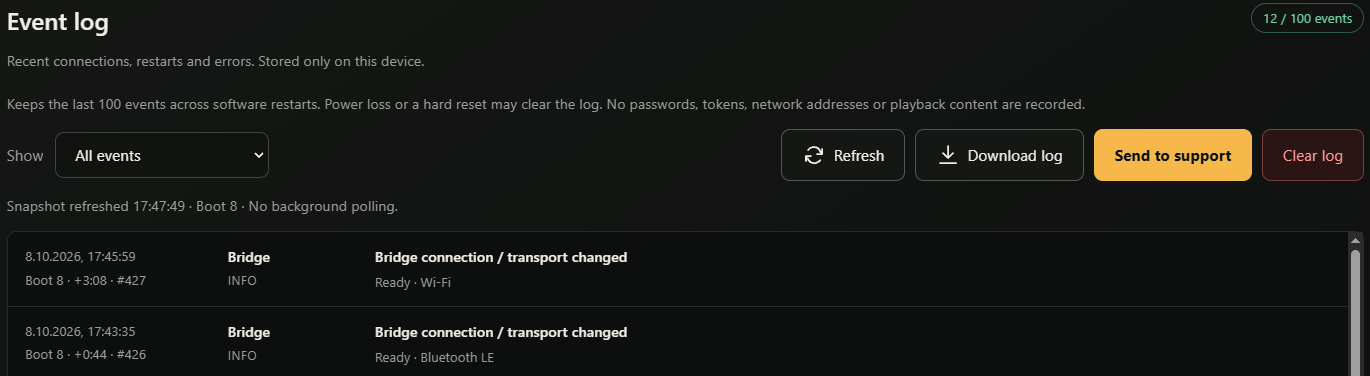
As there are still some issues from time to time, I have also planned to include a ‘Send the event log to support’ button in the next version. Once the log has been sent, a case number will be assigned and I will automatically receive the log file.