Hi! What’s not quite right with Roon?
· None of the above quite fits
None of the above quite fits
· None of these quite match
Tell us what's going on
· Requesting remote diagnostics while the NUC is hot.
- Windows 10
- Intel i7 NUC, approximately 2018, 16 GB RAM.
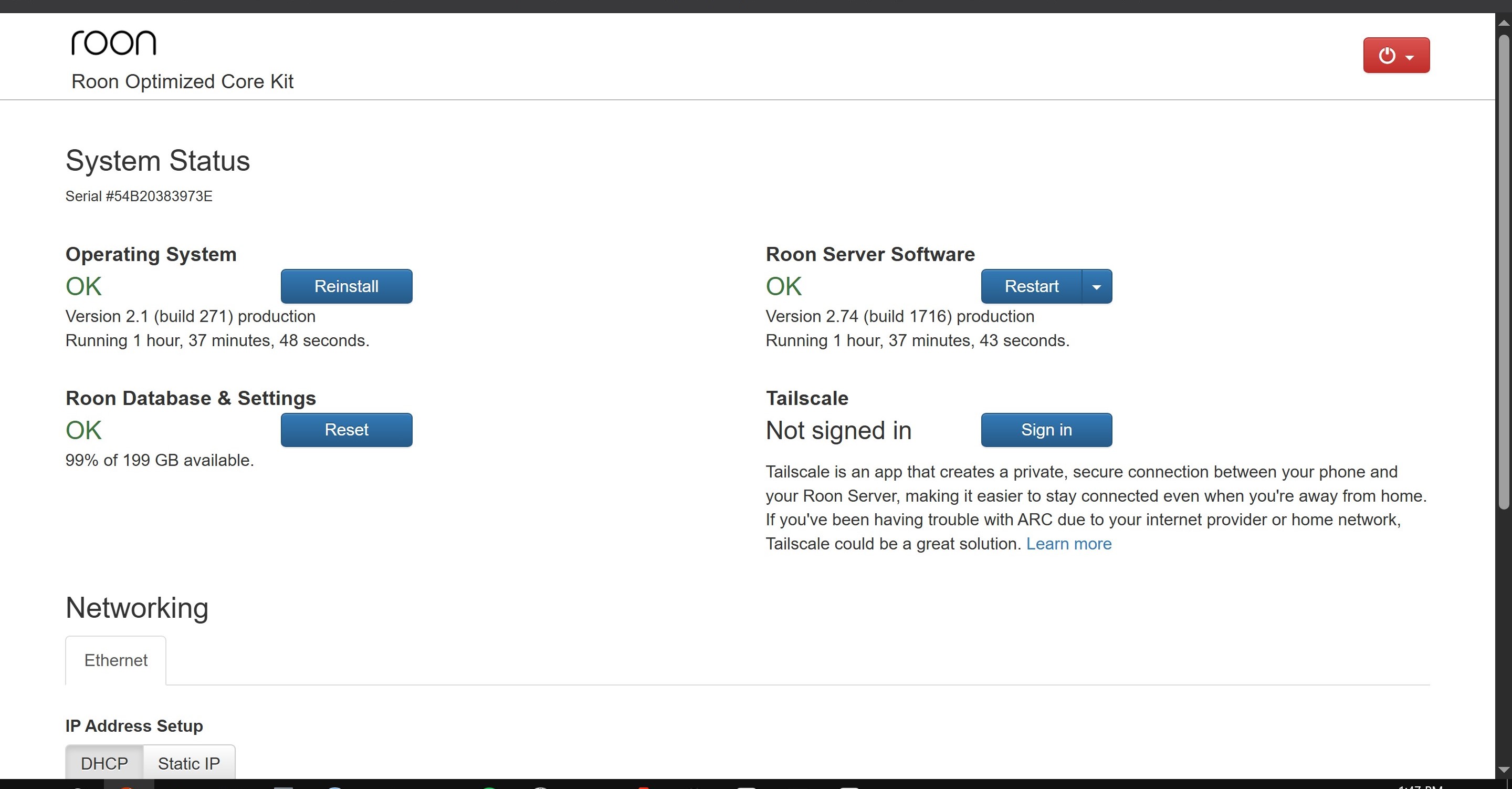
- RoonOS repeatedly attempted 3.0 and reverted to 2.1.
- NUC previously ran barely warm and now runs unusually hot.
- Roon Server 2.74, build 1716
Tell us about your home network
· I have a fiber modem from ISP, then copper to Asus router. All connections after modem are copper ethernet cables. Roon Rock Nuc is connected to port on Asus router. Asus > Buffalo GS-2016 switch with Windows 10 PC.
<img