I only have approx 40 albums to load on the internal drive right now. Assume this is easiest way hence via the browser web UI:
Method 2: Drag and Drop into the Roon App (Alternative)
I was planning to copy the music files from existing Mac to Roon via the browser UI on the Mac as the Roon sever will be disabled at that point and then drag drop. Will that work?
One other question. Should I disable Roon Arc on my Mac core before the backup so it doesn’t take any Arc settings from the Mac?
I’m hoping once I get the N1 set up I can just change the ip address in my ubiquiti dream machine port forwarding rule to the N1 ip address. From the current Mac ip address. Will this work? Thanks.
Yep. You will lose ARC downloads but it’s currently generally the case that ARC has to be uninstalled and reinstalled on the phone when switching to a different Roon Server
yes formatted and now sees it. now i need to try and get the music files into it.
also any way to change the server name? it pulled the old name My-iMac and want to change it to N1
now i did the drag/drop method for moving music and just has spinning wheel. wish it was just simpler.
it’s just hung up on copying 1 of 27 files.
F*ck so now i went back into the web ui and it shows the FORMAT button again for the internal storage. Now what? Should I power off and format again? See this it what I can’t stand trying to “upgrade”.
But it says OK right below Internal Storage
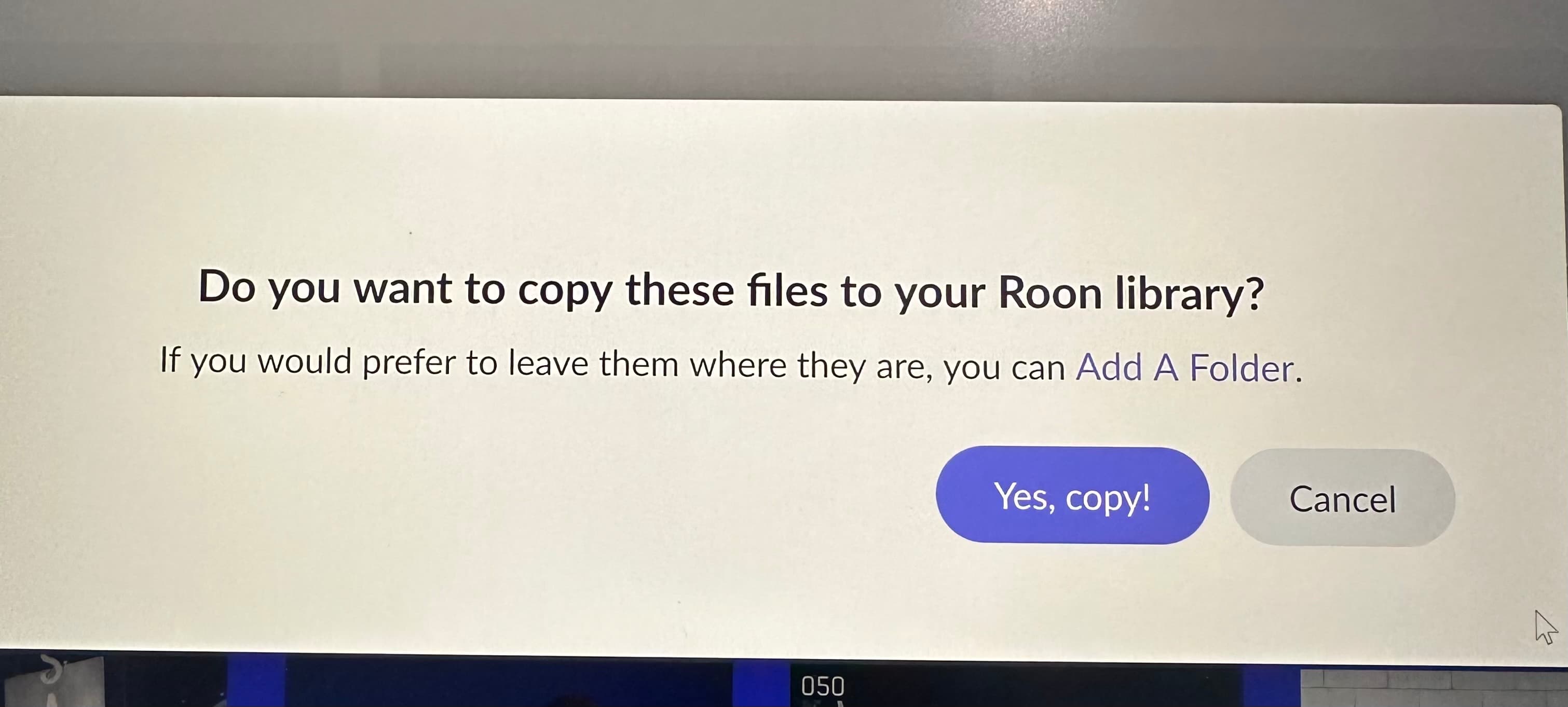
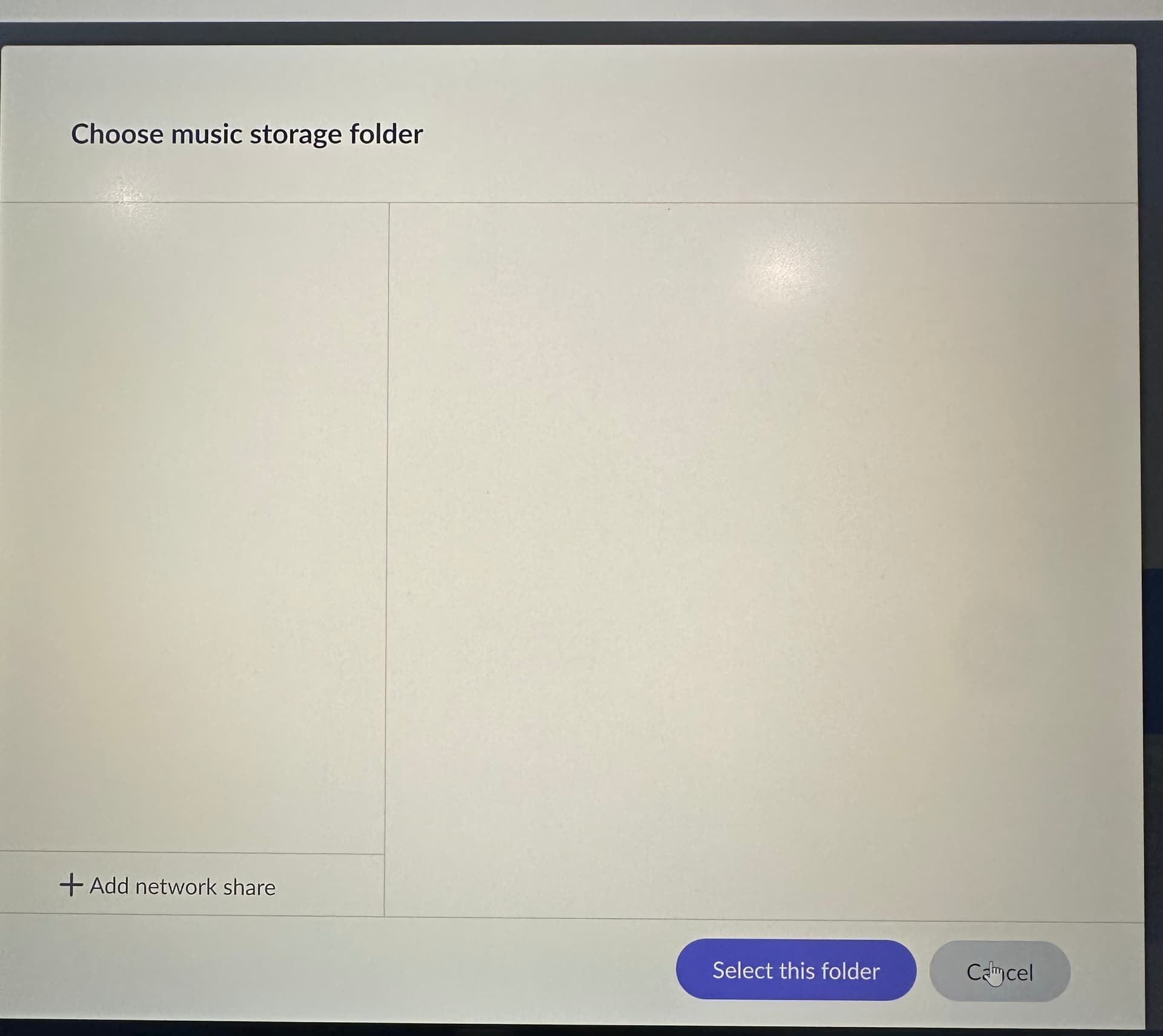
So when I do the drag drop I get these 2 screens. If I click on add a folder it just comes up with second screen blank. I also did just try Yes Copy and only get spinning wheel
The identification phase can take a while - it has to match the files with the master Roon database in the cloud, and because the files won’t may not have any metadata in them, Roon has to go slower…