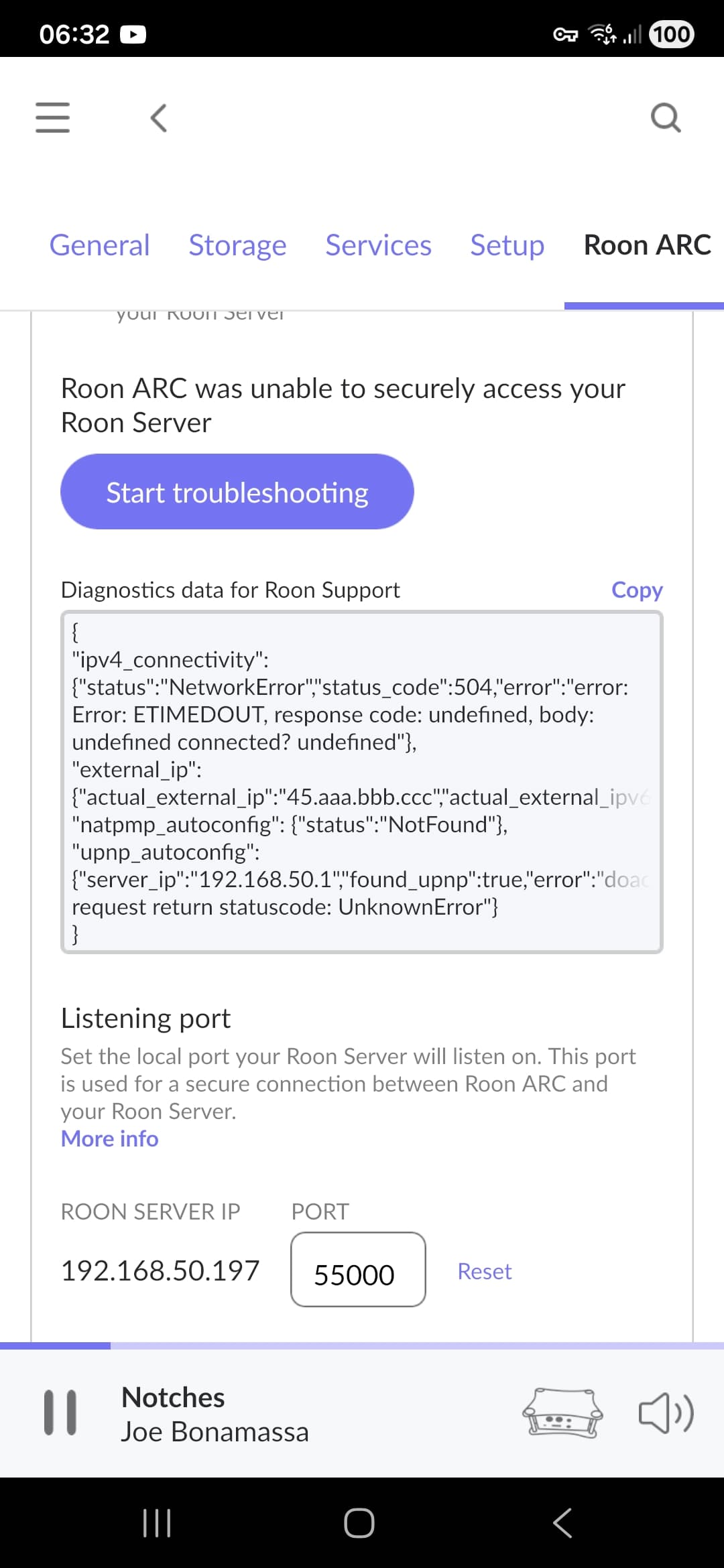
Thanks for reaching out. Can you please confirm if this worked properly in the past, or has ARC never worked at all? What Android or iOS device are you using to connect to the car? While at home, are there any errors in Roon Settings → ARC tab, or does that show as properly working? Is there any change in behaivor if you delete ARC and reinstall it on your mobile device?
Even though your phone shows a full-strength 5G signal, that doesn’t necessarily mean your internet connection quality is stable or ideal for ARC.
Roon ARC connects directly to your Roon Server at home, so the overall performance depends not only on your mobile signal but also on the routing path your mobile provider and home internet provider use between them. Sometimes that path can be congested or suboptimal, even if the 5G connection looks strong.
You might want to try using Tailscale — it creates a direct, encrypted connection between your server and your mobile device, bypassing most of these routing issues. Many users have reported improved stability and fewer “poor connection” messages when using it.