Hello, this is Robert from Vienna, Austria.
I use Qobuz as my primary source on my Lumin U2, but one of ten tracks is not be played as it should. Sometimes the whole track is skipped (but can be played with no problem when I start it again), sometimes the track is interrupted (but can be played with no problem when I start it again also).
I wrote to Qobuz directly, but the only thing they wrote me is to check the Cache.
Is there anyone who has or had the same problem? Or should I change something in the basic settings?
Best, Robert
Are you playing with Roon or with the Lumin app?
How is everything connected? (Wifi? Ethernet?)
I use the Lumin App or Qobuz Connect on my smartphone. The network should be fast enough with 100 Mbit/s download. For the connection to the Lumin Transporter I use ADOT optical cable.
This has absolutely nothing to do with the quality of your home network, and there are many things that can affect your network.
However, …
I would temporarily eliminate this, and use an Ethernet cable connected directly to your router, to rult fibre as the culprit.
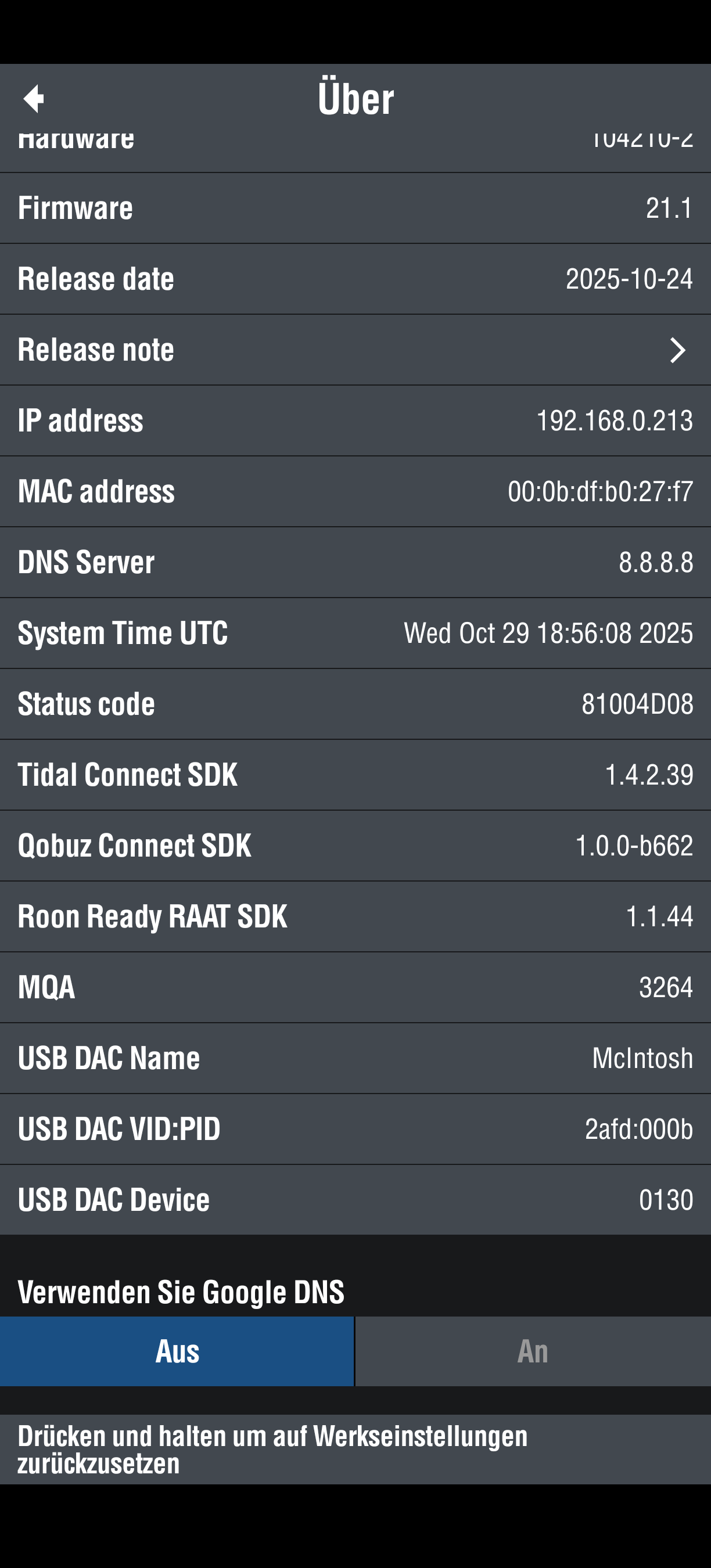
In Lumin app settings - Player Options - About U2, scroll down and use a different for Google DNS.
Thank you for your answer, Peter, but I have still problems with skipping of some songs.
Here is an example. In Spotify (both 44.1) this track works without any problem.
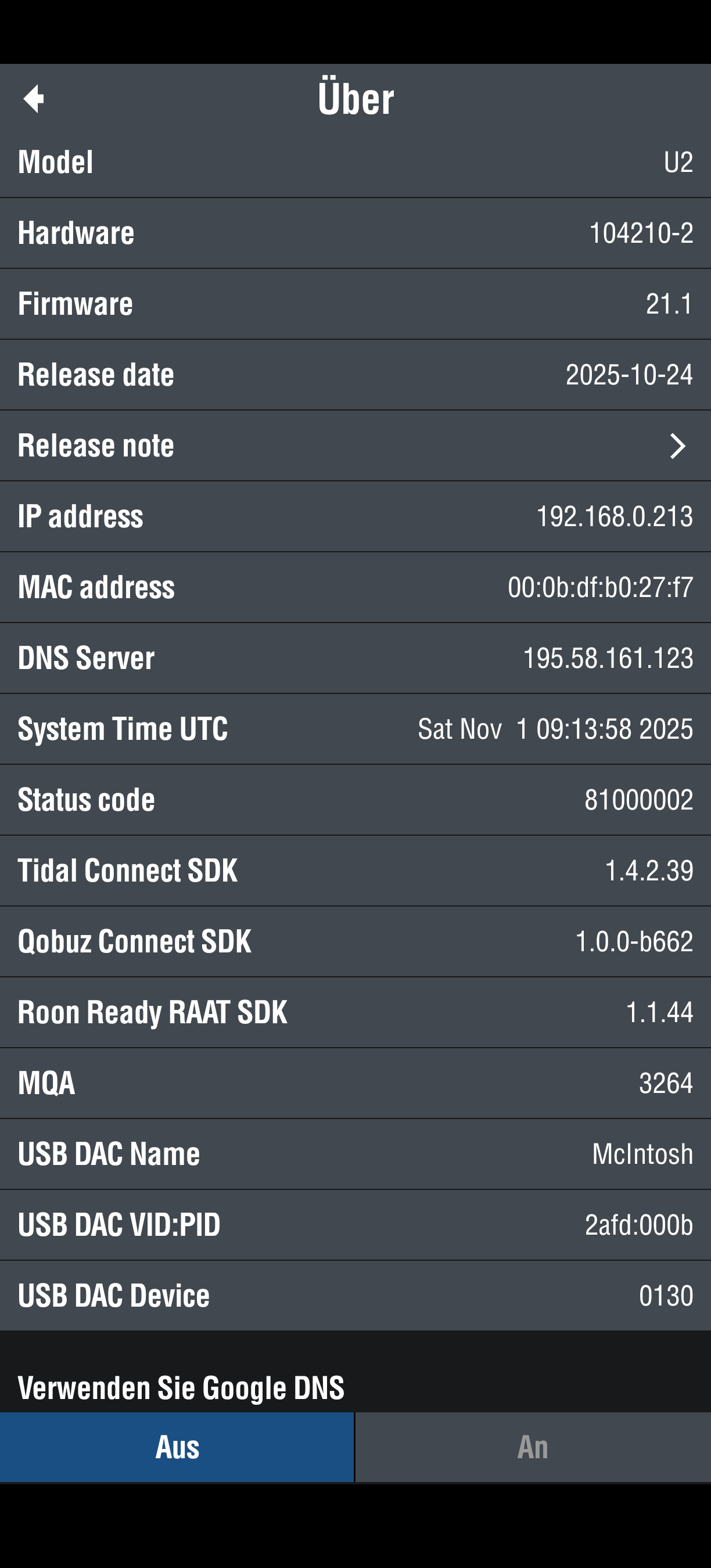
I tried to change the DNS Adresse again with reinstalling the Lumin App on my Smartphone and now it worked. It switched from 8.8.8.8 to 195.58.161.123, but unfortunately this didn’t solve the skipping-problem :-/
Is there any other solution? Otherwise I will give my Lumin U2 back to my dealer to change or repair the hardware.
Unfortunatiely I have still problems with Qobuz on my Lumin U2.
There are more tracks witch cannot be played with Qobuz Connect in my U2 but without any problems an my Laptop or my samartphone.
Here are 3 examples:
The message is allways: “An error occurred while playing the current track”
I changed my internet connection from optical fibre to copper cable, I changed the digital output from USB to Coax RCA, I changed Google DNS, but there was no reaction?
Is it possible that my LUMIN U2 has hardware or software problem from the factory??
Best regard from Vienna, Robert
I have successfully tested these three tracks using Lumin Firmware 21.3 Qobuz Connect 1.1.0:
- Steven Wilson, Transience, Track 6 and 7, 24/96
- Ralph Towner, Solstice, Track 5 Winter Solstice 24/192
Please remove it and replace it by RJ45 Ethernet cable. We had more than one customer report saying it’s not working in their setup.
My test proved it’s not a firmware problem. Make sure you’re running Lumin firmware 21.3.
To check the hardware, you may:
- If you’re using Roon, please put a few FLAC files in Roon Server local hard drive, play only these local files from Roon (version 2.62 or later) on repeat for 24 hours
- If you’re not using Roon, please install the free MinimServer on a local computer or NAS, put a few FLAC files there. Make sure MInimServer is configured to use your music folder. Wait for it to scan. In Lumin app, select MinimServer to be the library, clear the play queue, add only those FLAC files to play queue, and play them on repeat for 24 hours
- Alternatively, you may use a non-Qobuz source such as Spotify (free or paid) or Tidal (paid only). You cannot use Tidal Free account. If you encounter an issue with Spotify or Tidal, please try a different Google DNS setting.
There is something happening with Qobuz cloud and/or CDN. Please wait for them to fix it.
See