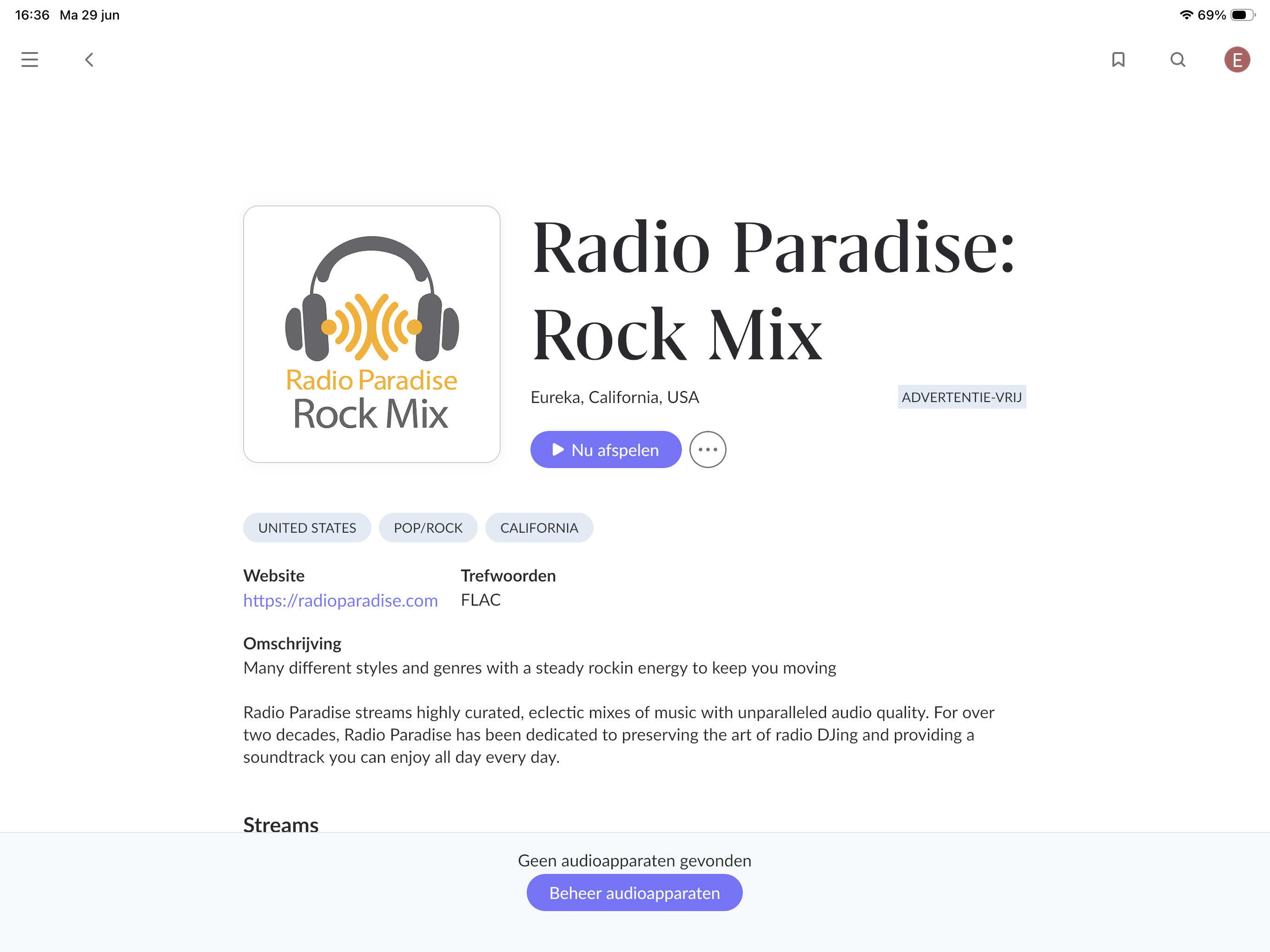
14.56 new drop out. Audio stream

Hi @Eric_Besemer,
If Tidal search is performing slowly and you’re encountering intermittent dropouts with upstream sources (streaming services and internet radio), we’ll need to perform some due diligence on this network setup to ensure it’s carrying traffic and resolving requests in the manner Roon expects.
You mentioned a few routers in your description of your network setup. Which is the active router in this setup, and what is the make/model? On whichever router is serving your Roon Server machine, we recommend you enter the router settings admin page and verify that a reliable DNS service is assigned. We can assist with the particular steps and settings if you share the model of router.
We recommend assigning Cloudflare (1.1.1.1) or Google (8.8.8.8) instead of the internet service provide default DNS service.
This problem has to do with the network pathway serving your Roon setup rather than Roon or Tidal itself; the more information you can share about how Roon Server is configured to reach the internet in your setup, the more effective we’ll be in supporting and resolving this problem.
We’ll watch out for your response and proceed with suggestions from there. Here’s an additional guide on network topology recommendations for Roon in the meantime:
Good morning
My streamer is connected directly to the router
My active speaker set (Meridian DSP 7200 se) is connected with a meraki/cisco ms220 switch also directly from the modem
So everything directly from the modem
So my set is connected independently (no peripherals)
And of course it is strange that “suddenly” malfunctions/instability have occurred
It has always been good, I suspect a corrupt update has occurred somewhere.
Did you find anything yet?
It also takes a very long time for the queue to load.
Hi @Eric_Besemer,
Two additional troubleshooting steps we haven’t seen confirmation you’ve tried yet:
- Bypass all network gear and get a direct ethernet connection from your ROCK to your primary router.
- As @connor mentioned above - try assigning Cloudflare (1.1.1.1) or Google (8.8.8.8) instead of the internet service provide default DNS service.
Hi Connor,
I have a Zone Controller (Meridian 218) and a Server (Silent Angel Rhein). Which one do you mean?
I don’t have the knowledge regarding that DNS thing, nor does anyone in my circle…

I had already connected the Rhein directly to the modem.
I’m going to look tomorrow to set the setting 1111
Sounds good @Eric_Besemer, we’ll be monitoring for your reply! 
Hi there, I’ve enabled Cloudflare. Connecting the Rhein directly to the modem doesn’t work; it doesn’t give a signal.
Still dropouts.
I use the kpn 12 modem
So, I think the issue lies with Roon after all. See the screenshot from the Meridian forum. I’m not the only one; the same problems are happening worldwide…
Hi @Eric_Besemer,
We enabled diagnostics on your account and are seeing a few playback errors, but they all point to the media itself being shown as InvalidTrack from TIDAL. That usually means the track was removed or updated in TIDAL’s library, but it is still saved in one of your playlists with the old link.
When you next see this happen, please share the exact local time, date, and track. We’ll keep watching for it on our side.
The program also freezes when I scroll in Roon.
Tracks recently added to the library are causing issues as well. And, once again, there are many similar complaints on the Meridian forum.
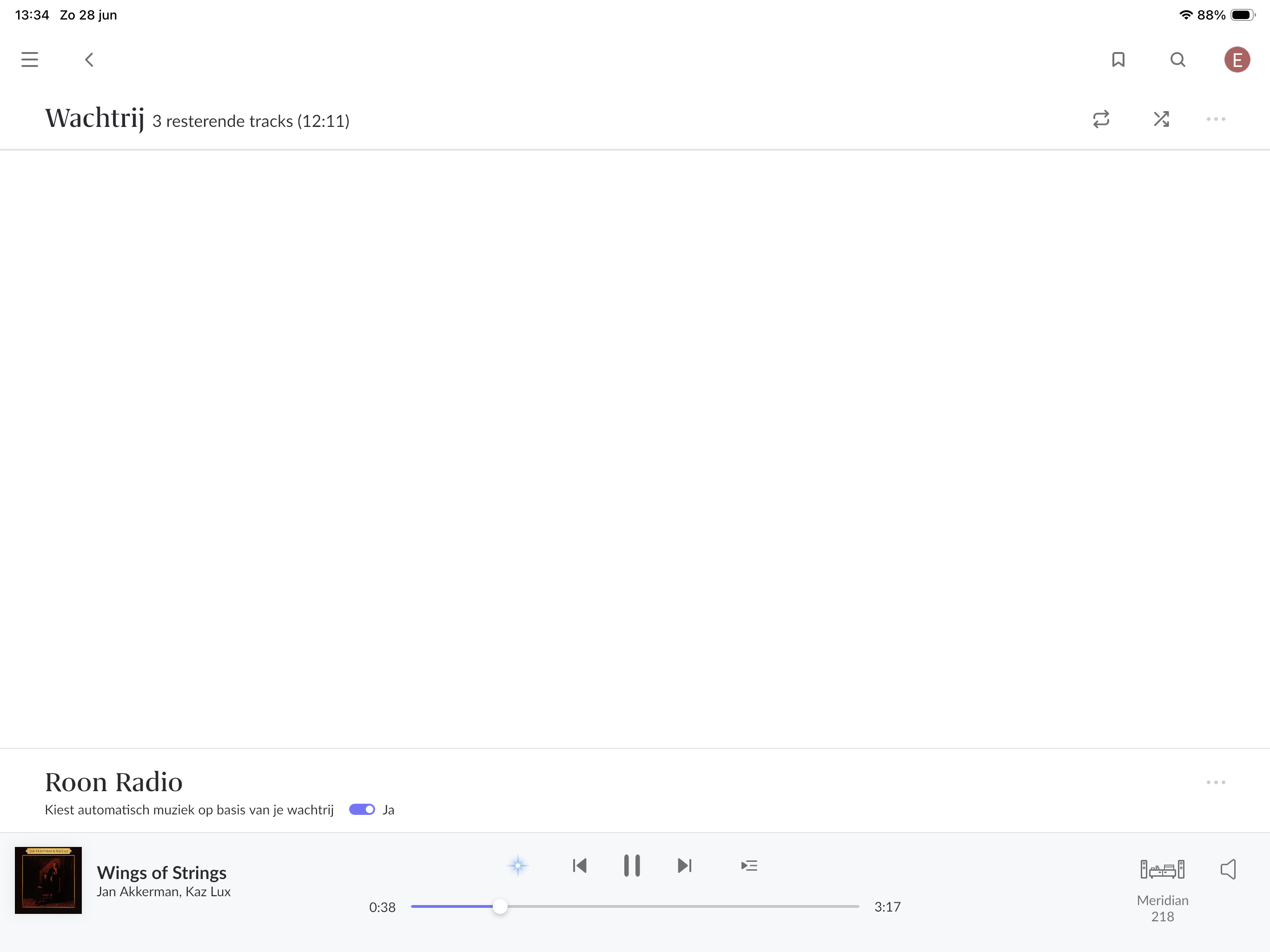
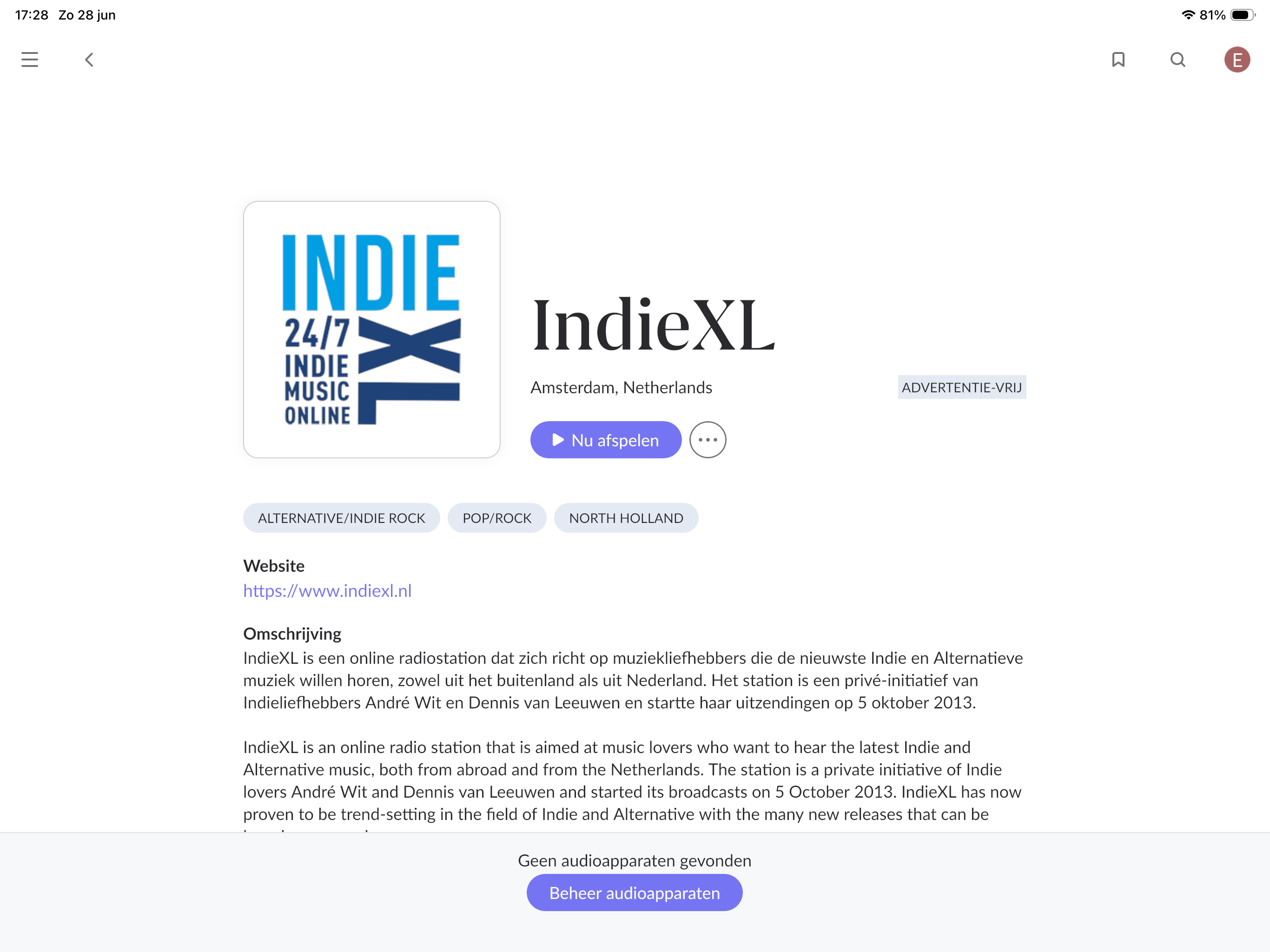
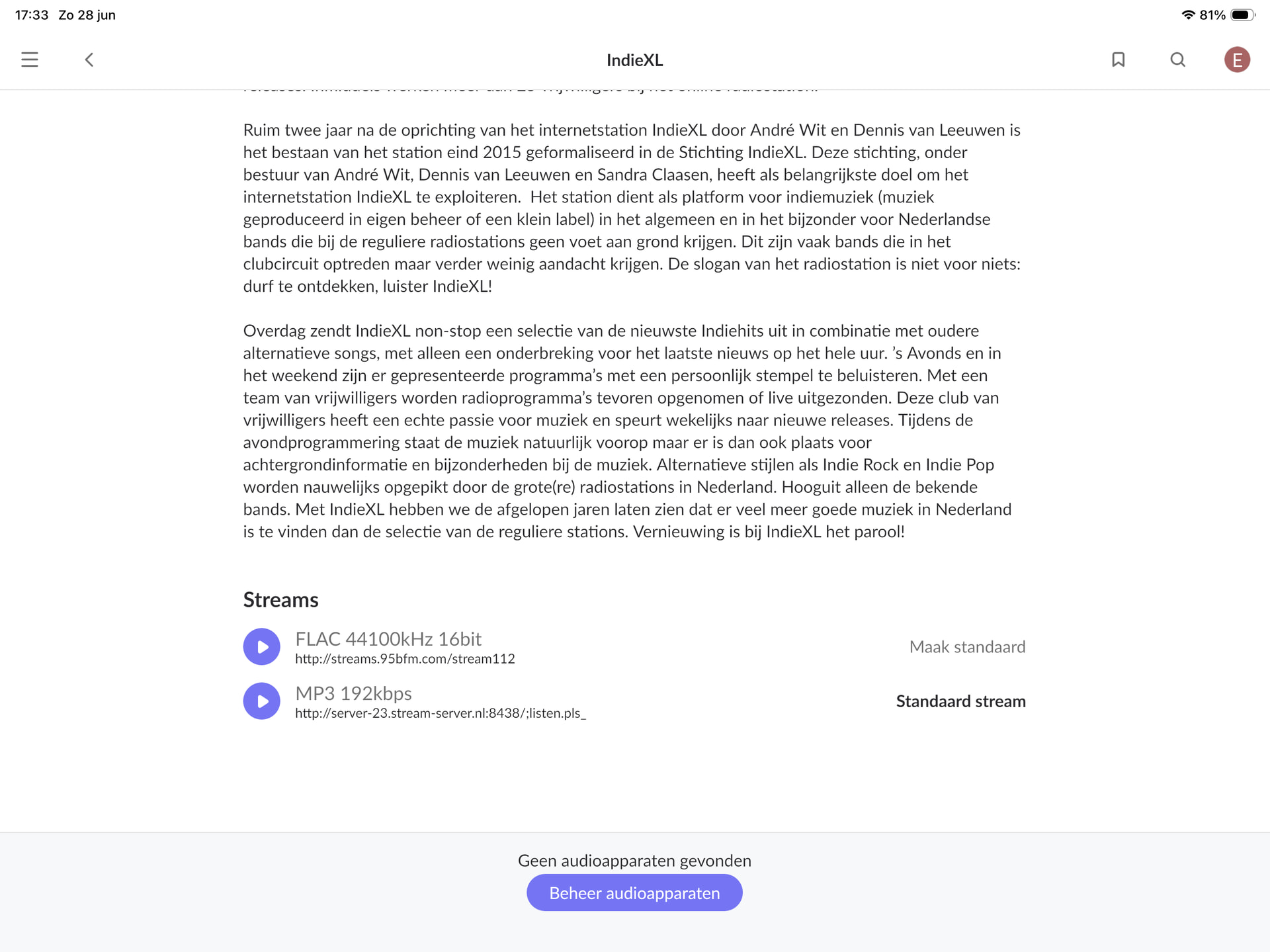
And the system is stucked
A managed switch is often the culprint. See also the earlier presented network helppage. If possible try to bypass it and see what happens.
i have tried everything that I know