[Moderator edit: Related posts collated to dedicated topic.]
Having the same issue with my Roon Server/Core when I use my Windows remote using build 1700. Works fine using remote on an iPad or Android phone but they are both on build 1696.
My architecture: Server is also on a QNAP NAS using the latest productiomn version of the Docker container provided by the Roon Staff. My problem remote is on the latest upgraded Windows 11 OS with Roon version 2.73 (build 1700) production (64-bit). Was not experiencing any issues with my WIndows remote until I believe I installed the latest update.
Thanks for the idea. Using a Docker container with the Roon Server that gets updated to the latest version so think I’m in sync with the latest version of the Server (or is it Core).
I’m seeing this on my Windows PC. It was fine until I got the notification and selected the option to update all. I think it updated the server a few days ago, and this one went so fast that it was likely a Windows client update.
Can everyone who’s having this problem actually check that the Server has updated to 1700. The reason that I’m saying this is that I had the same problem but the Server hadn’t actually updated properly. I then updated the Server and everything worked ok.
Same problem here. It happens only on my Windows PC (no problem with my iPad and my android phone).
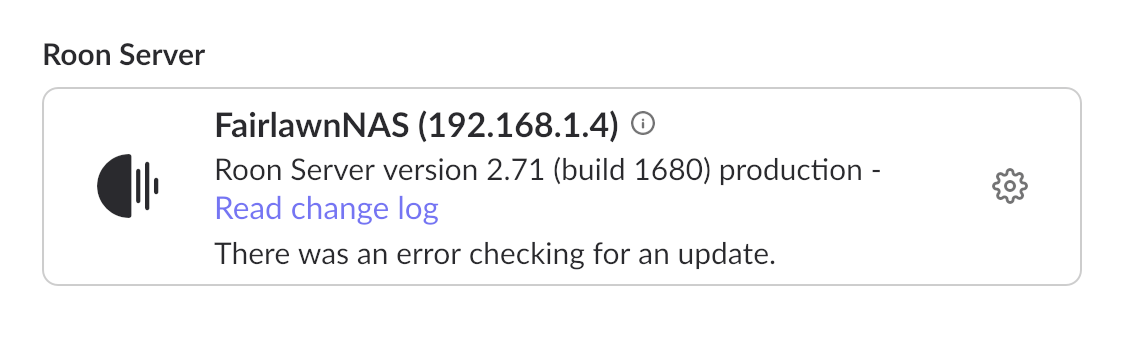
The RoonServer version (docker container) installed on my QNAP NAS is 2.71 (build 1680).
The update cannot be installed (“There was an error checking for an update”).
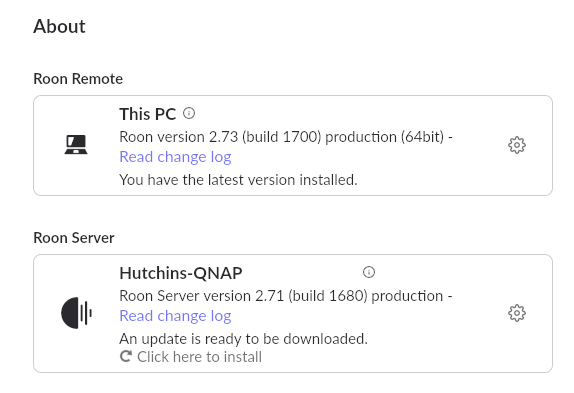
I think this might be the problem. If the Windows Remote updates, but the Server doesn’t, then the album page may not load properly.
There does appear to be some problems with the role out of this update. The Android remote hasn’t been released. This isn’t a case of PlayStore release lag. The APK that is downloadable from the Roon website is still build 1696. Over to Support on this one. @norris seems to be have replied to this thread, so hopefully they can offer an answer???
+1 Synology NAS with docker and the RoonSerrver version is 2.73 (build 1696) and I’m seeing the “There was an error checking for an update” after a timeout and infinite “Loading album…” pages.
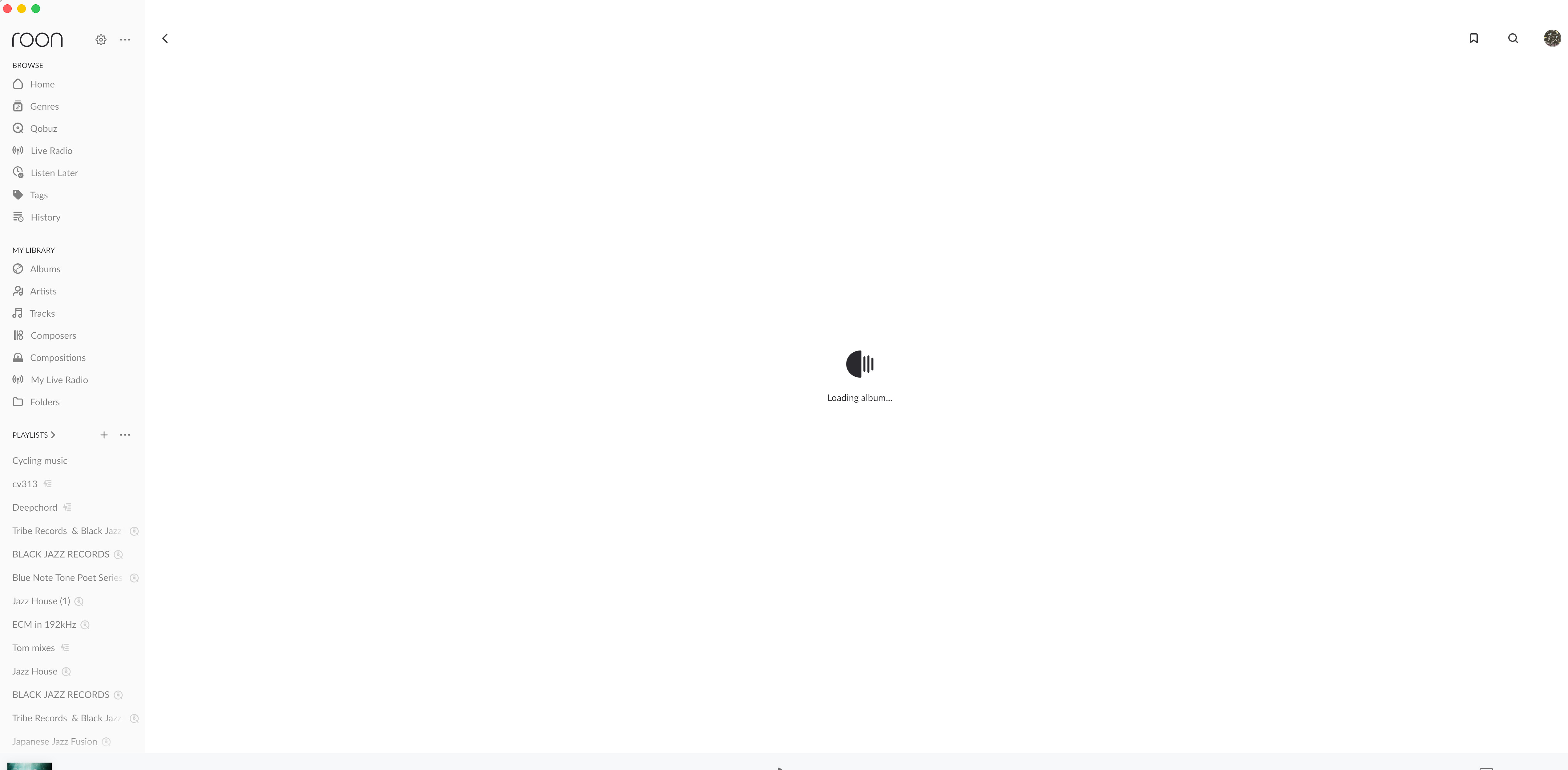
Hi – I am not able to view an individual album screen in Roon, I get a ‘Loading album…’ message continuously. The ‘My Albums’ screen shows all albums as normal, and includes all Qobuz and locally stored albums.
This only happens on my Mac, not my iPad or Pixel 7a, where album screens load as normal in the Roon apps.
My Roon server runs on a QNAP TS251+ in Container Station which is connected to my home router. Two DACs are also connected to the NAS directly.
Maybe its related, but when I try to update the Roon Server via my Mac I get a ‘Downloading’ then ‘There was an error checking for update’ message.
Has anyone else had this problem, or could Roon support help to try and fix this? I have deleted the cache folder on the NAS but the issue persists.
Hi @Ken_Hutchins ,
Can you check what version Roon Server is actually running. You can see it in the Roon GUI under Settings → About. Posting a screenshot would be helpful.
Hi, I am having the same issue since the latest update (Server 2.71 build 1683). I’m running it on a Nucleus and the problem is showing up on my Windows 11 PC. The app on my phone and tablet do not have the issue. I have tried a fresh installing of Roon on the PC but no change.