This missed earlier a update because I wanted more time finishing a few features.
The back story to this update
Back in my early days of loving music I had a decent CD collection and used to love flicking through my collection, either in boxes or on a shelf.
I miss those days. Well, I restored a good sized physical media collection over the last 3 years, but haven’t had chance (the wife) to setup shelves in the office for all the CDs.
We live in the digital age, baby.
Scrolling up and down a page is boring. A wall of album covers. No tactile feeling.
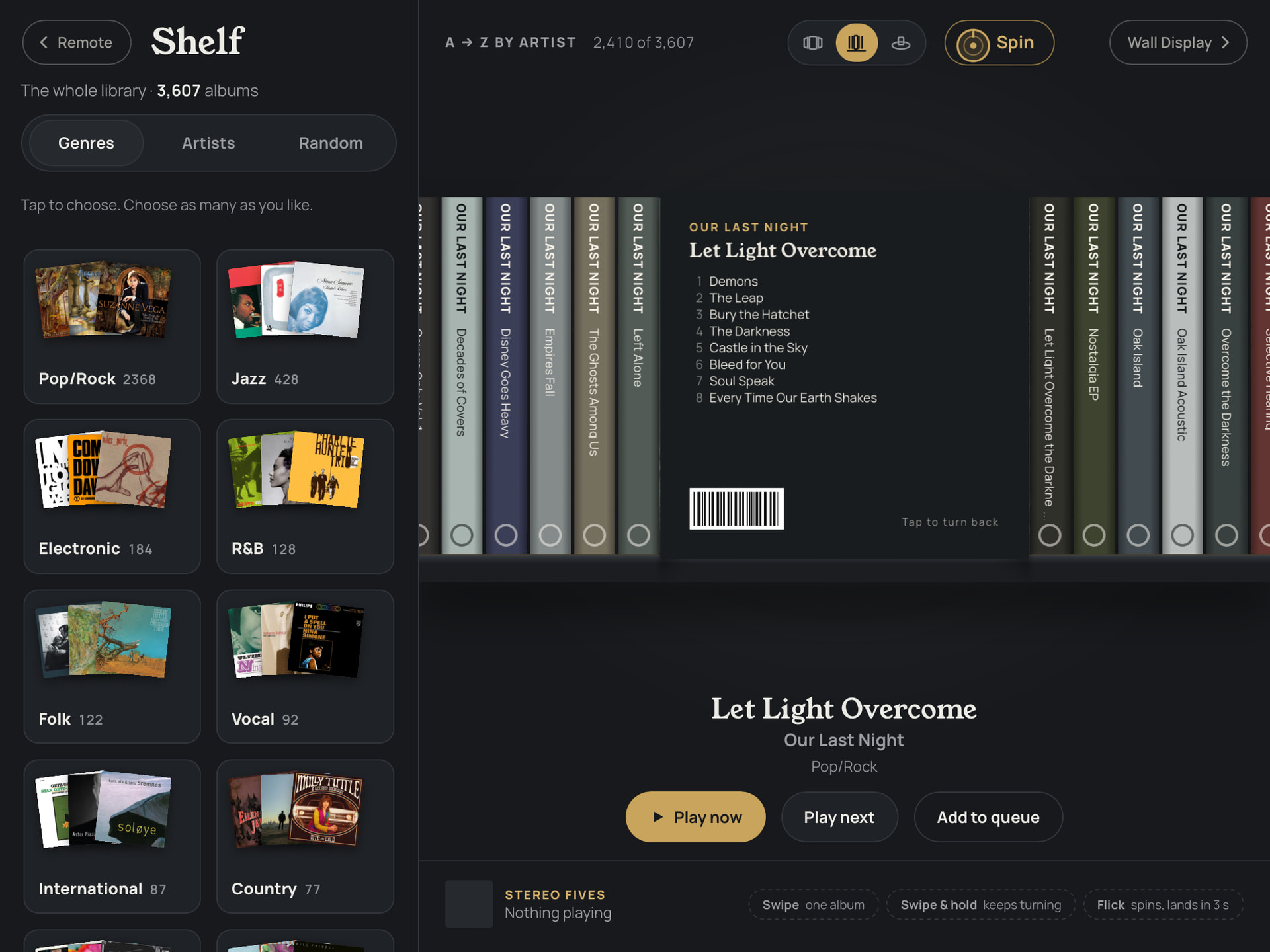
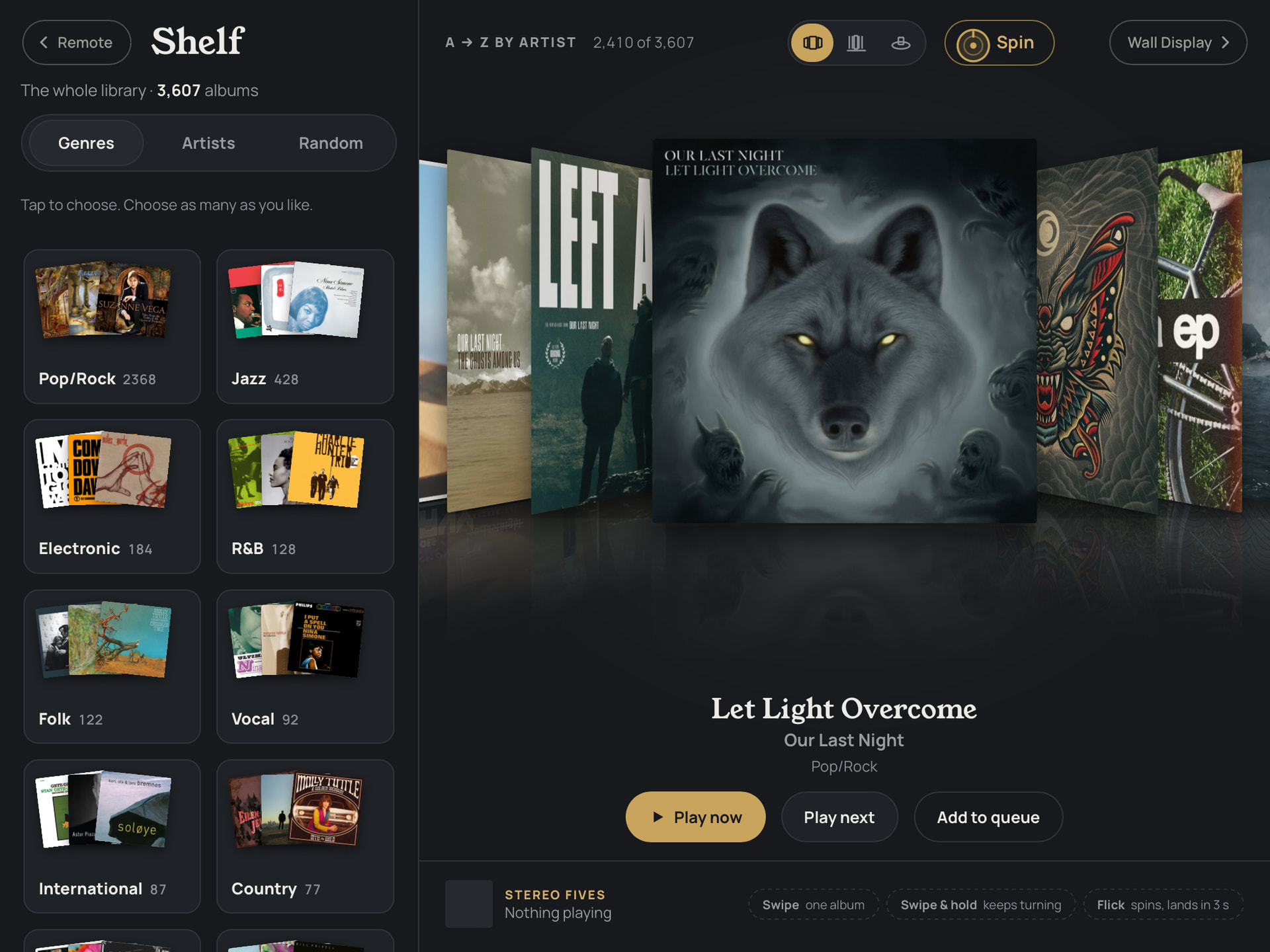
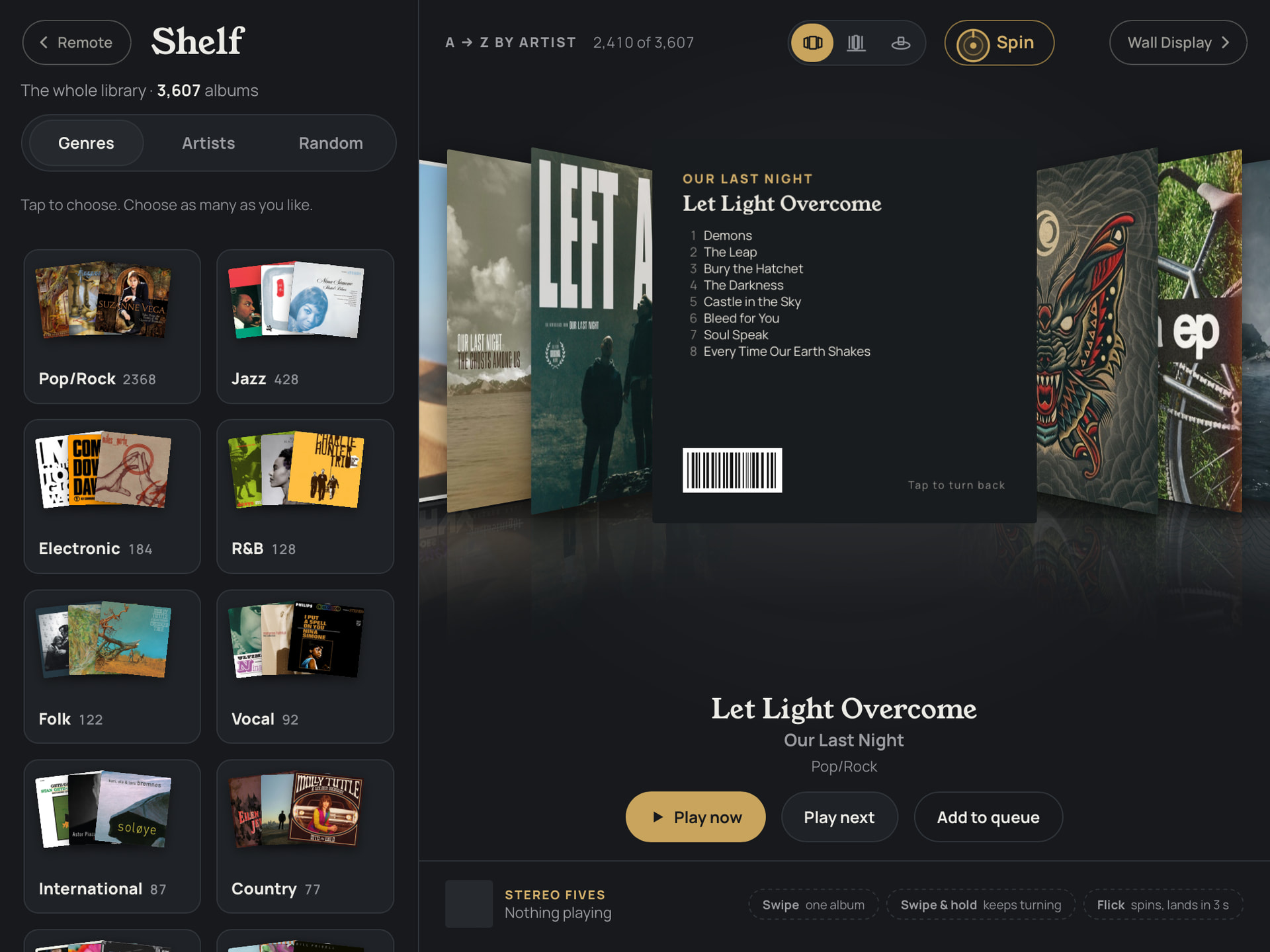
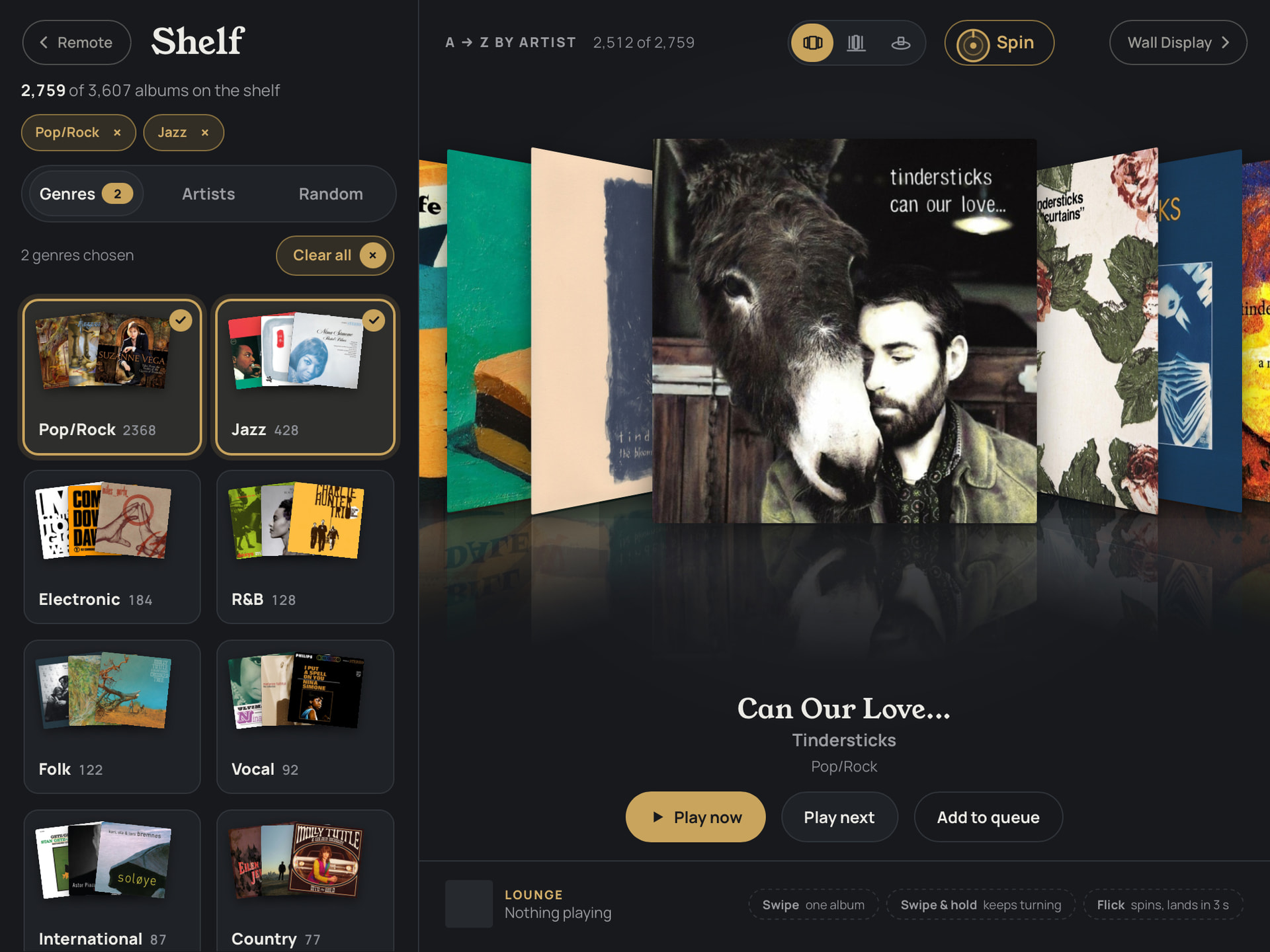
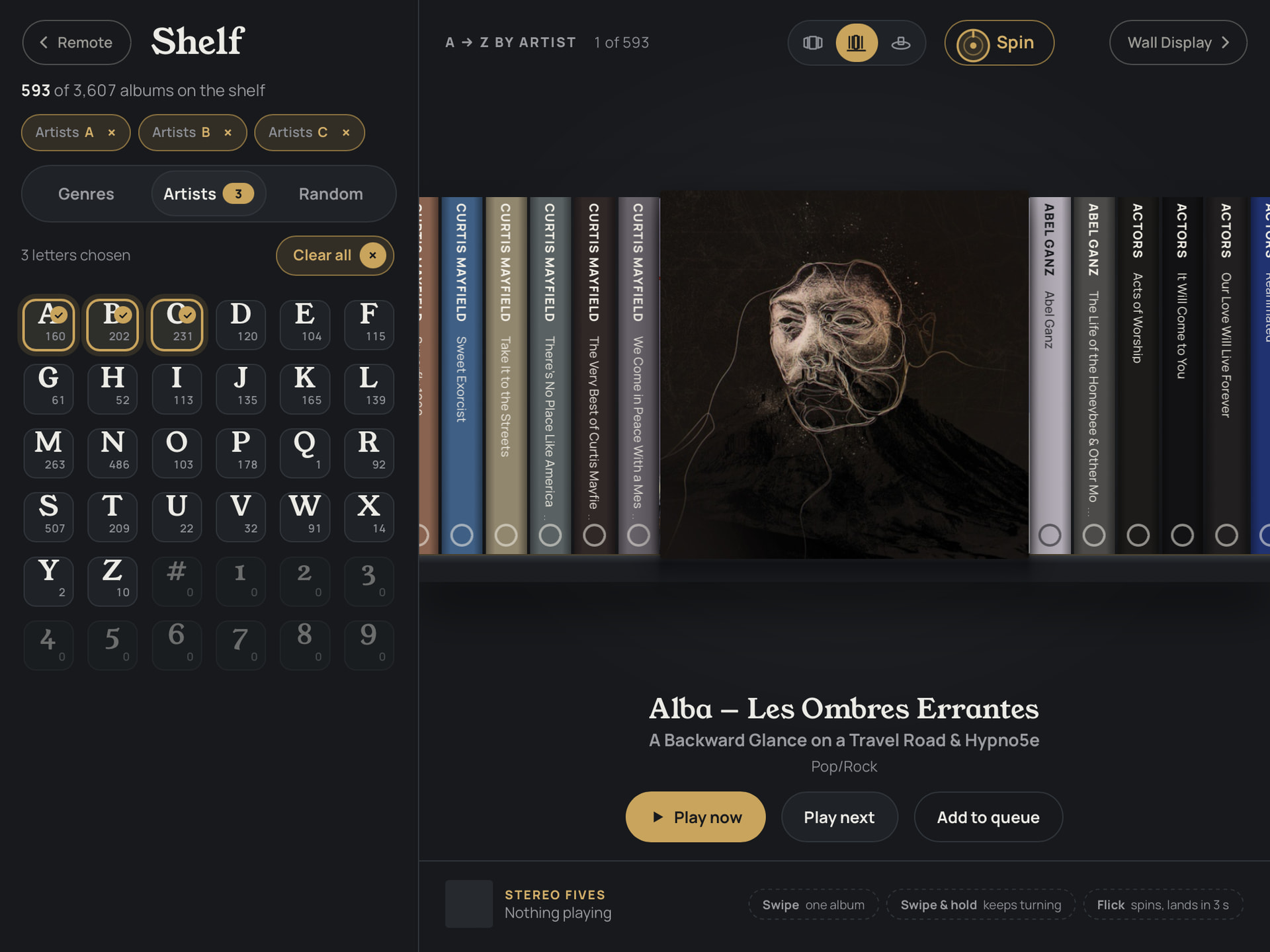
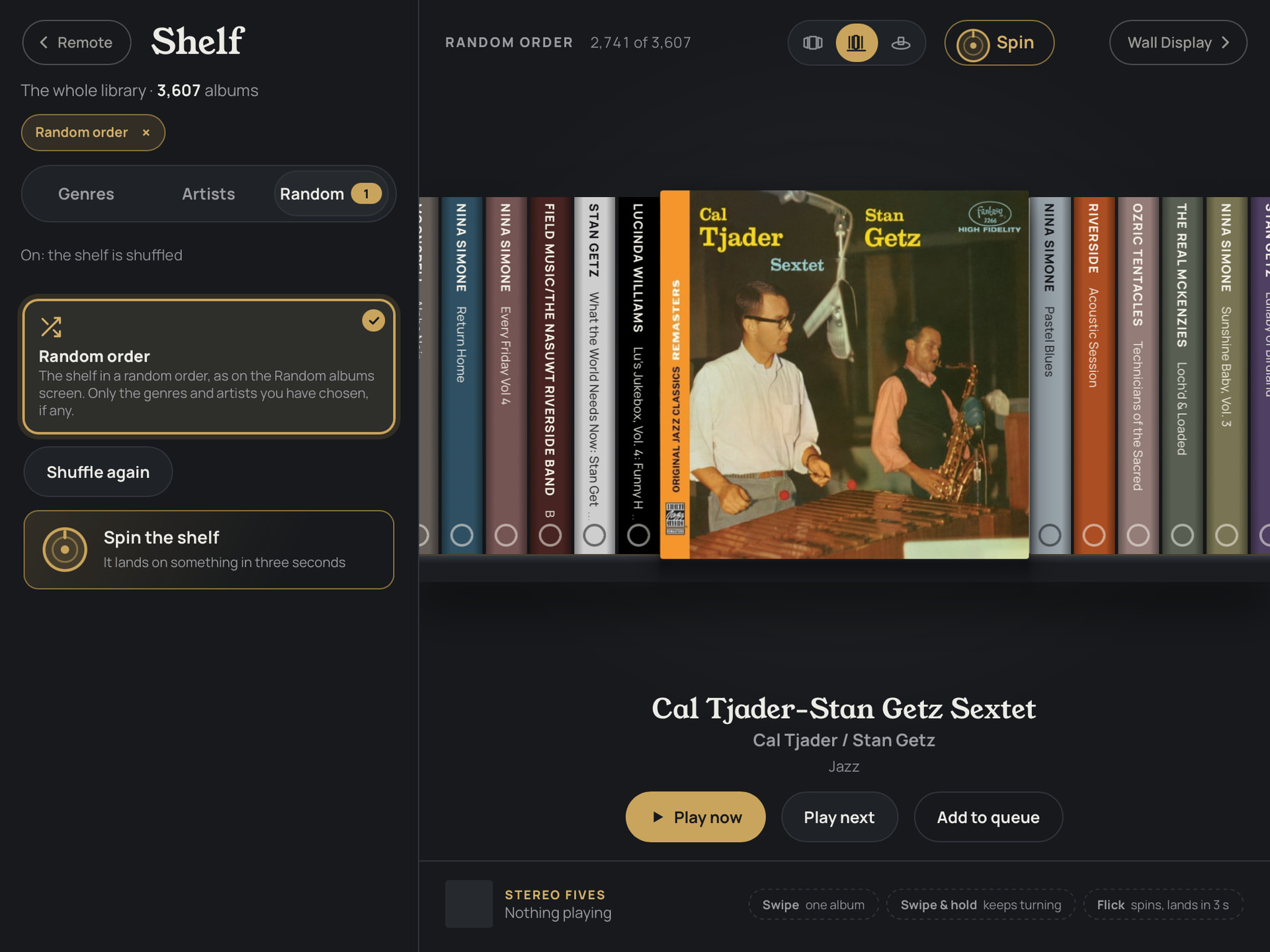
So I present to you Shelf (beta) as part of Rouen + HQPWeb
Shelf is for tablets and desktops/TVs. A large touchscreen would make a wonderful choice.
Browse the shelf with your fingers, swipe left and right and get lost in your collection once more
I can certainly look at these. I have a wee list to work through. I’ll post updates in this thread, so just watch out for new features and tweaks to existing.
A much needed update to squash a bug, reported via GitHub. A few tweaks to “Shelf”.
@Robbert_N I took on board your suggestions etc. last.fm added in the API settings page (if anyone struggles setting up an API, I’ll ensure instructions get put out asap). Hope you enjoy
P.S. - I’ll be AWOL for a few weeks on this project. I’ll be monitoring this thread and GitHub for any urgent bugs, but my duck brain needs a rest. I hope you all enjoy both our hard work
Absolutely love this, it’s a great development and can imagine would work really well on a large touchscreen, as you suggest.
As/when you’re next tweaking, one small suggestion - when an album is selected on the shelf, could we see the track listing to choose from by scrolling down below?
If you tap on the album art it flips around to see the track listing like on a CD. Not currently selectable.
The Shelf roadmap is like this (currently)
• complete the transport controls at the bottom of the screen
• make the left hand side of the screen collapsible/expandable to the side of the screen to maximise screen space for the Shelf
• implement a queue screen that’ll expand/collapse to the right of the screen
And now
• select tracks from the rear cover of album artwork
That’s brilliant! Although I do worry whether you ever get any sleep…didn’t you say you were taking a break for a bit?? The pace of development is astonishing!
Absolutely love it on a large monitor - makes me want to buy a touch screen tv
First a congratulations on an amazing “add-on” to Roon which offers far more user functionality and more effectively than Roon itself.
I have only tried using the extension for a couple of hours so far and am really impressed.
Now (oh! oh!) this may already be possible & I’ve missed it, is it possible when using random play, to restrict it to local library files or qobuz, tidal etc.? I would love to be able to steer my random listening to my local 3000+ CD files…
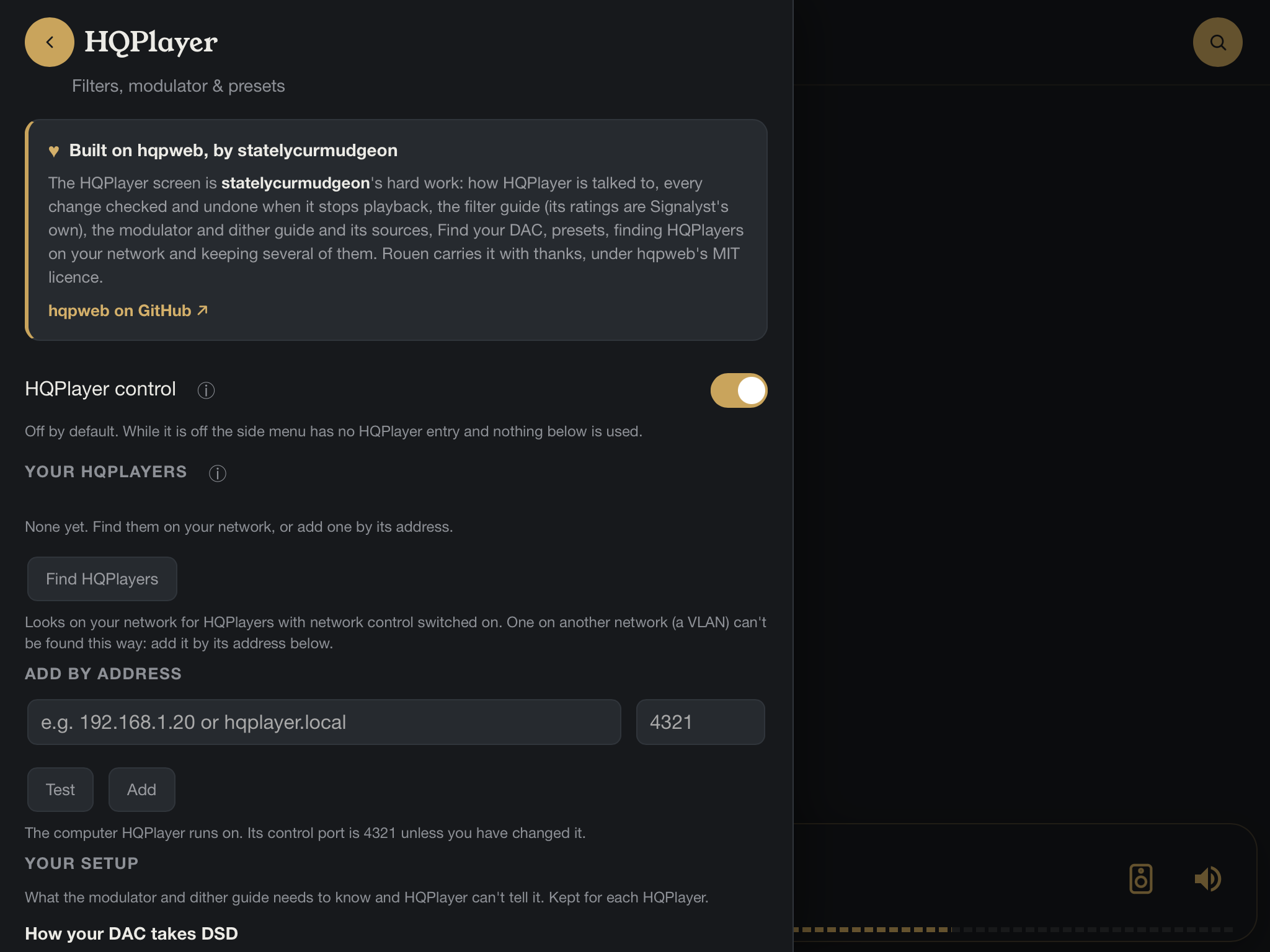
One fun thing for you when you’re back is going to be deciding what to bring in from the latest hqpweb. I’ve made things easier for you on the back end structurally (or at least I think I have!), but also added a bunch of pretty meters, volume protection, dsd/pcm live switching, and a far far better guide - not done, filters are still so-so but modulators/rate/dither are way way better. It’s still not in a place where I’d predict it’s going to stay precisely the same… because I’m building it into an iOS/android app as well, so that will make some more things change so it can basically be one code base. More soon!
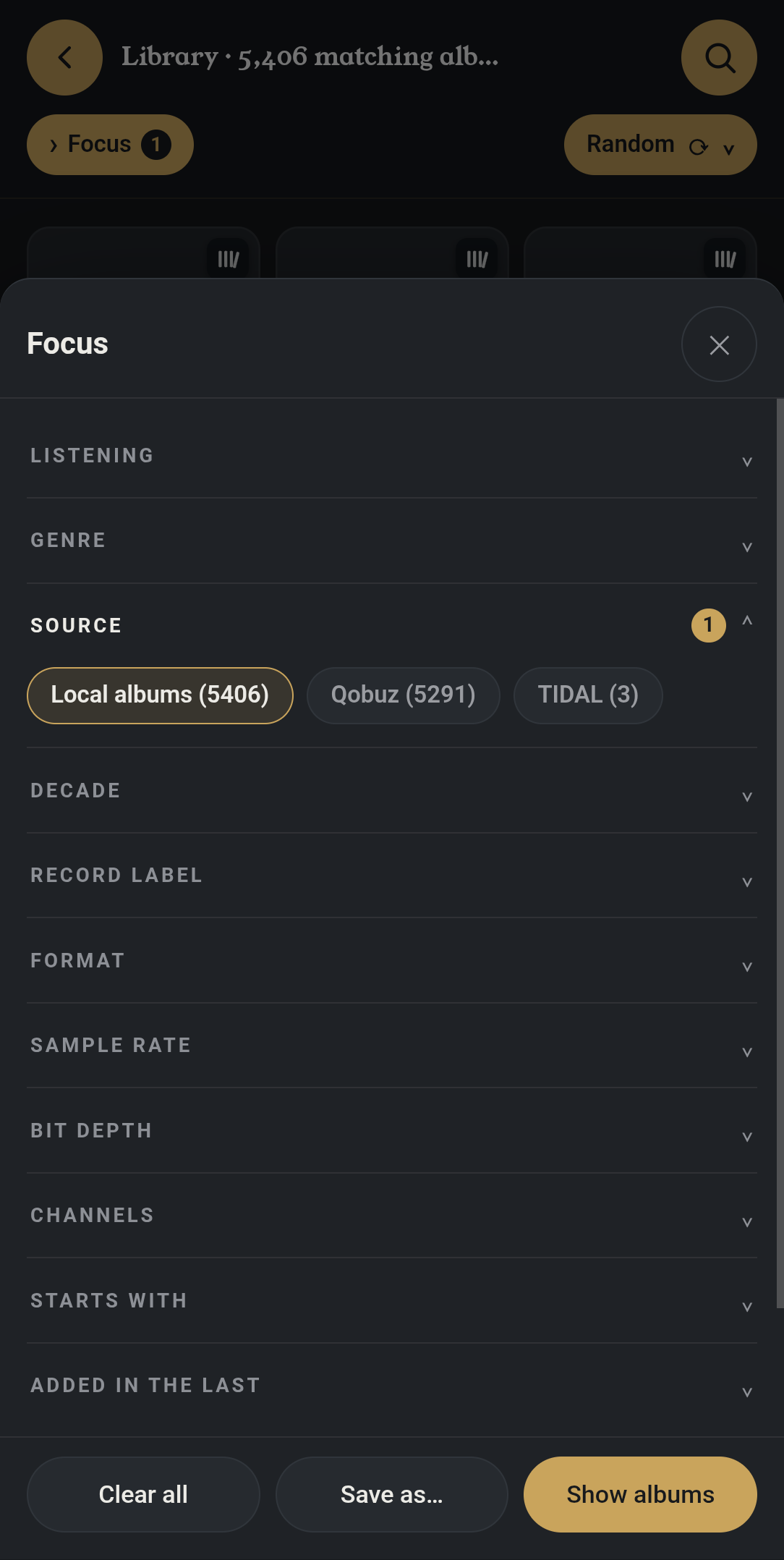
Use focus ‘Format’ and then select ‘Local albums’ and then tap on ‘Show albums’
Your ‘Library’ is now only showing your local albums only
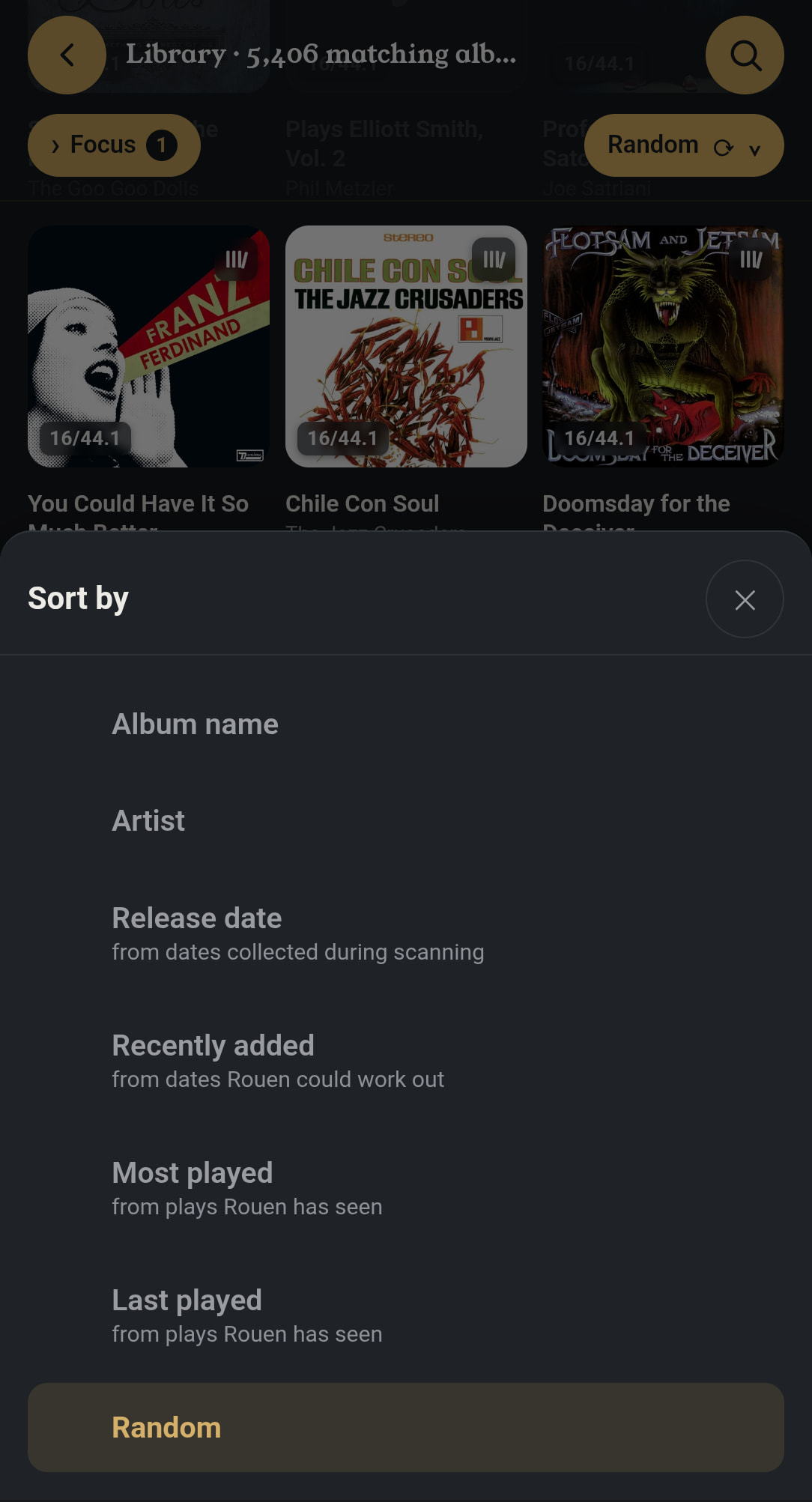
When you’re back on the ‘Library’ album grid screen, use the ‘Sort by’ function and select ‘Random’ and every time to you select ‘Random’ it’ll jumble then up again





 )


 The pace of development is astonishing!