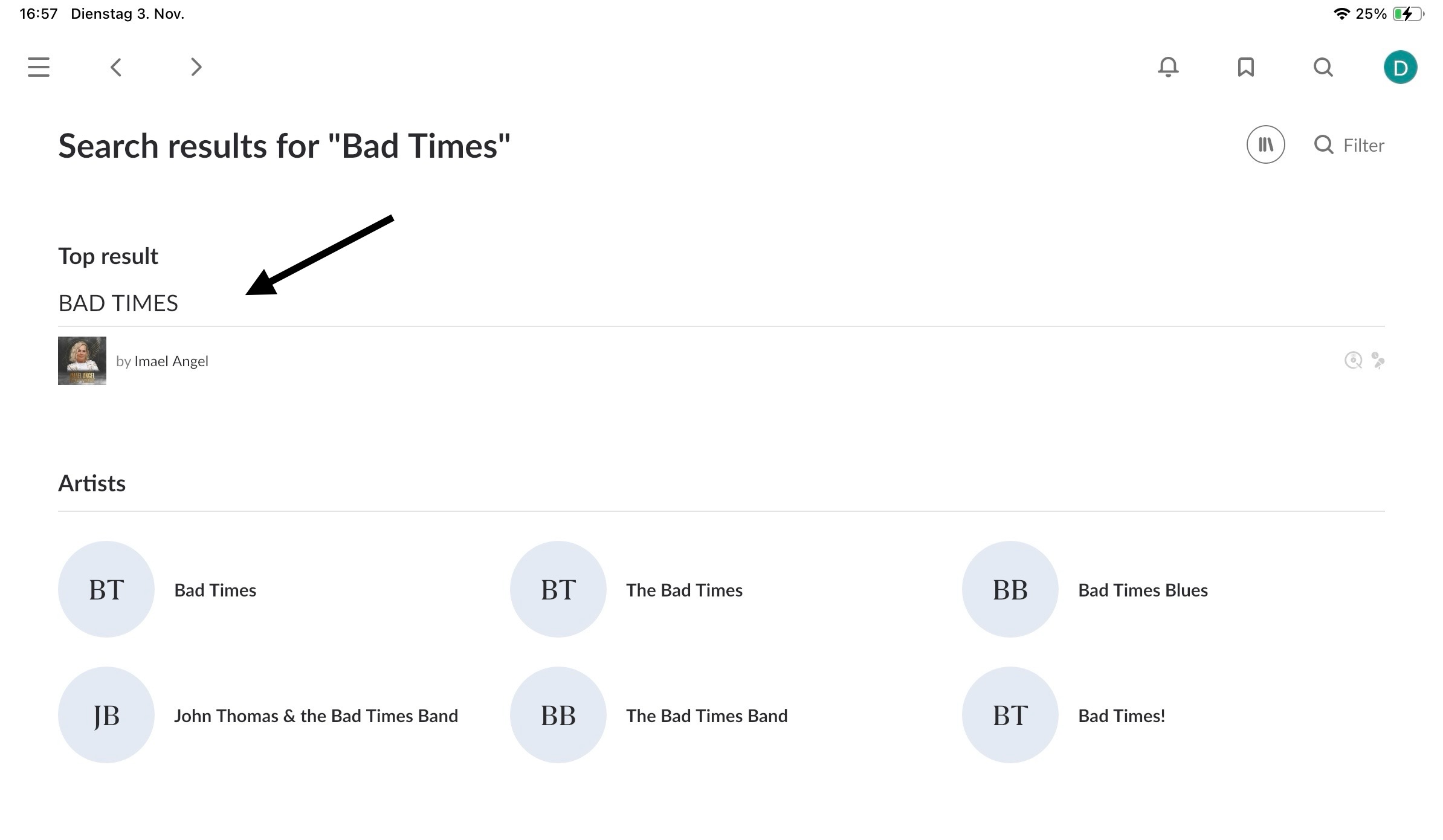
Thanks for the screenshots and the extra detail about search only starting to work after the Roon Server has been up for a while.
Please try rebooting your Roon Server and your networking gear, then let us know whether the issue is still happening. We’ve also enabled diagnostics for your Roon Server if the issue persists afterwards.
Please let us know the result of the reboot when you can.
It’s definitely not normal for background indexing or other startup work to render your library unreachable within the app. We’ll escalate to engineering to take a closer look.
What do you see in Skipped Files in your Settings → Library page?
What about in Settings → Services when you first sign in?
Roon is encountering a large number of corrupt local files when it’s indexing the local library. This might be an indication of actual corruption as much as a sign that Roon can’t reliably reach your local storage.
Thanks for checking both pages. A single skipped file from 2020 and both services signed in rule out the simpler explanations, so we’ve added that to the report with engineering. Is search still behaving normally since the reboot?