· Cannot connect to my Roonserver using Roon ARC. I run Roonserver on a QNAP server using a Docker image from here: Package roonserver · GitHub I have Tailscale on the QNAP host and on my phone and both are logged in and connected.
I have uninstalled and reinstalled Roon Arc on the phone.
Tell us about your home network
· I am in the UK, I use Community Fibre, connected to a Mercusys H80X mesh wifi. Roonserver is in a Docker image on a QNAP server.
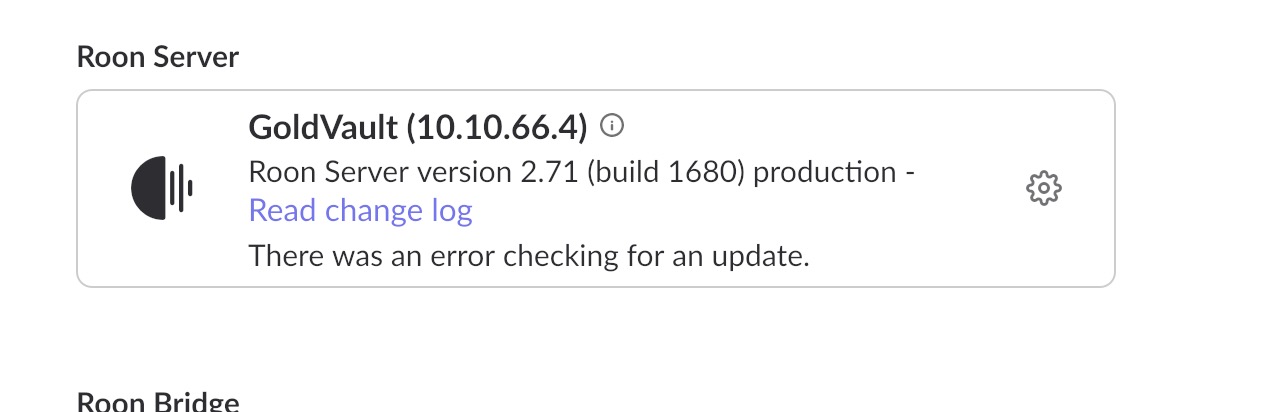
Diagnostics indicate that your RoonServer is running an older Roon version, 1680, while ARC and your Roon Remotes are on more recent builds.
The current Roon Server version is 1716. Logs that reached our cloud diagnostic servers show your server downloading the update, but failing to install it.
You might need to update the Docker image to v1.0.8 or newer, then recreate the Docker Application so it actually uses the new image.
Could you help out with detailed steps for Docker? Updating the Docker image was already suggested in @Bart_Maguire’s previous discussion thread but he didn’t manage to do that:
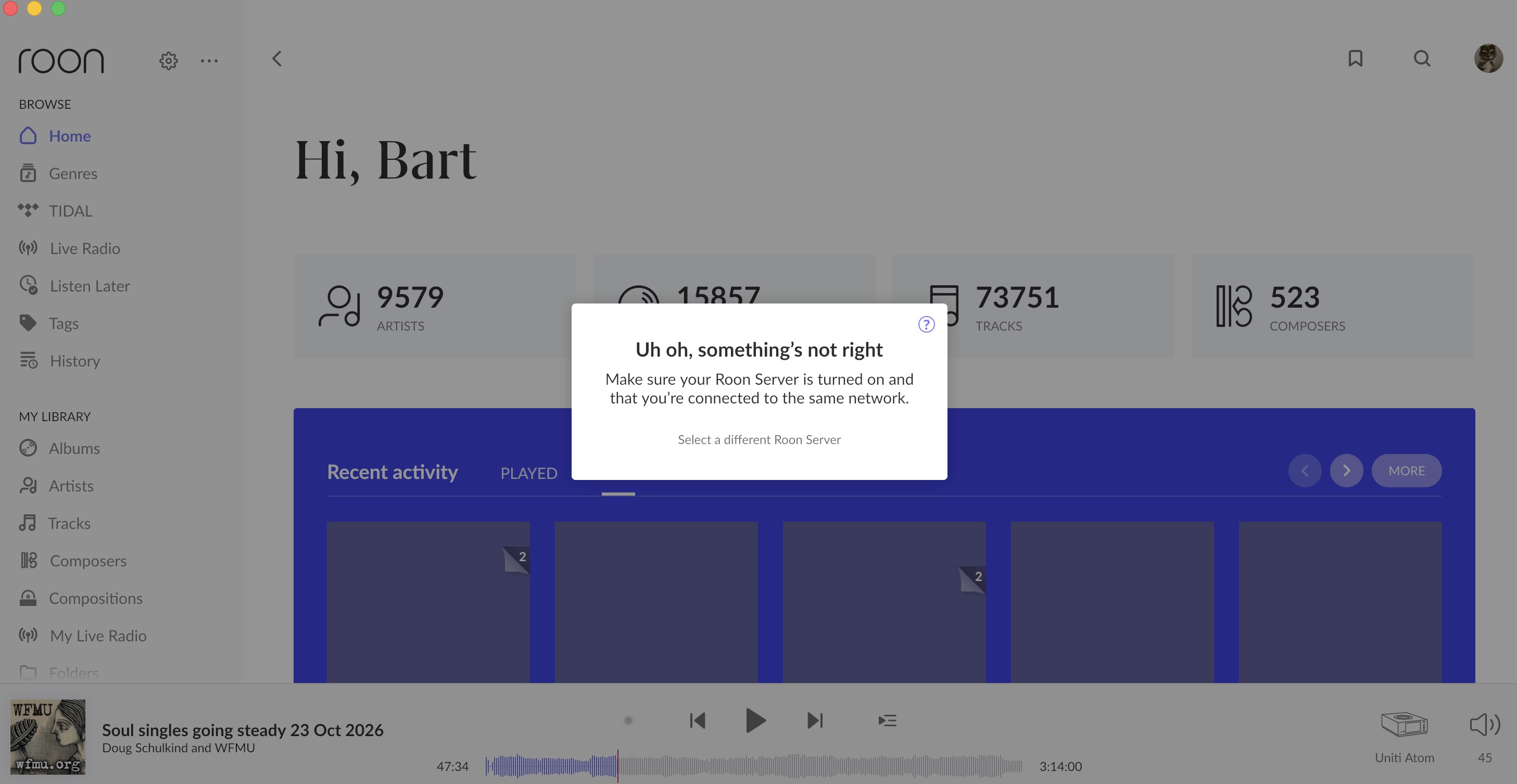
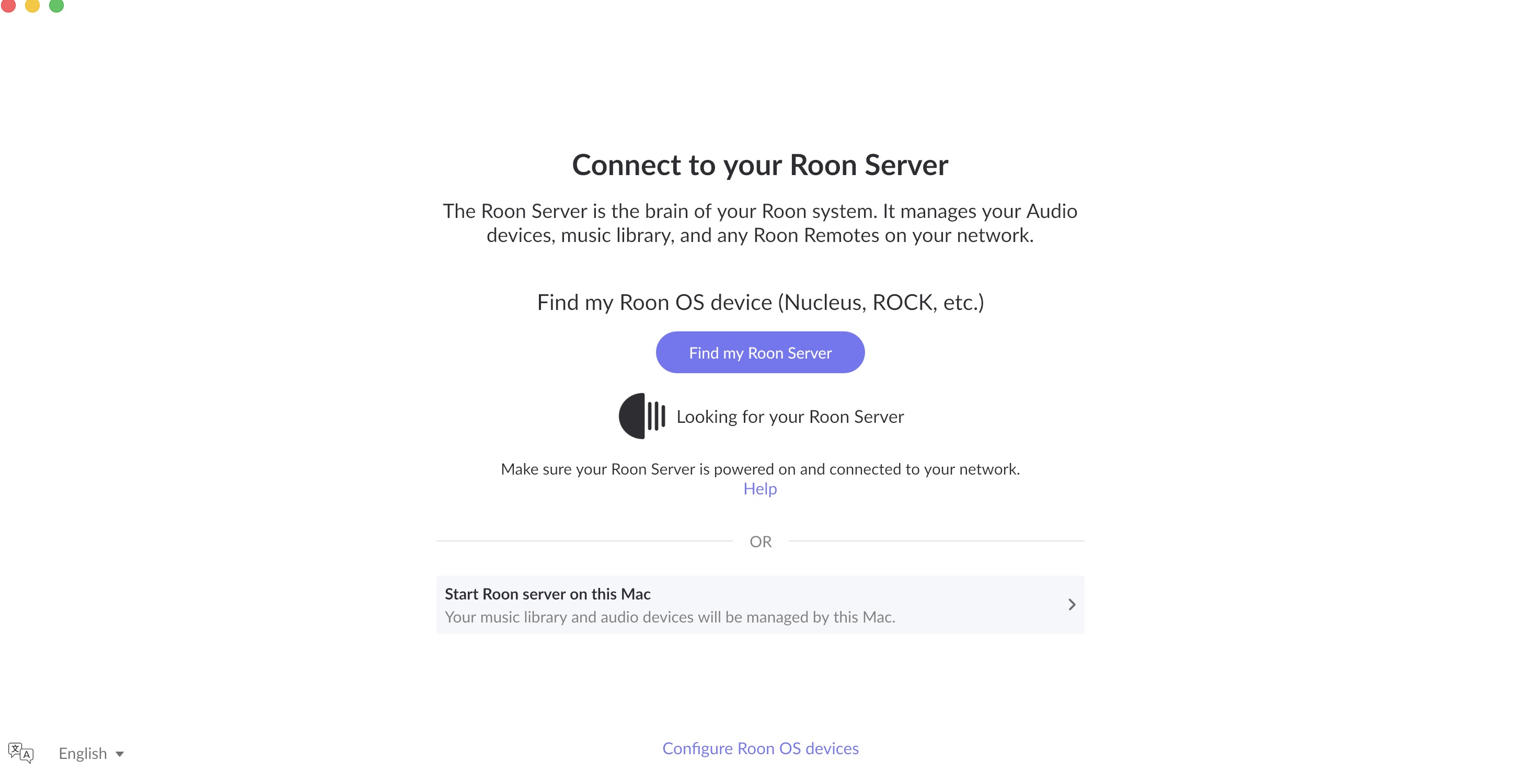
I have pulled a new image and recreated Roonserver but it does not work, the remotes will not connect to it.
Also, this is not a good user experience. I have some IT skills and interest but I cannot make it work and I am basically following a script, I don’t know what a Docker image is, or a Compose file and I don’t want to mess with that.
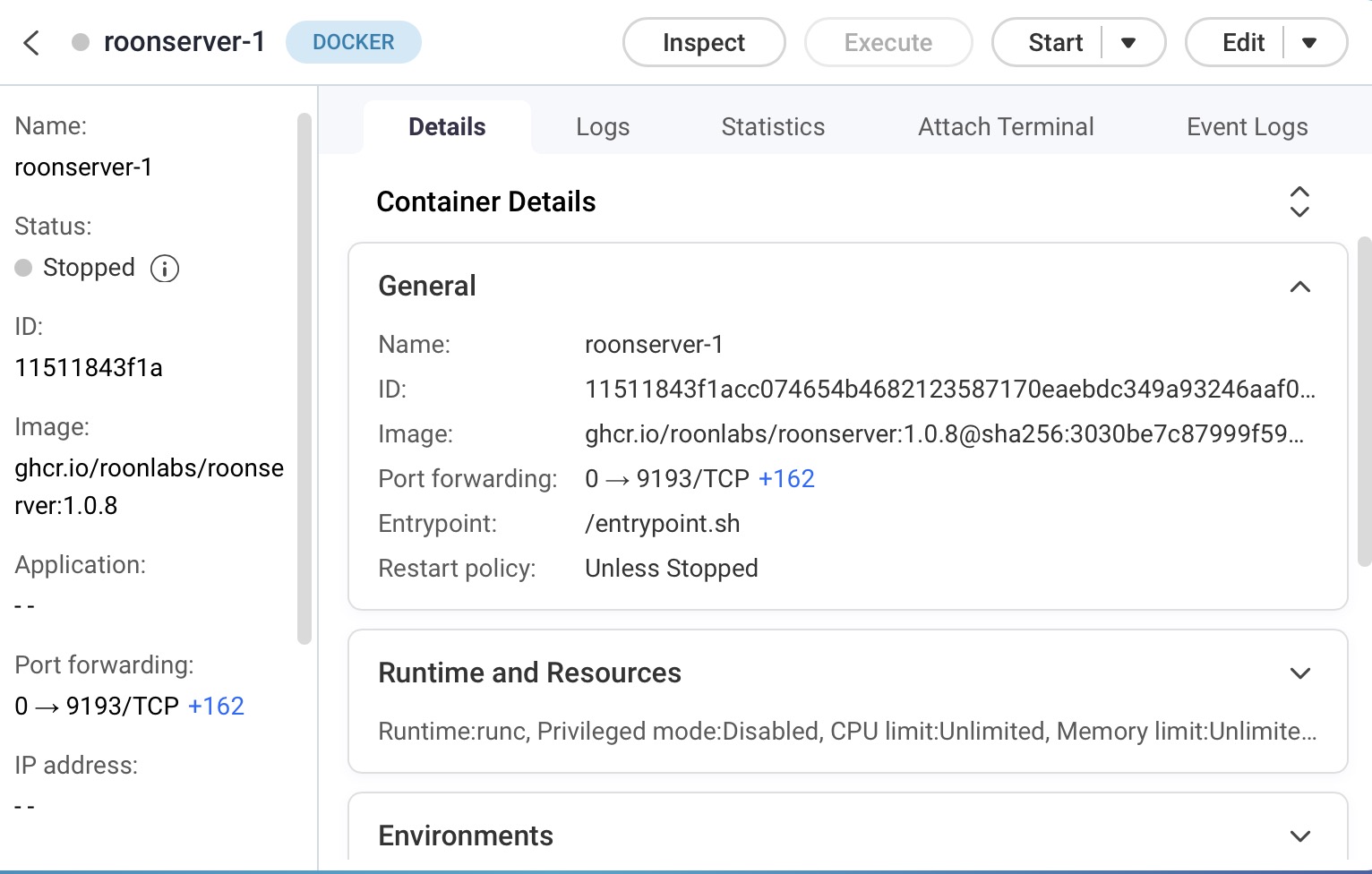
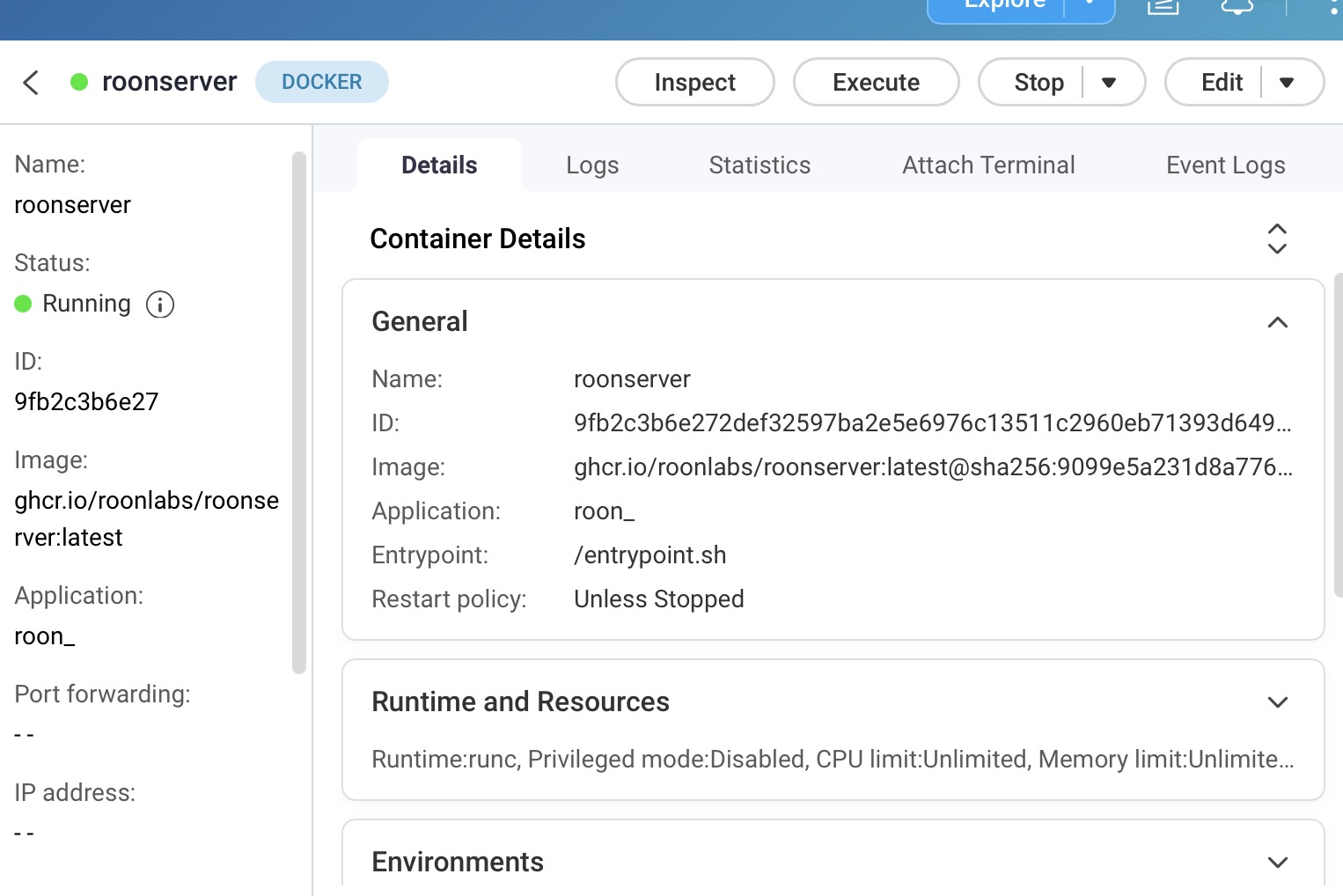
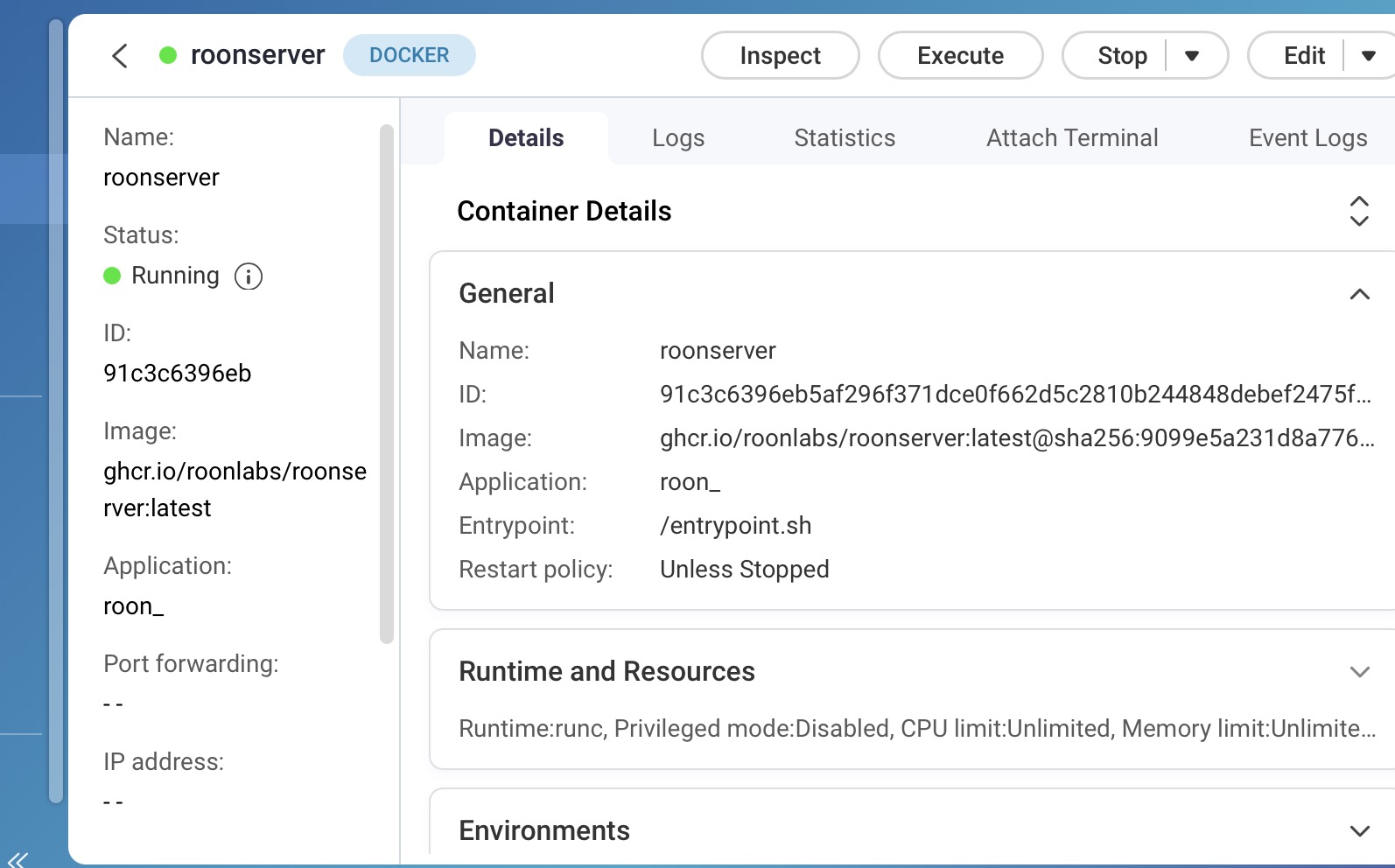
This is what the Docker images look like. Roonserver is the old version which works. Roonserver-1 is the new version which installed when I did a Pull and Recreate. It does not work.
Why would you have roonserver and roonserver-1 if you did a Recreate on roonserver?
From your screenshots, thanks for these, one can see that roonserver-1 is setup/created in a different way (not an application so no Docker Compose file used) - so I’m not surprised it doesn’t work.
I don’t know why I have roonserver-1, I just followed the instructions to update the Docker.
I have deleted roonserver-1 and started again.
I have gone to the Images tab in Container Station and performed a Pull action on the Roon Server image. A new image was downloaded so I went to the Applications tab and selected the Recreate action on the Roon Server application. Now on the Images tab I now have two Roonserver images, the versions are “1.0.8” and “latest”
1.0.8 is “Unused” and latest is “In use”.
On the Containers tab I have one Roonserver, but Roonserver still does not update and Roon ARC still does not work.
What am I doing wrong and why do I have to do all this low-level stuff - can Roon not make it update seamlessly?
Thanks for the screenshots and for sticking with this. They show exactly what’s happening.
Your Pull worked, but the new image was saved under the name 1.0.8. Your Roon Server application is set to use the image named latest, which on your QNAP still points to the old version. So each Recreate builds Roon Server from the old image again. That’s why 1.0.8 shows as “Unused”.
The fix is to tell your application to use 1.0.8 by name. Your Roon library, settings and login are stored in a folder on your QNAP, outside the container, so they aren’t affected by these steps.
Ensure you have a recently saved Roon Back up first
In Container Station, open the Applications tab, click your Roon Server application and choose Edit.
In the text box, find the line that starts with image: and change Package roonserver · GitHub
to Package roonserver · GitHub
Leave everything else exactly as it is, especially the network_mode: host line and the folder mappings.
Click Validate and wait for the green checkmark, then click Update (or Recreate).
Open the Logs tab for the roonserver container. Near the top it should now say Roon Docker image 1.0.8 starting.
Open Roon and go to Settings > About. Roon Server should update to build 1716. Your remotes and ARC should connect once they’re on the same build.
When everything is working, go back to the Images tab and delete the image marked Unused.
Please don’t use the button next to an image on the Images tab. That creates a separate container without your settings or host networking, which is why your remotes couldn’t see roonserver-1.
We know this is more hands-on than it should be. This one-time image update is needed because of a bug in older Docker images that stopped Roon Server from updating itself. Once you’re on 1.0.8, future Roon updates should install automatically again.
If any step looks different on your screen, send us a screenshot of the Edit screen from step 3 and we’ll take it from there. For reference, here’s our QNAP Docker guide.
I tried to follow these instructions. In Container Station I opened the Applications tab, clicked on the Roon Server application and chose Edit. There was no text box.
Also, in your instructions you say: “In the text box, find the line that starts with image: and change Package roonserver · GitHub to Package roonserver · GitHub” - is this a typo, there does not seem to be any change?
In the end I restarted the QNAP server and retried the Pull/Recreate sequence and it worked this time.
Now, Roonserver has updated and Roon ARC is working again.


 button next to an image on the Images tab. That creates a separate container without your settings or host networking, which is why your remotes couldn’t see roonserver-1.

