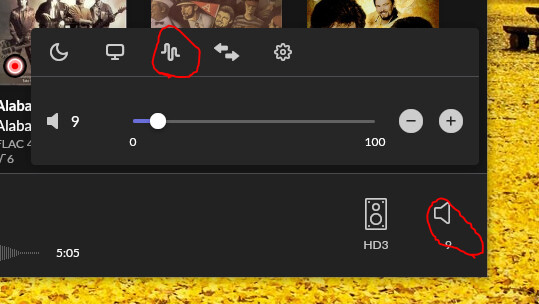
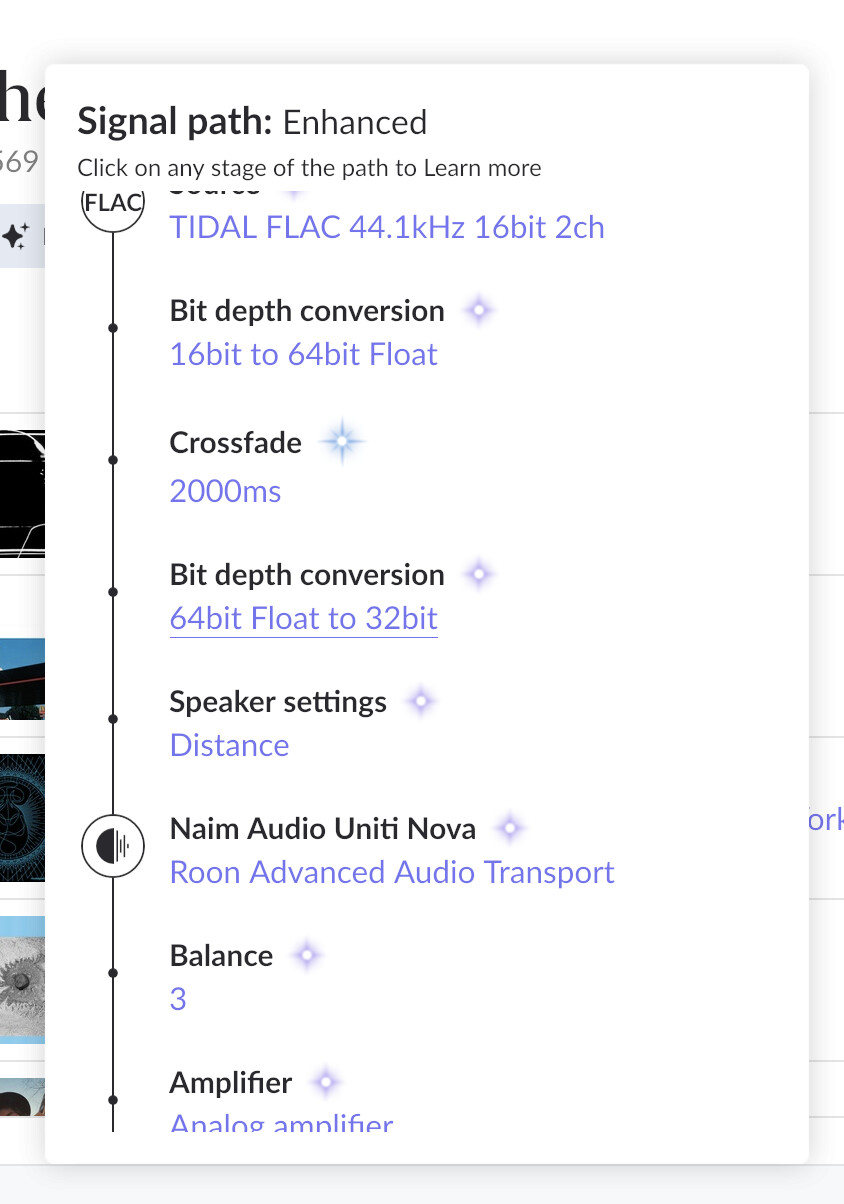
my signal path shows balance at 3. i have no idea why, ive tried in many ways to bring it back to zero but its not working. tried consulting all the ai wizards and tried everything they suggested but balance is still 3.
Describe your network setup
i have a strong modem 600 megabytes per second. its connected by ethernet to a naim uniti nova all in one amp. my speakers are chario lynx. computer im using is macair m4 brand new.
i posted the screenshot above this comment. ive tried messing with all the filters, turning them all off and rebooting the connection to the naim, you name it. nothing changed that balance.
Thanks for writing in and for sharing the screenshot of your signal path! Both @Carl and @Geoff_Coupe are correct in their above statements - Roon is handing off the audio signal to the Nova, which shows additional DSP being applied.
With Roon Ready, the Signal Path is transparent to downstream device stages in the audio chain. RAAT itself does not apply gain or volume adjustments after the signal leaves Roon. This has two practical consequences for this thread:
Any gain or volume adjustment applied within Roon will appear as a stage in the Signal Path. RAAT cannot silently modify the signal.
The +3 dB you see in the Signal Path originates from the Naim firmware, because it is applied after the signal leaves RAAT’s control.
If you haven’t already, please try rebooting and then factory resetting the Naim unit. Reach back out here if you’re still having trouble, but I also recommend escalating to their [url=https://www.naimaudio.com/assistance?category=faq-naim-audio]support team[/url] directly.
Please reach back out if we can clarify any details further. We’ll be happy to continue helping!