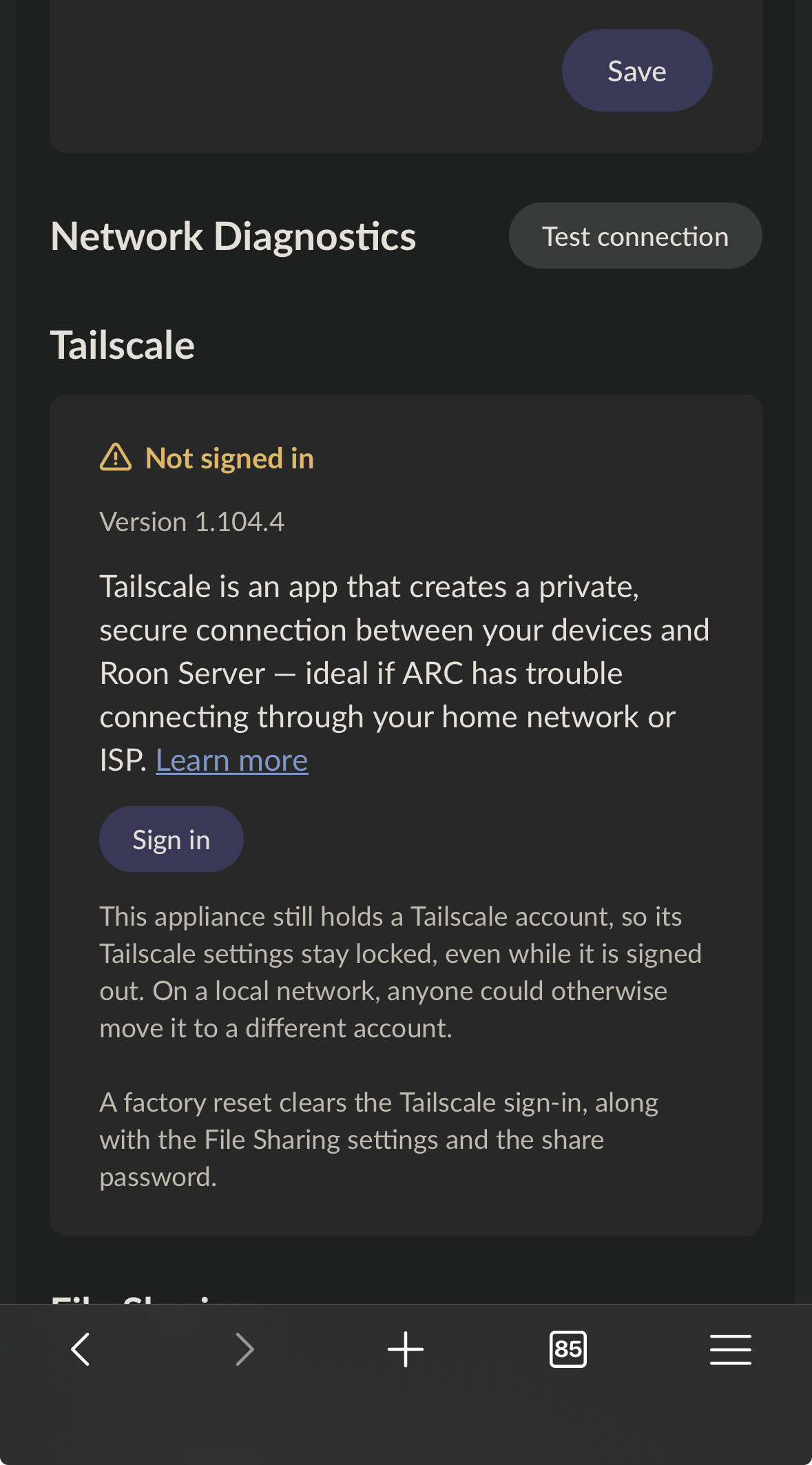
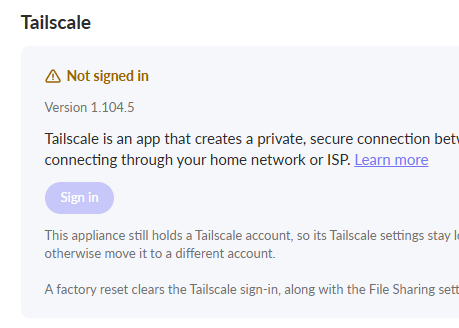
Be aware (if you use Tailscale) if you want to upgrade to RoonOS 3.0 it will leave Tailscale locked out and your Tailscale settings locked.
The helping text tells you, to log into Tailscale again you have to do a reset from the web-interface, which will erase ALL Roon settings and databases, network settings, the Tailscale sign-in, and File Sharing settings.
So make sure (which is per definition impossible) you have a working (and recent) backup of your Roon database and be ready to manually set up the other settings that are lost during the reset.
BUT if you log into Tailscale (web) and reauthorize your ROCK machine, Roon OS 3.0 reports to that Tailscale is logged in after that.
The RoonOS web interface told me, that I was locked out of Tailscale and that the Tailscale settings was locked. And from what I could find - and was told in the helping text - the only solution was/is (?) to reset all settings (!) to be able to log in to Tailscale again. But reauthorizing the machine in the Tailscale web interface made the RoonOS web interface reporting that I’m logged into Tailscale.
Unfortunately Roon ARC on my iPhone can not se my server (I guess I should have stayed on RoonOS 2.1).
I had to do a reset of all settings in Roon. Fortunately, this was one of the times when it was possible to restore from a backup. After this I was able to log in to Tailscale and I am back where I was before I updated to RoonOS 3.0 - i.e. i can use Roon ARC.
But I think that a reasonable warning before updating to RoonOS 3.0 is that you may risk having to do this reset and restore from a backup (with the risks this entails). Perhaps a solution would have been to log out of Tailscale before the update? If applicable, it should be highlighted in the update procedure.
Luckily, I don’t need Tailscale anymore. If I would have needed it, this update had made some trouble for me. The sign in button doesn’t work, deleting Rock from tailscale does nothing either. Reauthorizing is not an option. Stuck at this until a factory reset which I won’t do.
Apparently it didn’t break anything for the vast majority of users. There are 3 people with a complaint here in this thread, after updating probably tens of thousands.
Anyone who has a problem should, as always, open a support case in Support via Get Help
Don’t put words into my mouth. I did not say it’s alright.
However, there’s always some fallout when updating tens of thousands of machines. It’s inevitable and nobody can test all configurations. Who knows what affected people had done.
If you want help, then open a support case. Goodbye.
Same issu, I’m unable to sign out from tailscale in the web app of the server, even after deleting my tailscale account and reloading my server.
Unable also to reconnect to tailscale.
Big issu and I don’t want to reset.
Should I wait a fix from the next update ?