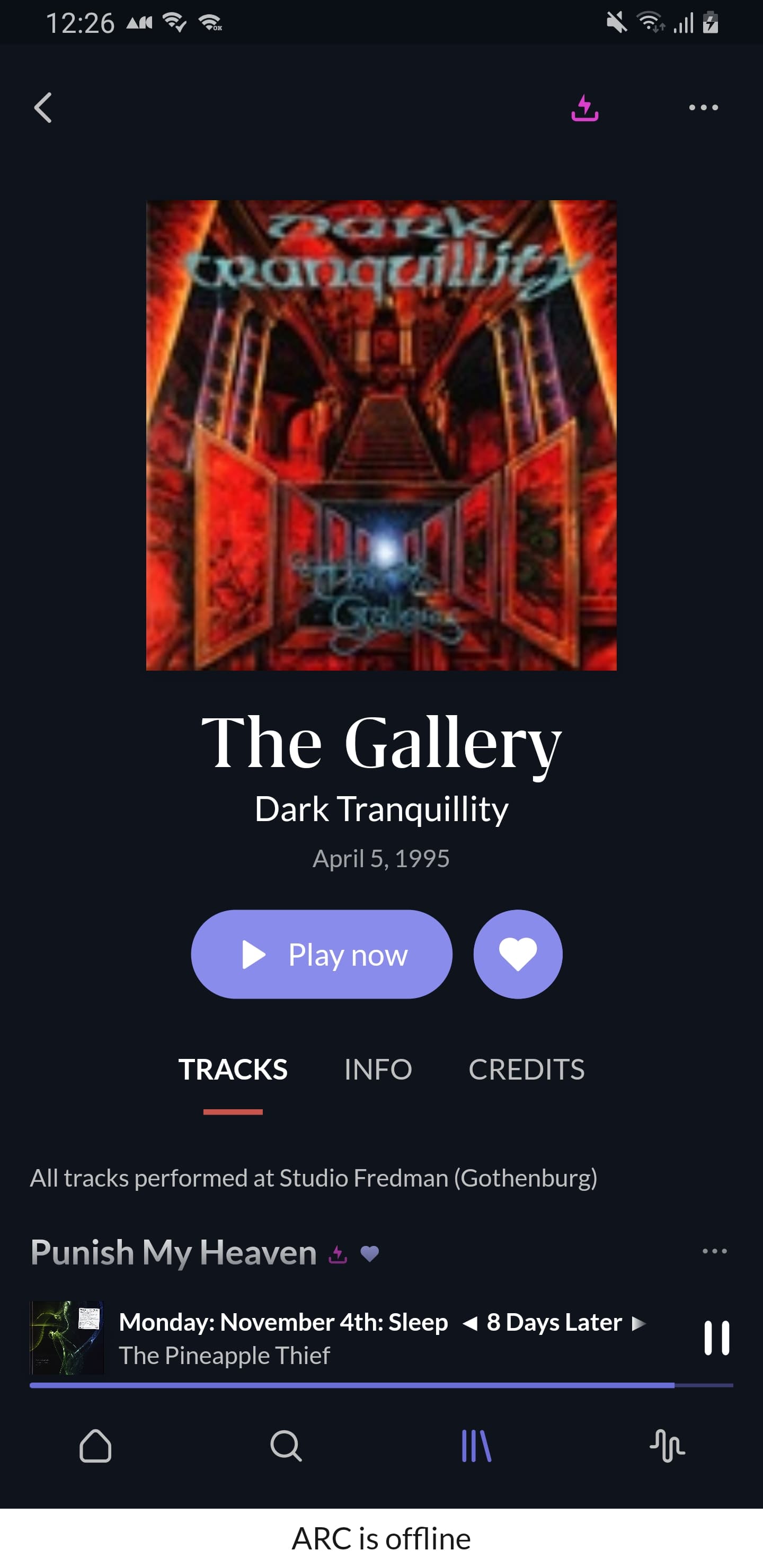
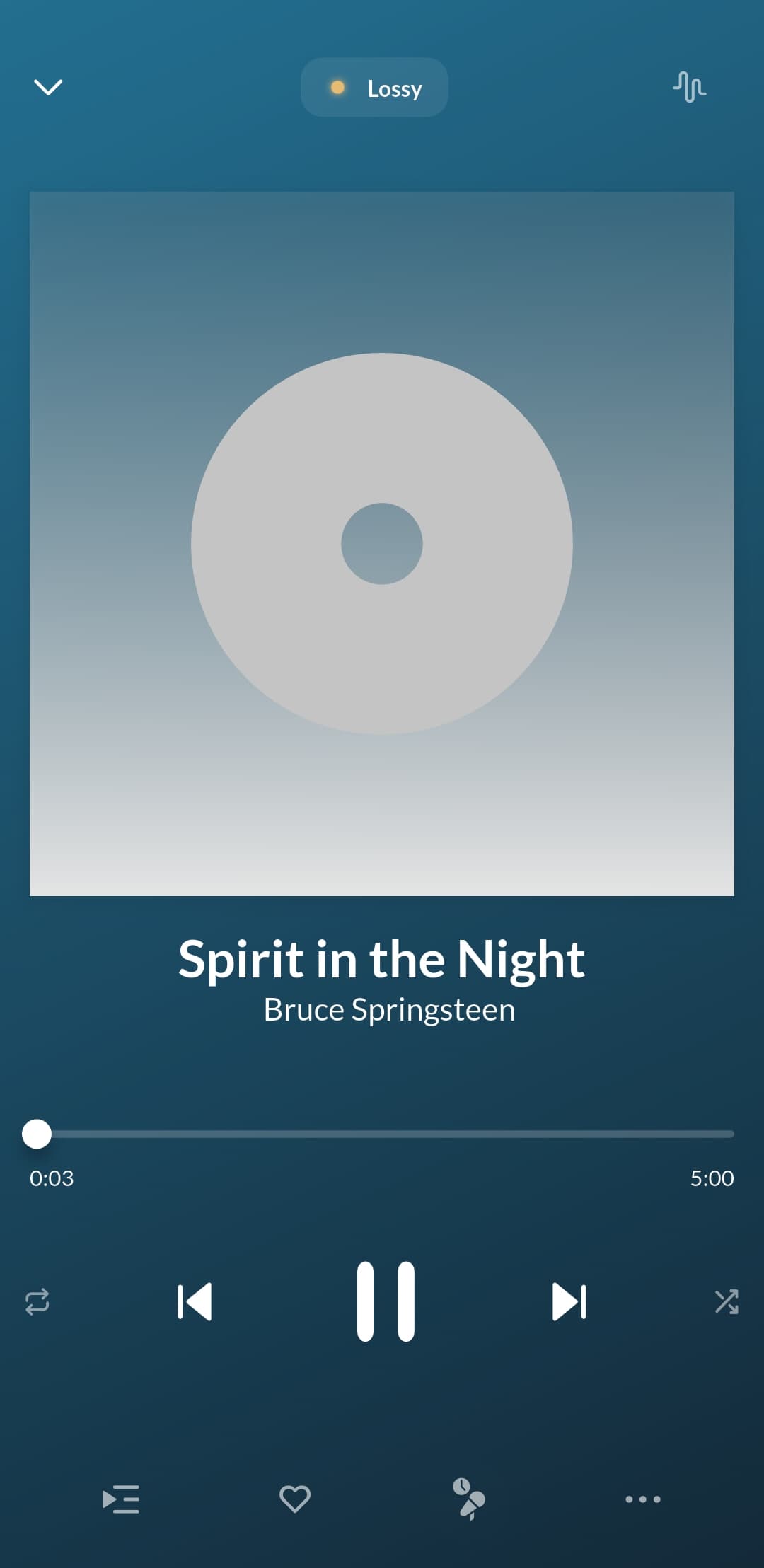
B262: 11 albums downloaded and immediately switched to offline mode.
No missing covers but many in low resolution.
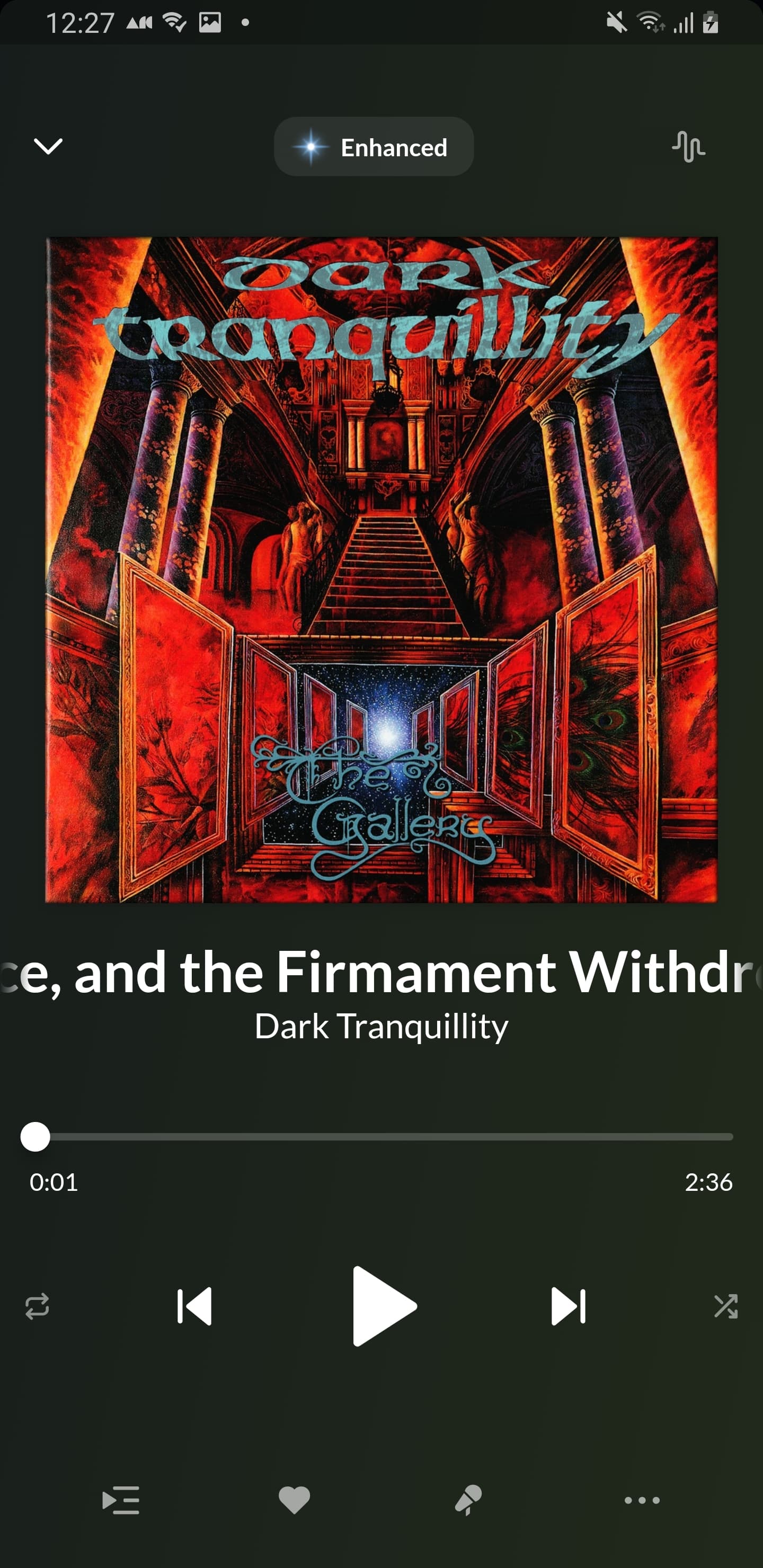
A necessary clarification: the covers are in low resolution only on the album page. If I play one of these albums on the “now playing” screen they appear in full resolution
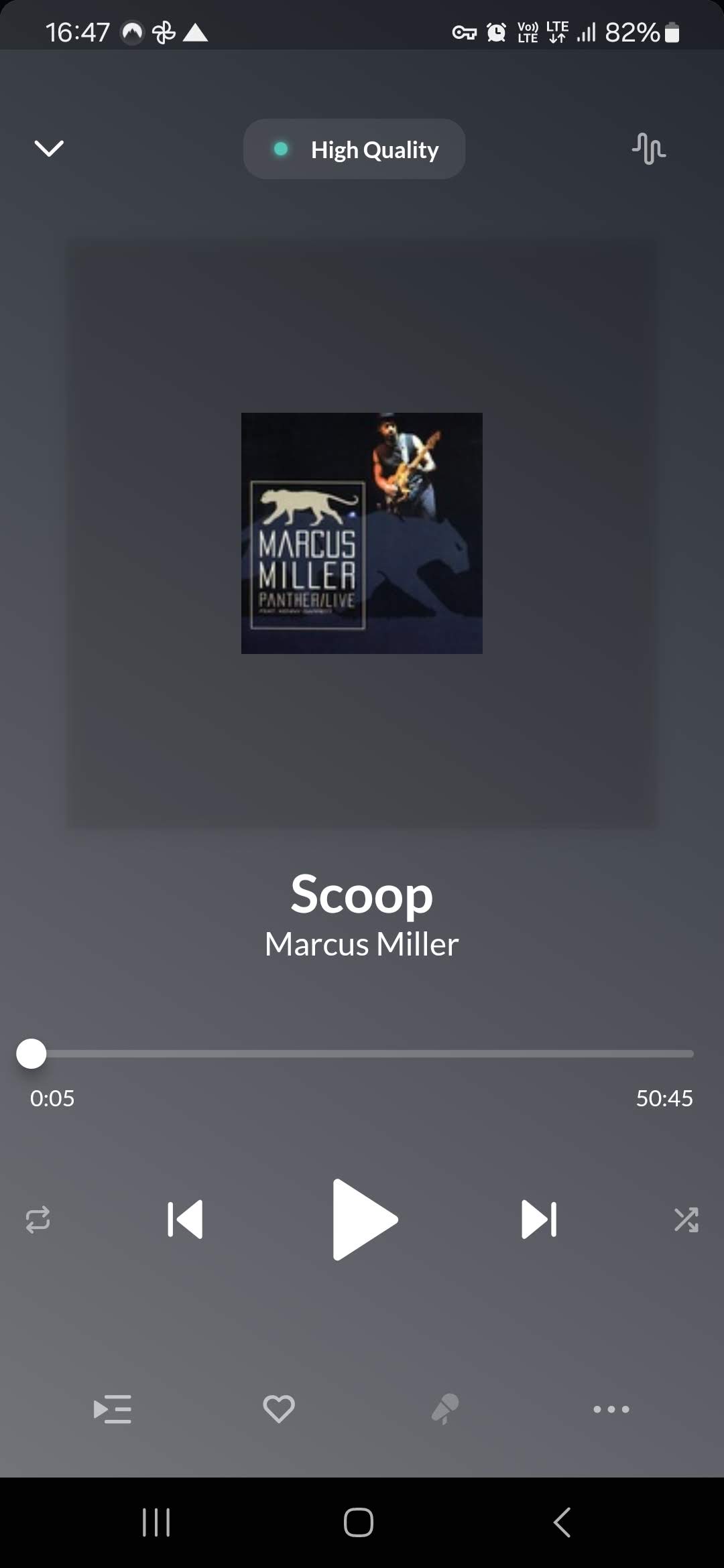
I’d add one more strange observation. Some of the graphics that are displayed on album page in low res, on the Now Playing screen are displayed in a much smaller size.
Urgh. Confirmed by me as well, I also have low-res images again in offline, sometimes they are fine on the Now Playing screen but sometimes there are small images like in @Piotr_Pekala‘s screenshot.
So annoying, it had already looked so hopeful for me. I don’t get why images would degrade after some time, just leave them alone once they are there
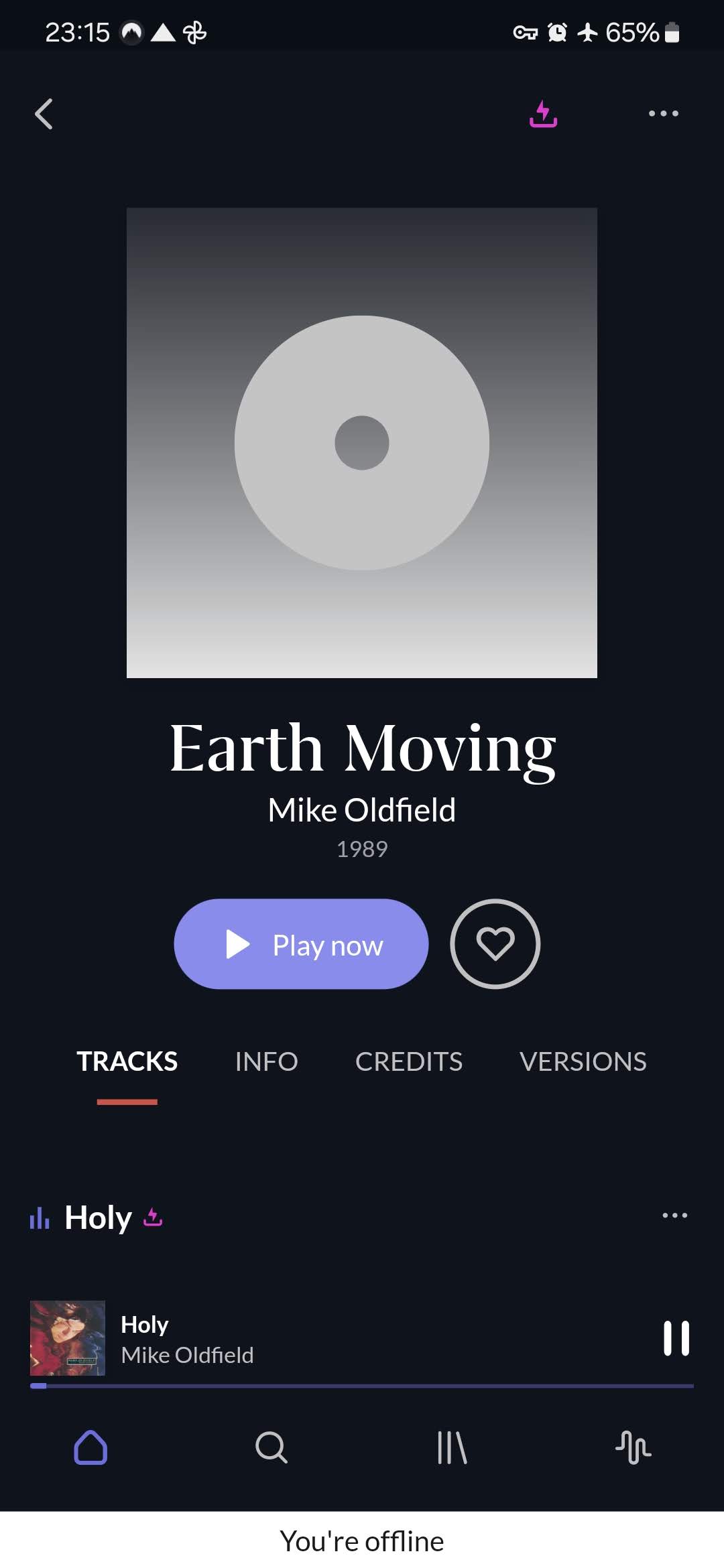
I just took the app offline and a cover that was there in the download list this morning is now grey.
I went inside the album and the cover is there in high resolution. I go back to the download list and the cover is there again.
I don’t understand how ARC handles downloaded album images, but it’s definitely not fixed
When you open album from the Library–>Downloads the images are usually available.
But often if you open album from the main screen (for example from Recent Activity) then graphic is not available in the album details but…visible underneath in Now Playing