8 posts were split to a new topic: Other computer projects to keep me occupied
Yes we can help. Latest version should be easier too as the dev changed the permissions of its install so it should be able to access stuff prior you had to meddle with Linux permissions.
4 Likes
Did my first backup today (Samsung T7 - 1TB):
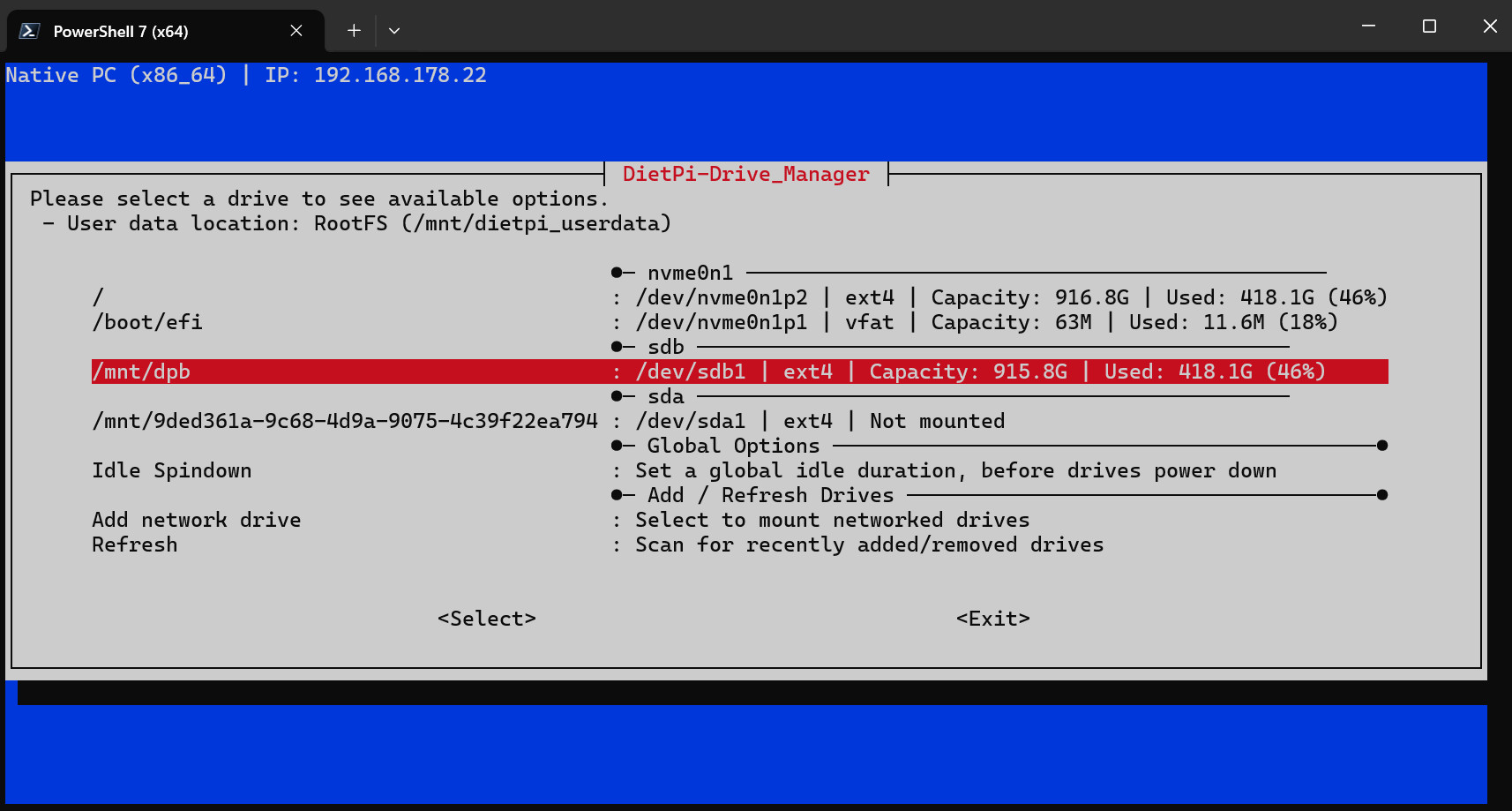
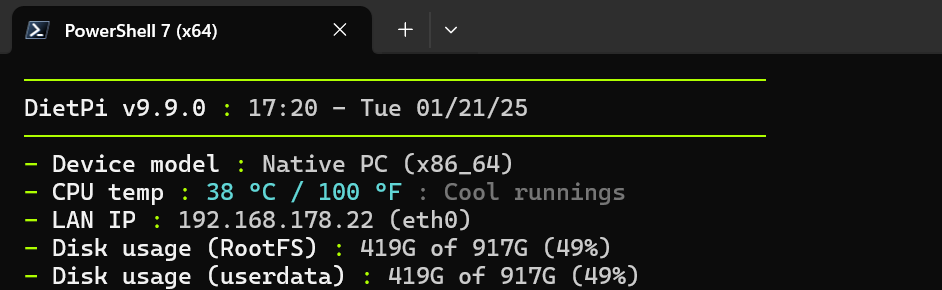
I did get a final “OK”, so I hope everything is OK.
But, the backup is a bit “overkill”  I already have a backup (3) of all my music:
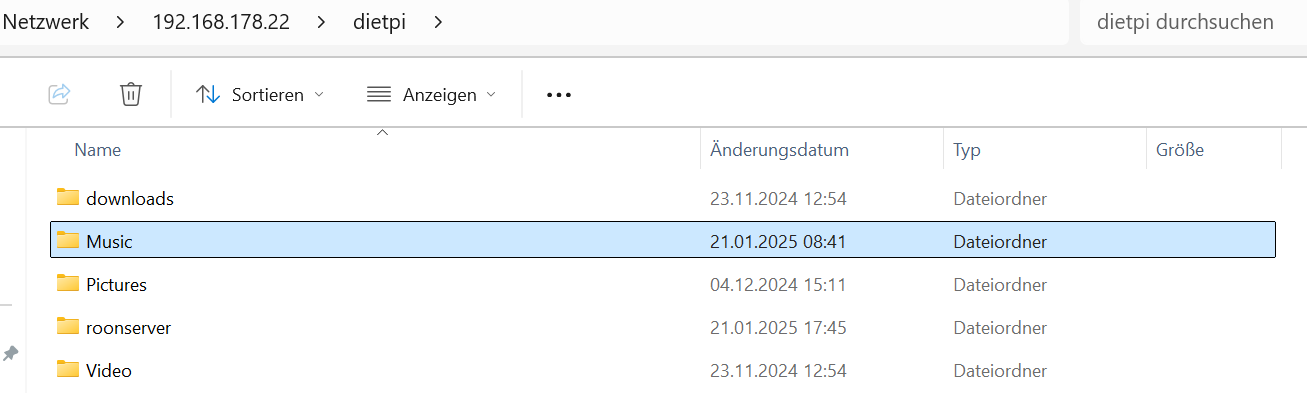
So I probably don’t need a backup here of “Music”.
But how to set that up in DietPi? Big Q
Torben
You can tell it to ignore dietpi_userdata or certain paths by editing the dietpi backup config.
1 Like
@MichaIng and the rest of DietPi gang
Q: Can it be, that DietPi don’t support Thunderbolt 4.0?
When I attach the below to my Intel NUC13ANHi7 (DietPi), do support Thunderbolt 4 - there is no connection. Lights up for 1 sec. and than turns off. There is also noting in Drive manager.
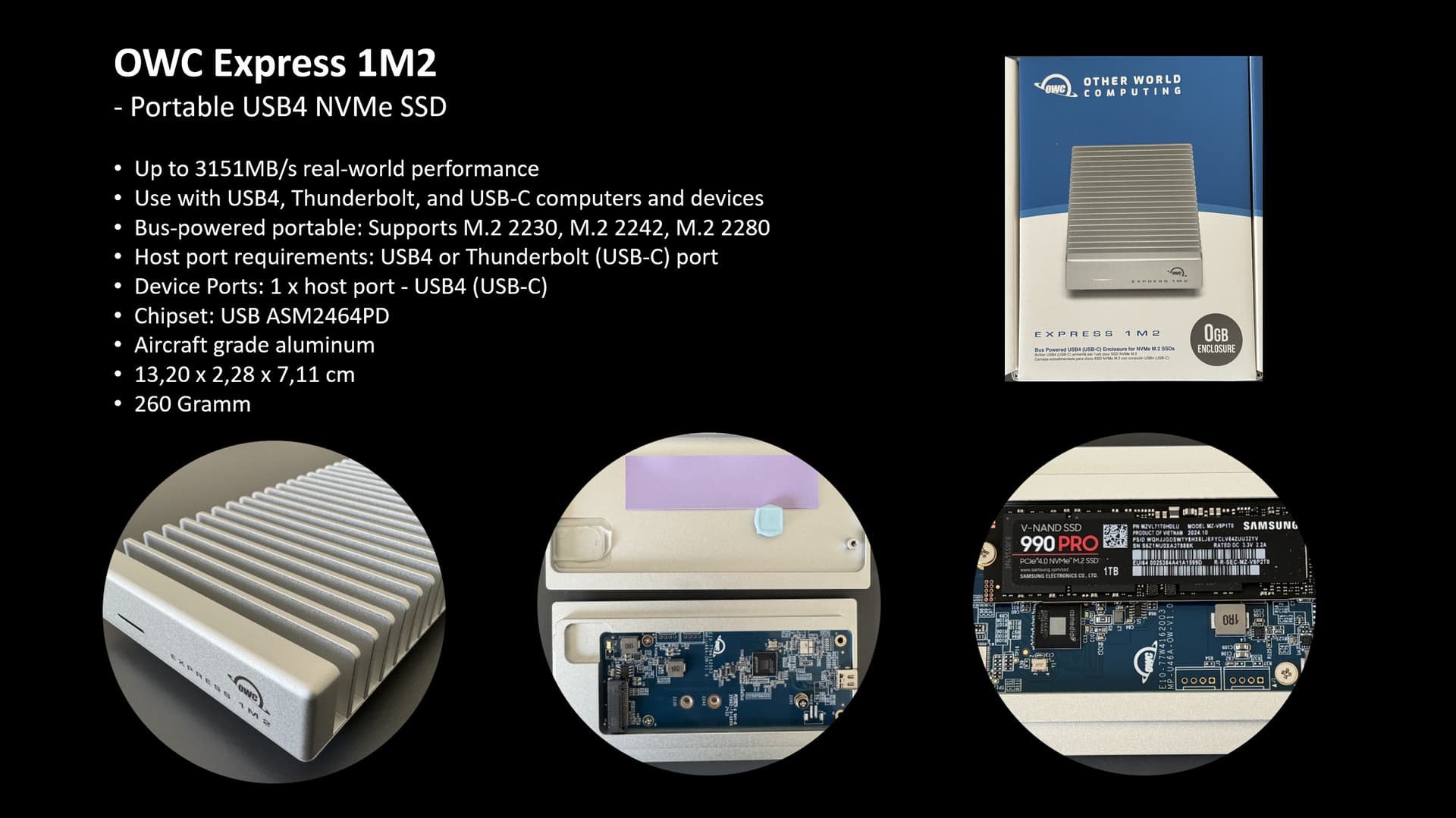
Attached to my Wibndows 11 (H670M-ITX/ax) it works just fine - but only as USB 3.2 Gen1
THX
Torben
Debian supports Thunderbolt, Dietpi is based on Debian.
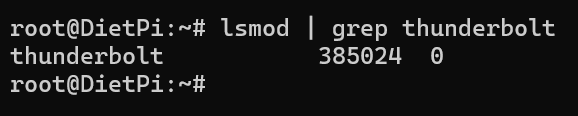
Check its installed the correct kernel module
lsmod | grep thunderbolt
If it is you may need the extra drivers.
sudo apt install bolt
sudo apt install thunderbolt-tools
1 Like
Does the device show up on lsusb? And are there any kernel errors?
dmesg -l 0,1,2,3
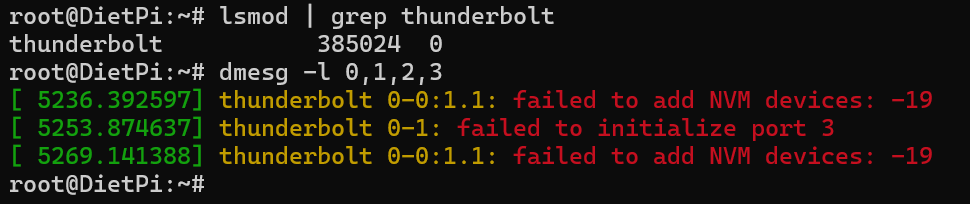
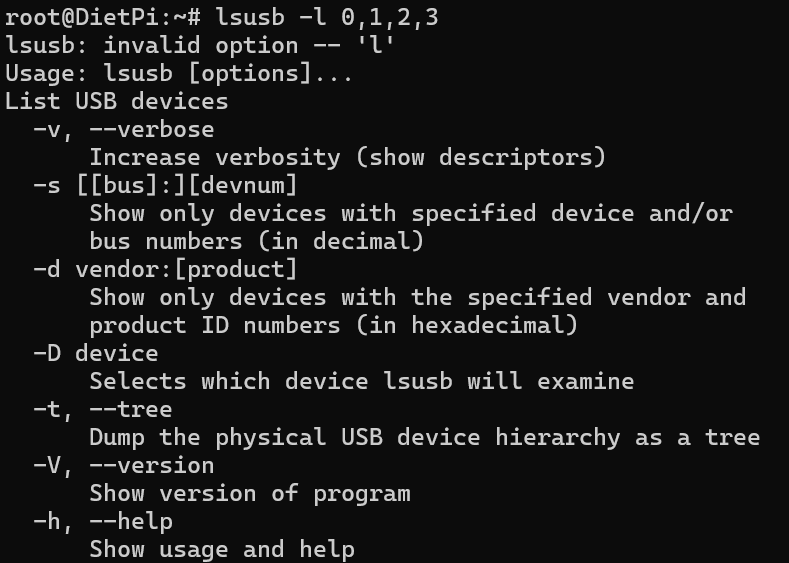
I mean lsusb, not lsmod. But not even sure whether Thunderbolt devices are supposed to appear in the USB devices list.
The kernel errors look pretty much related. I sadly could not find any hint online 
Which underlying Debian/kernel version is it?
echo "$G_DISTRO_NAME"
uname -a
Did you install the other applications I listed? Your likely going to need them…
Thunderbolt uses direct pci access I believe so will be seen as nvme drive which it’s trying to do but failing.

@MichaIng it looks like Thunderbolt 4 has some extra security layers which might be part of the cause.
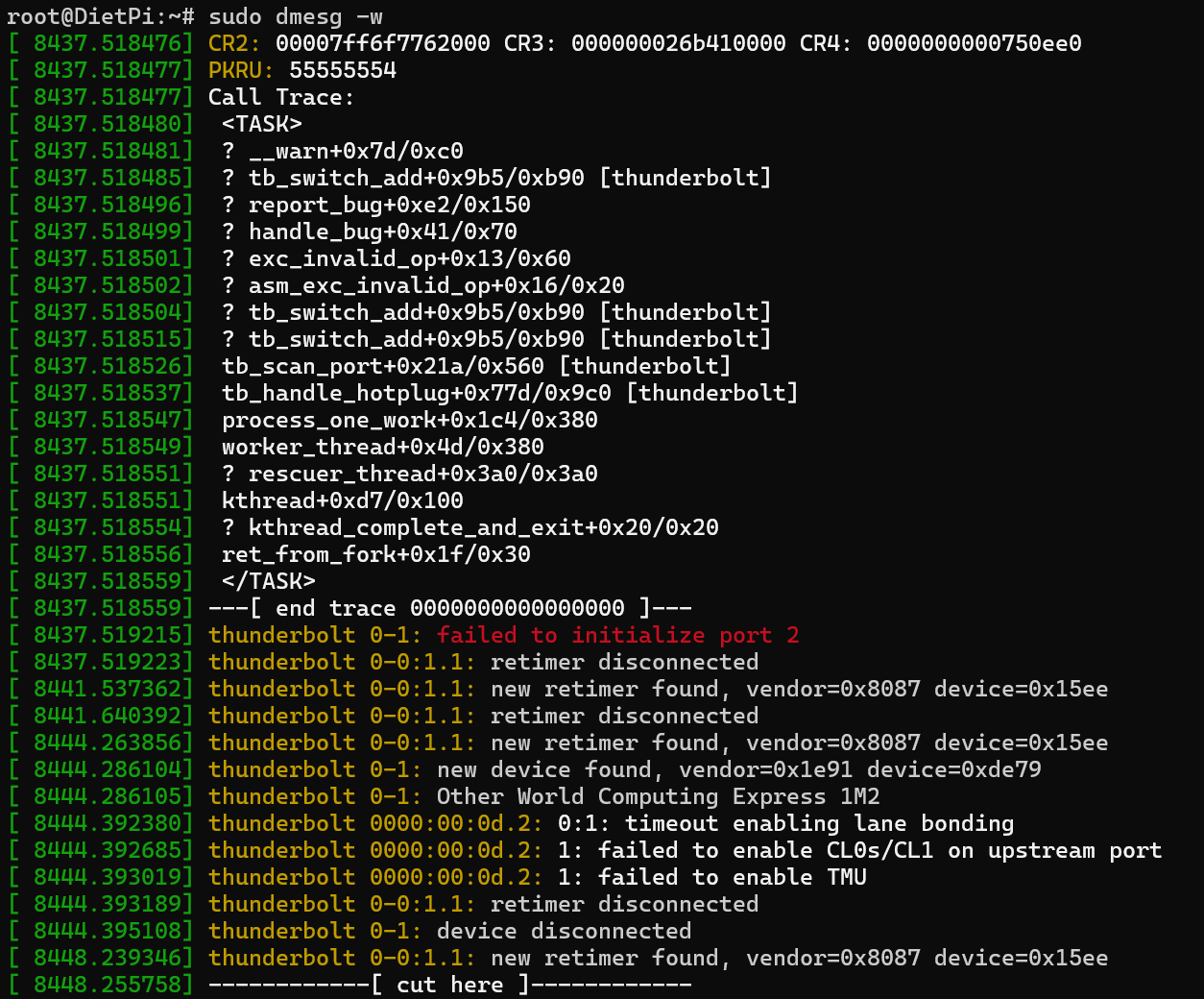
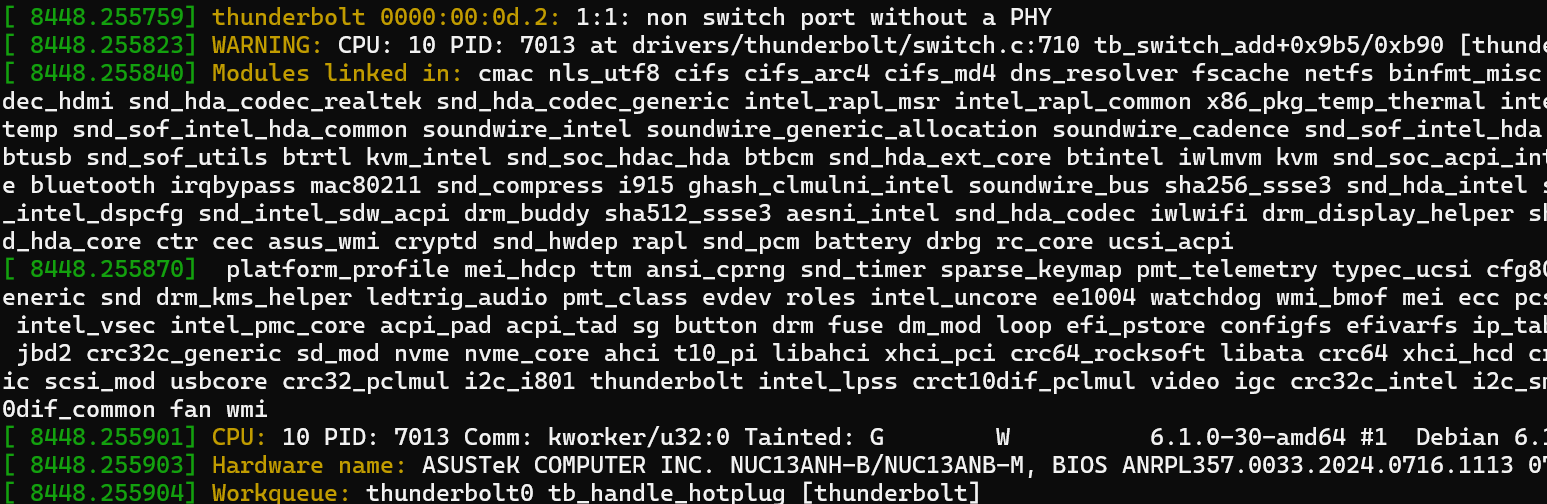
OWC Express 1M2 comes with a USB 4.0 cable and my NUC13ANHi7 do support Thunderbolt 4. So it should work.
If I use a USB C cable that is not Thunderbolt certified than it works. But this is not a good solution.
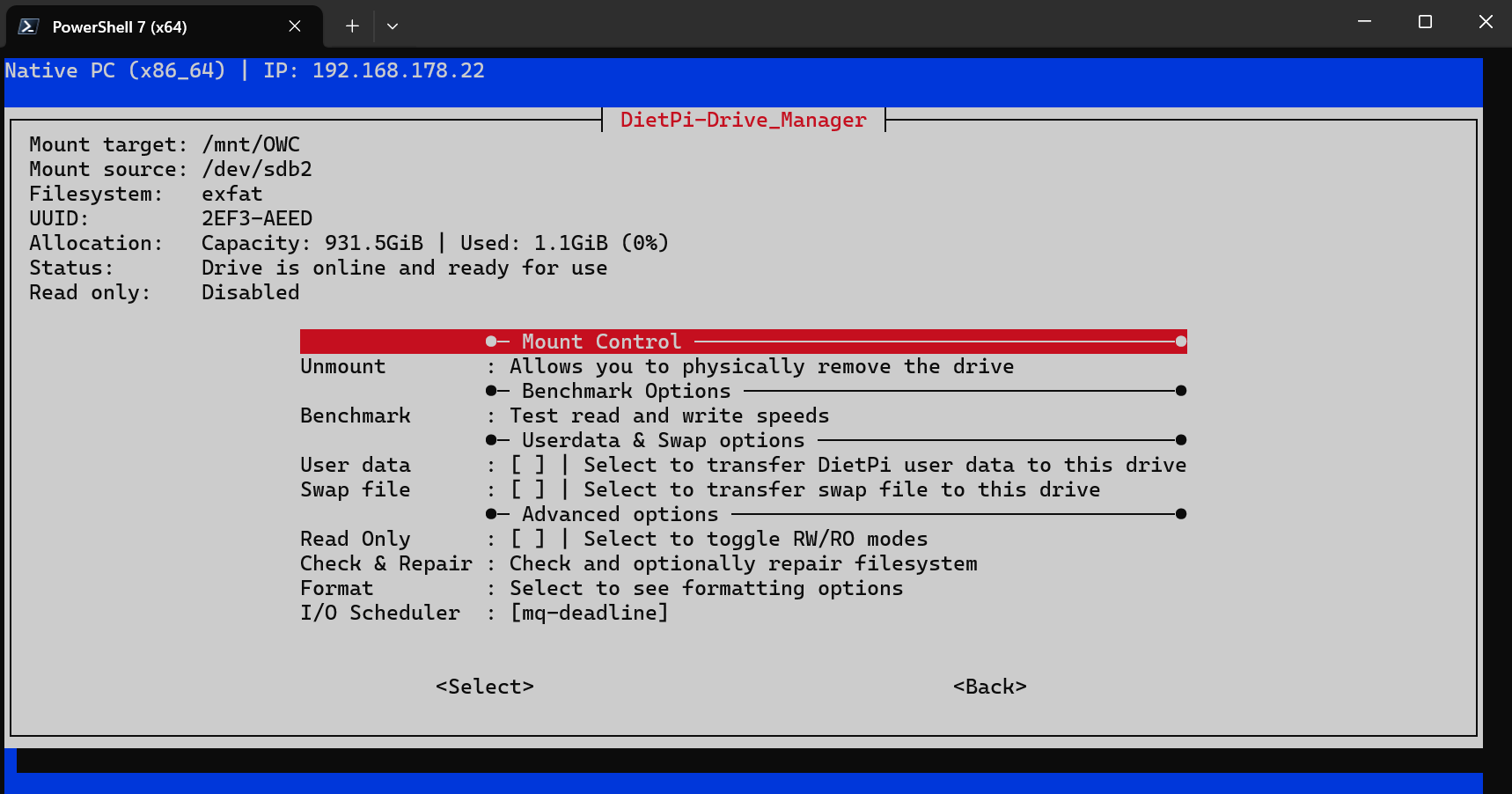
Under Roon:
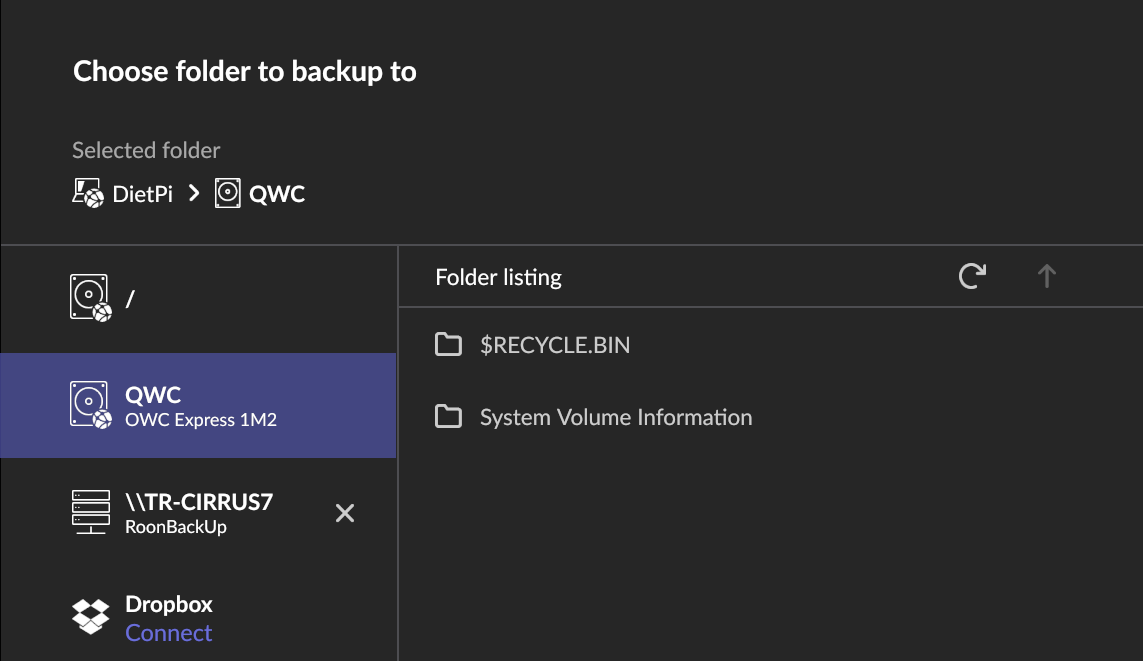
But where is the problem?
Torben
Weird. I don’t know much about Thunderbolt, but this is something on the kernel level. Hence you could try to install the newer one from Bookworm backports:
sudo apt update
sudo apt install -t bookworm-backports linux-image-amd64
3 Likes
That must have been the problem (something on the kernel level) After installing and restart the Thunderbolt drive works - even with the right cable (USB 4.0)

@MichaIng - BIG THANKS (DANKE)
Torben
4 Likes
Great! Linux 6.1 should have Thunderbolt 4 support already, but obviously it has been enhanced until Linux 6.12.
1 Like