I’m adding another step, so Roon links open in your default browser.
wine regedit
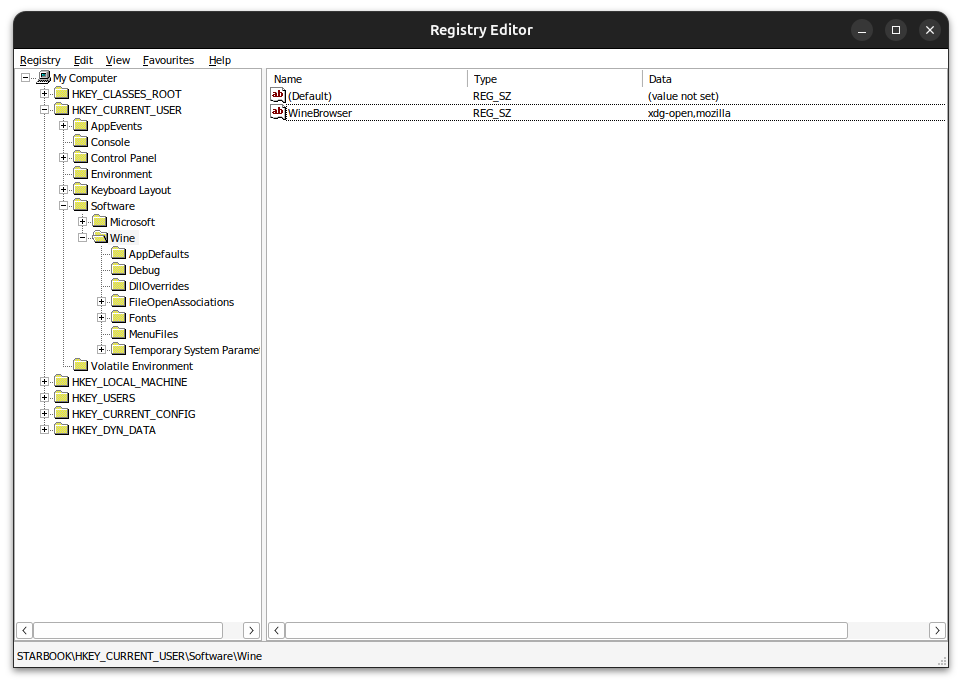
Open HKEY_CURRENT_USER, and create the following key under Software → Wine.
# Type: String
xdg-open,mozilla
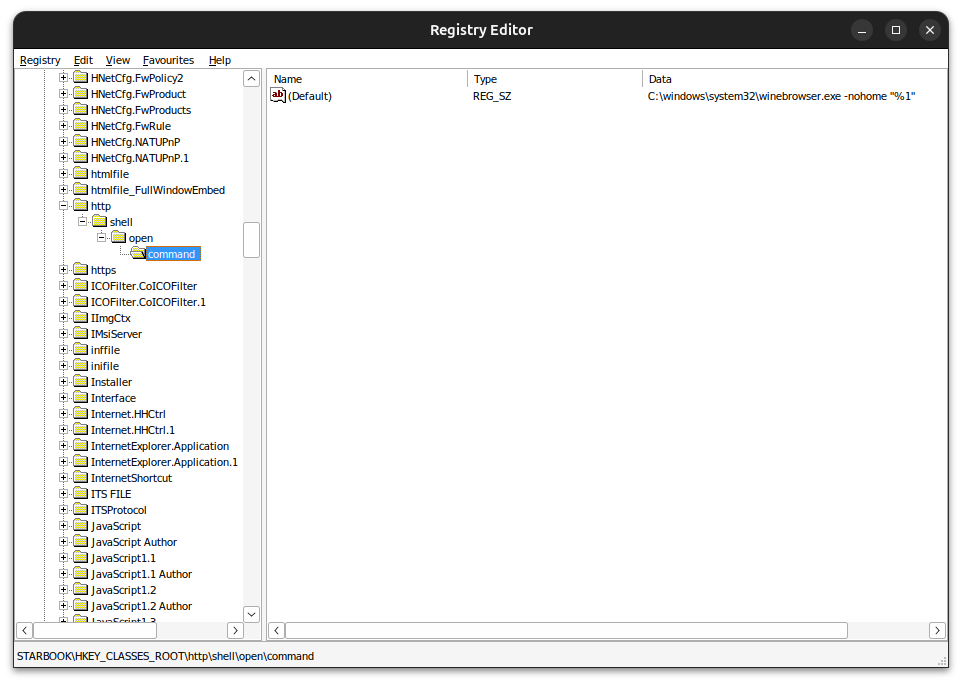
Next, open HKEY_CLASSES_ROOT, and browse to http → shell → open → command, and append "%1" to the string.
# Type: String
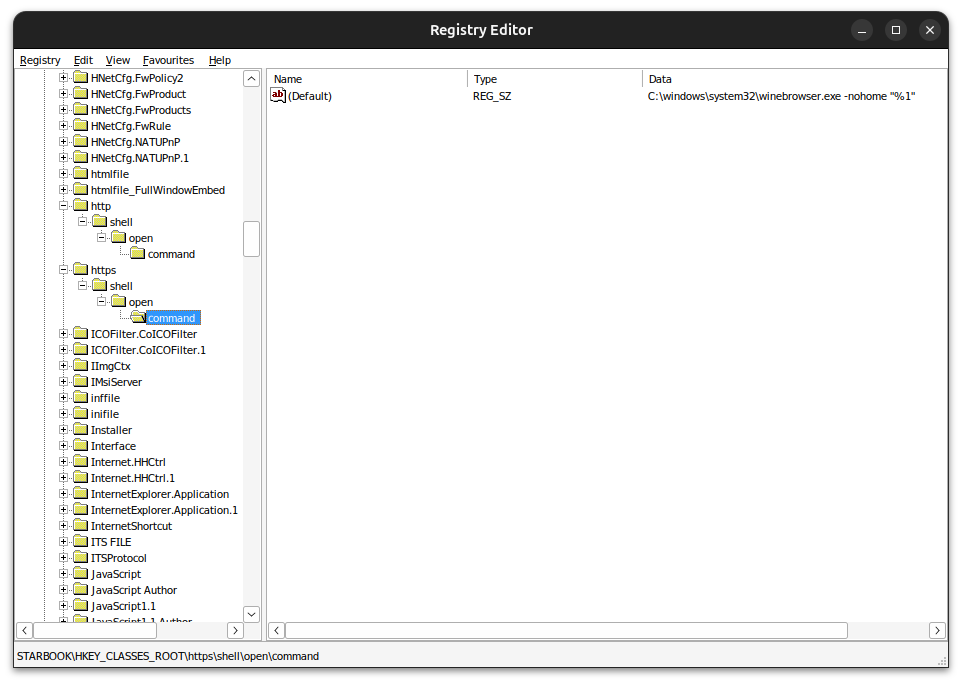
C:\windows\system32\winebrowser.exe -nohome "%1"
Finally, repeat the last step for https → shell → open → command.