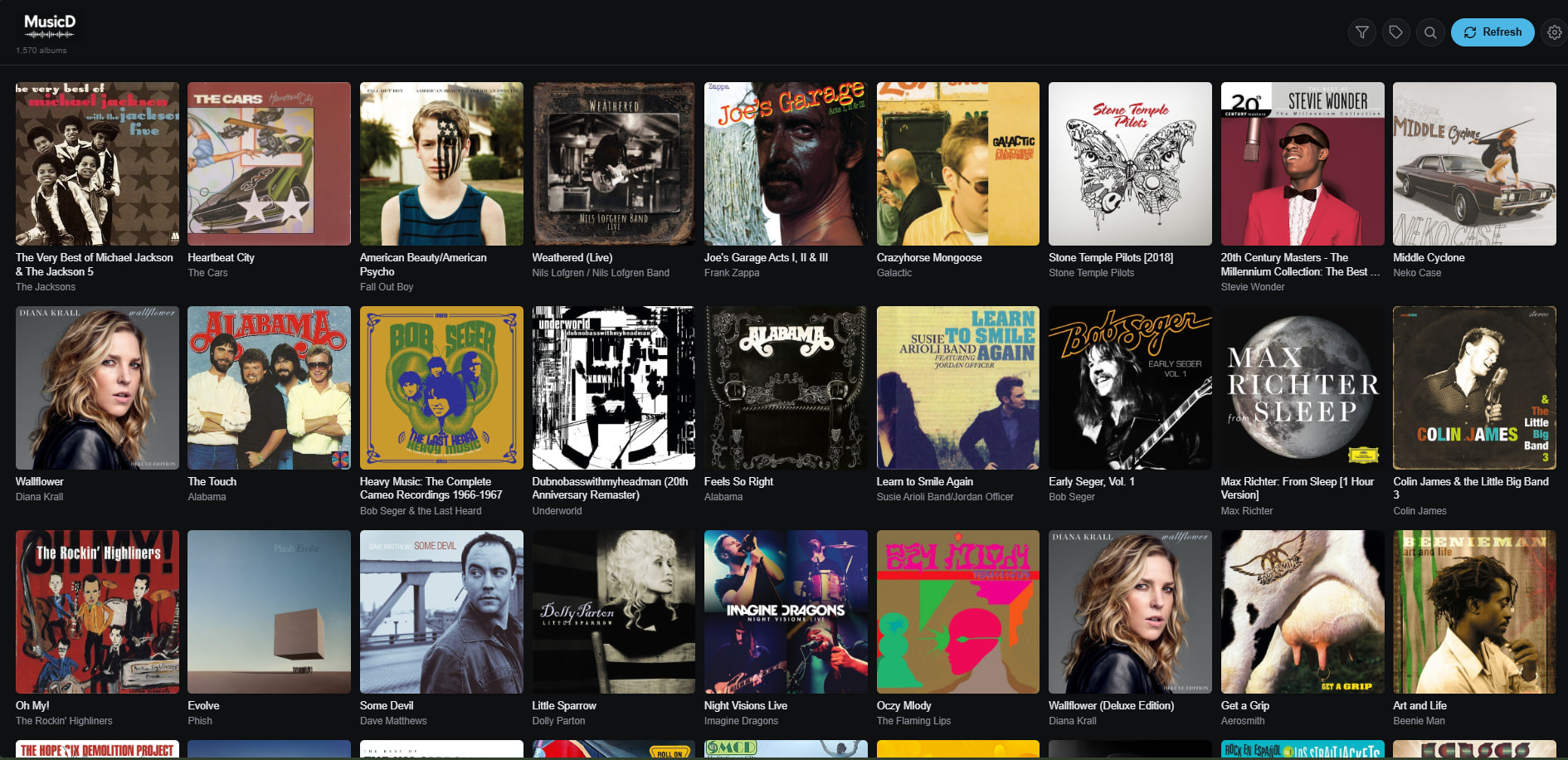
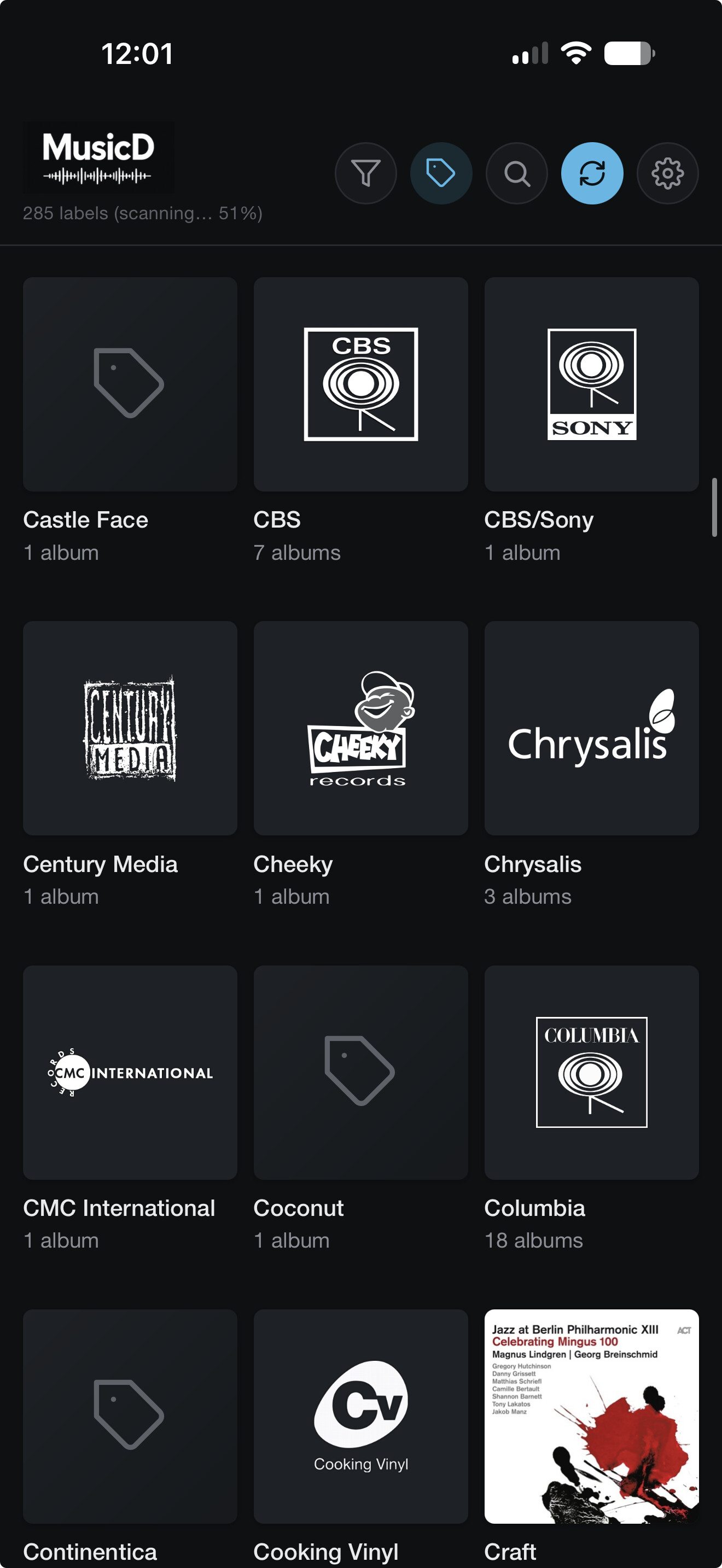
Still scanning am as you can see I have 285 labels so far. So creating tags and smart playlists would take forever.
I checked and the Roon SDK doesn’t allow me to create an extension to automate tag or smart playlists. That would be too easy 
Still scanning am as you can see I have 285 labels so far. So creating tags and smart playlists would take forever.
I checked and the Roon SDK doesn’t allow me to create an extension to automate tag or smart playlists. That would be too easy
I’ll push v1.5.8 out as an update for anyone interested. I’ve managed to speed it up. My library is ~12k albums.
Any chance of setting this up as a docker? I’d definitely run it on my UnRaid server alongside my Roon instance if it were available.
Thanks MusicD!
Between your compose and build commands, and ChatGPT, I have it up and running with a minimum of fuss. Haven’t had time to play with it much, but at first blush, it looks good!
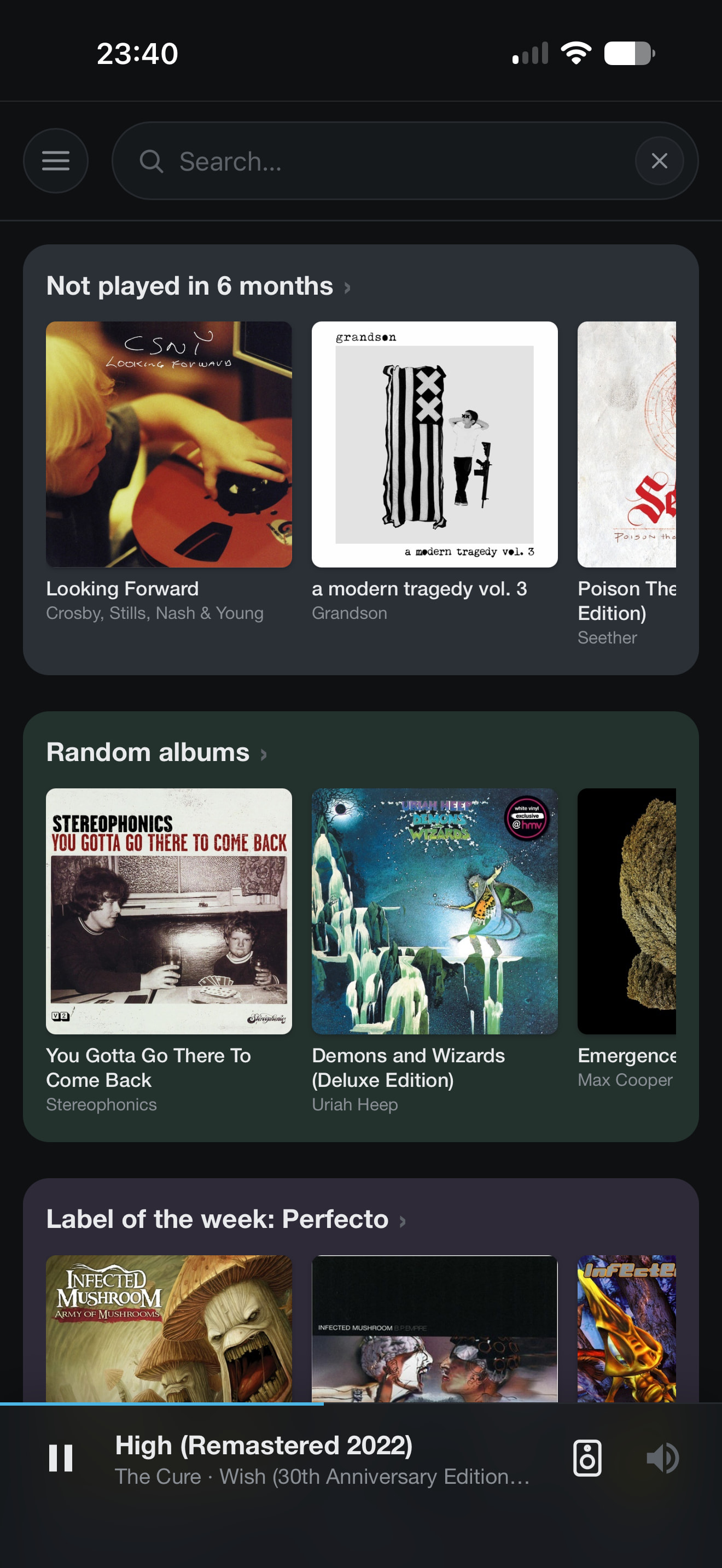
I’ve had some time spare and changed a few things and added a good number of new things.
• New docker installation method - includes migration from native install - easier to maintain
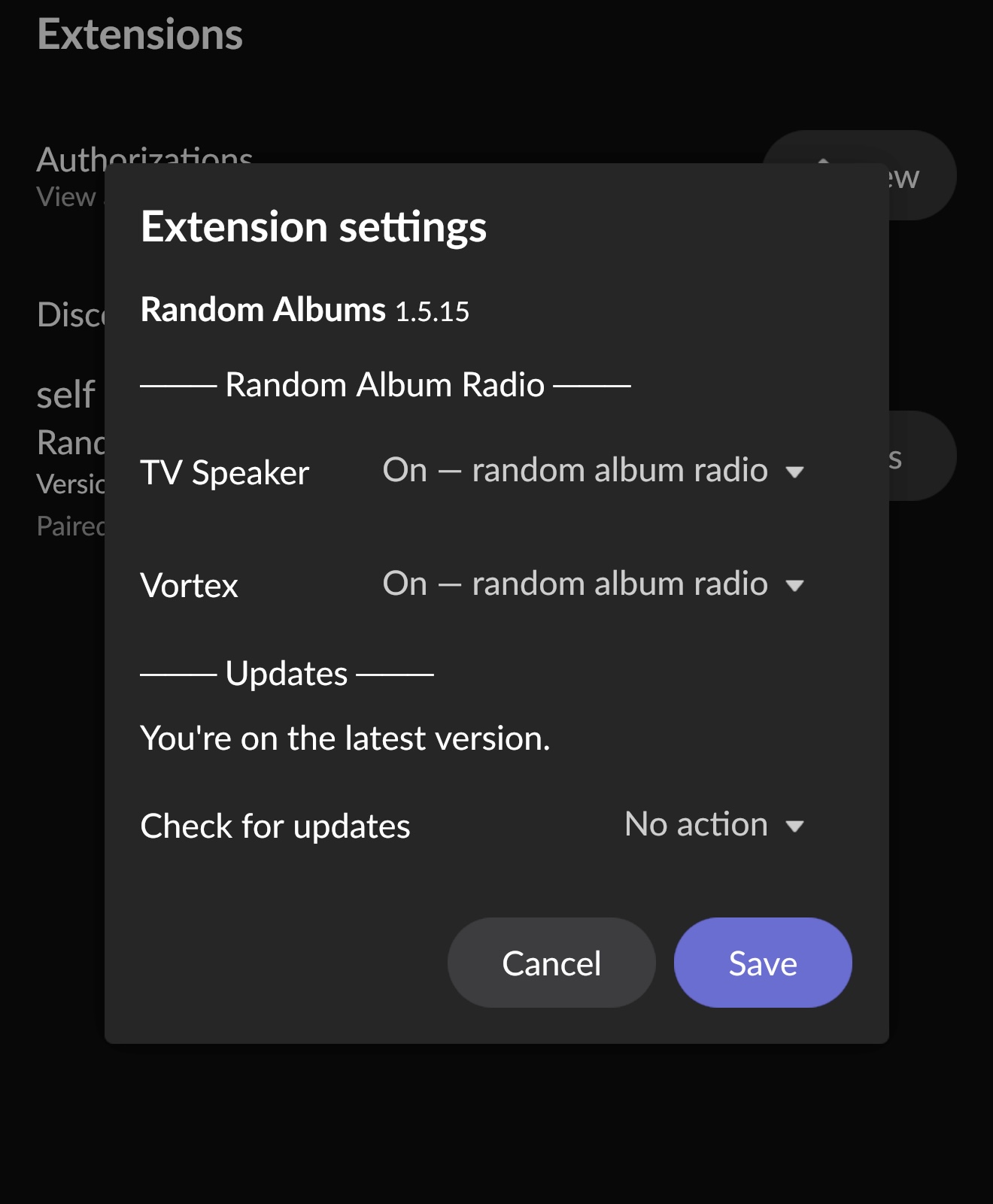
• New settings options from within Roon’s Extension page - set random album per zone without using the extensions UI (remember to turn off Roon Radio on the queue page) - check for update and manual install if available - introduce for those times you don’t want to use this extension
• Introduced a small database for Labels - this was to fix a glaring issue whereby a restart/reboot or update would destroy the scanned process of acquired labels and start the process again - the DB now stores this data - allows for expansion of the extensions possibilities
• Added more ways to label match Roon’s library of albums - the limitation of Roon API requires out of the box thinking - I’m monitoring the progress on this
• Artist names on the album view screen are links to that artists albums within your library
• a few tweaks here and there
Hi All who use my extension.
Claude had a very bad time yesterday in implementing some new things. It mainly broke them. Then it broke the extension in reverting back.
The current latest stable version is v1.5.35 (allows future in webUI rollbacks)
You can tell by the number of patches I had issues.
So if you managed to upgrade past this it’s worth downgrading.
The usual docker stop & rm and it worth deleting the roon-random-albums directory. The extensions data directory is untouched in this process so the labels scanning is saved in the database.
If you run into any issues, let me know here of raise an issue on GitHub.
Thanks
I still don’t switch to the docker extension and about it i have a question. Using the migration, after that process, the old installation is deleted automatically or do i need by myself? And in this case which are the steps?
Install docker first.
If you’re running an older native (non-Docker) install, follow these steps here
Then follow the cleanup steps here
I’ve been busy this afternoon trying to make labels better and also considering a second extension just for labels.
v1.5.37 - With this update I have been working on the labels section of the extension. I’ve changed the order to match labels and added a few extra tools to help.
I’ve resolved an issue where label fragmentation was happening. e.g. Universal Music America and Universal Music Europe would show separately. I didn’t think this was ideal, because I had 10 Universal Music labels. Could explain the 1883 labels I have 
The biggest change is the :ro (read only) access to your local files. Why? If like me you have metadata including labels, this becomes the fast way to build the labels page. Its easily done if stored on the same server. For network shares, these will work once you mnt the share and then add its path to the docker build commands below.
The choice is yours to add it or not. It’s docker so needs to be added via terminal. I’ve also set the directory to /opt/ and the /app/data directory remains untouched.
If you only use Qobuz or Tidal you don’t need to run the below command and can update within the webUI.
Change the path to your music.
sudo docker stop roon-random-albums
sudo docker rm roon-random-albums

# this can be skipped if you have installed to `/opt/` before
sudo mkdir -p /opt/roon-random-albums


cd /opt/roon-random-albums
wget https://raw.githubusercontent.com/meltface-80/Roon-Random-Albums-Extension/main/roon-random-albums-v1.5.37-docker.tar.gz
tar -xzf roon-random-albums-v1.5.37-docker.tar.gz
docker build -t roon-random-albums:1.5.37 .
docker run -d \
  --name roon-random-albums \
  --restart unless-stopped \
  --network host \
  -v roon-random-albums-data:/app/data \
# set your music path here
  -v /your/path/to/Music:/music:ro \
  roon-random-albums:1.5.37
Earlier than planned as I wasn’t invited strawberry picking 

v1.5.49 — this release rounds off a significant reliability pass on the label scanning pipeline. No new features; everything below is an improvement to existing behaviour.
data/labels-scan.log and is downloadable from the Labels UI for troubleshootingI’m nearly back to things before Claude messed up.
Worth noting, although my local file metadata is/was fairly good, I ran it through beets.io again with an emphasis on labels.
This will be the last update for a while. I’ve been testing it for a few days and the record labels side is pretty good now. Have a read of this as you’ll need to enter your own API token/key for Discogs and FanartTV to make it work as well as I have it working.
Hi - just fyi, had the old version installed, and it popped up instructions on moving to a docker install. I followed those … unfortunately didn’t notice that the tar line is extracting into current folder instead of a subfolder … if that’s right you might throw a mkdir on top.
Hello @MusicD, what a great job !
I haven’t explored all the new features yet…
Just a minor display issue — nothing urgent.
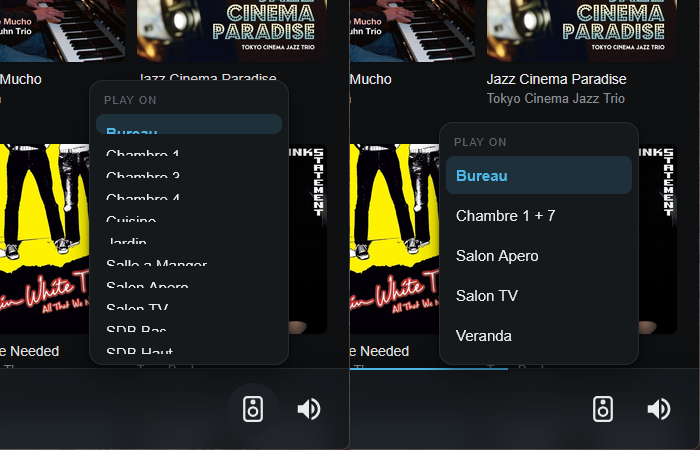
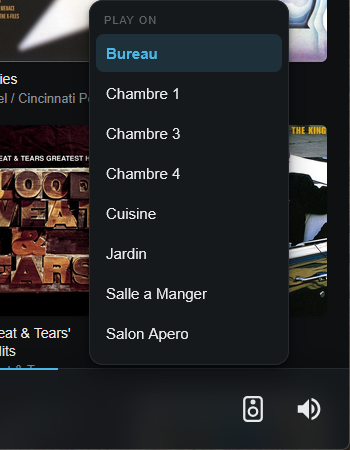
For your information, I have a maximum of 18 zones.
v1.5 Build 94
Display Firefox 152.0.4 (64 bits)
Screen 1920x1080
Hi @Dirk-Pitt , thank you 
I’ve looked at this and believe I have managed a fix. I don’t quite have that number of zones, so I’m unable to confirm if the fix fixes the issue. Let me know if it helps.
If you do a manual scan for an update, build 96 should show as available.
You’ll also have access to a few extra tweaks in relation to Qobuz if you use it.
I need to do some work to offer similar support for Tidal.
I’m also considering emulated smart playlists. Roon API doesn’t help here, so this would only be a feature within the extension.
Fixed ! Thanks a lot. 
I also subscribe to Tidal, so I’ll be able to test it out.
One more thing: I wanted to congratulate you because, as far as I know, your software is the only one that selects “Various Artists” albums. Well done. 
What can I say? I’m a genius I guess 
I’m glad the zone selector is fixed, thank you for confirming 
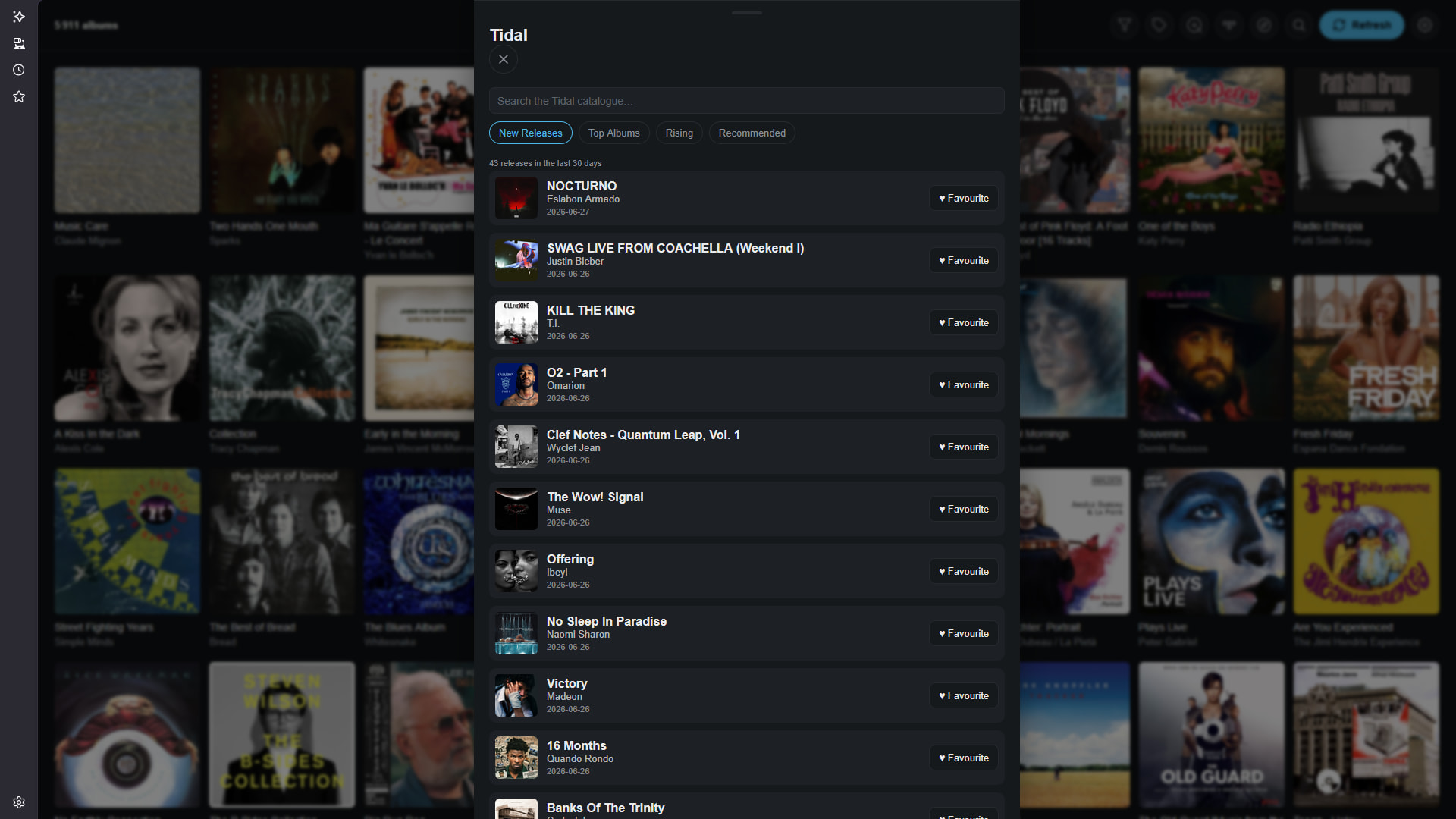
Much sooner than thought , Tidal integration. I setup a trial account, logged in via the settings in the extensions UI.
Feedback welcomed and enjoy.
I just upgraded to the newest non-docker version, and saw the notice about using docker going forward. I’m running UnRaid, so my dockers are all in /mnt/user/appdata/ Is it as simple as updating your script to change /opt/roon-random-albums to /mnt/user/appdata/roon-random-albums ?
In Unraid, all of the dockers I’ve installed are available CA (Community Applications), which uses a template that you update when installing in order to define network type, ports required, data locations, etc. The biggest advantage for me is that I have it configured to check for updates on all my dockers every couple days so I can keep everything current. Hopefully I can figure out how to set your app up to do this too!
Thanks for all your hard work on this extension. I really appreciate it, and I’m sure many others do to!