Answers Part2
@Michael_Schulz — how can one support? For right now, exactly this — engaging in the thread, telling me what you’d want, spreading the word to like-minded listeners. When the time’s right I’ll come back with a proper way to sign up.
@Matthew_Davis — architecture / bookmarks: Yes, it runs as a small local service on some machine on your network. I run ROCK myself so I can’t host the server on that — for now it runs on my always-on Windows HTPC. For deployment there are several options but nothing is locked in yet; it also depends on how much you want the app to do. There will probably be a lightweight tier that doesn’t need a server at all (web-only enrichment, no local content). If you do want local content surfaced, the server could live on a NAS, a Home Assistant add-on, or really any box that’s on when music plays. And yes — you open one URL in your browser and it always shows what’s playing right now. No refreshing, no re-bookmarking per album. You can also save the URL as an app in your browser and it runs full-screen like a native one.
@MarmiteSandwich — Qobuz, BubbleUPnP, user metadata: Totally aligned. The context side of the app is already agnostic — the only source-specific piece is reading “what’s playing right now.” The app currently listens to Roon’s API and, for testing the multi-source approach, to Volumio as well. My intention is to make it close to source-agnostic — system media player events, UPnP/DLNA broadcasts, etc. The moment I can get a reliable now-playing signal from Qobuz, BubbleUPnP or anything else, the rest of the experience just works. User-added metadata surfacing alongside whatever’s playing is a core principle, not a bolt-on.
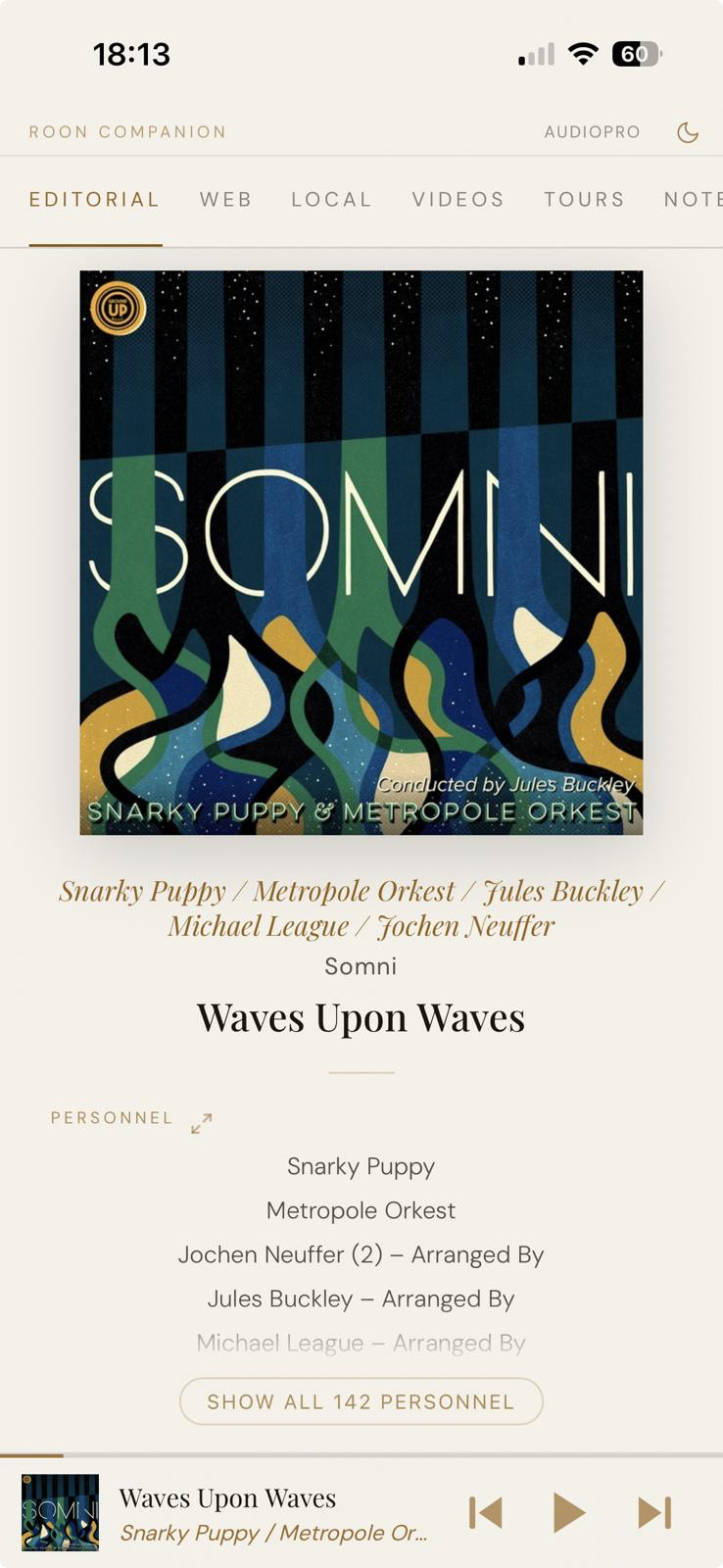
@basepi — plain text notes / scattered notes / “listen later”: Plain text stays the default, richer formats are opt-in. The scattered-notes problem is exactly what the bulk-import path is for. Point the app at your Couch export, a folder of markdown, clippings, whatever — it tags everything by artist/album/track and then each note surfaces on its own when the relevant music plays. You never have to manually re-file anything. That’s already in — see screenshot below.
Your “Roon listen later + a note about who recommended it” idea is a really clean mental model, and I want to find a good way to mirror it. Imagine each album in your listen-later queue carrying a short “why” note — who suggested it, what they said — that pops up the moment you actually hit play. Is that close to what you had in mind?
One more thing — AI editorials (feedback wanted).
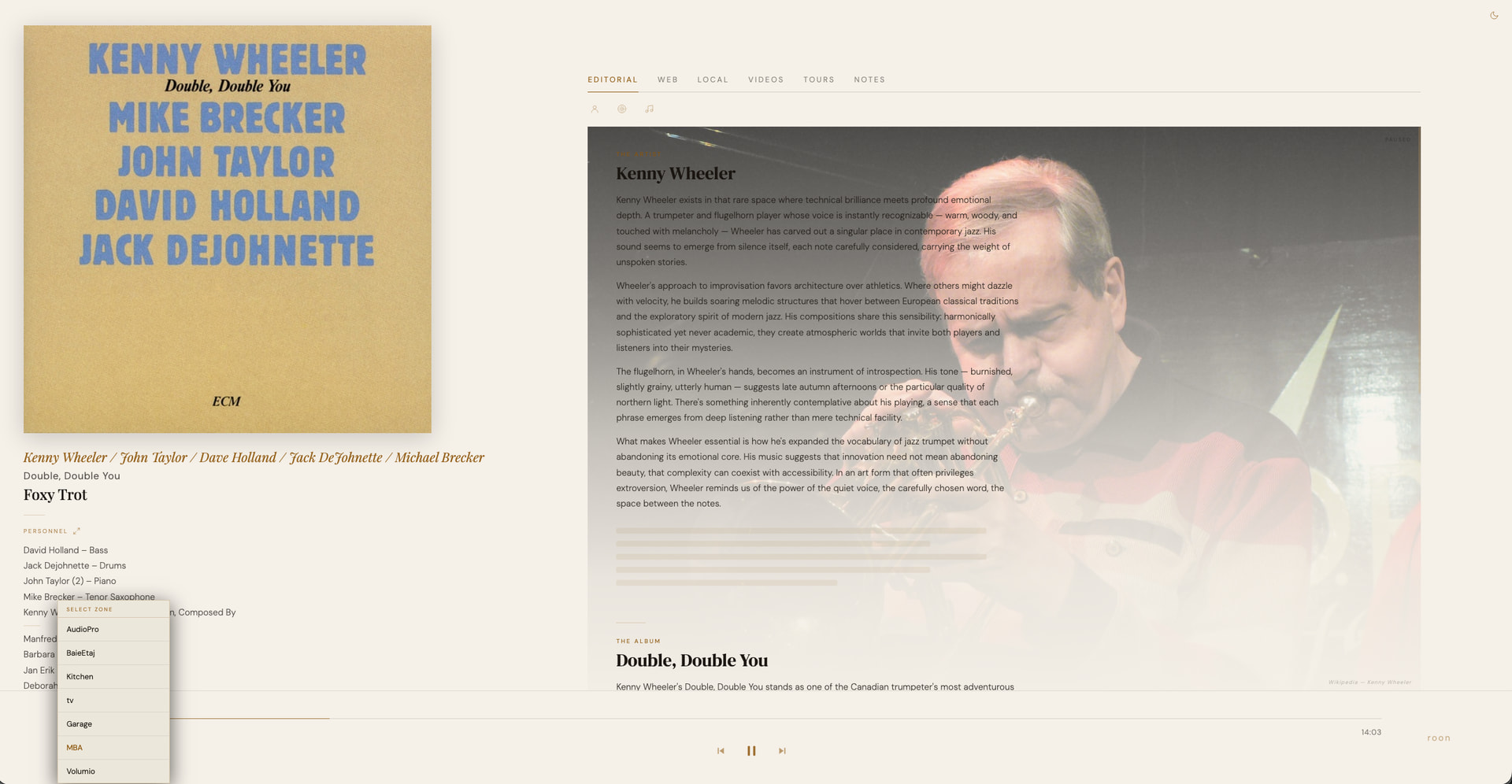
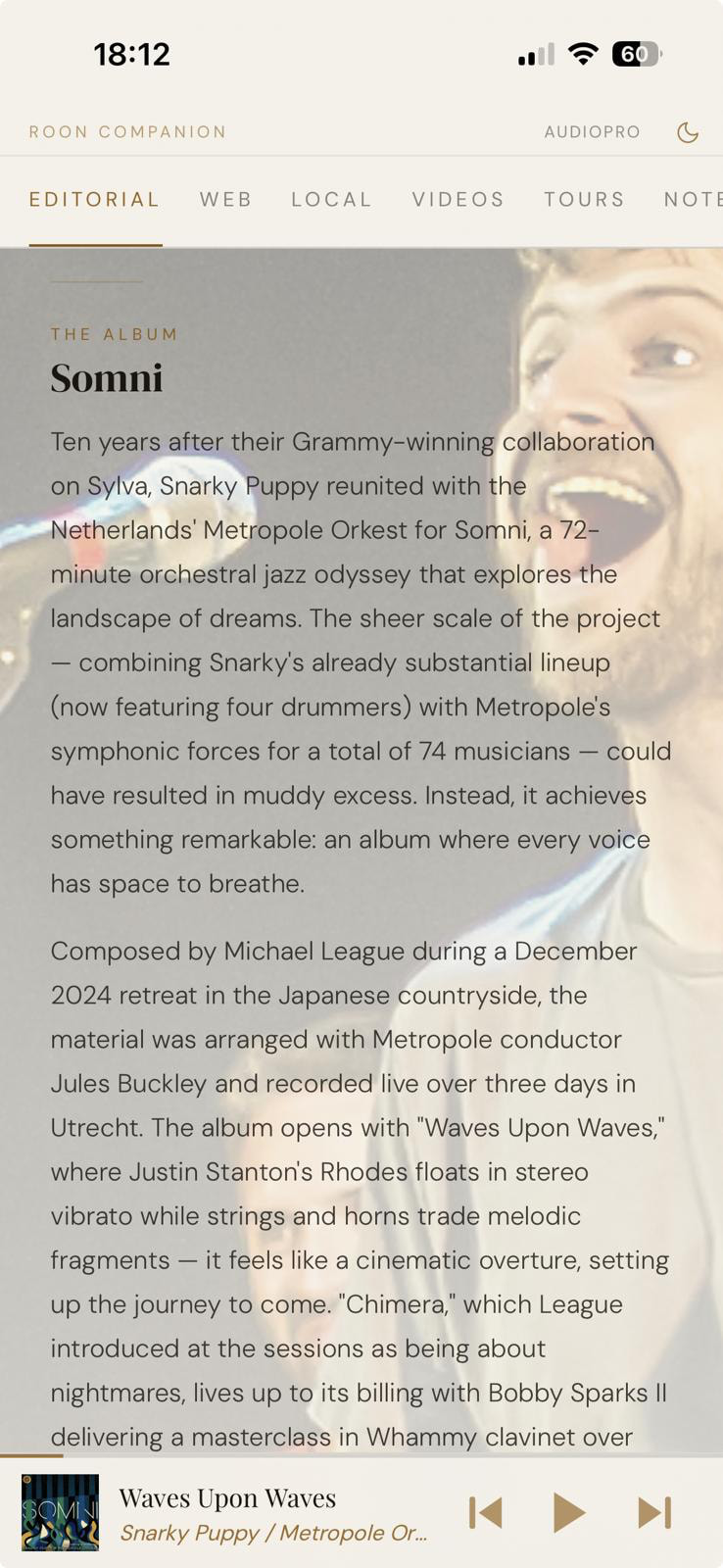
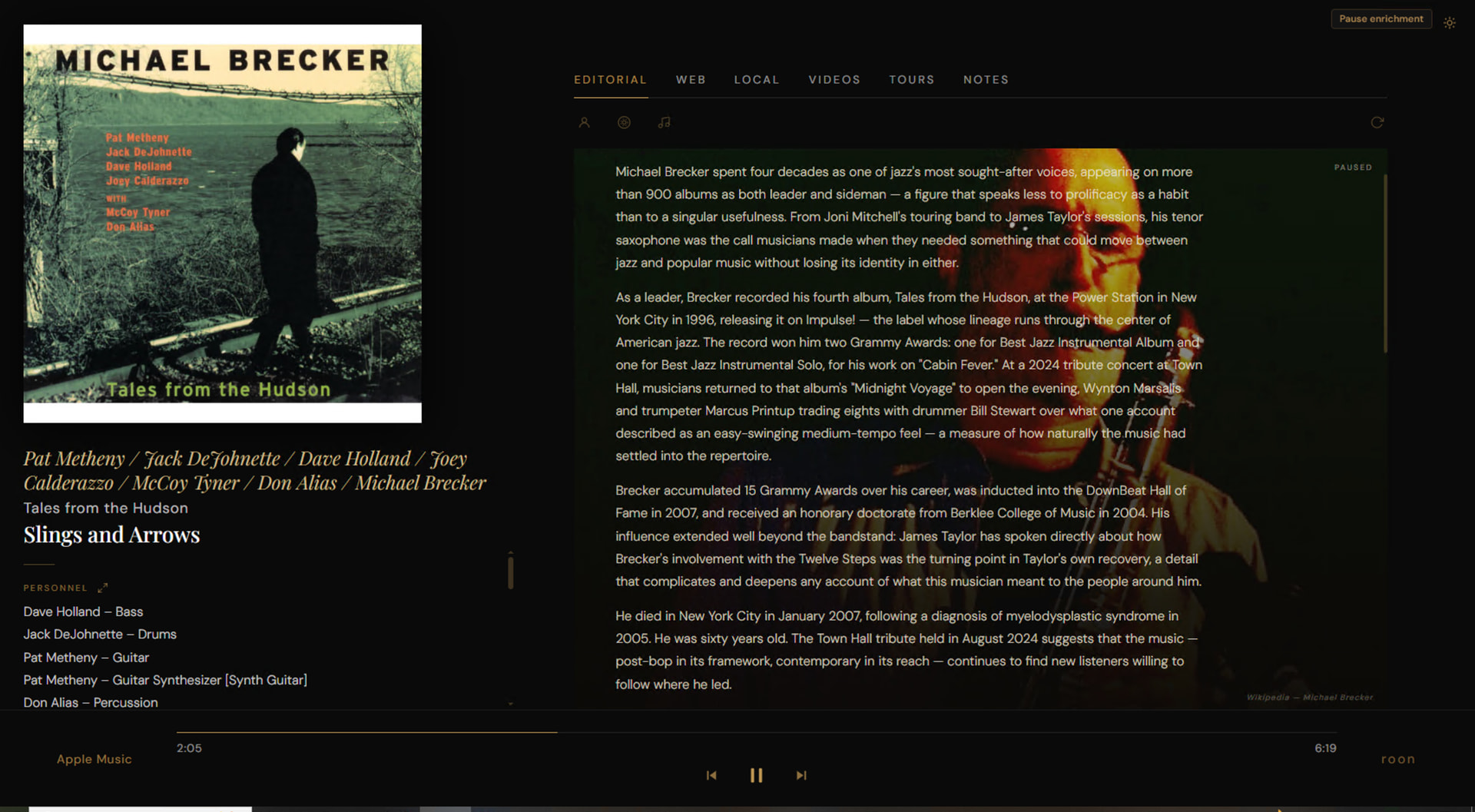
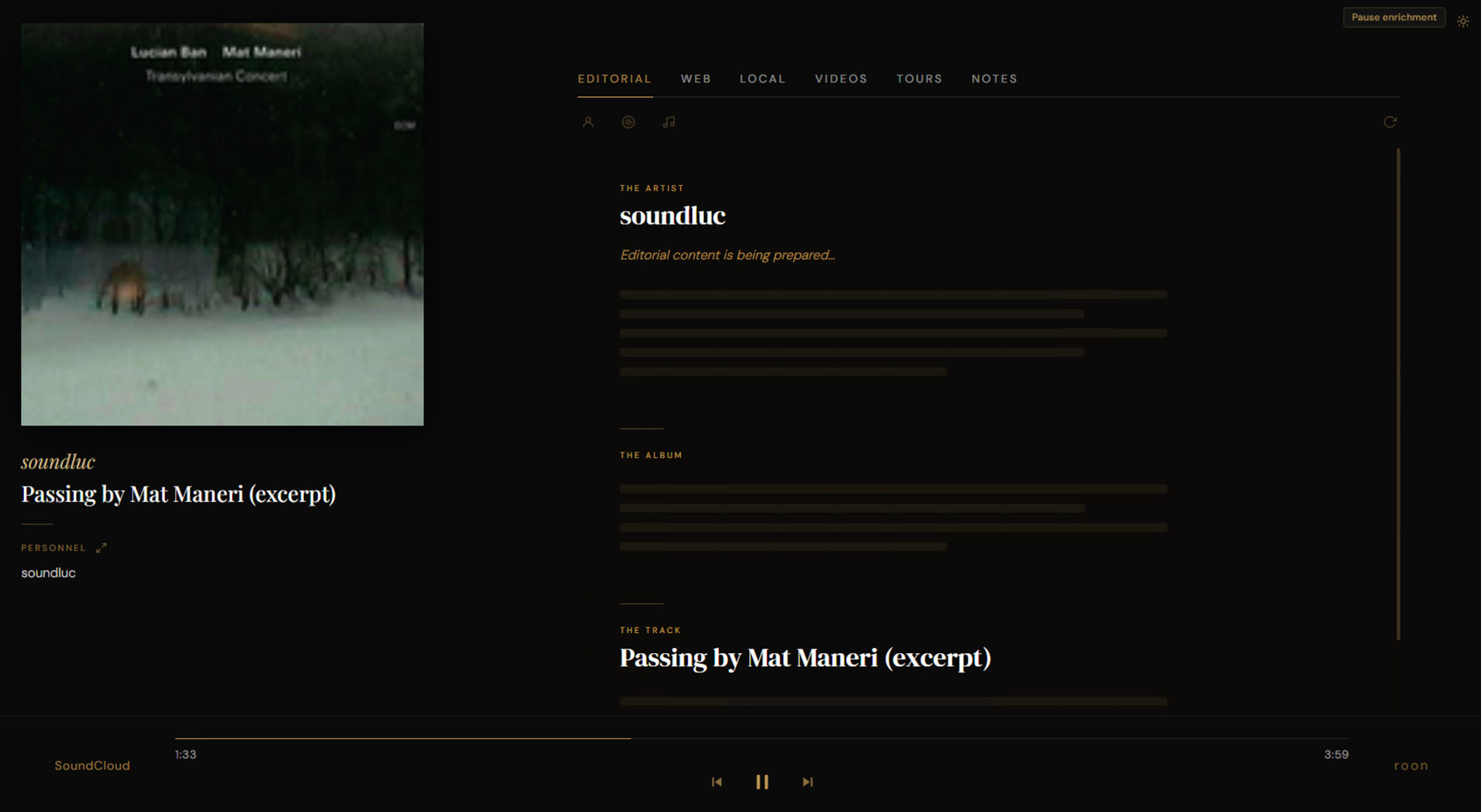
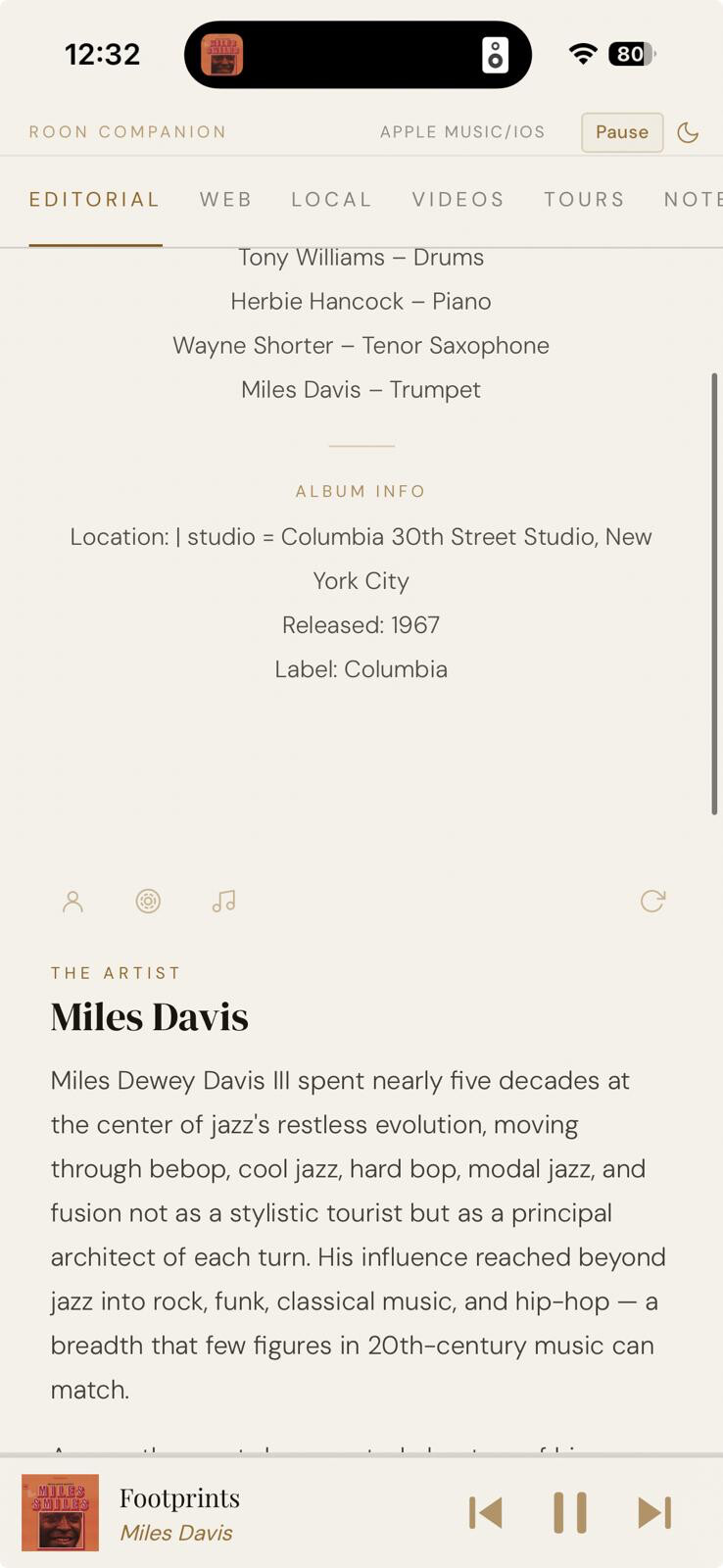
I added AI-generated editorials at the artist, album, and track level. Most of the time they come out surprisingly good — they’re basically summaries synthesised from the content the other tabs are already pulling in (web results, magazine articles, local content, liner notes). I know people are wary of AI slop, and so am I. My thinking is: a quick orienting overview of what everything is about before I dig into the relevant links and local content. Each of the three cards (artist / album / track) opens in a popup with proper reading layout.
Have a look — and note the Volumio zone in the zone selector. Any music player can show up there.
Two questions back to the thread:
- Beyond ticket stubs, personal notes, and magazine articles — what other content do you wish would pop up automatically when a specific artist, album, or track starts playing? The more specific the better.
- Where do you stand on the AI editorials above — welcome overview, or AI slop to be avoided?

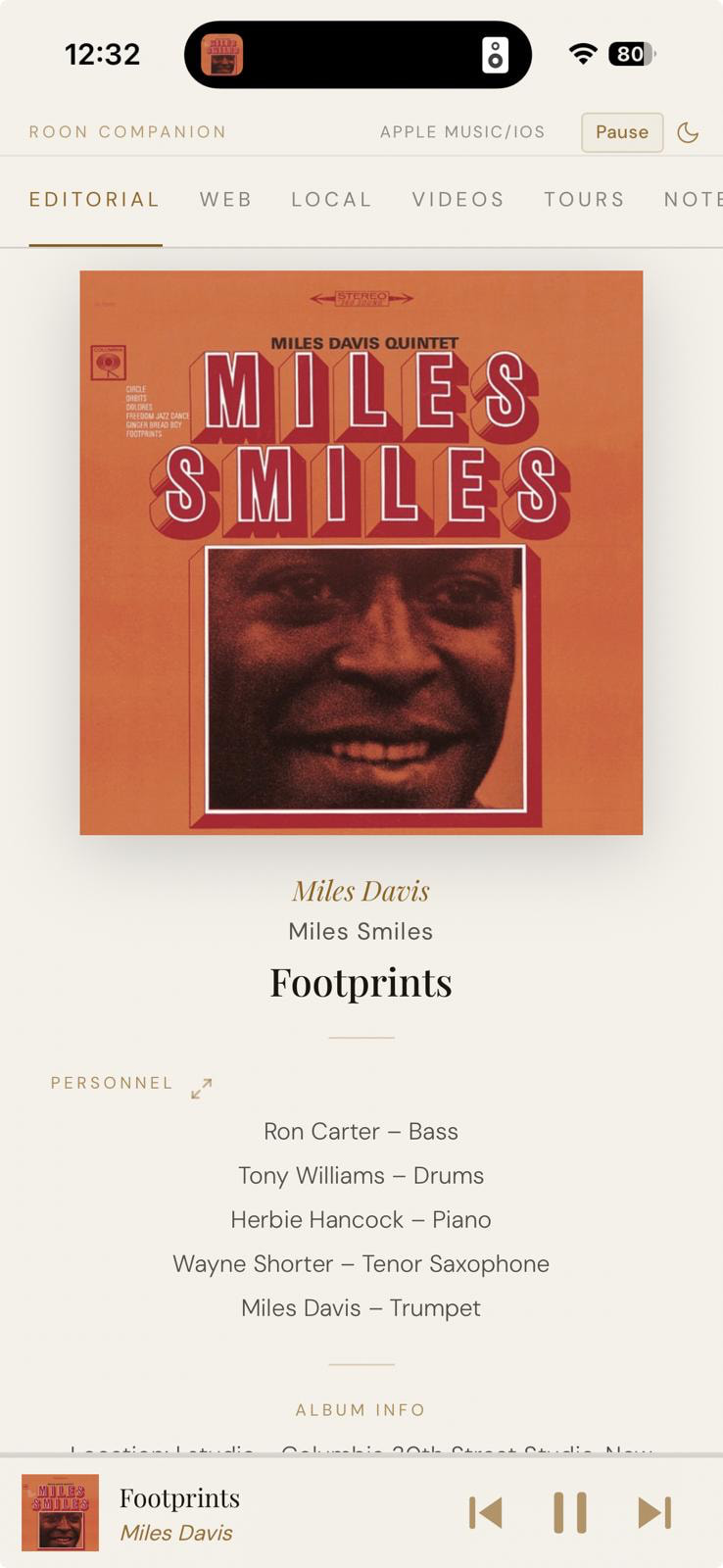
 ). On the niche point: fair, but even casual listeners tend to light up when their music suddenly comes with context they didn’t know they wanted. On Apple Music specifically — desktop is actually doable. On Mac, Apple Music exposes now-playing through the OS (AppleScript), and on Windows it registers with the system media controls, so pulling “what’s playing right now” is straightforward. The harder case is iOS mobile, which is where you said you mostly listen — Apple doesn’t let third-party apps read now-playing from Apple Music on iOS the way the desktops do. Something to chew on: even with that limitation, a companion display running on a nearby laptop/tablet/TV while playback happens on the phone is still a possible shape — but I’d want to see how strong the signal is for mobile-first users before going down that road.