The backend part acts as a multiplexer: it handles the connection with the roon server, subscribes to everything (every zone, outputs, every queue) and reexpose the data for any number of clients. It also handles the lifecycle of the connection with roon server, letting the web-client handling the lifecycle of its connection with the backend.
So one extension can handle many clients (should be way enough for any real use case, I haven’t load tested the backend though).
Some limitation:
it’s http1.1, and, because it’s using Server Sent Event, one browser won’t maintain more than 6 tabs (it’s the way browsers deal with that). The recent addition of Visibility support to handle iOS and iPadOS devices after sleep should troubleshoot this issue, not tested though.
it’s not a PWA, because going this way means web-worker, and it makes https mandatory (that would have been a pain for users, even in the lets-encrypt era).
The trade-off (there’s a rumour saying that programming is an engineering of trade-offs) is that you have to use host networking with Docker.
Because the apps are a bit bloated and not always reliable, current remotes are all buggy as anything. Will allow a device not supported by Roon to be used as a remote. Older macs and pcs not running latest versions etc. Linux users have no access to an app so this can really assist.
Excellent extension @nihil - many thanks for this!
One gotcha. If running Extension snapshots then you never see the extension once installed. As I wasn’t actually using any legacy stuff removing it fixed the problem.
Hi @nihil great effort and looking forward to get this working in my setup.
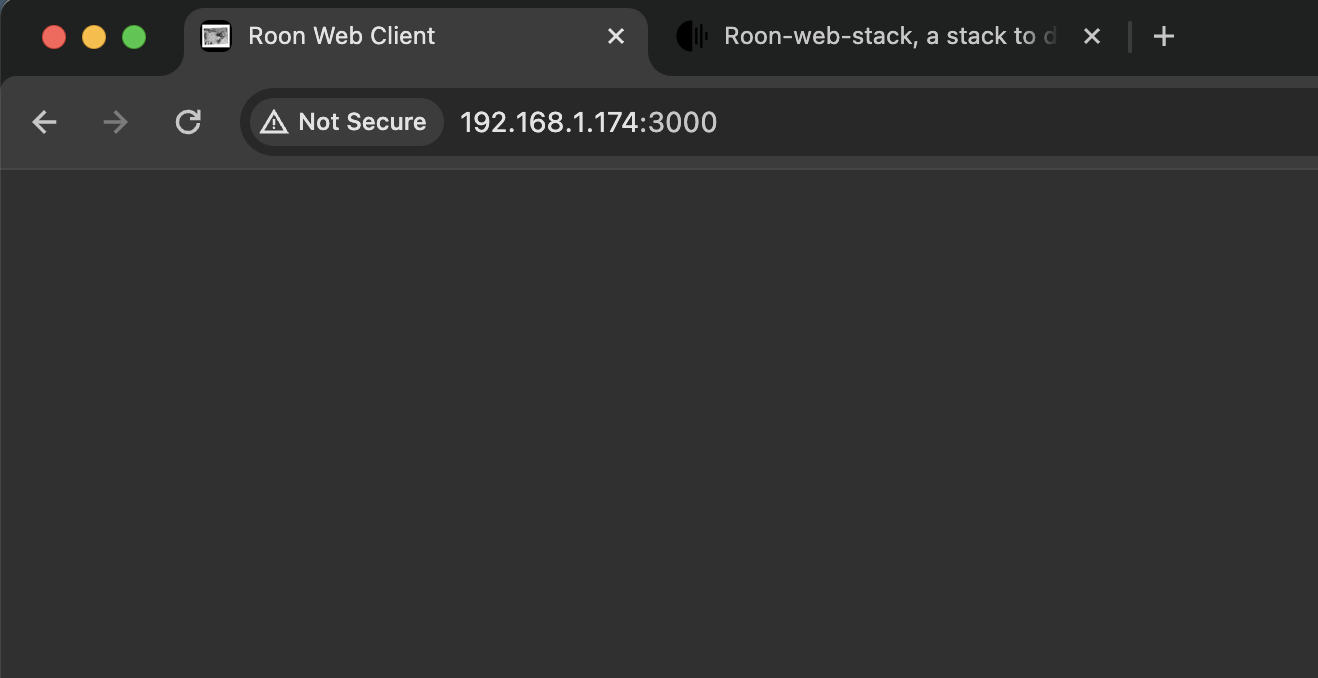
Currently however I’m just seeing a blank screen. Any ideas where should I start troubleshooting?
03/03 21:56:40 Trace: [roonapi] [apiclient 192.168.1.174:52638] GOT com.roonlabs.browse:1/browse {"hierarchy":"browse","multi_session_key":"_tkC-IXj_pBAc2xomjQGu"}
03/03 21:56:40 Critical: scx: System.NullReferenceException: Object reference not set to an instance of an object.
   at Sooloos.Broker.Universe.Toplevel()
   at Sooloos.Broker.Universe.<>c__DisplayClass6_0.<LoadHierarchy>b__0(ClientContext clientcx)
   at Sooloos.SynchronizationContextThread._Dispatch(SendOrPostWrapper& ret)
I don’t really understand the stack trace you’ve shared.
It does not feet with any of the stack this tool is producing.
After a quick googling, it seems related to a Meridian product (Sooloos? ), but I don’t know what role it plays in your stack.
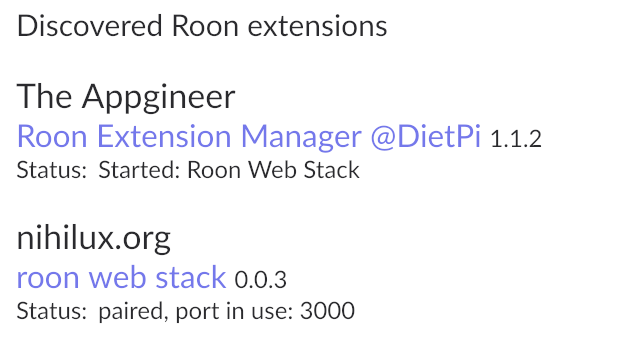
As @Simon_Arnold3 was asking, have you enabled the extension itself?
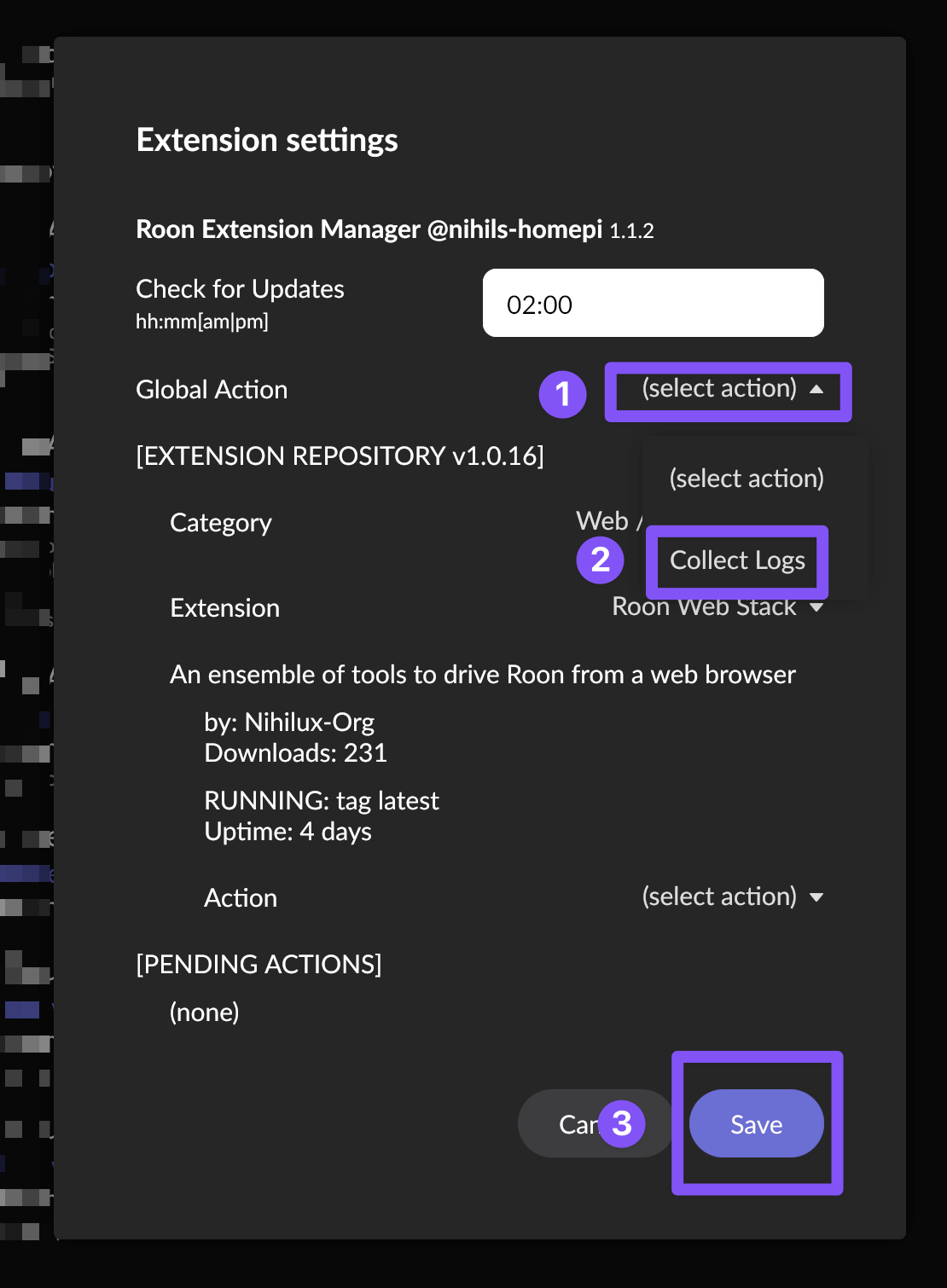
What are the logs of the extension?
This will download an archive called extension-logs.tar.gz.
You seem to be on macOS (from the screenshot of your browser you’ve shared), so you can open this archive simply by double-clicking it (on my computer, this archive is in the Downloads folder).
This will expand as a log folder (in the same directory the archive has been downloaded) containing a file by extension you’re running via the extension-manager.
One of them is roon-web-stack.log, it’s the log file of the extension.
You can share the file, the roon-server id in the log is not a token, it can be shared safely.
To help in the process, Chrome console messages would be a good addition (again, from your screenshot, you seem to be using Chrome).
Please open your browser console (Cmd + Alt + j on a Mac), reload the page and share the error message that should be printed there.
Could you also share the usual suspects for a bug report:
RoonServer version, the OS on which the server is running
How you run the extension manager (on what machine kind of hardware, etc.)
Are you successfully running other extensions (if yes, which ones?)
Is there any issue with the built-in web-display functionality? (both tools use the same roon-api, the only one exposed by roon, any issue affecting one could be affecting the other)
Thanks so much for all the details! And I apologize as well if my message sounded too direct
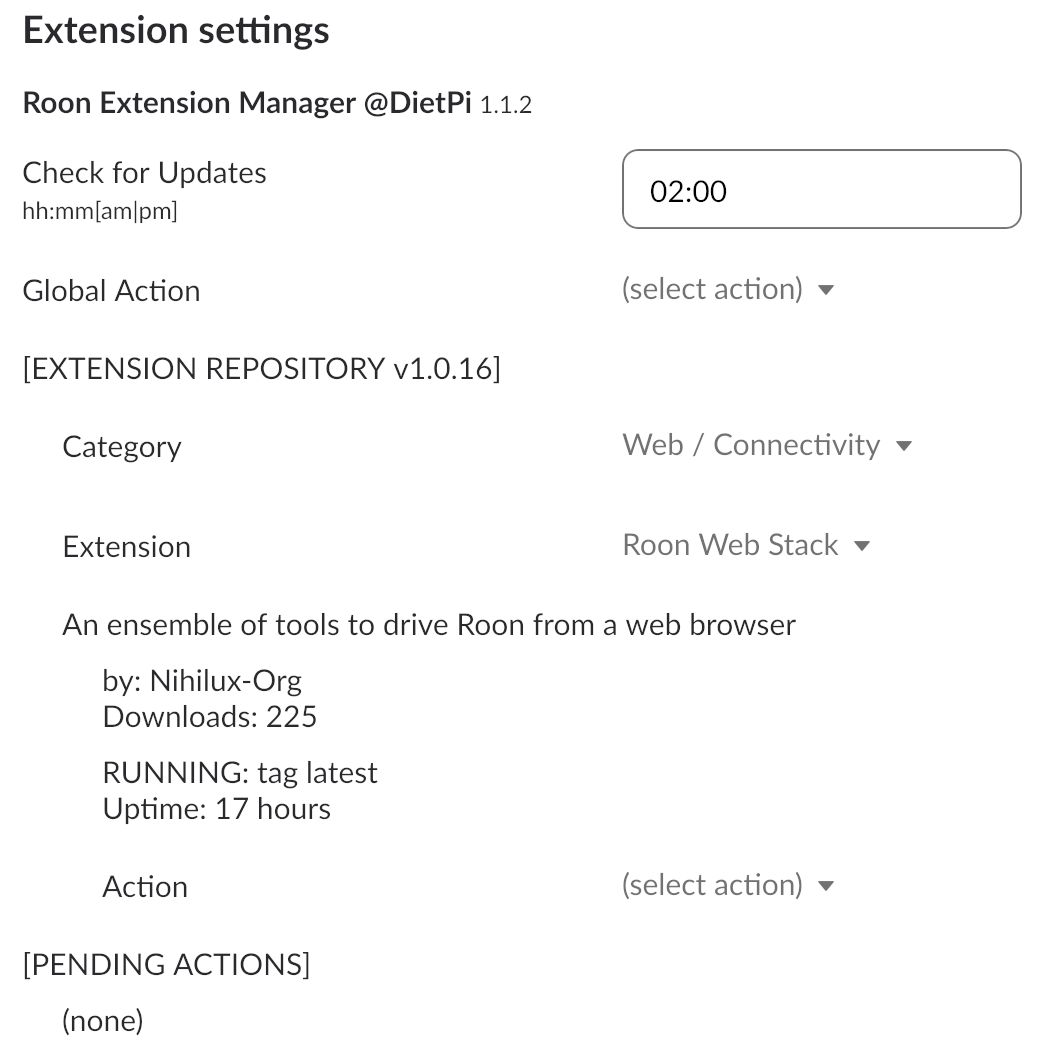
I just see the following lines in the roon-web-stack.log after I enabled log collection:
2024-03-04T13:41:11.418261000Z {"level":"INFO","time":"2024-03-04T13:41:11.413Z","hostname":"DietPi","msg":"starting discovery, don't forget to enable the extension in roon settings if needed."}
2024-03-04T13:41:11.460921000Z {"level":"INFO","time":"2024-03-04T13:41:11.460Z","hostname":"DietPi","msg":"extension version: 0.0.3, paired roon server: ds918p (v1.8 (build 1126) production1x - 4d85037d-b146-426b-950a-8f4ee3c79972)"}
Chrome console is empty when I hit the http://{ip}:3000 url.
And following environment info:
RoonServer version, the OS on which the server is running: 1.8 running on Synology NAS (DSM 7)
How you run the extension manager (on what machine kind of hardware, etc.): DietPI
Are you successfully running other extensions (if yes, which ones?): Yes: roon-web-controller snapshot is working perfectly
Is there any issue with the built-in web-display functionality? (both tools use the same roon-api, the only one exposed by roon, any issue affecting one could be affecting the other): Only Chromecast devices appear on the display list. Regular browsers don’t show up on the display list, even when open with http://{ip}:9330/display url
Ok, the first thing that may cause your issue is you’re running v1.8 of roon.
There’s been a bunch of changes added to the API after the release of v2.x, there might be some backward compatibility issues there (and as roon-web-controller has not been built for years, it still runs with the older version of the API).
I should release a new version later this week with more logging points that might help to troubleshoot your issue.
In the meantime, you can try to uninstall the extension and reinstall it while specifying another port than the default 3000 (just to be sure that your browser cache is not involved), and see if it helps.
We’ll see what more verbose logs say, but if this is related to changes with the underlying roon node API, there won’t be much to try or do (and nothing I could fix on my own).
Thank you! I’ve tried not only on a different port, (8282) but also running it directly using docker. The browser is simply empty although the extension is connected and paired with roon core.
Looking forward to the detailed logging release which might shed light on possible network issues, failing which it seems pretty much ok Iike a dead end.
Nevertheless this will be a good exercise to prove either way (and update the docs that this extension is not supported by Roon 1.8).
Worth noting though that the default web display is supported by Roon 1.8 and if I understood correctly the roon web stack relies on the same API?
Yes, they’re based on the same API, but nothing say it’s the same version. As I’ve linked it, there have been a bunch of changes in roon node API following 2.x release.
The browser is empty because the first thing the app does is to preload the item_keys for Library and Browse.
In your case, one of these calls (the first one presumably, and based on the roon log you’ve shared) fails, failing the app initialization.
These calls (the browse and load calls of the API), are just wrapped and reexposed. Why is you roon core crashing after this very standard call, I don’t know. The protocol used is the one defined by roon node API, I just use it.
I’ve just, as a basic troubleshooting strategy, isolated what seems specific to your installation (you’re running 1.8) of what’s working for everyone else. I also took the time to check quickly if there’d been changes in roon node API that could have an impact. There are, I won’t review them further.

 ), but I don’t know what role it plays in your stack.