I want to start that I’m putting on my development / qa hat on and I’m being very nitpicky, but I wanted to provide this feedback. I have read the new What is Background Work page.
The documentation at Audio Analysis > Settings needs to be updated.
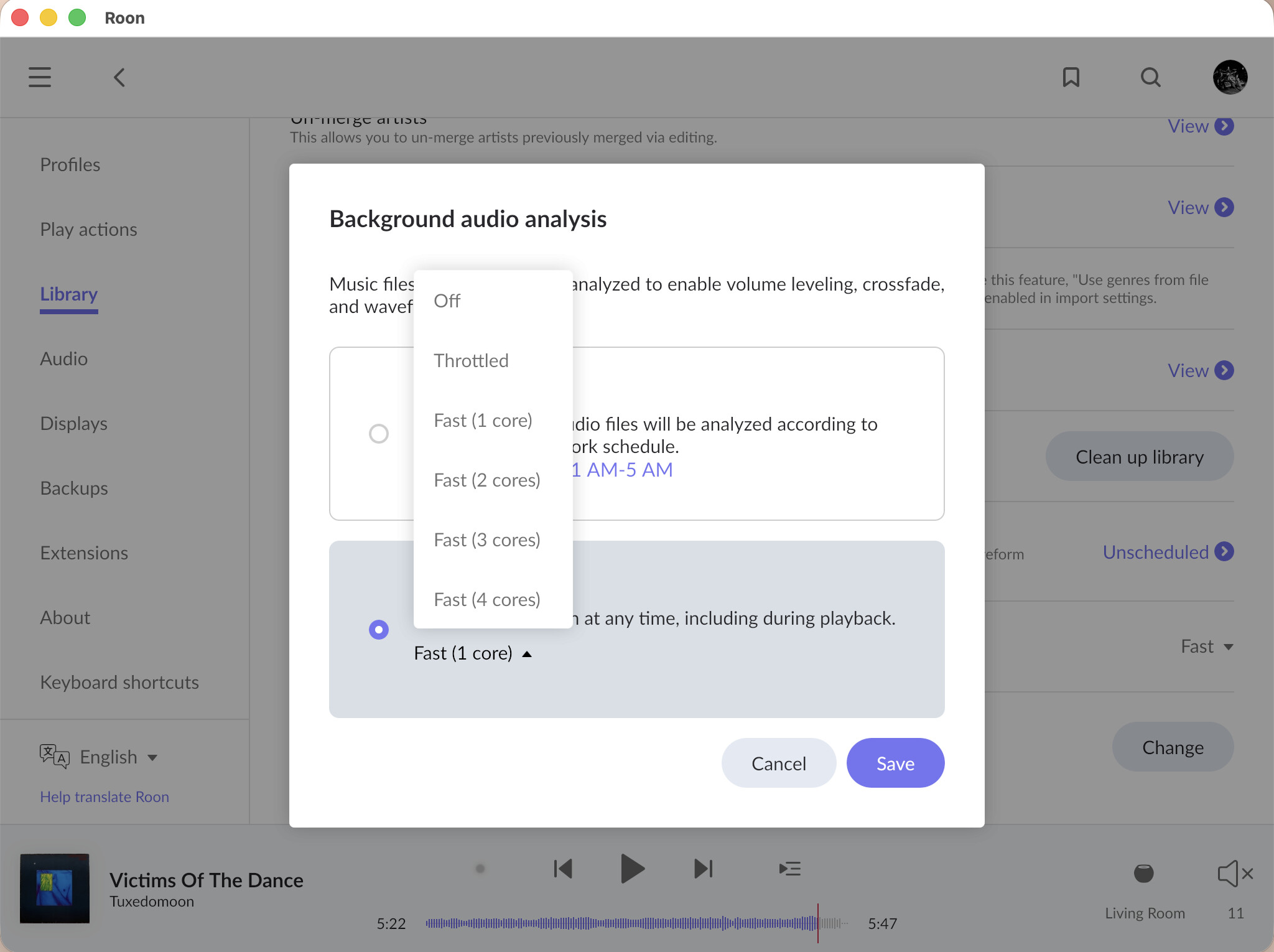
Why are there two choices for unscheduled / disabled? Maybe I’m missing something, but these controls should be consolidated.
a. You can select Scheduled and then set Disable schedule (run continuously) with no options to select how many cores you want to use.
OR
b. You can select Unscheduled and choose how many cores to use as before.
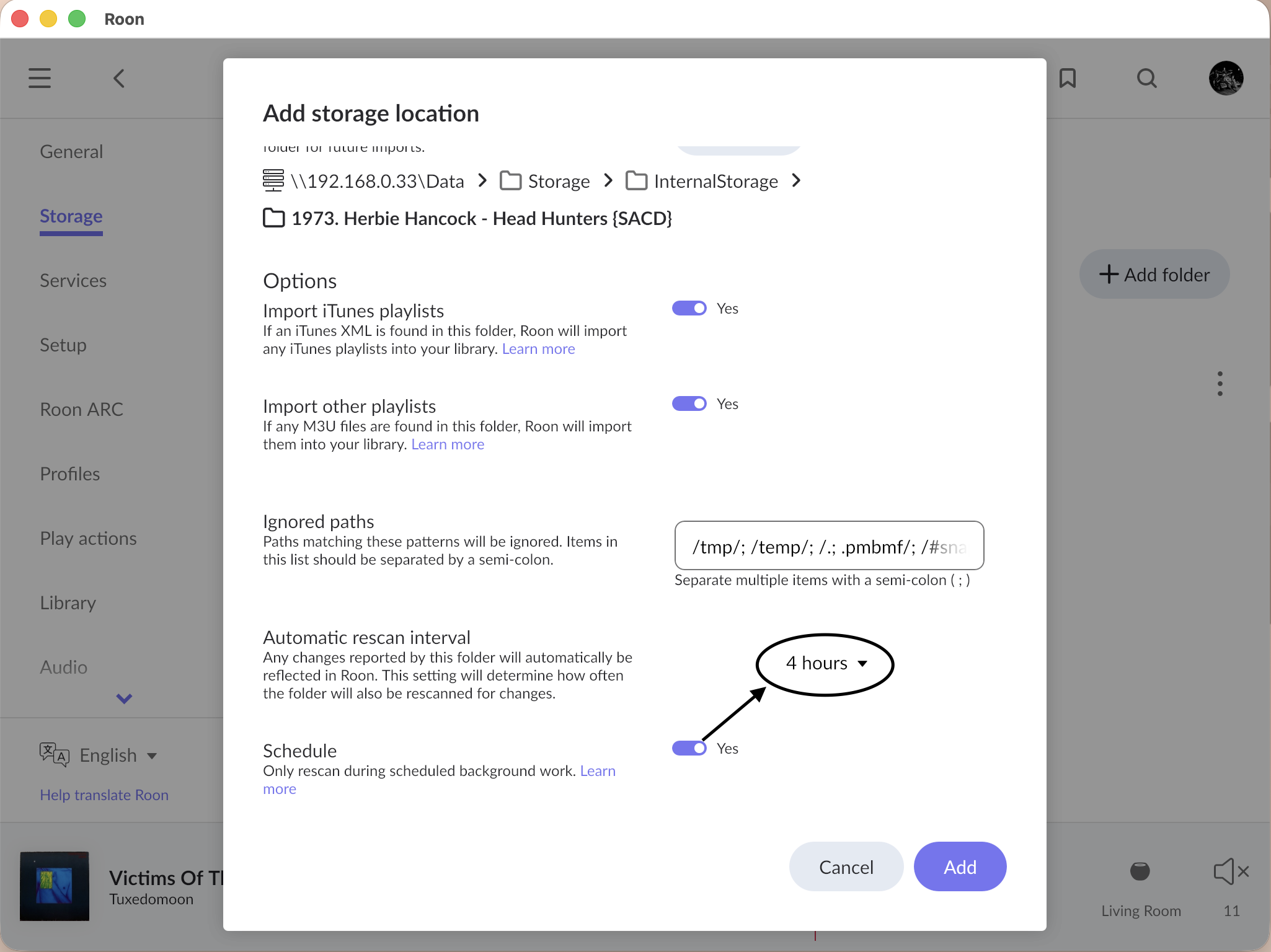
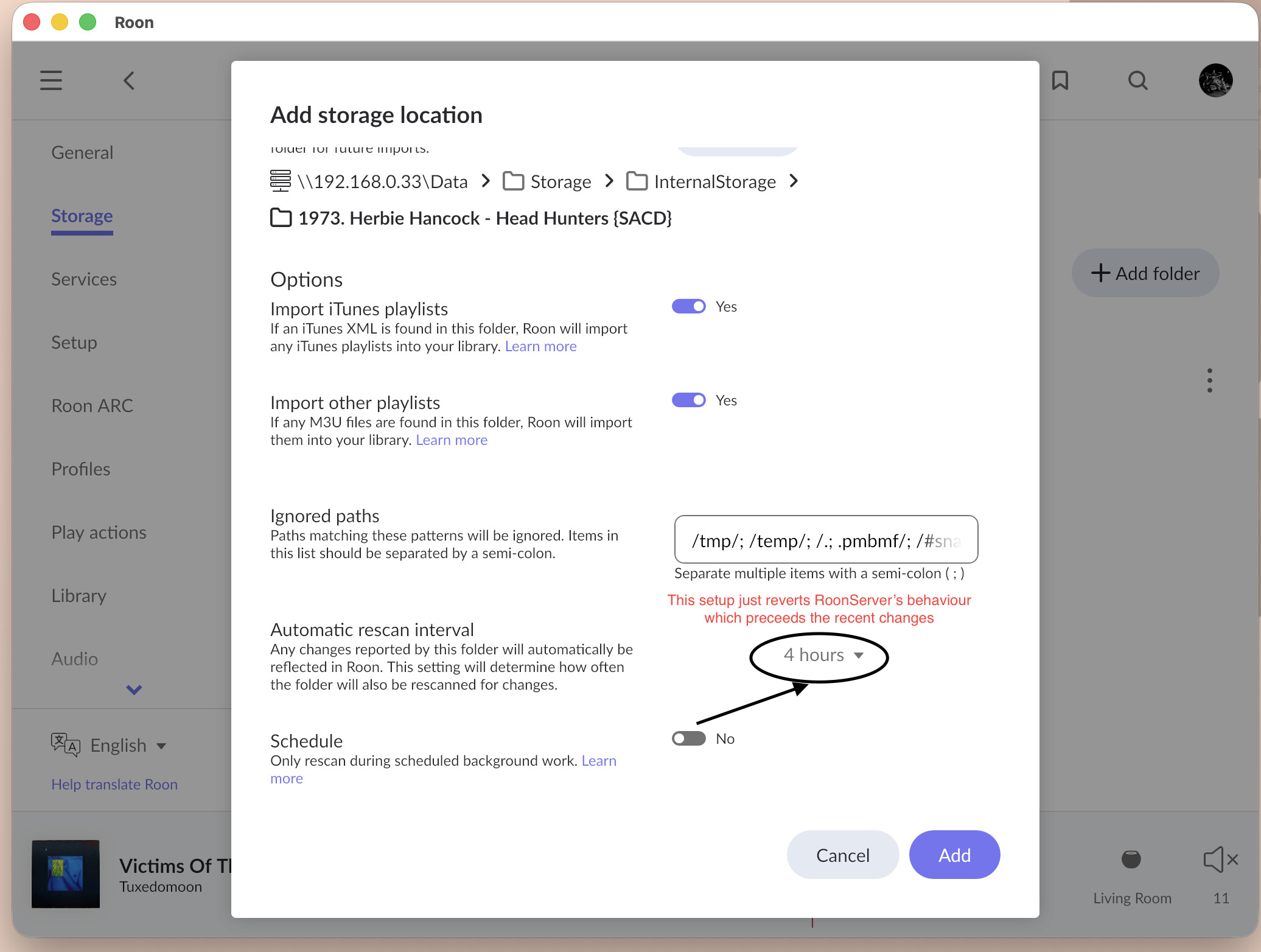
For rescanning of storage locations, the layout of the ‘Automatic rescan interval’ and the ‘Schedule’ toggle is a bit confusing. If ‘Schedule’ is toggled on, does that mean the automatic rescan interval is ignored and the rescan is kicked off immediately? If the rescan isn’t started immediately, then what happens when the rescan interval is 8 hours, but my scheduled analysis / background work window is only one hour?
What happens if I have a scheduled backup during the background work window? Can this cause problems or is this fine to do?
What happens when Background Audio Analysis is set to Unscheduled (or the schedule is disabled), and an external storage location is set to “Only rescan during scheduled background work.” Does this mean it will only rescan the storage on a reboot, or maybe not at all?
On the new What is Bakground work page, it says: Starting with Build 1625, Roon only re-scans network storage locations during the user-scheduled Background Work window, using the configured interval. Roon will also automatically re-scan network storage on startup.
It then says: Users who prefer continuous re-scanning throughout the day can disable scheduling by going to Settings → Storage, clicking the three dots (…), and toggling off Schedule.
The use of the word “only” in the first sentence is contradicted by the rest of the documentation.
For #4, it should not cause any issues, your broker will be unavailable for receiving the updates for a short period of time – when it will be snapshotting the database.
For #5, background analysis scheduling in this case does not have any influence on the scanning folder settings. For the network storage location, if on schedule, it will be scanned as many times inside of the schedule as it permits. For example, if your network folder location is set up to perform a rescan every 2 hours, and the background work is scheduled to run for 6 hours, then your network storage location will be rescanned 3 time during the background schedule:
Welcomed feature.
It needs to be added to the translation database.
Speaking of QA, it’s a bit sad to see that (again) localization is lagging behind and not integrated into the development cycle. The new TIDAL interface rolled out some weeks ago is still English only. The « missing entries in the translation database » thread seems ignored. Not speaking of ARC translations that have been broken for months and perverted by a dumb robot doing the translation (each time I open ARC in French I see « Célibataires » which means « Bachelors » instead of « Singles »…).
The Audio Analysis article in Help Center has been updated to accurately reflect the latest features in Roon. Thank you for bringing attention to this and for such a diligent and precise post.
I’ve said this elsewhere a few days ago, but I also meant to add a note here that my original post was in the context of: Settings > Library > Background Audio Analysis > Scheduled > Current Schedule
I had somehow missed that there was also: Settings > Library > Background Work