I have spent a couple of days with the new box set implementation and while there are some things I like (see below) I have a problem with one aspect.
Formerly, when I got a box set where each of the discs represented a previously released disc I would not rip the discs as a box set instead ripping each disc as its originally released album. This had advantages: I could search for that disc by its title; I got the TIVO/Wikipedia write up; it would alphabetise properly in a list of albums; it could have its own tags different from other discs in the set if appropriate; etc. As far as I can tell I lose all those advantages if the discs are included in one of the new roon box set entries. Am I missing something?
On the other hand, I really like the box set implementation for those sets that are not a collection of previously released discs because none of the advantages I listed above apply to these anyway. I now can title each disc - I can provide cover art for each disc if the set came with such. Very nice.
You can still split away a disc from a boxset and have it identified separately i.e. listed as an album in its own rights. It would not appear on the boxset page, though, there would be simply a gap. This possibility has not changed, just the way discs of a boxset are displayed.
If you opt for identifying the disc as part of a boxset, you indeed lose the possibility to have it listed in discographies and albums overview separately, that is correct.
If you want to have both, it is a viable solution to have the album twice in your library. I did exactly that several times, mosty with re-recordings or remix boxes, and it really helps keeping the overview.
Yes you are right , its down to “what is a box”, as far as Roon is concerned a BOX IS AN ALBUM and the discs within it are simply that
Previously you split each disc and treat it as a separate “IDable” album hence its own credits, write up, images etc. Even creating sub boxes that are IDable.
Now if you load a Box, you will get the Box write up etc and not the individual discs
So the answer is if you want albums split the box if you can and pretend the box doesn’t exist. You can create a pseudo box by setting ROONALBUMTAG = “Box Name” and on import Roon will create a tag with all the albums in it.
It gets even more messy . I have an example of a box (70) which consists of several smaller boxes (6-10) and a lot of previously single albums. No matter what I have tried so far Roon insists on ID ing everything as the 70 Box
I defined the rules during EA as
Album must have 1 value = Box Name
AlbumArtist must have 1 Value
In this case the sub boxes obey these 2 rules BUT there is no indication of the Big Box Name , Despite this Roon is ignoring the 2 rules above and creating the big box
Something is seriously broken in the ID process ! It seems biased somehow to create a box as first prize.
Currently I have given up and put the 70 box back BUT that’s not what I want
It’s either a large Box, or several individual smaller boxes - can’t be both.
And with a large amount of Discs, it takes very long to get results - very time consuming.
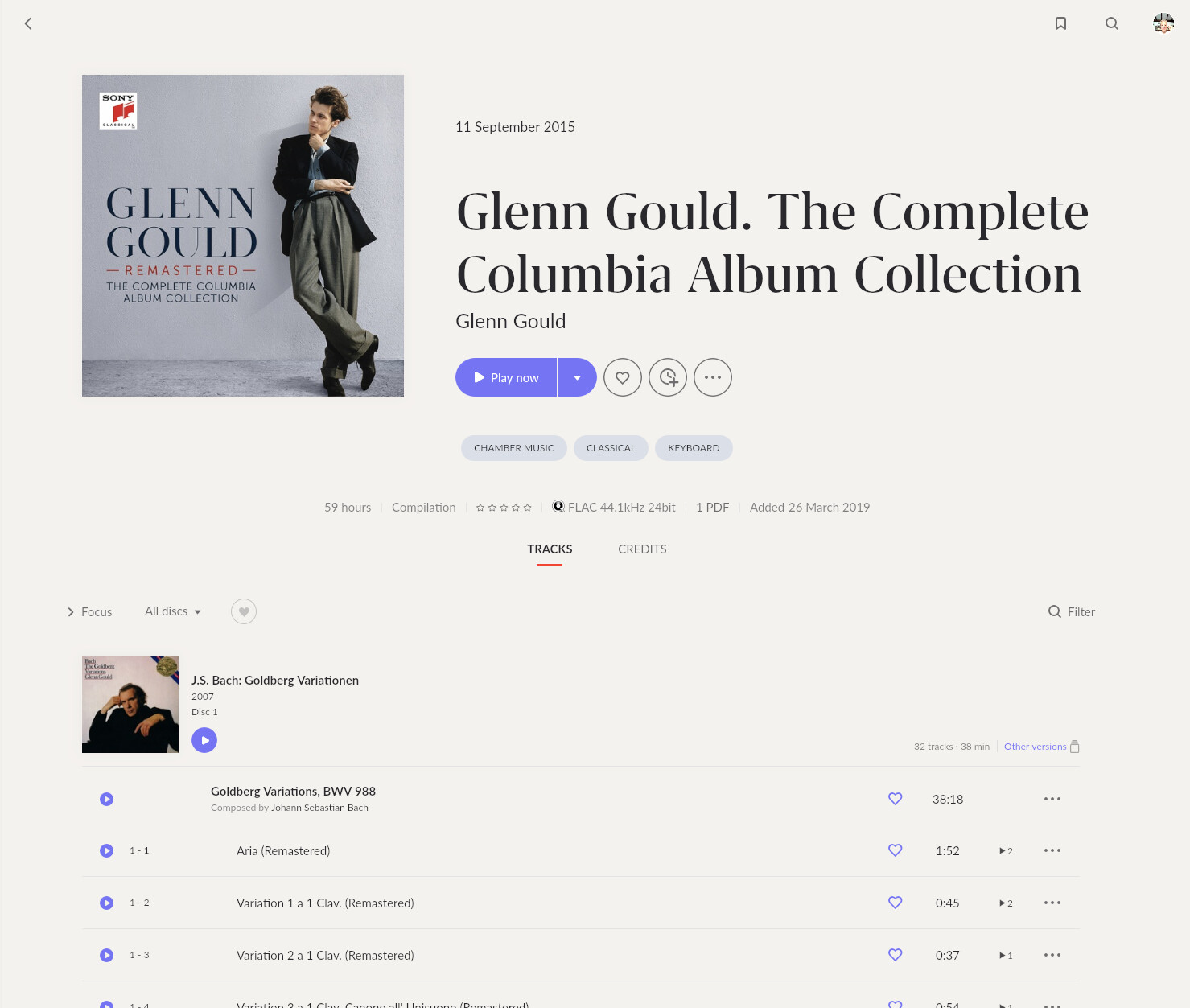
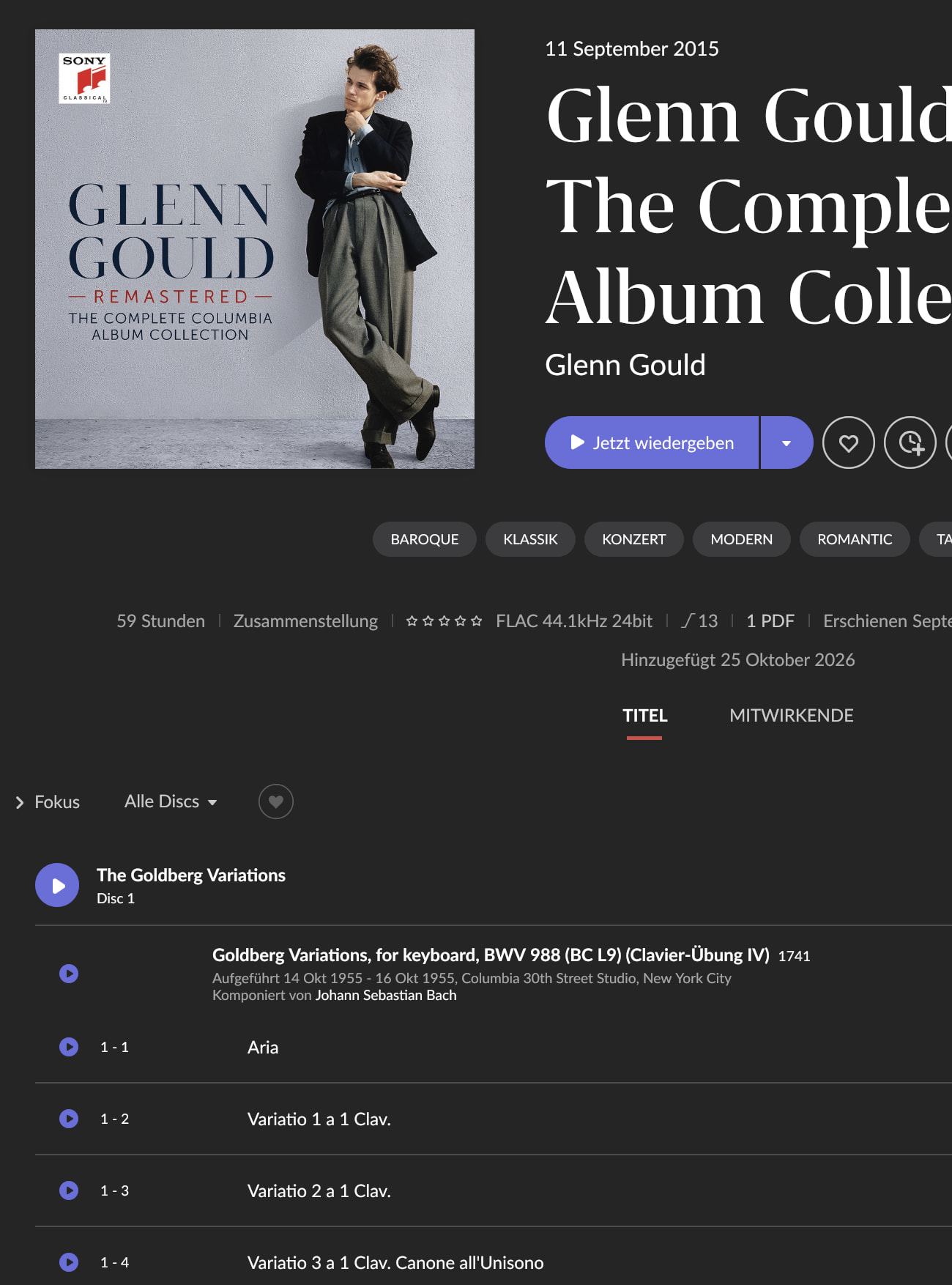
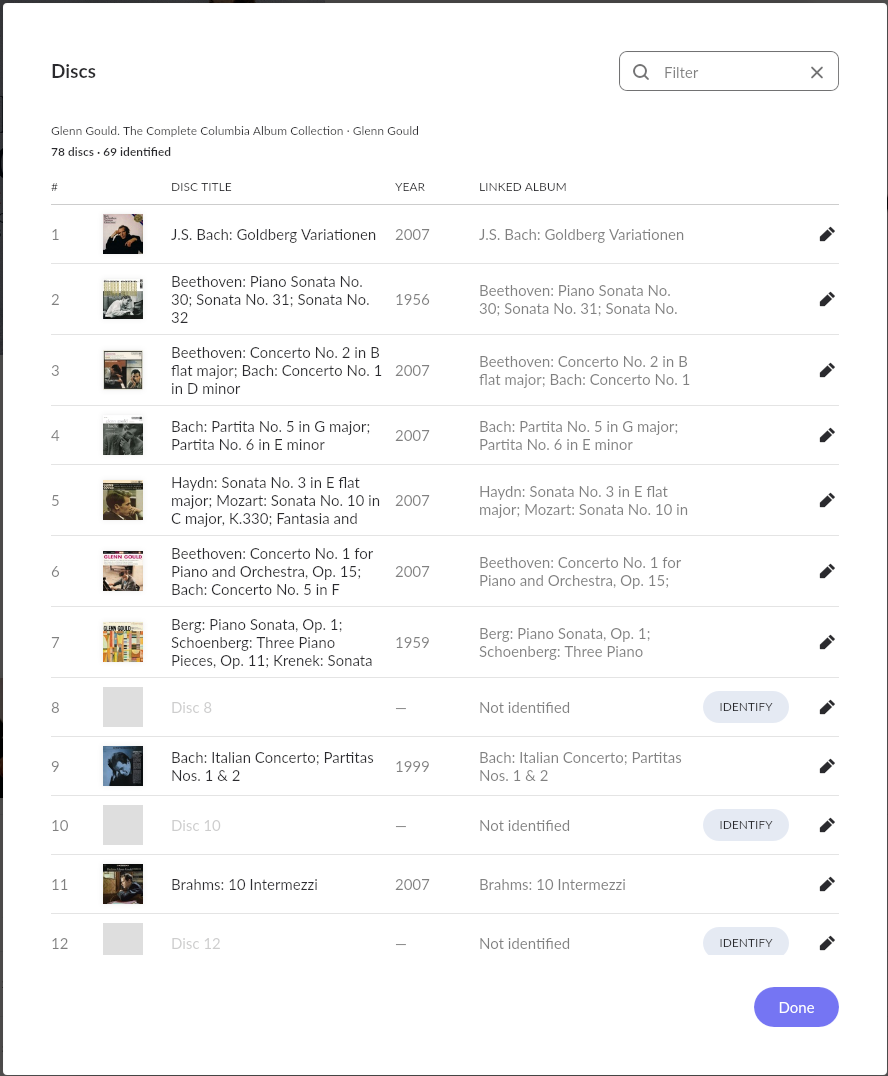
I tried with a large Box (78 discs) Glenn Gould Remastered - The Complete Columbia Album Collection - and this is beyond anything. I put all the files in 1 folder, but would need to create separate folders for each disc.
I’m not willing to do so - so I’m in the same boat - giving up with some Box Set, which at least show the proper disc Nr. - but the folder names are too long and the amount of time is not worth it.
It would be best if clicking a CD inside a box set took you directly to the individual album view. I already made this suggestion during the Early Access phase.
Thtat’s actually not true Take for example Brendel 114, it contains many 3-4 discs boxes eg the 11 Haydn Sonatas are 4 discs . The Haydn box is CD 1- 4 , in the big Brendel box they are 2-5 , I at one point had these co-existing
The recent change now prevents that
Not being rude by what advantage did you get from not creating the sub folders when you ripped it. Depending on what software you used you almost certainly had to make that choice and not the default folder per disc
As long as each file has a Disc # tag all is not lost , have you looked at Tag & Rename , with a simple tool you can add Disc# - to the front of ach track and make folder creation easy.
We are back to “what is a box” and the sanctity of the Roon “album” object in their code.
As far as Roon is concerned a Box is an Album with a collection of contained DISCS not contained albums . So clicking on a Disc doesn’t neccesarily equate to opening an album
Not all box sets are a collection of albums , some are , many aren’t
Roon IMHO have confused the issue by trying to match all sub discs to some release album. In many cases that cannot happen but perpetuates the myth that a Discs is an Album
I agree, Mike, that’s exactly the well-known behaviour. However, I don’t see any technical reason why this couldn’t be changed. Currently, I only group suitable sets up to 40 discs, whereas I keep the ‘big boys’ as separate albums tied together by a single tag. When you think about it, Roon recently shifted for sets which are grouped in tags as single albums from a horizontal disc overview to a vertical scrolling layout. This UI change doesn’t work well for larger box sets. The ideal solution would be a hybrid approach combining the best of both worlds to compensate for their respective drawbacks.
Certainly true, but I don´t think that’s a major issue, except for some cases of multi-disc works contained in a large boxset, which should not be ripped into pieces (like operas or oratorios, maybe true to complete concerts as well).
Also true. The question is: What can roon do for those which are not a collection of albums, but just a collection of tracks, works, concerts and session recordings?
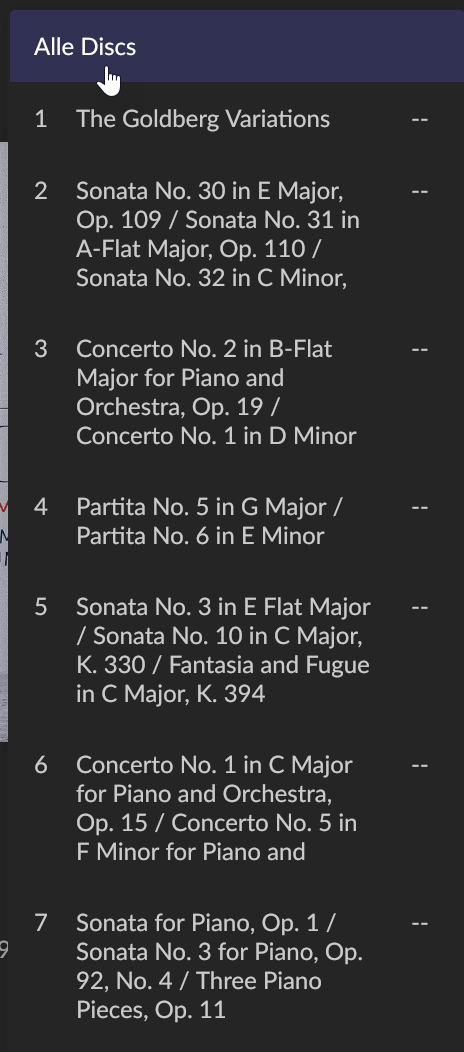
I am afraid to say: not much, except from allowing filtering/browsing on disc-level within the boxset overview, and maybe adding disc title (like “Beethoven Sonatas Pt. 1” or the date/venue of a live recording) and cover which might be useful for multi-concert boxsets. That´s what the new boxset feature does exemplarily in my understanding.
It is certainly not perfect for specific cases, but how would you imagine roon to handle such a set? Your approach of showing a cover overview, similar to a discography, is even less applicable to non-standard boxsets without albums. If there are no albums contained in the box, but just compiled sessions/recordings, most probably none of the usual sources of metadata offers disc cover or disc title. And there is - except from the composition/recording path - not much to link to outside the boxset.
Particular with bigger and more heterogeneous sets, it heavily relies on tag quality and consistency. My guess would be, just a small number of roon users have such big sets (mostly classical and early Jazz, I assume), and just a fraction of them are willing to bring tags to perfection manually. I am among those who have given up on ´Complete Karajan DGG recordings´ and ´Alfred Brendel on 114CDs´. As most of these recordings can be found via composition/recording strategy sourced from streaming services, I´d better leave them outside of my collection.
I don´t think there was a myth at play, or the intension to match any disc with an independently existing album. I see it rather as a rational decision answering the question for which parts of a boxset can useful metadata/covers/links to other releases be automatically pulled from existing metadata.
As I said in my original post, the box set implementation doesn’t work well for me with sets where each disc is an original separate release, but it does add value for some (not all, of course) compilation discs. For example, Blue Note’s Uncompromising Expression is a five disc set of tracks culled from Blue Note’s singles releases (no comment on whether it is a good compilation). Each of the five discs has an individual sleeve in different colours with a descriptive title. roon’s box set approach allowed me to add a scan of that sleeve and the title for each disc and keep all five as a single album. That does enhance the metadata displayed. Similarly, Columbia released a four cd compilation set of Miles Davis tracks with each disc having a unique sleeve and title (which actually worked better on the lp release). Again adding these, which I can now do, adds to the information roon displays for the album.
For clarification, it was a Download Version, that came in 1 Folder.
I’m ripping CD’s since they exist (or so). It’s not a question of how to do this.
In the Tags, you can specify Disc + Track Nr. - But I’m not sure, if these information are used in Roon properly. It was just some extra work, I didn’t want to do, because I was thinking, that with the info within the File Tag, Roon should be able to create at least the Disc structure in a Box Set.
The Folder Structure, as far as I found out, can be used, to specify the Disc Album Name, which also shows in Roon, even the Boxset is not identified.
And you are right, about the 1-x Disc within a Box - each folder is treated as an album. Not sure, how to fix this.
For my Glenn Gould Example, I created the 78 Folders, renamed the files with leading CD-nr. , and then moved all files in their folder - at least the Boxset is now identified.
This is an “original album” type box BUT that alters nothing. The ID process just provides the Disc SubTitle , people are getting confused thinking that an enclosed Disc equates to an Album and should be treated as one @mike is adamant that will not happen.
There is no album based metadata available by disc which there would be it were an album.
There is much confusion over this topic
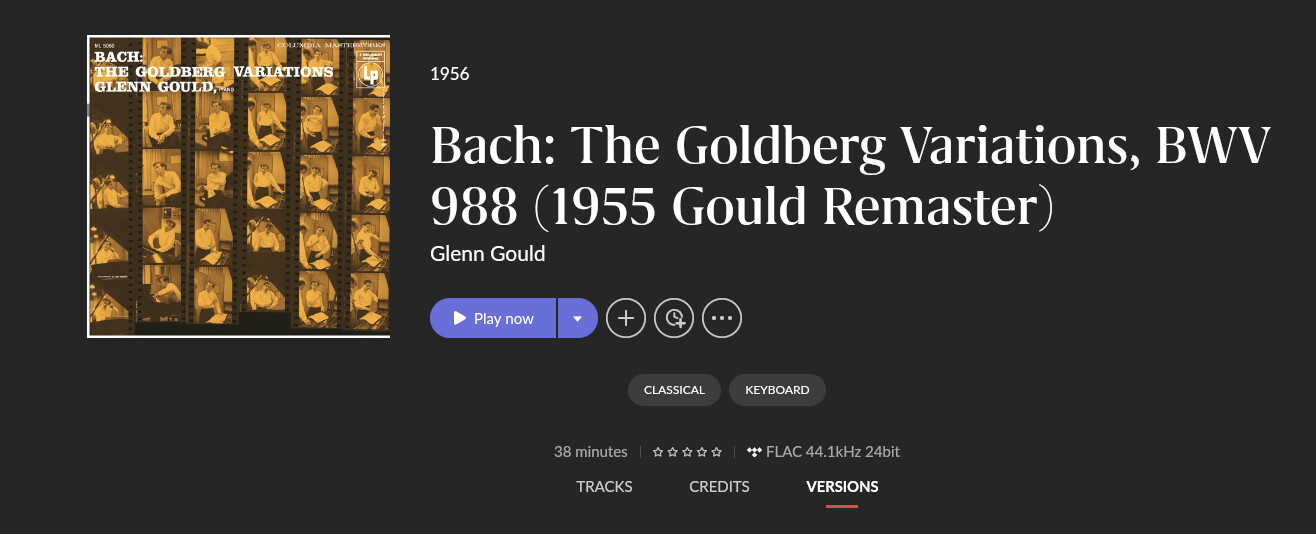
A rather clunky way around it to click see Versions (if it exists, again not always) ad to a version that does show Album based data
Yeah - personally I’m not bothered by the fact that it’s a disc in a boxset and not an album in its own right, because I can use focus to slice and dice.