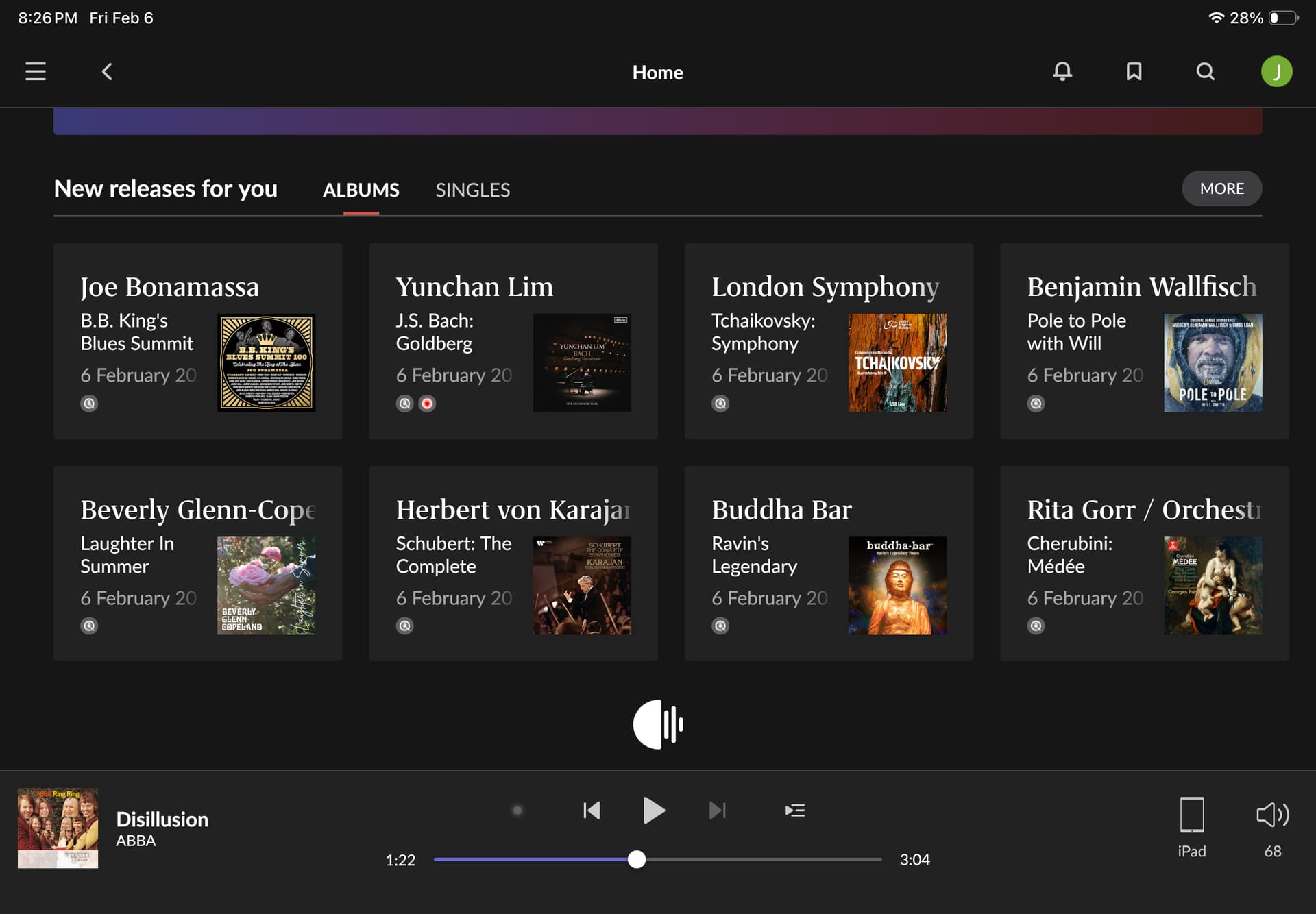
Yes. I have just experienced this as well. However I can’t say when it started as I don’t use the home page regularly.
I just tried it on my phone during an insomniac period and the issue was present although, perhaps, not as extreme. The additional content took about 20-30 seconds to load. Not minutes.
Additionally, neither navigating away from the home page and then back again nor closing the Roon app and restarting it caused the issue to recur.
I’ve had the same experience often with varying wait times. And occasionally one or more of the sections will be missing (new releases daily mixes) when it finises loading. This is happening with Windows and IPAD remotes. Restarting the remote usually picks up the missing sections.
But for me this was happening prior to the last update.
Roon issue or not, it got me to thinking it might be time to upgrade my network.
Of course, after posting about this issue, it seems to be working normally today.
Given that others are reporting the same behavior, and rebooting doesn’t make a difference, it seems to likely be an issue with Roon’s servers, or maybe an issue connecting to Roon’s servers outside of our local networks.
I’ve had the same problem since the last update.
The section with new releases (Qobuz) doesn’t load or takes a very long time to load. I have to stare at the jellyfish for a minute or two. Sometimes restarting the server helps.
Don’t know if this has anything to do with the current topic, but yesterday the recommended artists further to the bottom of the home page were completely unrelated to the artists in my library.
Today, this list is 100 percent different and each recommended artist is in some way or another related to my artists again. There must have been ‘something’ going on here.
This and similar things (such as Discography or other stuff further down the album or artists page loading slowly or not at all) happened before and indeed it was always something on the backend.
I’ve been seeing the problem often. Sometimes (not always) the problem can be repeated in quick succession — I see the delay, then I do something else, like browse the catalog or start playing an album, and when I jump directly back to the home page the delay happens again.
@Saturn94@Arlene hello this has been an issue for me since time immemorial as I have been lifetime subscriber since ROON came out. The ROON avitar goes round and around for what seems like a lifetime then opens. It’s annoying but obviously has NEVER been a deal breaker for me just a ROON quirk that I have become used to.My system is very simple: 2021 M1 16GBRAM Apple Mac mini USB out Schiit Audio Yggdrasil GS to Schiit Rggy just the amp out to Legacy Audio StereoHD monitors high speed/rate Spectrum modem. This problem never occurs with Audirvana Studio or stand alone sites for TIDAL and Qobuz. I have a large library of both TIDAL and Qobuz self curated playlists favorites and no purchased albums or embedded CDs SACDs or DVD audio discs.
Glad this was mentioned, my experience since the last update is similar. Something else unusual, I always do a shutdown/restart after updates (I have a Nucleus and an external SSD), this time after the restart the Nucleus couldn’t find the SSD, had to shutdown again , do a disc check of the SSD on a windows machine and then restart the Nucleus, the SSD was recognized but the laggy jellyfish still shows up as others here have noticed.
I’ve seen significant delays on the Roon Home screen quite a bit over the last few weeks. Restarting ROCK on my NUC doesn’t seem to help much but restarting the NUC itself does. If rebooting does solve this problem, why doesn’t Roon provide a means to schedule a reboot outside of listening or backtime windows? My NUC is an 8i7beh with 16g of memory. My library is not small (about 4000 albums) but it’s only recently that I’ve been seeing these types of delays.
While the overall system seems to be working well enough, if I go to a different app on my phone and then return to Roon, I get a screen that ask if it should try a different server because it cannot find mine and then shortly thereafter it loads. Probably only a five second delay but annoying since that has not been the case before