This is not a request for support. It’s just to inform Roon about one of the countless quircks and oddities in ARC.
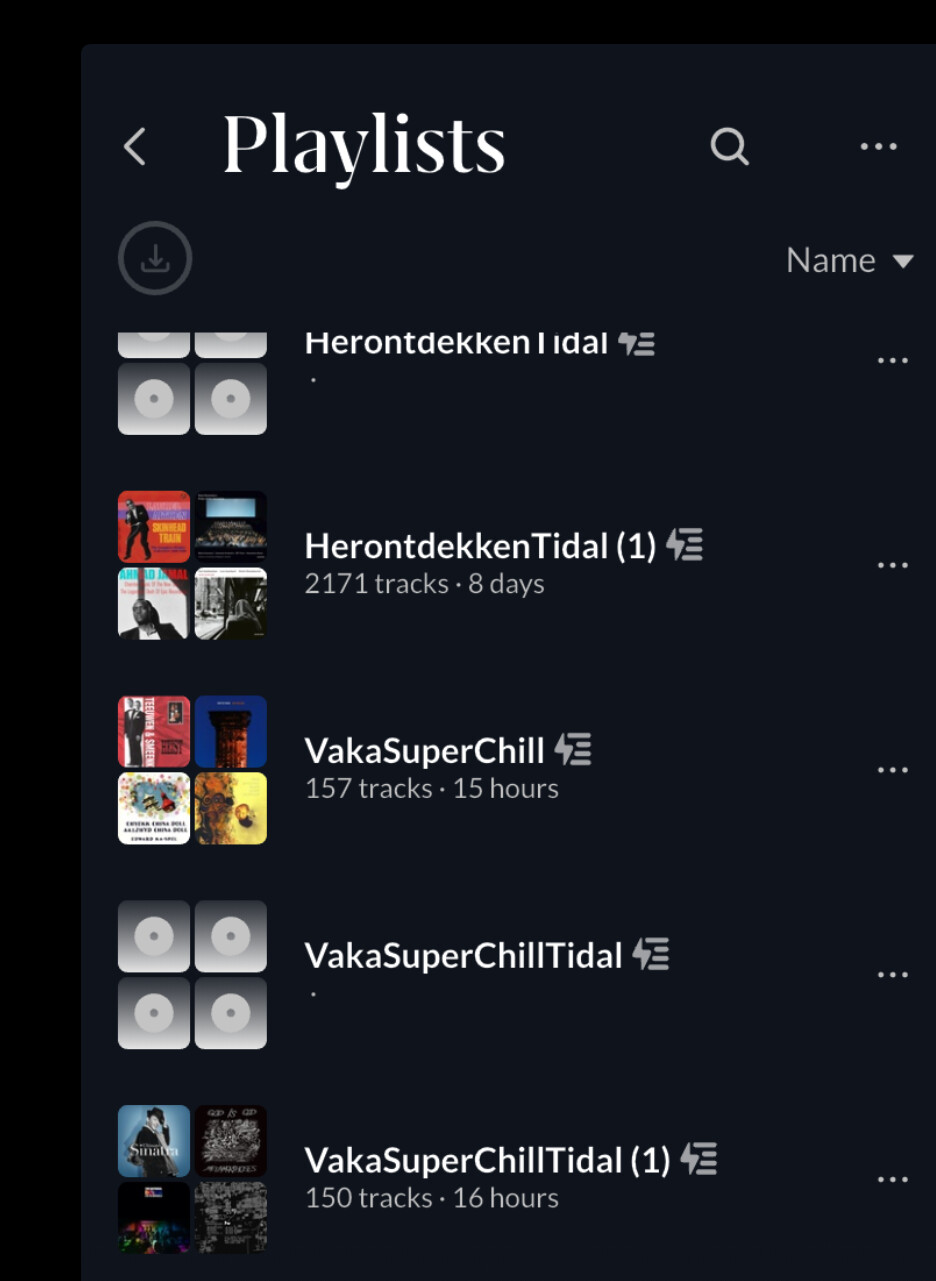
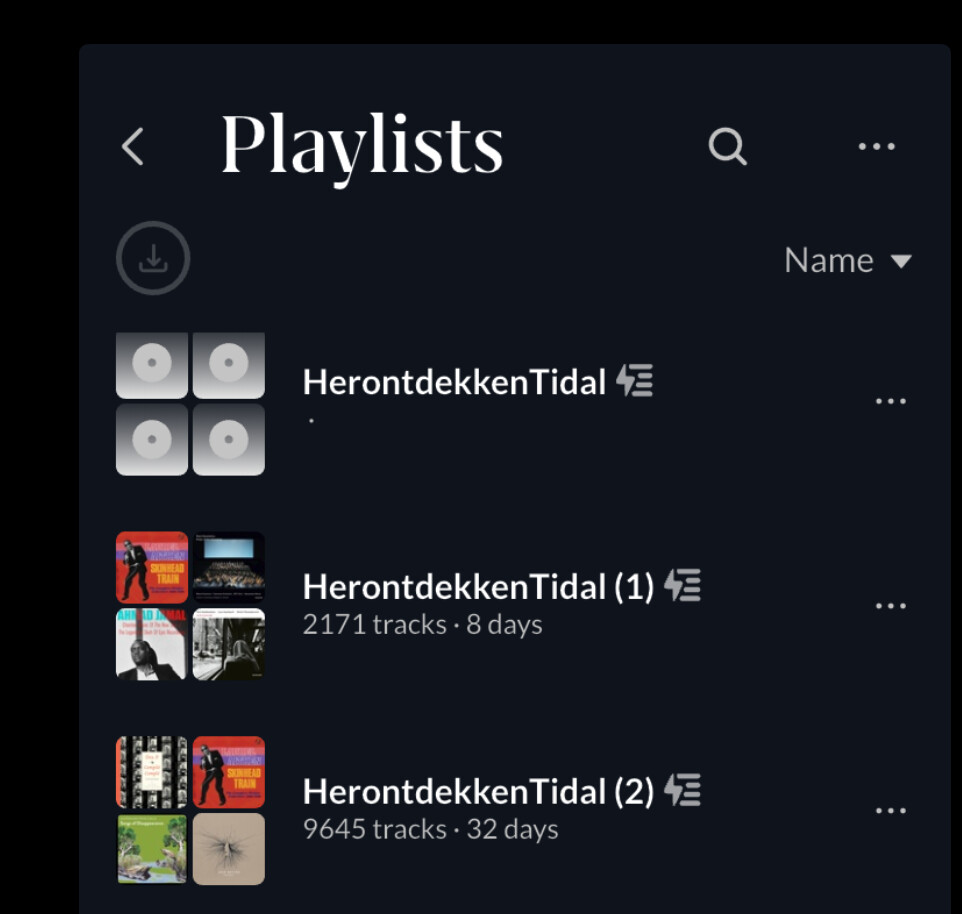
I have a few smart playlists that only have Tidal tracks in them. When I tried to play one of these away from home on ARC, it suddenly appeared to be completely empty, while it should be populated with quite a few tracks. As you can see, the playlists are empty.
But the story continues… a few minutes later, I decided to copy one playlist again, but now not on my iPad but on my phone. The track count is completely different…
I doubt it, but who knows..? I would think it’s the exact same playlist, because it’s a copy of a smart playlist of which the definition is stored on Roon Server.
James_I
(The truth is out there but not necessarily here)
5
A Smart Playlist isn’t a static playlist though. I think it is essentially using the bookmark and filter functions, and it is possible that if the filter isn’t implemented on the phone app (last time I used it, it wasn’t), then it’s possible that you get a different result with a Smart Playlist across different Roon remotes.
Another thing with this ‘smart’ playlist is, it doesn’t update itself. The playlist simply contains all tracks from all my Tidal albums that didn’t have any tracks played for six months. So when a track is played from the playlist, all tracks from that album should disappear from the playlist, but they don’t.
It used to work, but it doesn’t anymore.