Hi @desbiss,
You’re welcome! We’ll post here when we have some updates for you.
Hi @desbiss,
You’re welcome! We’ll post here when we have some updates for you.
Hi @desbiss ,
The team looked over your ticket and they had a few follow-up questions. Can you please let us know:
Hi @noris - please see my replies below…
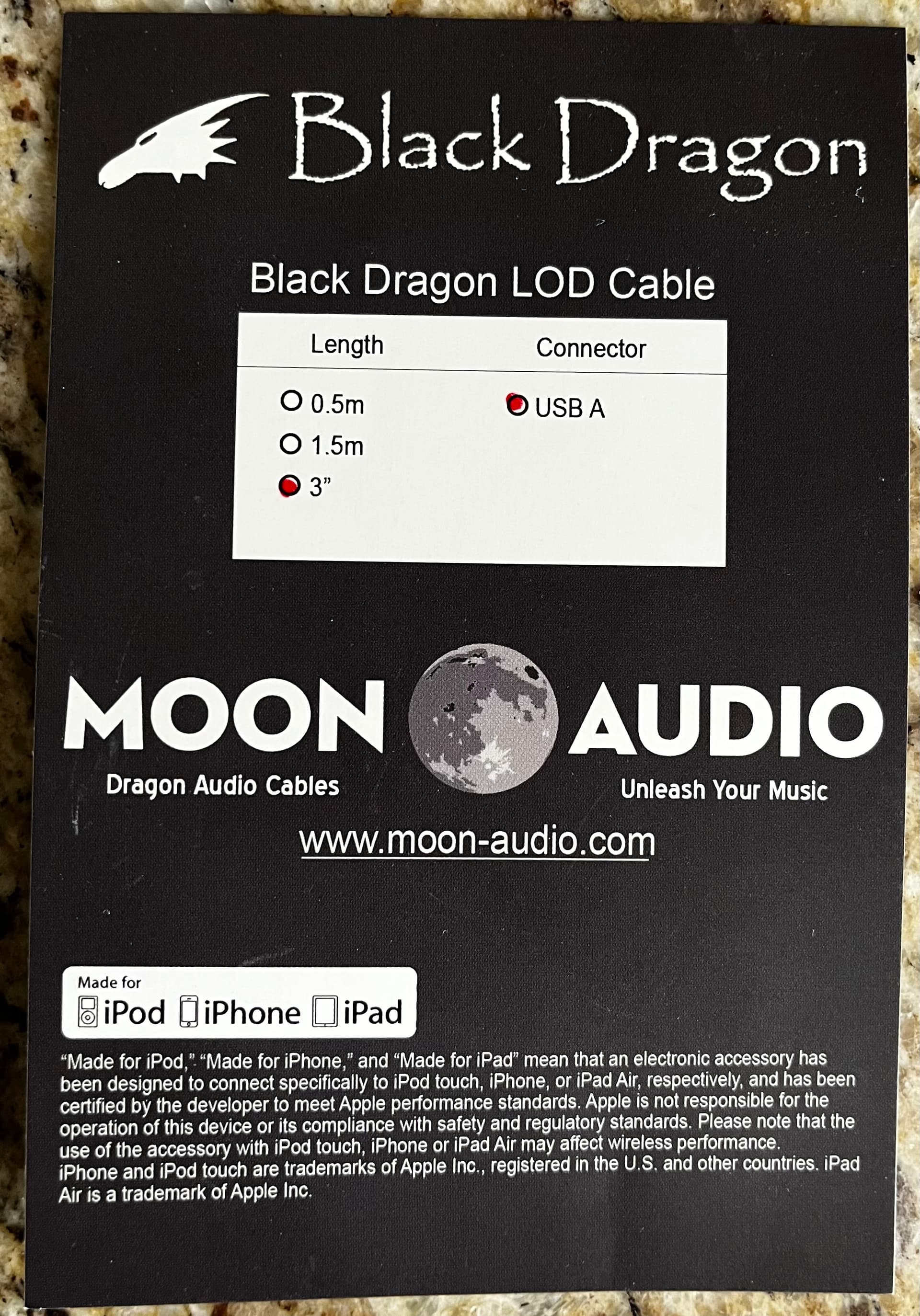
Please see photo attached. This is a USB A to Apple Lightning cable
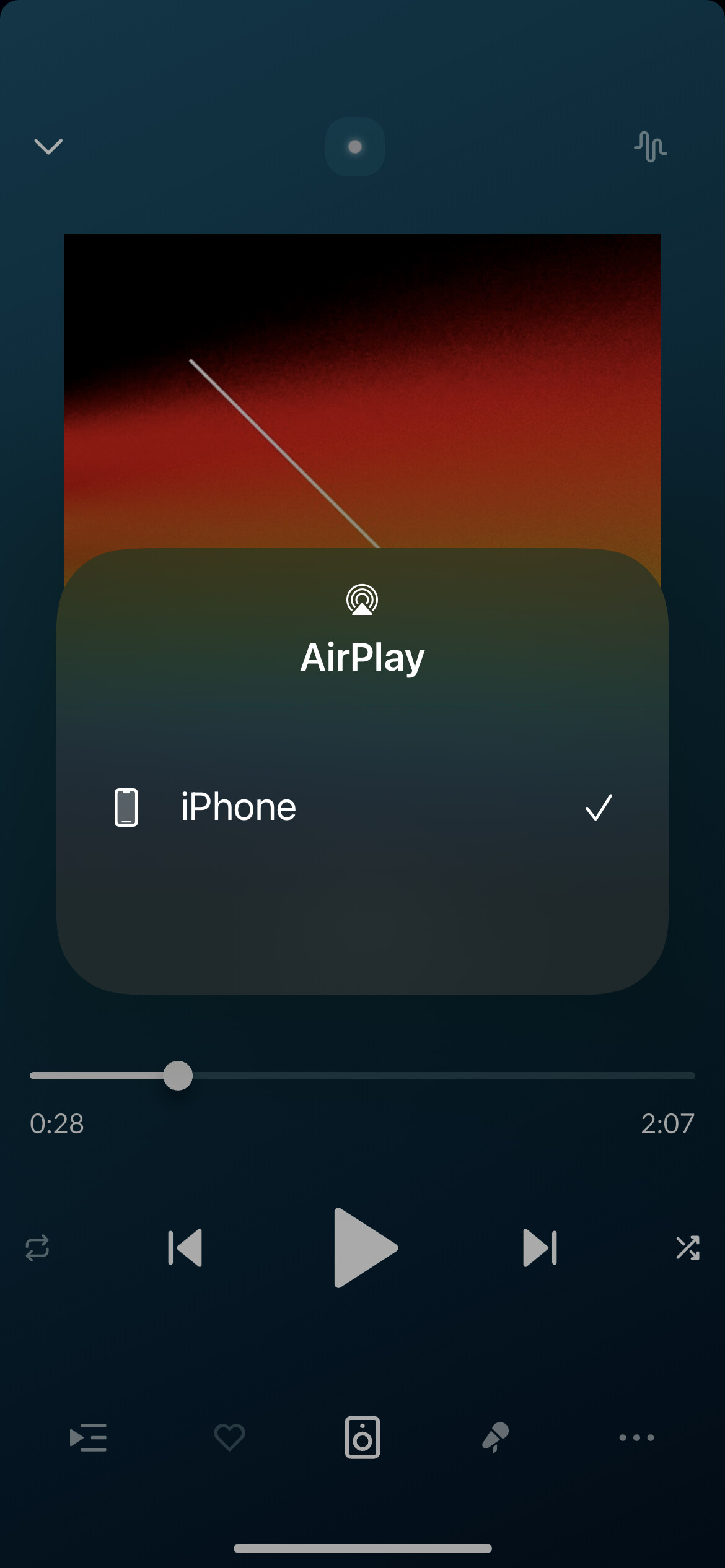
That is not accurate. The Airplay icon appears automatically on that pop up. The available output options that can be selected appear below the Airplay icon. The “Airplay” pop up (and available output selections) appear after selecting the bottom icon that is between the Heart and Lyric icons. The latest version of ARC uses a Speaker icon instead of what is displayed in the image you shared…
As mentioned, Airplay is not something that can be selected… it appears automatically on the pop up. I have to manually select between Dock Connector or PCM (our car’s Buetooth).
Please let me know if there are any other questions. Thanks so much!
Hi @desbiss ,
Thanks for those additional details, I’ve noted it in the ticket!
Does it still say Airplay after the top after clicking then new speaker icon? I’ll check with the team, but I wonder if ARC is somehow only discovering the Airplay option.
Hi @noris!
Yes it does. Airplay is always indicated at the top of the pop up window after pressing the Speaker icon. This is the case even when not connected to Bluetooth or the Dock Connector in our car. See pic
Thanks for letting us know @desbiss , I’ve added this info as well to the ticket. Once this has been reviewed by the team, we will reach out once more. We appreciate your patience until this takes place.
Much appreciated @noris and team! I’ll wait to hear from you folks…
Hi @desbiss,
You’re very welcome! We’ll be in touch as soon as we have more information to share. Thanks again for your patience in the meantime.
Thanks Roon team for reopening!
Bumping to prevent the 14 day auto-close…
Bumping to prevent the 14 day auto-close…
Bumping to prevent auto-close…
Hi @desbiss,
There’s not been an auto-close on this topic since 10th of July 2025 …. no need to “bump” it.
Kk. Thanks @Carl. I have this and another thread that have been periodically auto-closed. Will hold off on bumping this one as well…
Roon Labs has internal tickets, hence the added “[Ticket in]” in the thread title. They don’t rely on forum threads being open, and if it closes they will reopen it if they have a question or there is something to announce.
Thanks for the insight @Suedkiez
Curious if the Roon team has any new updates on this item? Also am messaging here to ensure this one doesn’t get closed in error.
Hi @daniel, @noris, @connor and @benjamin - I replaced my iPhone 13 with an iPhone 17 Pro and wanted to share an update here that the audio playback issue remains in place with the iPhone 17 Pro’s USB C connection. The audio playback issue was not particular to the Lightning Port. (I was hopeful it may have been.)
I completed testing in our car with the iPhone 17 Pro over the last two days while on a 12 hour road trip, and the playback issue remains intact with the USB C connection:
Bluetooth works perfectly fine and is without issue, but is lesser desired / poorer sound quality. Please NOTE that I also tested with the Qobuz app again for comparison. The USB port still works perfectly fine when selected for playback in the Qobuz app. Toggling between Bluetooth and USB in the Qobuz app does not present any playback issues over USB.
I would like to acknowledge that when this initially was reported there was zero audio playback when Lightning was selected. This has since improved and USB / Lightning does work periodically, but is not reliable or consistent whatsoever. When USB / Lightning does not work, Bluetooth becomes the default.
Are any status updates available that the Roon team can share with respect to this issue?