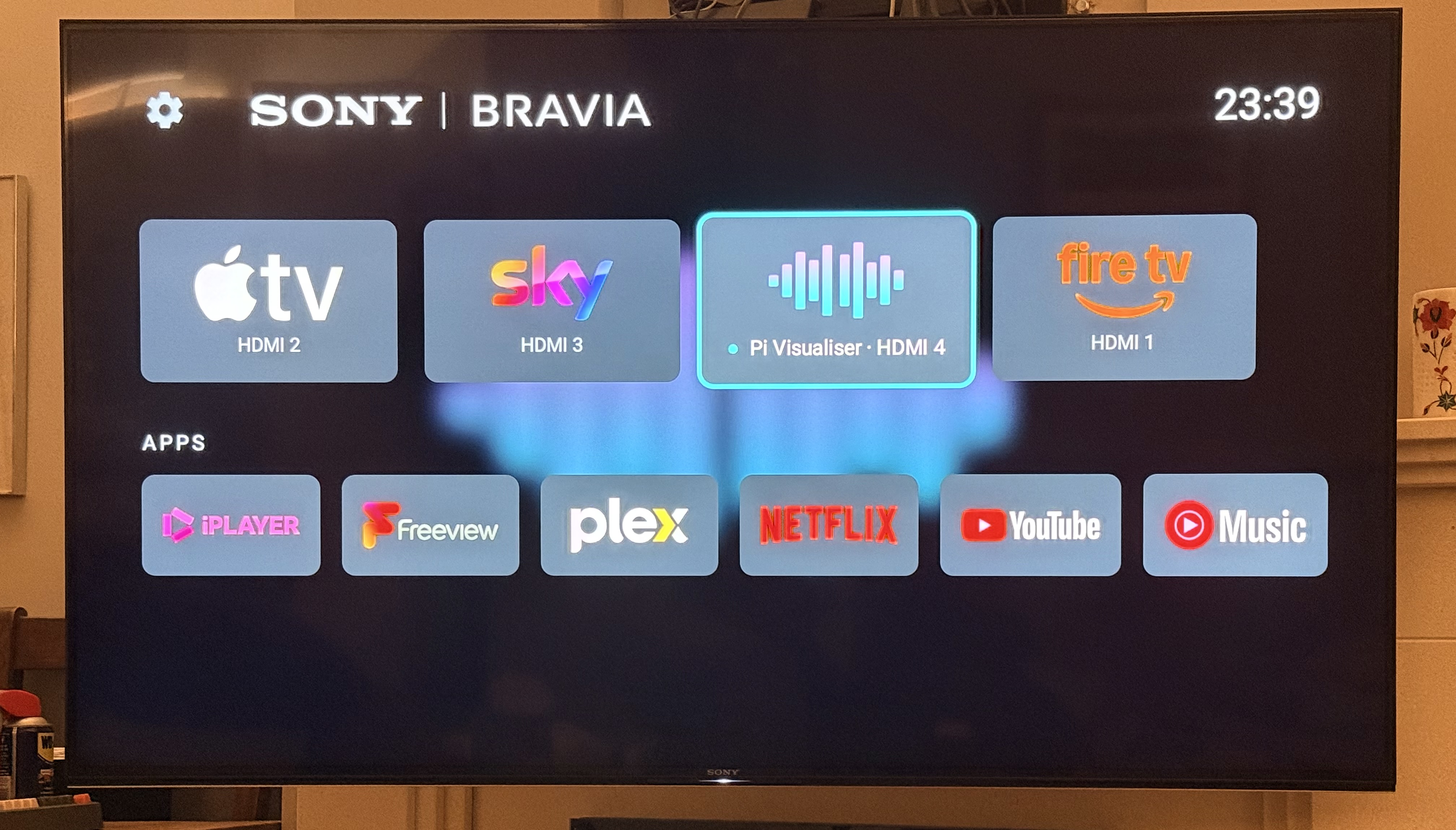
As easy as Pi: my dream Roon TV visualiser, built with Claude Code

Has anyone used Claude Code to remotely program a Raspberry Pi to enhance the Roon experience, using Roon’s API and extensions? It’s as easy as Pi: all done in natural language, with professional results. I now have the on-screen visualiser on my TV that I’ve always dreamed of! Plus control with my TV remote.

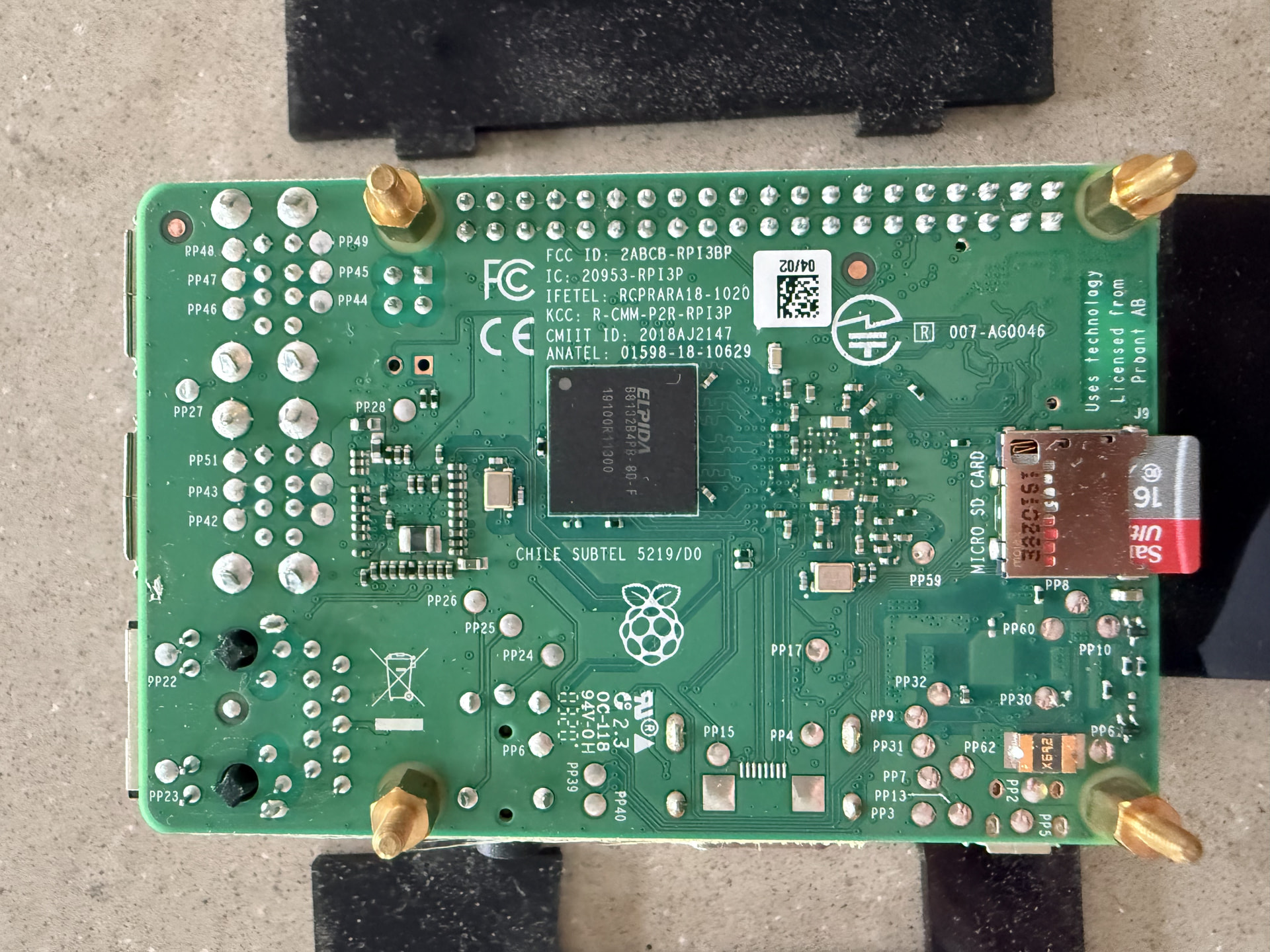
I had this old Pi 3 hanging around. It was running Plex Amp - no longer supported - and that took me days to setup a few years back and it was flakey. This took 15 minutes, followed by an hour or so of tweaking fun whilst listening to my music, all in natural chat from my laptop. I simply plugged the Pi into power, ethernet and an HDMI to the TV. Claude created (flashed) the SD card via my laptop, i popped it into the Pi, Claude found it on my network and got on with all the setup and coding. I did nothing but chat to it.

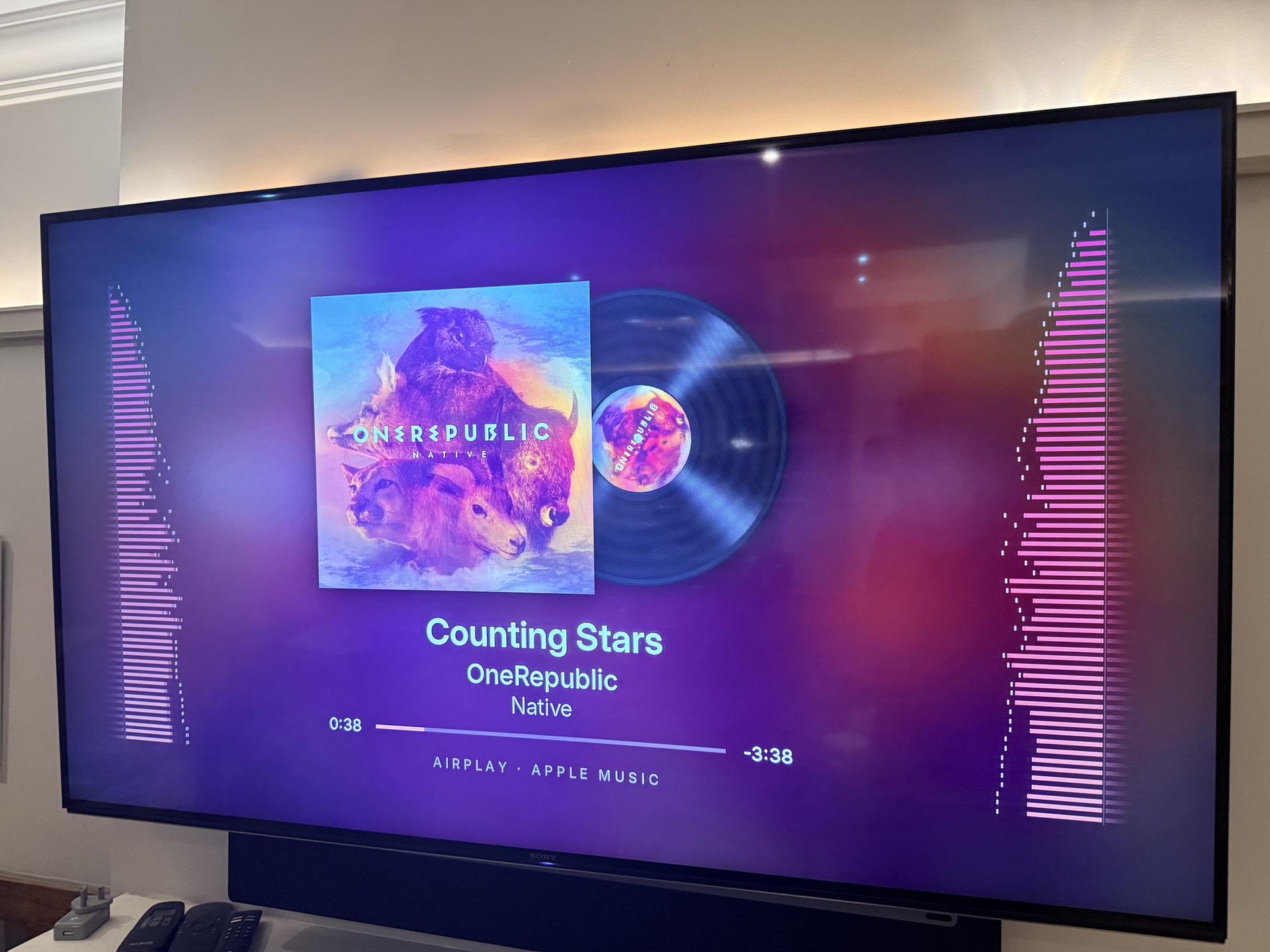
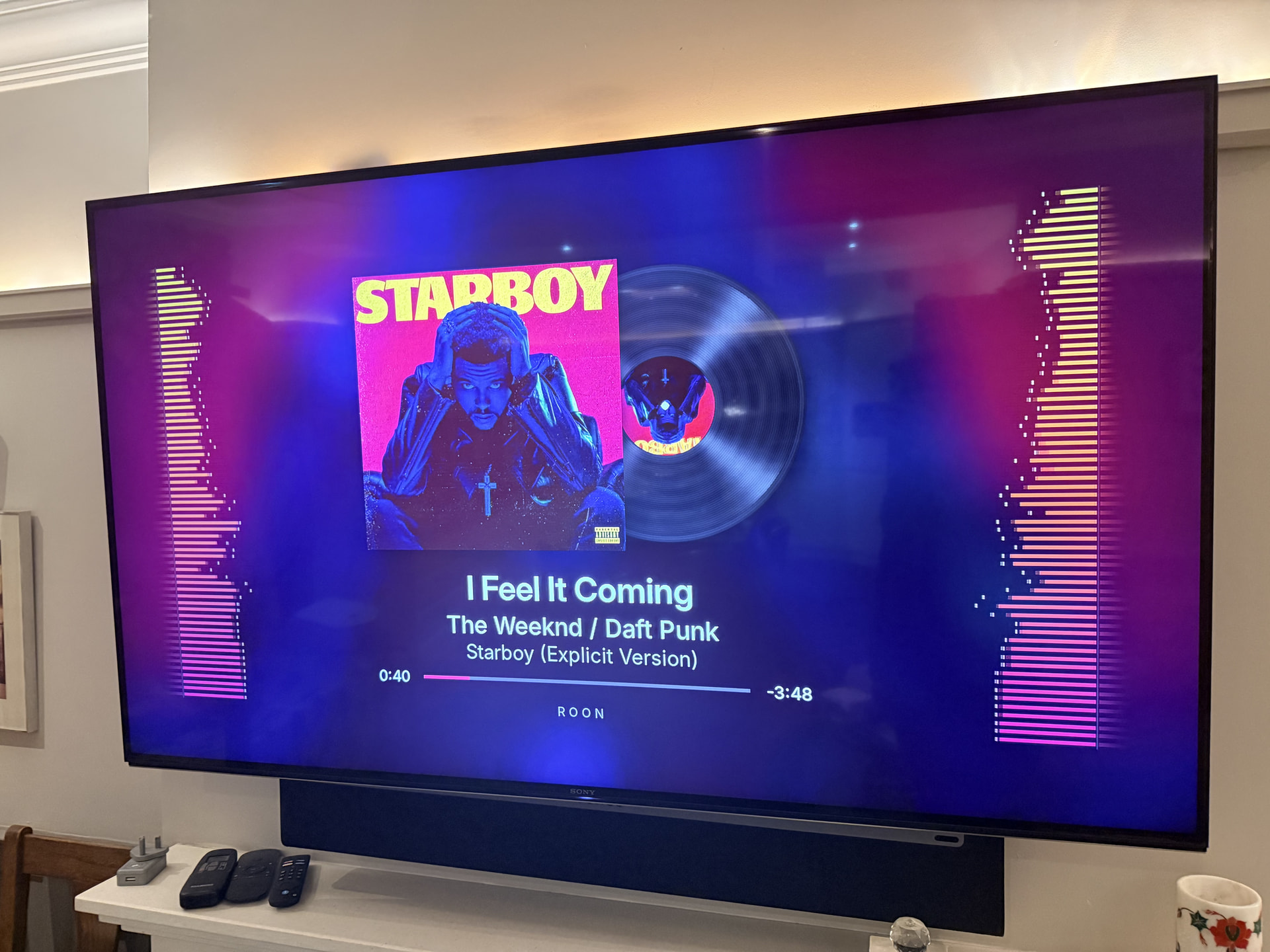
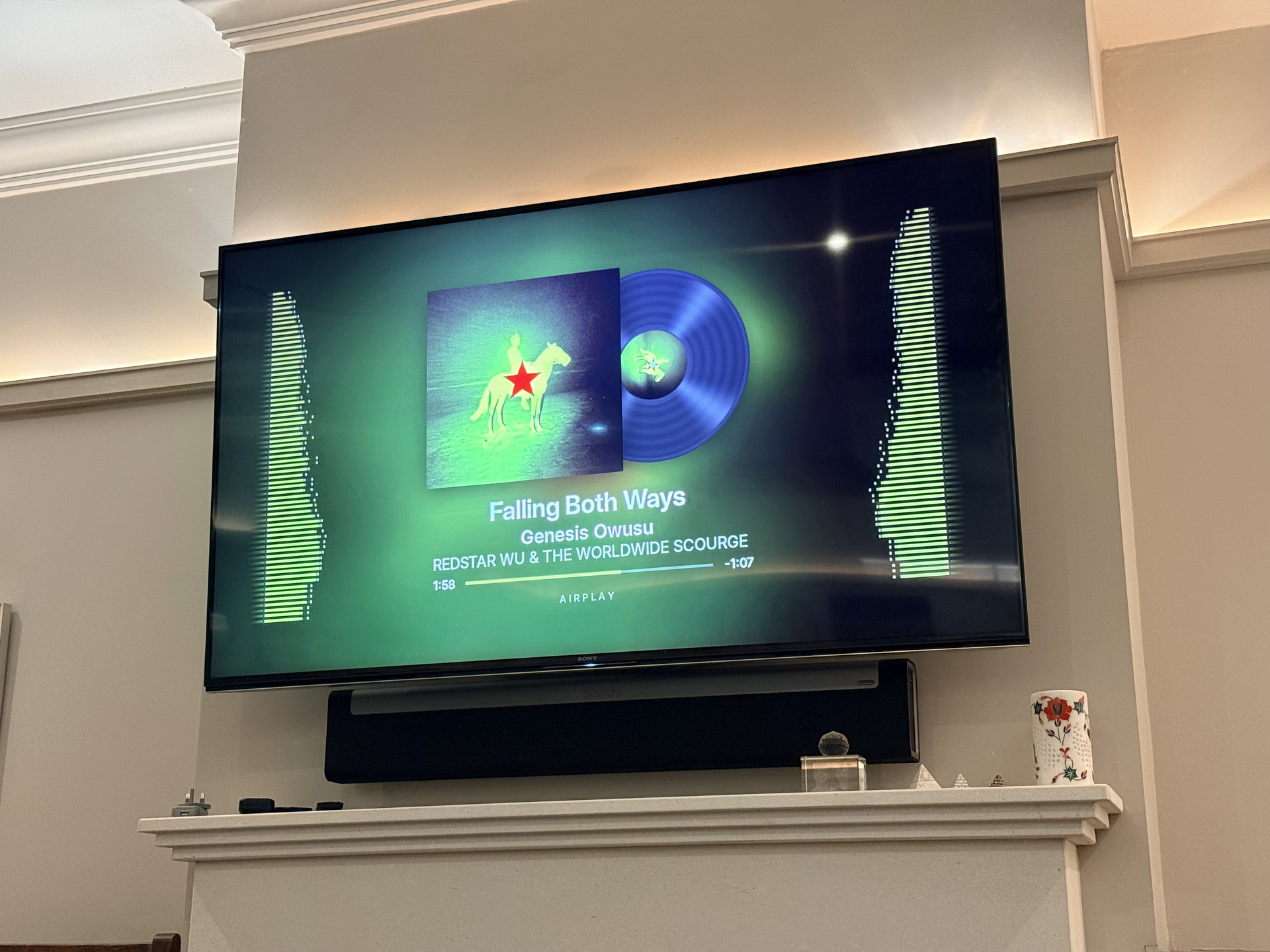
On screen: blurred album art fills the background, with the sharp cover in the middle. Left and right spectrum bars run up each side, coloured from the artwork. Track details and a progress bar sit underneath. For music, a vinyl record slides out and spins. Live radio gets a studio clock with an ON AIR sign.

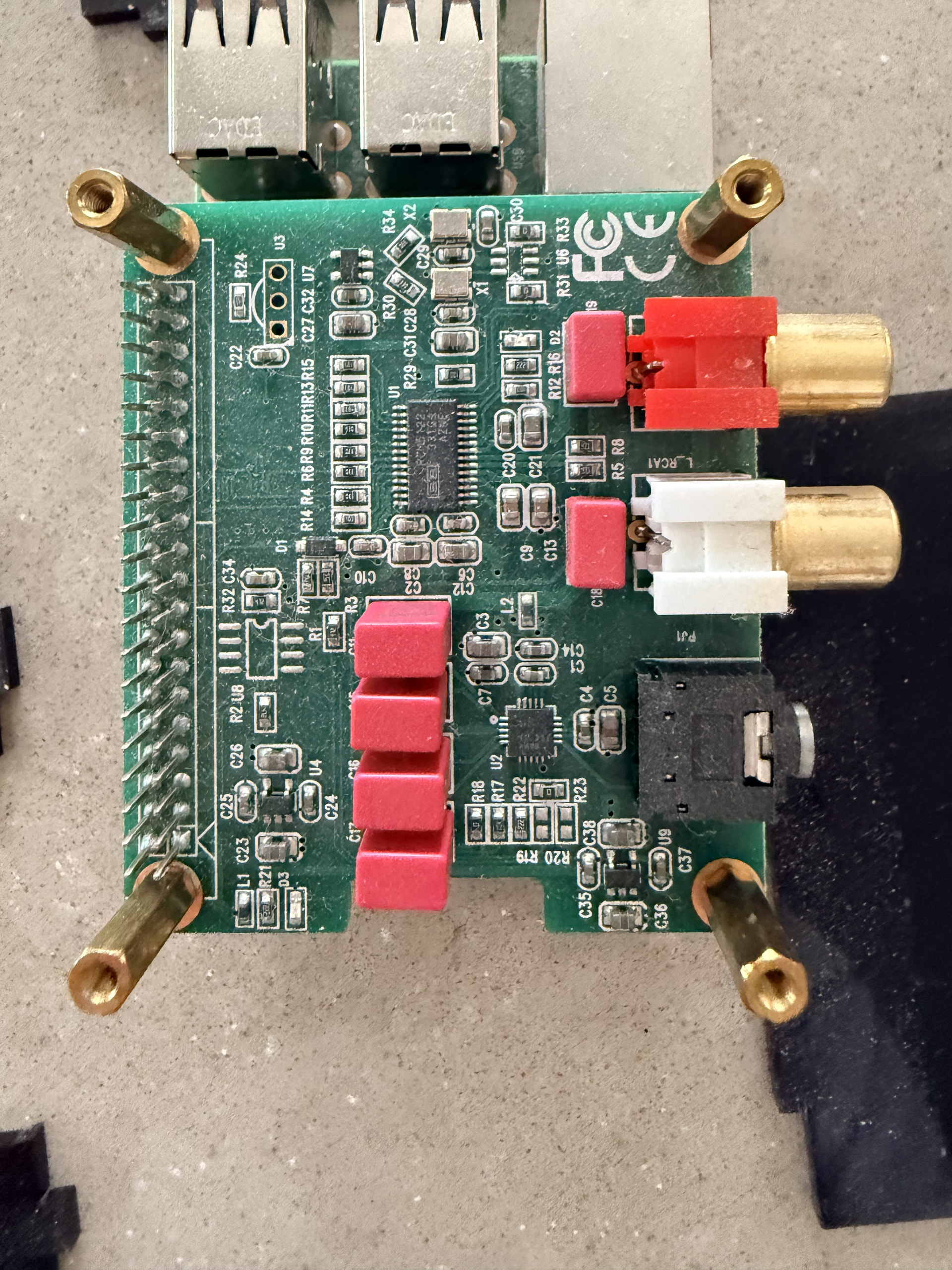
In Roon: the Pi runs Roon Bridge as two outputs. “Pi Visualiser” is an ALSA loopback, grouped with my Bluesound Node 2i: the Node plays, the Pi listens. “Pi DAC” is a DAC HAT. A Roon extension supplies the track details and art.

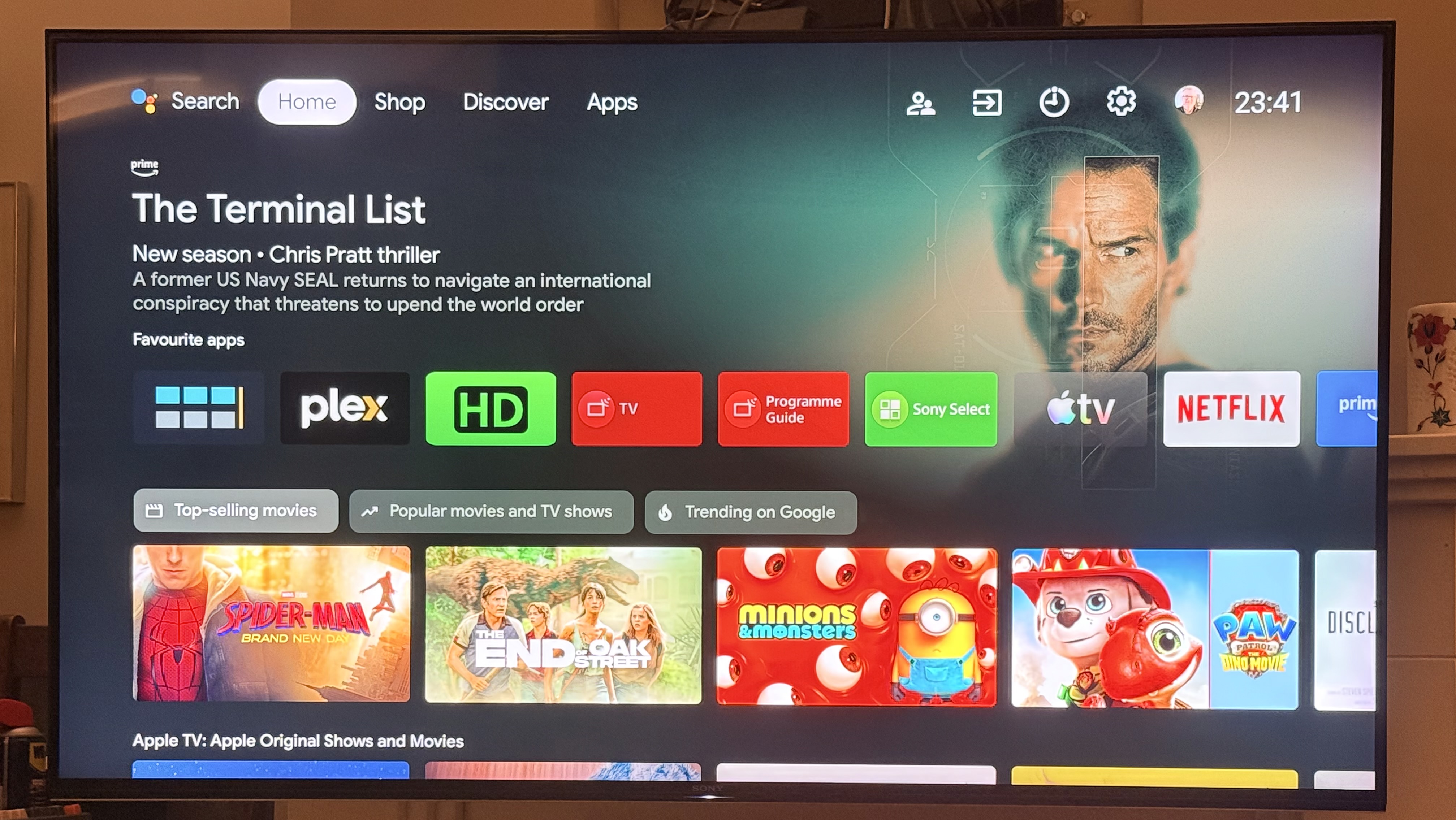
TV remote: the Sony remote controls Roon playback via HDMI-CEC.

Performance: a steady 60 fps at 720p on a Pi 3B+.

Troubleshooting timing: at first the bars lagged slightly behind the music from the Node. Claude code trimmed the Pi’s processing delay step by step. The final piece was setting the TV’s HDMI input to Game mode, which skips the TV’s own picture processing. Now the bars are precicely in time with the music.

Claude code overcame every snag with just a few natural language requests.

I also added: AirPlay 2 (BBC Sounds, Apple Music, Radio Paradise) and Bluetooth for Android phones.

I added some pretty big requests and it suggested a Pi 5 running projectM - whatever that is? I’m off to Amazon to buy another Pi.
8 Likes

Pictures of the output would be nice but…

Yes, for something like this, vibe-coding your way to success is pretty darn easy. Be careful with Pi pricing, as with all component pricing the value of a Pi, isn’t what it used to be. I’ve used the ALSA loopback for many workarounds with Roon and it really does open up some great projects. Now integrate some lighting to match the color palate of the album art for that fully immersive experience :wink:

Hi Robert. Are you able to post your completed Pi 3B+ image?

@ipeverywhere Really? I have Hue light strips around the picture rail and some colour Hue spots in the ceiling. I hadn’t thought about that. Do you think I could colour match the screen? That would be cool :smiling_face_with_sunglasses:

what do you mean?

I’m not sure what you mean? Some sort of copy of the code?

The hack I used a while back was to take an old laptop and run a browser to get the album are on the screen. Then I took the camera (the ambient system I had was based on a small camera picking up the screen colors) and pointed it at the screen. That worked “ok”. The better way is to use one of the new HDMI capture devices so it can “see” what’s on the screen. Once that’s working then you can sync other lights to it.

What does your visualizer look like while working?

I’ve used Opus 5.5 to extract the dominant colour from an album cover and use that to set the colour of Hue lighting directly. That was on a Mac using node.js so I would think you could get it to do the same on a Pi. I was surprised that it’s practically instant colour change as soon as an album plays.

1 Like

I included them in my first post. Unsure why you can’t see them.

Pretty certain I could get the pi to control my hue lights just by telling Claude to set it up. I will do that. Might even be able to get my lights to move with the music. Mind you, that might be annoying.

This is a great idea. I’ll do that next!

oh, yup, there they are, nice stuff! Blame it me moving the page faster than my eyes paying attention. I believe we call that PEBCAK. :wink: Thanks for pointing it out.

Very cool. You should put the code on github with a donation button and make a few bucks.