How did you go back to Roon 2.0 I have the same problem?
My Silent Angel Z1 has an official App: VitOS Manager, which can be used to manage Roon status like Docker, or deleted and reinstalled with the initial version (Roon 2.0).
 done!
done!
Thanks a lot
Important information for Rhein users.
We would like to inform you about a major compatibility issue that Silent Angel has identified with the latest Roon Server 2.71 update.
This update may cause Roon Server to stop or be found on the following Silent Angel models:
Silent Angel Z1
Silent Angel Z1C
Silent Angel Z1 Plus
Haven’t installed the update yet?
Then we advise you not to install Roon Server 2.71 for the time being. Silent Angel is currently working on a definitive solution.
Have you already installed the update and Roon Server no longer works?
Then you can solve the problem via the VitOS Manager app:
Open VitOS Manager.
Uninstall Roon Server.
Reinstall Roon Server.
This will automatically install Roon Server v2.0 and the system will function normally again.
Silent Angel’s technical department is investigating the cause and working on a definitive solution. As soon as a new update is available, we will inform our dealers immediately.
Hello,
Thanks, everyone for continuing to share diagnostics here, it’s helping us narrow this down.
We pulled diagnostic archives from several of the affected devices in this thread and found a consistent pattern: the root partition on these units is nearly or completely full. A few examples from what we’ve reviewed: one device at 100% used with 0 space available, another at 100% with only about 2.5 MB free, and two more at 88 to 89% used. That looks like a strong candidate for what’s blocking Roon Server from starting after the 2.71 update.
We’ve let our team know internally about this pattern so it can be looked at properly.
Separately, @Suedkiez and @Eric_Besemer mentioned Silent Angel already confirmed the issue on their end and suggested rolling back to Roon 2.0 through VitOS Manager as a workaround. That matches what we’re seeing. Given how small that root partition is (2 GB on every device we’ve checked), it’s probably worth raising directly with Silent Angel too. A partition that size leaves very little headroom for normal operation, and a fix on the hardware or OS side may end up being the more durable answer here.
Hi! What’s not quite right with Roon?
· Roon is slow, freezing or won’t start
Roon is slow, freezing or won’t start
· Roon won’t start up at all
Tell us what's going on
· Yesterday I updated ROON to 2.71 ROON I have it installed in Silent Angel Z1Plus and it doesn't start.
Tell us about your home network
· I have my network by cable and on Mac if it goes ROON but I haven't updated it
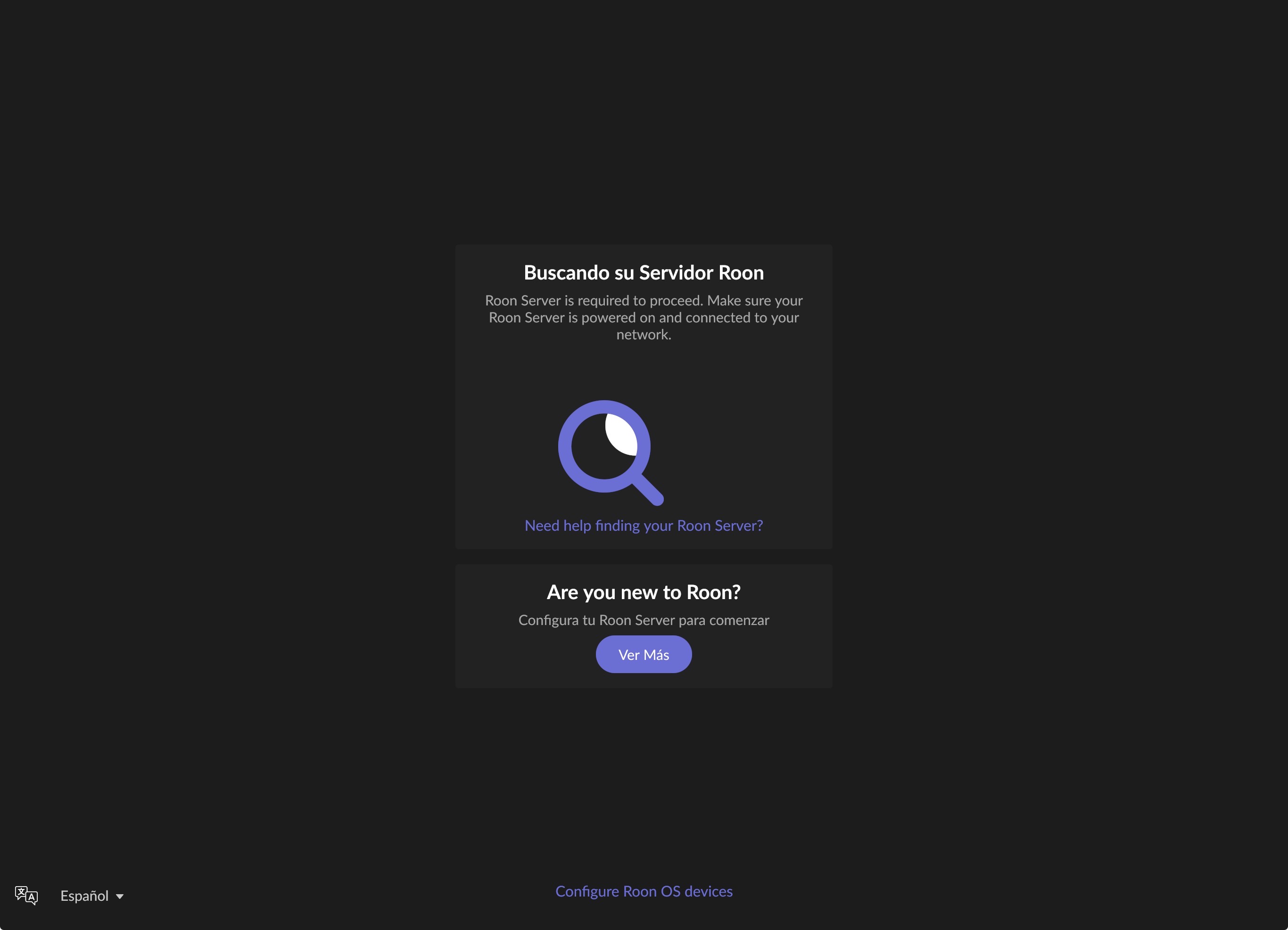
The same here, with my Z1 Plus. 
Doing this press the trash icon to uninstall Roon server. After installing, my Roon says running, but the Roon client still can’t find it. Is it normal?
Not normal, try it again.
Here it works well now Roon 2.0
Success
Try this, and good luck.
Hi, I have the same setup (Rhein Z1 V2). Same problem here. Roon server can no longer be found after the Roon server update to 2.71. Therefore my remotes can also NOT be seen.
What can I do?
Thank you.
Probeer dit maar Hans.
Bij mij werkt het, succes
Wij willen u graag informeren over een belangrijk compatibiliteitsprobleem dat Silent Angel heeft vastgesteld met de nieuwste Roon Server 2.71 update.
Deze update kan ervoor zorgen dat Roon Server niet meer opstart of niet meer wordt gevonden op de volgende Silent Angel modellen:
Silent Angel Z1
Silent Angel Z1C
Silent Angel Z1 Plus
Heeft u de update nog niet geïnstalleerd?
Dan adviseren wij u om Roon Server 2.71 voorlopig niet te installeren. Silent Angel werkt momenteel aan een definitieve oplossing.Heeft u de update al wel geïnstalleerd en werkt Roon Server niet meer?
Dan kunt u het probleem oplossen via de VitOS Manager app:
Open VitOS Manager.
Verwijder (Uninstall) Roon Server.
Installeer (Install) Roon Server opnieuw.
Hiermee wordt automatisch Roon Server v2.0 geïnstalleerd en zal het systeem weer normaal functioneren.
De technische afdeling van Silent Angel onderzoekt de oorzaak en werkt aan een definitieve oplossing. Zodra er een nieuwe update beschikbaar is, zullen wij onze dealers hiervan direct op de hoogte brengen.
Dag Eric,
Jawel het werkt weer; bedankt. En, wat huiswerk voor Silent Angel…ik ben benieuwd.
Groet,
Hans
Ja Hans,
Daar is het forum voor om elkaar te helpen.
Dus niet updaten.
Groet Eric
Hi! What’s not quite right with Roon?
· None of the above quite fits
None of the above quite fits
· None of these quite match
Tell us what's going on
· Guten Tag,
Tell us about your home network
· GutenTag, ich habe gestern das Update 2.71. (1680) durchgeführt. Jetzt läuft mein Roon gar nicht mehr und ist auch nach erneuter Installation und neuem Update nicht zu starten. Ich benutze einen Silent Angel Rhein Z1 plus. Was kann ich tun, damit ich Roon wieder benutzen kann?
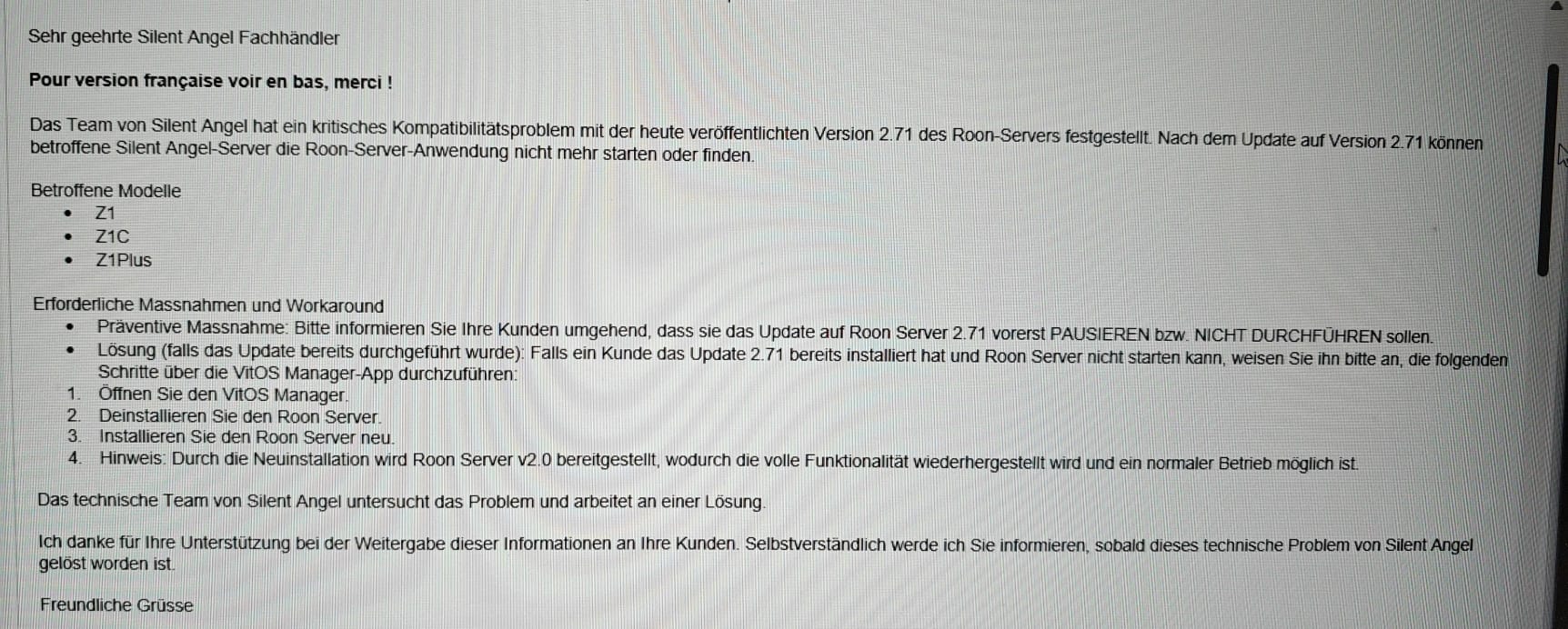
I get the same message from my retailer 
Here in English.
Ik heb Roon server in Rhein verwijderd en opnieuw geïnstalleerd. Zie nu inderdaad versie 2.0 en dat hij up and running maar krijg geen verbinding via de app. Enig idee hoe dat is op te lossen?