Silent Angel Rhein Z1 as a Music Server (old-roon-core);
Number of Tracks in Library
1TB of mixed files
Description of Issue
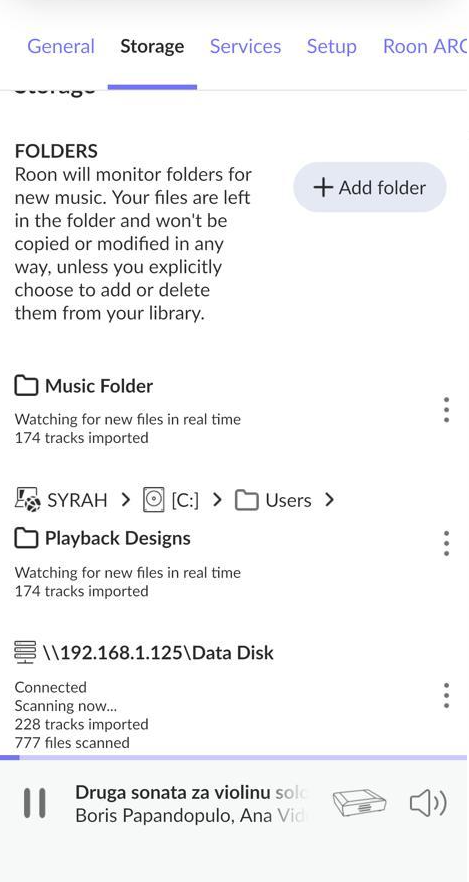
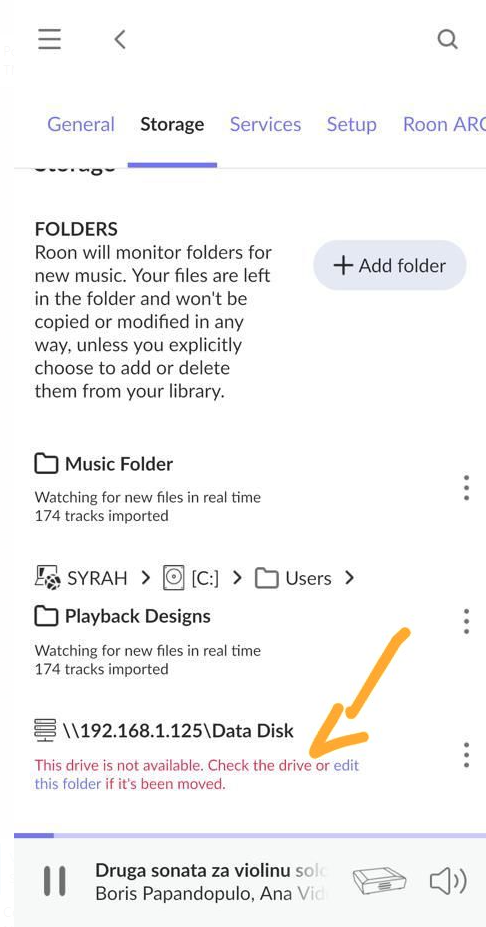
The first time we tried adding (Settings->Storage->Network Share) it found the Rhein Z1 and started adding the musics to the account, but it was abruptly terminated with the following message: “The Drive is not available. Check the drive or edit this folder if it’s been removed”.
The problem is: Since then, We weren’t able to connect again. Tried everything we are aware of: rebooting the whole network, the server, the core, changing "" for “/” and nothing worked.
Tried changing the core for another MPT-8, same error. Tried changing the port in the switch, the cable. Same error. What intrigues me is the fact that using Bubble UPNP is works flawlessly, or even using Silent Angel VitOS operational system also works. As a roon core it works too, but when trying to add as a music server, we get always the same message: “ERROR LOADING FOLDER. NOT AVAILABLE”.
I’m a Windows person, not a Linux user, so I may well be getting this wrong. You seem to be attempting to add the drive itself as a "Watched Folder” in Roon.
I know that for Windows, I would have to mark a folder in the drive as a Shared Folder - and not the drive itself. You can’t successfully add a drive as a network share in Roon, AFAIK.
Can you make a shared folder on that drive and try adding that as a Watched Folder in Roon?
I feel it important to inform you that the Core device you are using is an unlicensed Core with Roon. Because of this, we’re not able to offer support as it’s, unfortunately, an unsupported device.
That said, there are others on community that may be able to provide additional troubleshooting steps for you. I’ve moved your thread over the #tinkering for this.
Bill_Janssen
(Wigwam wool socks now on asymmetrical isolation feet!)
12
I see that the Playback Designs Stream X2, and the Stream IF, are Roon Ready devices and optional add-ons to the MPT-8, as per Roon’s partners page.
Bill_Janssen
(Wigwam wool socks now on asymmetrical isolation feet!)
13
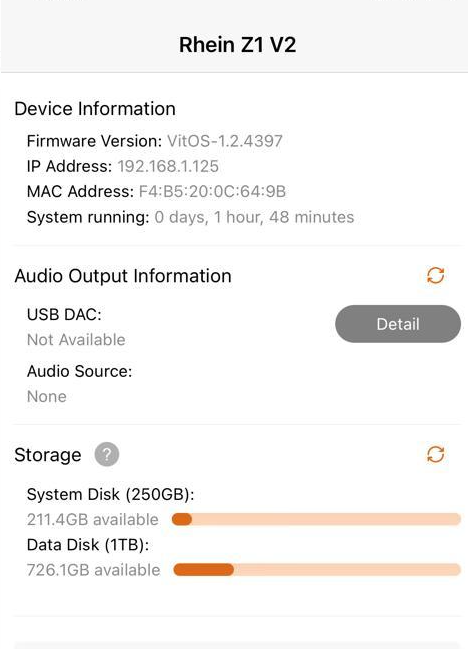
If the IP number of the Rhein Z1 is assigned via DHCP, it may have changed. Make sure it’s always assigned the same IP address, by reserving the IP address in the router, or by setting it explicitly.