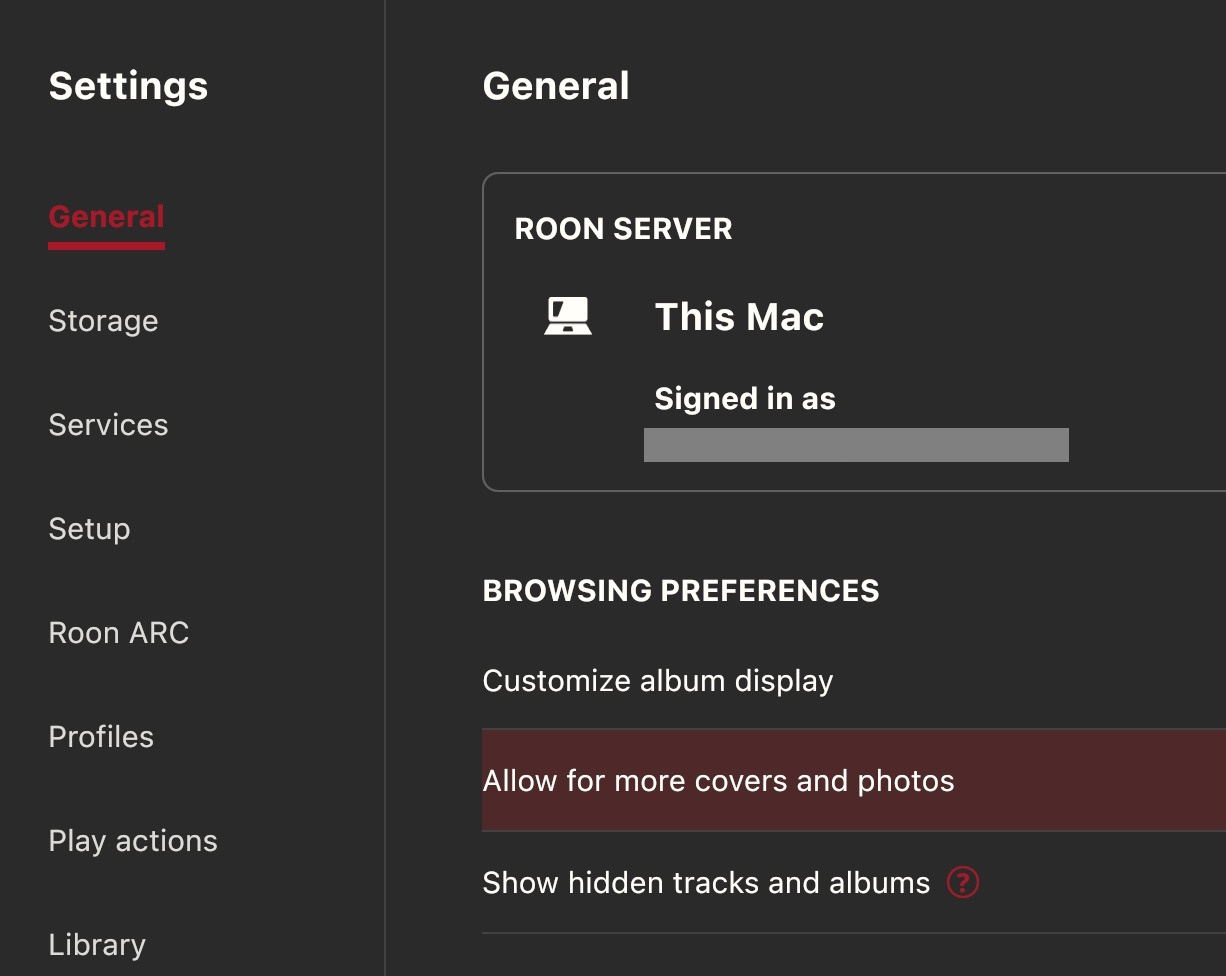
In an older ROON library (last year), but application globally unstable, I’ve installed a new ROON application, from scratch. But now I get very small album covers, difficult to see. 9 albums on a single line, that on a MBP 16". I couldn’t find any tool to have bigger albums covers, under “My albums” tab.
Someone has a solution to get more comfort during library browsing ?
You can also edit the album in Roon to use Roon’s art or art from your files.
There’s a global setting for this as well.
Most of my rips are from decades ago so the art is quite small in my files.
Unless I want a specific cover from my files I use the Roon option as they tend be be higher resolution.
@Suedkiez
You should evolve to a Moderator in this forum.- You do a great job for Roonies!
Not just here in this thread, but you are a great helping hand in many other areas. Very much appreciated.