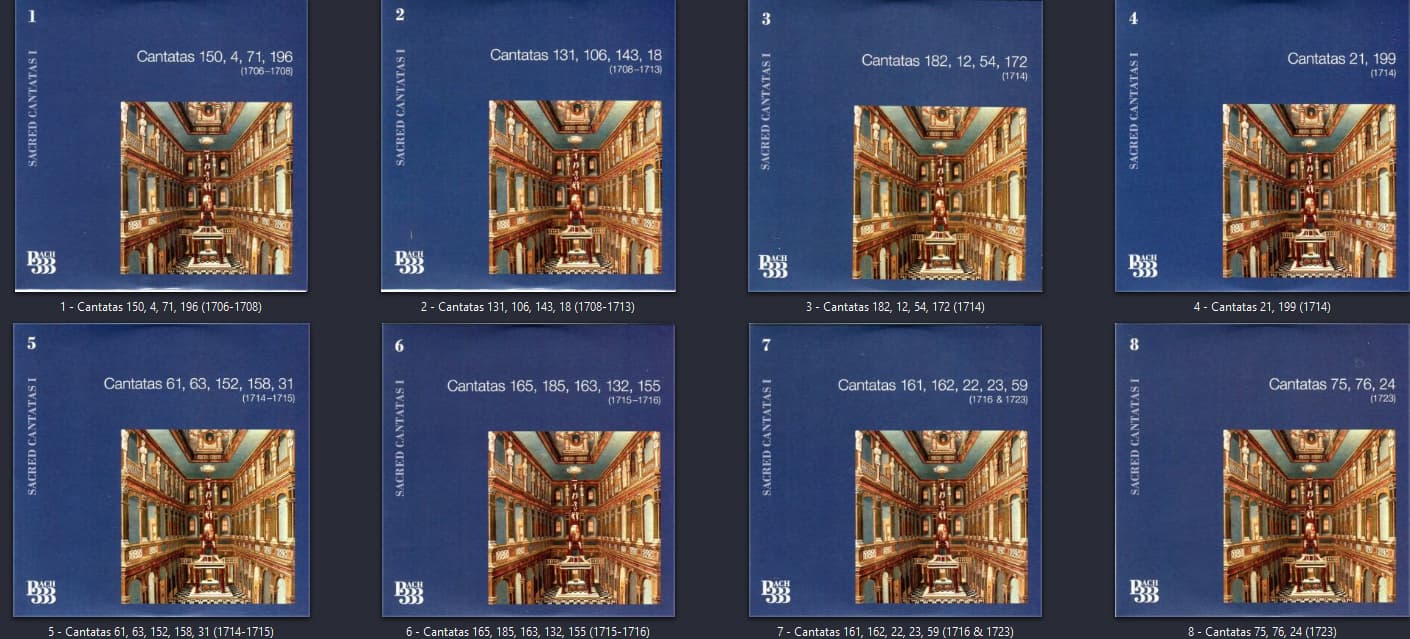
Classic boxsets and merging/unmerging question

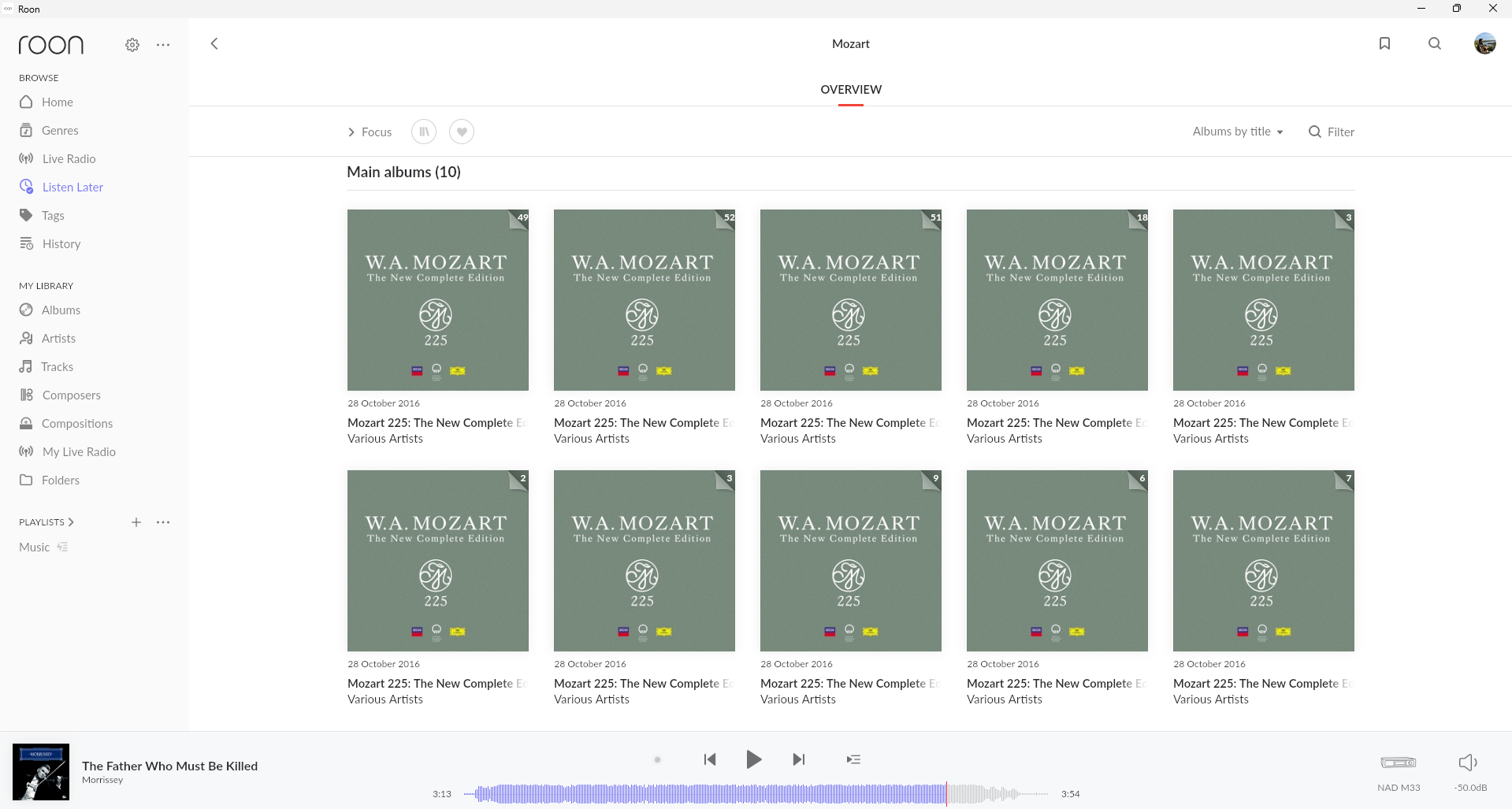
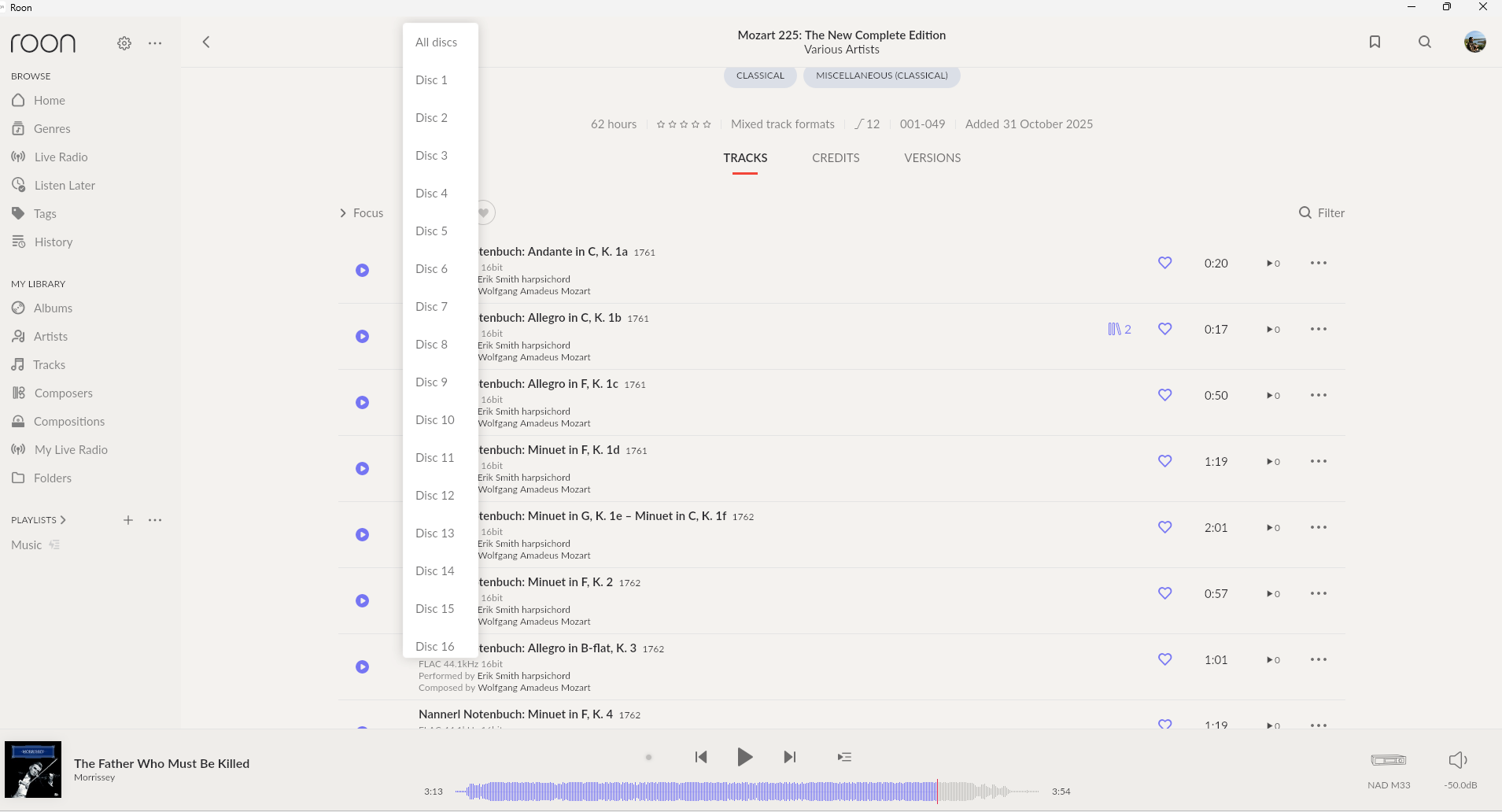
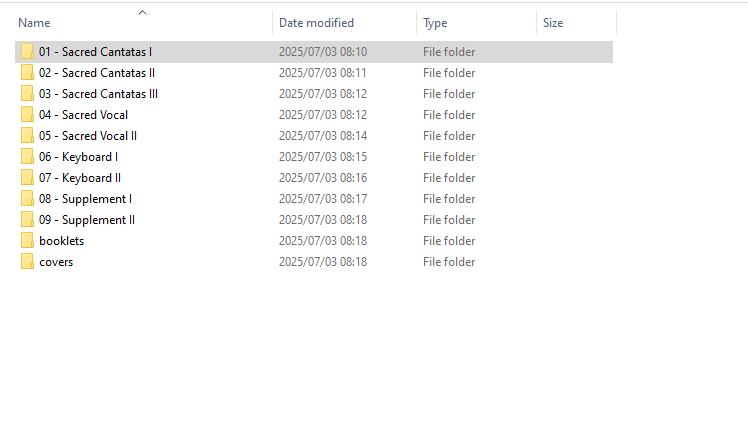
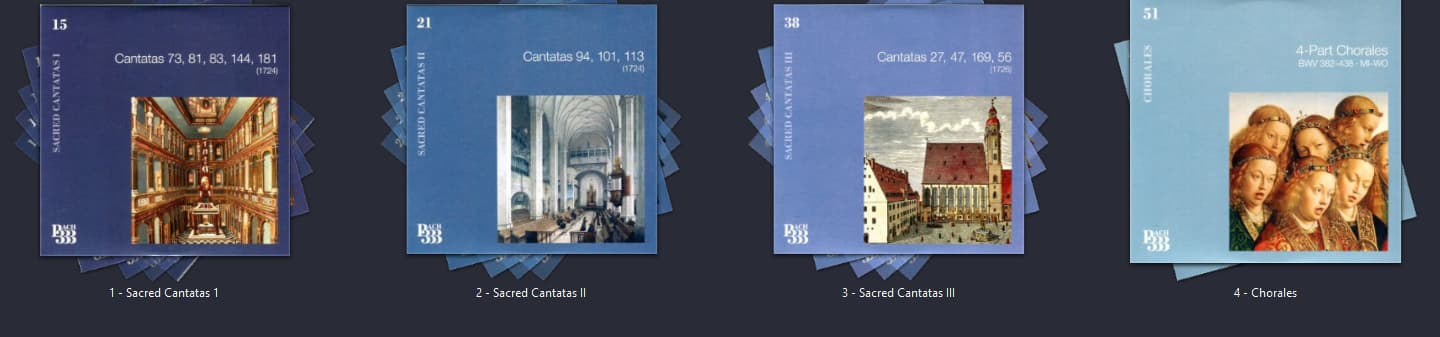
I finally got the courage to handle my Classic folder as that is ualways a nightmare. I found Roon handles 2 boxsets differently. “Bach 333” comes up as all the CDs separated, which I end up preferring since I can get a proper cover and navigate the collection visually. “Mozart 225” comes completely different though, I guess grouping them the way Deutsche Grammophon grouped Mozart’s work types (Chamber, Masses, Concertos etc).

This is how they end up looking:
Bach

Mozart:

So I end up having to navigate, in the case of Chamber Works, 49 CDs merged into an “album”

Roon never ceases to amaze me, this is way better than I ever had anything organized but still… is there any way to unmerge the Mozart cds?

Only the hard way of picking off individual discs

A word of caution , your Bach 333 individual discs will almost certainly be Unidentified so yo run the risk of missing Composition data and Credits as the single discs will not be in Tivo or MusicBrainz.

I would guess that in your Bach 333 folder the individual discs have some form of extra text like CD33 - A Bach work. If that is the case Roon will see them as individual albums and import them as such

DG spllit the box (indeed both boxes) into sub-volumes

So folder1 has CD1, CD2 etc Folder 2 has CD25 etc so a continuous disc count

I also guess your Mozart is in subfolders in much the same way again with “bald” CD1 etc no extra text.

One notable thing about these 2 sets and BTHVN as well is that the choice of performance is quite random, so eg the Piano Sonata set is not all by one pianist like Uchida in the older Mozart set. Hence a single disc almost certainly will not match any normal previous release hence it not ID’ed this is a bad thing.

Hence splitting off single discs may on the face of make life easier , not having the discs ID’ed is definitely not helping navigation.

The answer , well there isn’t one really but I would say the Mozart box is better than the Bach , if you can match up the individual sub volumes with MusicBrainz (You can BTW) you have best case.

The Bach , I would check the CD1 etc status of subfolders and group them as above ad it will probably import. I have both these sets but they ae so cumbersome I keep them out of Roon and use JRiver in parallel

This is the culmination of many unhappy hours at a keyboard but to me is what it should look like

Roon is working on a box set solution BUT where the split data comes from is a problem, where can you look up Disc subtitles like these above

If I can be any help do shout

2 Likes

Yes, having Classic managed by a different player was the way I used to have it. In my case Classic in MusicBee because I could easily tag a lot of things, everything else in Audirvana. But since moving to Roon, and especially Roon Rock, I’m still learning things and no longer have a PC connected to a streamer.

I’ve tried Musicbrainz with the Mozart collection and now everything is on a single album, all 200 cds of it :cry:

It really is the problem of big boxsets like these, when I had individual CDs it was much better to handle and know what I had and dind’t have. There’s stuff on these boxes I probably never listened to. Maybe when I retire I’ll get the chance to rip them all again :grinning_face_with_smiling_eyes:

Thanks Mike!

All is not lost , when Harman acquired Roon there were 3 areas “highlighted for immediate action” one of these was box set management

2 are done and box sets is as far as I know under active development BUT that was now nearly 2 years ago so watch this space.

I was asked my thoughts on how it should look and what you see in JRiver is what I suggested . Individual disc subtitle, individual artwork etc

we can only hope

1 Like