I must say it runs rock solid here. And so much easier to get it to work than trying to get Roon to work with a Wine Bottle. Running Linux Mint 22.1 with the Cinnamon desktop.
Bought you some coffee. Cheers. 
I must say it runs rock solid here. And so much easier to get it to work than trying to get Roon to work with a Wine Bottle. Running Linux Mint 22.1 with the Cinnamon desktop.
Bought you some coffee. Cheers.
Thank you so much! I’ve just installed Ubuntu Studio on a 2011 Macbook Pro. Community Remote is working perfectly. I appreciate your hard work on this app!
Community Remote : after a while
Must have (in order to use only Community Remote)
Nice to have
Just for information
may I miss something here.
try to connect to my roon server, feed in IP and 9330 as Port. CRemote ask my for my name and then “Request Access”.

I don’t unserstand the process. What I have to do next?
You have to use your Roon Remote to setup the extension.
Perfect, working now many Thanks
Hi, thanks very much for building this.
I’m new to Linux and have just started using a debian set up.
This app is working well for its core function, which is playing my music, but I am definitely missing some features from the native Windows app.
For example, when I would click on an artist or song it would tell me the album of the song (e.g. something discovered through Qobuz) and it would link me through to the entire album, other artists on the same album, their discographies etc and I could basically jump down a rabbit hole of listening to an artist and adjacent artists discographies.
On this app when I’m playing a song through streaming, if I click on the artist it doesn’t come up with their discography and it’s not clickable through to the album etc.
New to Linux. I love Community Remote. I wish Windows Roon had the “play random album feature” This is fantastic Thank you!
When you scroll down on the live radio list and select a channel, the list is refreshed and you jump to the top. So, to play the next channel, you have to scroll down again to your previous position.
Would be nice if the position were kept.
It’s different than Community Remote, but I’ve written an app to play random albums for Mac and Windows. See more info: Random Roon Album App
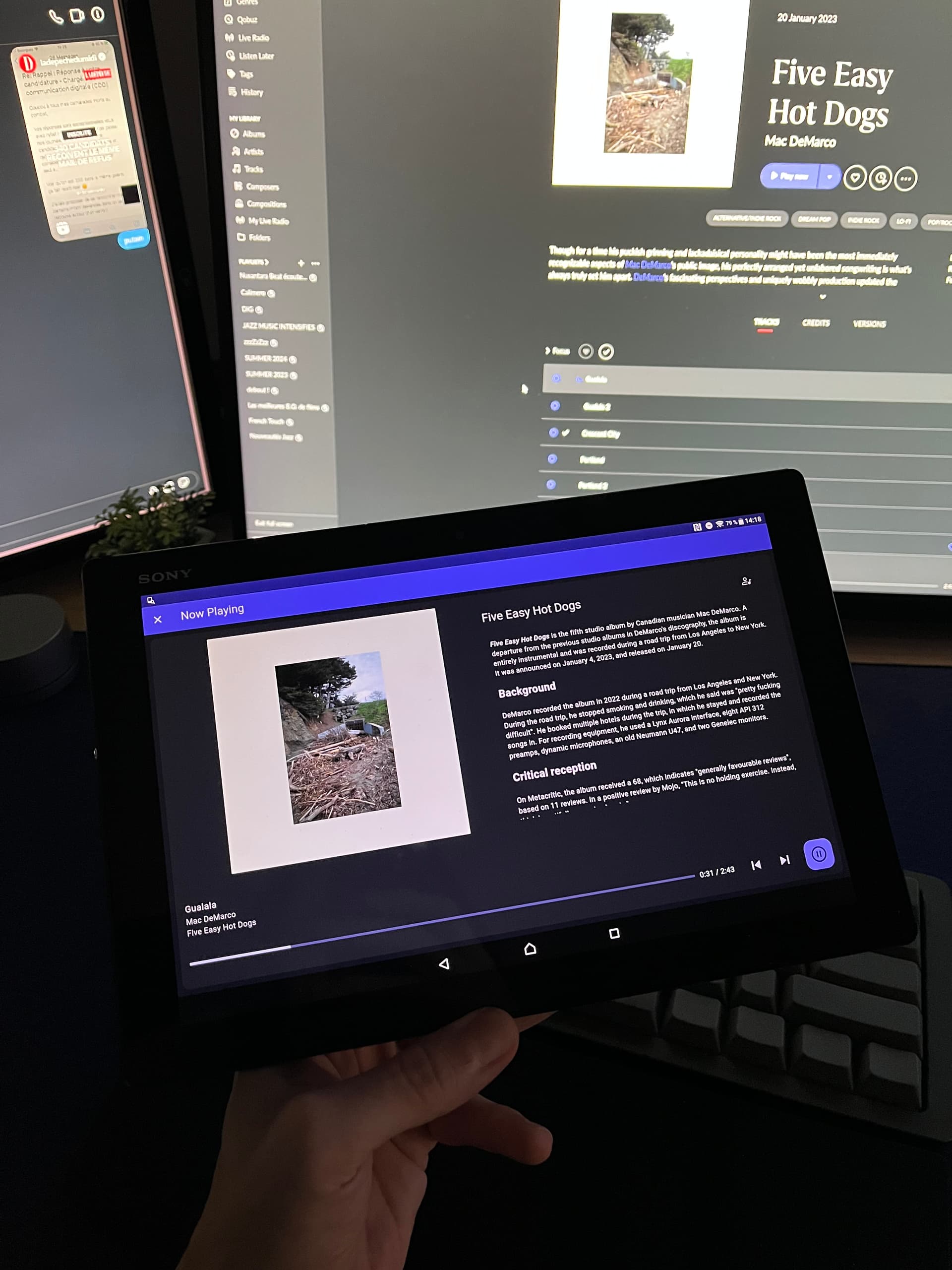
just an appreciation comment : thank you so much, incredible work from you guys, you just revived my old Z4 tablet, I can now browse Roon and read while listening !
additional kudos for integrating true randomization, which I love so much
Another really happy and appreciative user - thank you for all you work! Running on AlmaLinux 9, coexists happily with the Random Radio extension. Only thing I had to do was manually enter my server’s IP/port, and then restart the flatpak.
Just wanted to drop a huge “thank you!” for Community Remote! I can finally control Roon from my primary desktop!
Built from source on Arch and went perfectly, no issues.
Just installed Community Remote on a Linux Mint system, no issues. However two things which seem odd and I’m curious if it’s “just me” or if anyone has noted them before.
Left side, Artists, Albums, etc… If I long-click I see I can toggle which items are available here. Cool, fine, but after I enable what I want and don’t want I don’t see how to apply and exit that mode. Basically just had to quit the app entirely.
Secondly I see no queue management whatsoever. I can add a song or an album and the queue consumes itself, but I have no way of simply clearing the queue entirely. I can keep clicking next, next etc which is silly but even then I’m stuck with the last track having to play out. Or, I guess, pull up Roon on my phone and do the job right.
Cheers,
Robert
I dont have answer on item 1 but I agree that queue management would be a most welcome addition to this app. Haven’t heard from the developer in a while tho.