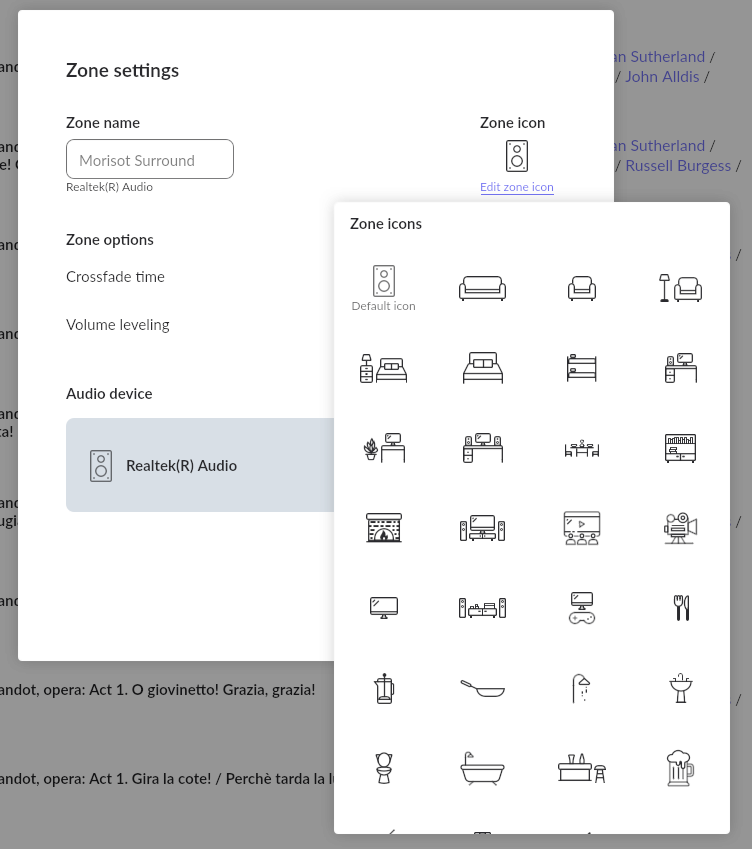
You can’t add your own Zone icon into Roon, but you can edit the generic speaker icon and choose from a bunch of other icons…
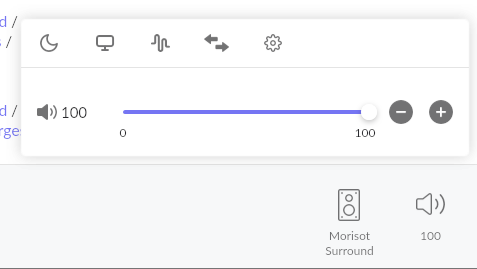
And you access this Zone Settings screen by first clicking on the speaker icon of the current Zone displaying in the Playbar, and then clicking on the gearwheel icon to get to Zone Settings: