My understanding is ROCK includes the Control4 drivers but I have no idea how to use this - I am not a Control4 user. I don’t think there’s anything related to the Bartok itself here, just a means to send commands to Roon via Control4.
The ROCK drivers are almost certainly irrelevant and not applicable to the Bartok. (Vincent_Kennedy can certainly try; maybe this is some totally weird instance in which ROCK drivers would work on the Bartok; but I wouldn’t bother, as it is not likely to work.).
Drivers must be designed and developed for each unique device. In some cases, a driver from a specific manufacturer can be used with more than one device of the same manufacturer. That is the case with the dCS Rossini serial driver – it can be used with the Bartok. However, even then, some of the commands work with Bartok, but as I recall, some do not.
As I explained above, dCS has never provided an IP driver for those devices that have ethernet such as the Bartok. The cost to dCS to pay a C4 programmer to design such a driver is very likely less than the cost of a single Bartok at retail, and certainly less than the cost of 3 to 5 units combined.
And the only way to use IR is to use the remote, learn the commands, and run an IR emitter wire to the front of the Bartok. As explained above, that is due to the fact that dCS did not spend a few extra dollars in cost to add an IR input on the rear panel.
I don’t understand what you’re saying.
Control4 controls Roon. Roon then controls the Bartok like it would if you were using the Roon client.
1 Like
I have the C4 drivers for Roon, they work great. The C4 control of Roon is agnostic of the DAC, the codes are transport controls for the Core not the DAC. Roon recently opened up the ability for C4 to control all Cores, not just the Nucleus. Prior only Nucleus and Plus could be controlled, not ROCK.
I heard back from the dealer that there are codes for the Rossini that can be used for programming the C4 for controlling the Bartok.
If I decide to get the remote for the Bartok, it’s pricey at $750, I’ll make a driver for C4 specific for the Bartok, but in the meantime what I posted above will work perfectly.
Thanks Miguel!
Ok, I see. I would expect all control codes for Rossini to work on Bartok. How are you interfacing C4 and Bartok? IR or RS232? If by $750 you mean the dCS IR remote, there are cheaper ways to do that. For example, get a Logitech Harmony remote which can be programmed with dCS codes. I have one and works great. You don’t get the sleek rotary knob of the dCS remote but everything works as expected.
I’ll interface with IR. I don’t mind seeing the small wire and emitter. It’s a small price to pay for convenience.
Now that you mention it, I have an old harmony laying around here somewhere that I could use to steal the IR codes from.
Here’s the C4 remote. It’s used to control our 2 chan/HT and headphone rig.
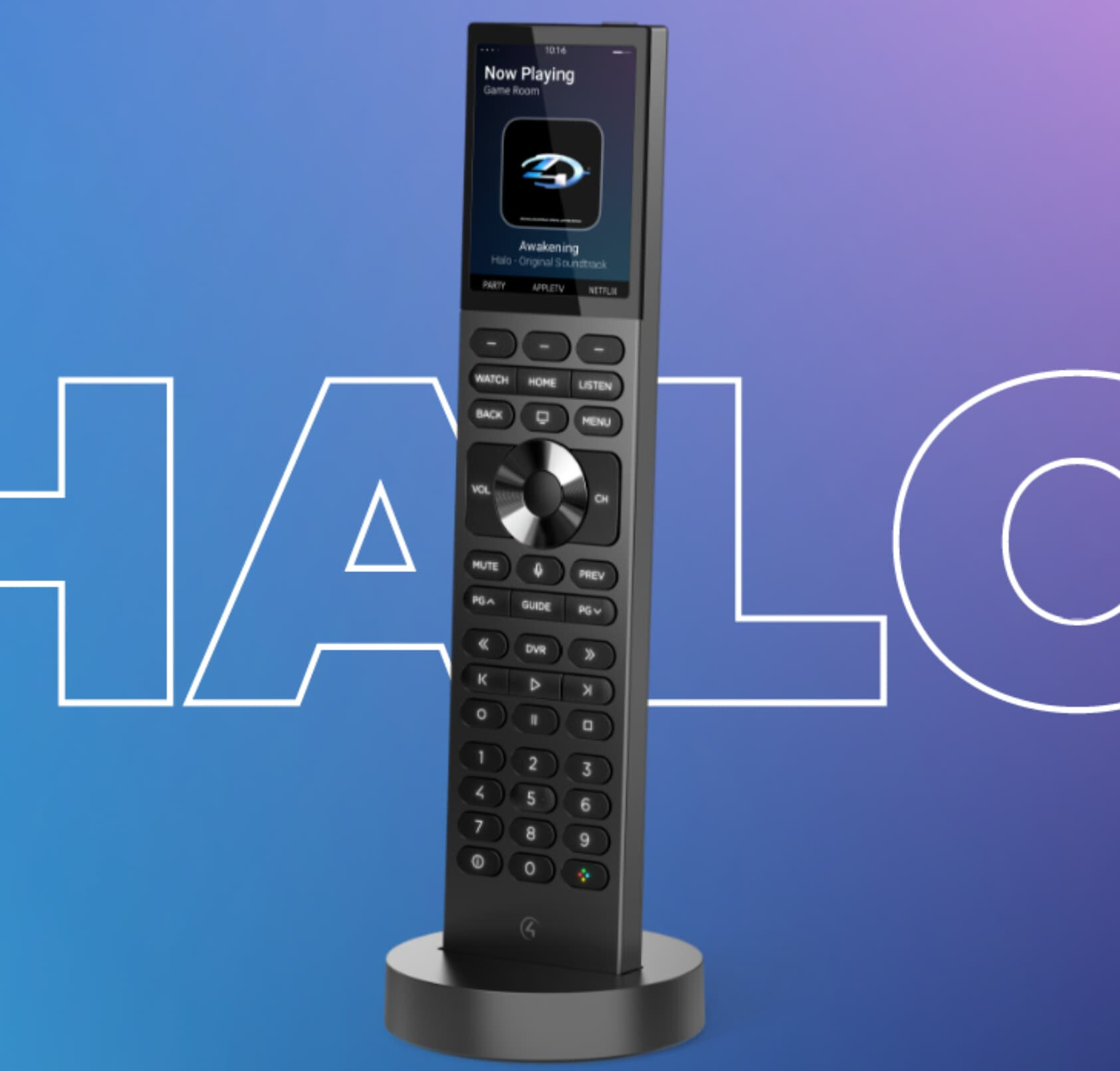
Correct. C4 is for home automation based on devices. It controls audio and video devices; light switches; thermostats; curtains, etc. In so far as it uses software, it is the C4 software and drivers. In the case you are discussing, it is controlling the Rock, Nucleus and that family of devices.
C4 does not interact with software like Roon. Again, C4 controls devices, not software. Not Roon and not the software or apps for dCS.
This isn’t work arguing about. Just ask your C4 dealer. Any C4 programmer can confirm all of this.
What your dealer sent you are the serial commands for Rossini and Bartok, as I explained above. Just open the PDF and look at it. For that you use a straight through RS232 cable from the C4 controller to the back of the Bartok. There are strings of IR codes listed as well, but I have always just borrowed a dCS remote from my dealer and learned the commands, that that will work with a C4 remote. I am not saying you need to buy a dCS remote. Just borrow it to learn the IR commands.
If your programming requirements are simple, and you are not using multiple commands for the Bartok, consider using the serial commands. That eliminates the IR emitter and wire. They work just fine for only controlling the Bartok.
Here is where serial doesn’t work – I have an Oppo player and fixed output from an Anthem also connected to the Bartok, and I use the Bartok DAC for two channel audio. (The Oppo is then a transport only.) I have separate sets of commands that use the play commands for the DAC and Roon, or for play commands for Oppo, or the play commands for the video of Apple TV, with the audio through the Bartok. C4 requires the use of separate rooms for two different devices with different volume controls. So I have the C4 programmed to run the Bartok through the Anthem (Theater room) and also to run the Bartok through a Bryston two channel preamp for two channel audio without an additional digital conversion (Bryston room). If you do anything that complicated, I believe that is where serial won’t work. So I used an IR emitter and wire.
You should also take a look at the other C4 remote, which may have more programmable buttons. The C4 iPad app is also pretty good.
I have done exactly that.
1 Like
That is another way to deal with IR. I’m not personally familiar with it, but if the Harmony has the IR commands for Bartok, then you can use that to learn the commands, instead of borrowing the dCS remote from a dealer.
Either way, you need to get the IR commands into the C4 controller and programmed for C4. Then run the emitter and wire to the front of the Bartok.
As noted above, if your programming is simple consider serial. I have used it and it works, so long as you are only trying to apply simple Bartok commands with one device that has volume controls.
It sounds like you have an edge case that doesn’t apply to me. We use our Pre’s volume control for everything except HT. With HT I use the Pre’s HT bypass and use our Anthem for volume control. This is all done with one Room.
BTW - I’ll probably use the IR, there’s several more commands I am interested in.