There should be a DJ mode. When you’re DJ’ing with Roon, 100% never stop a song mid track.
Make things easy to modify the queue, where you need to punch someone in the face to stop a track. The default for everything is only modifying the Queue.
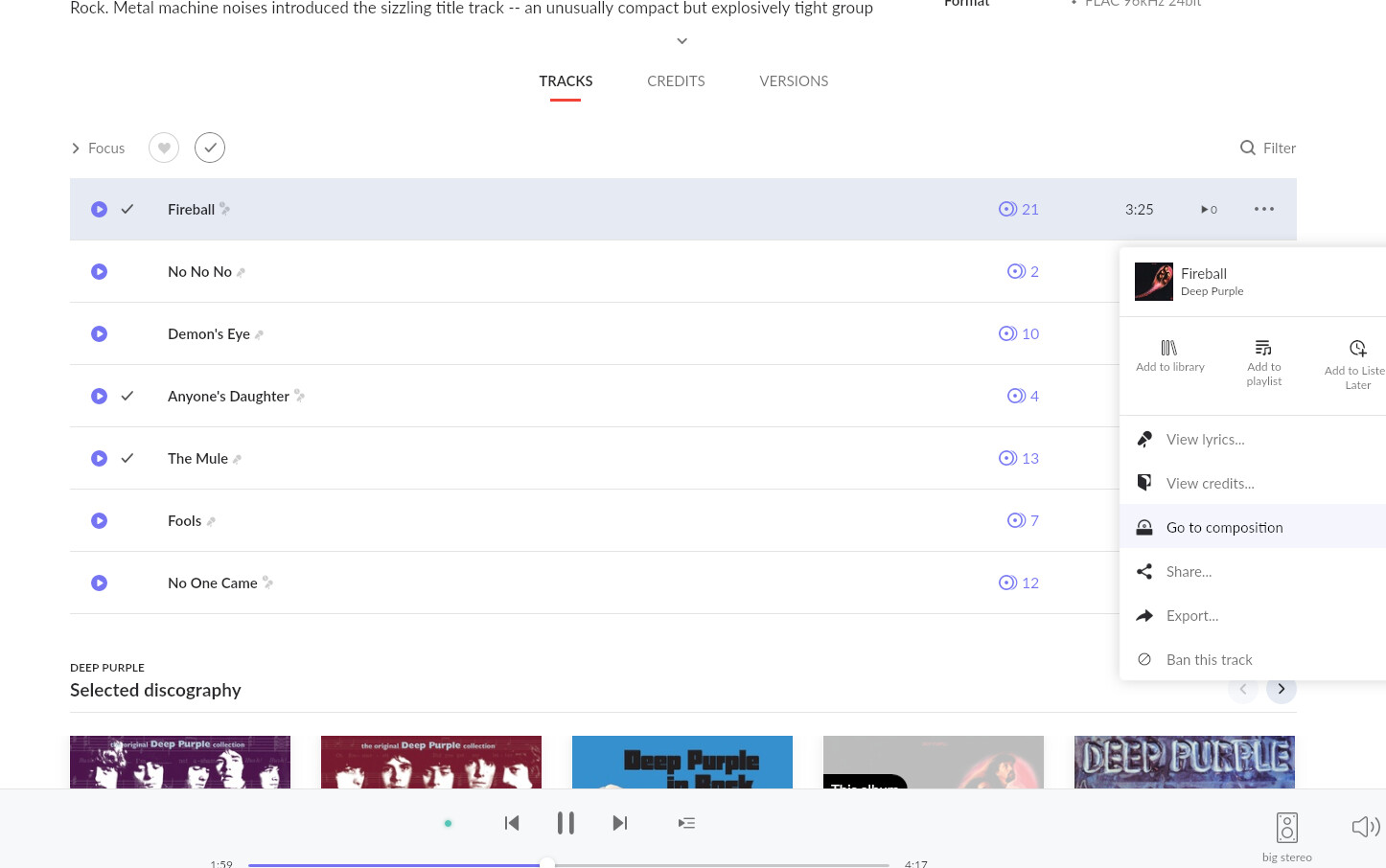
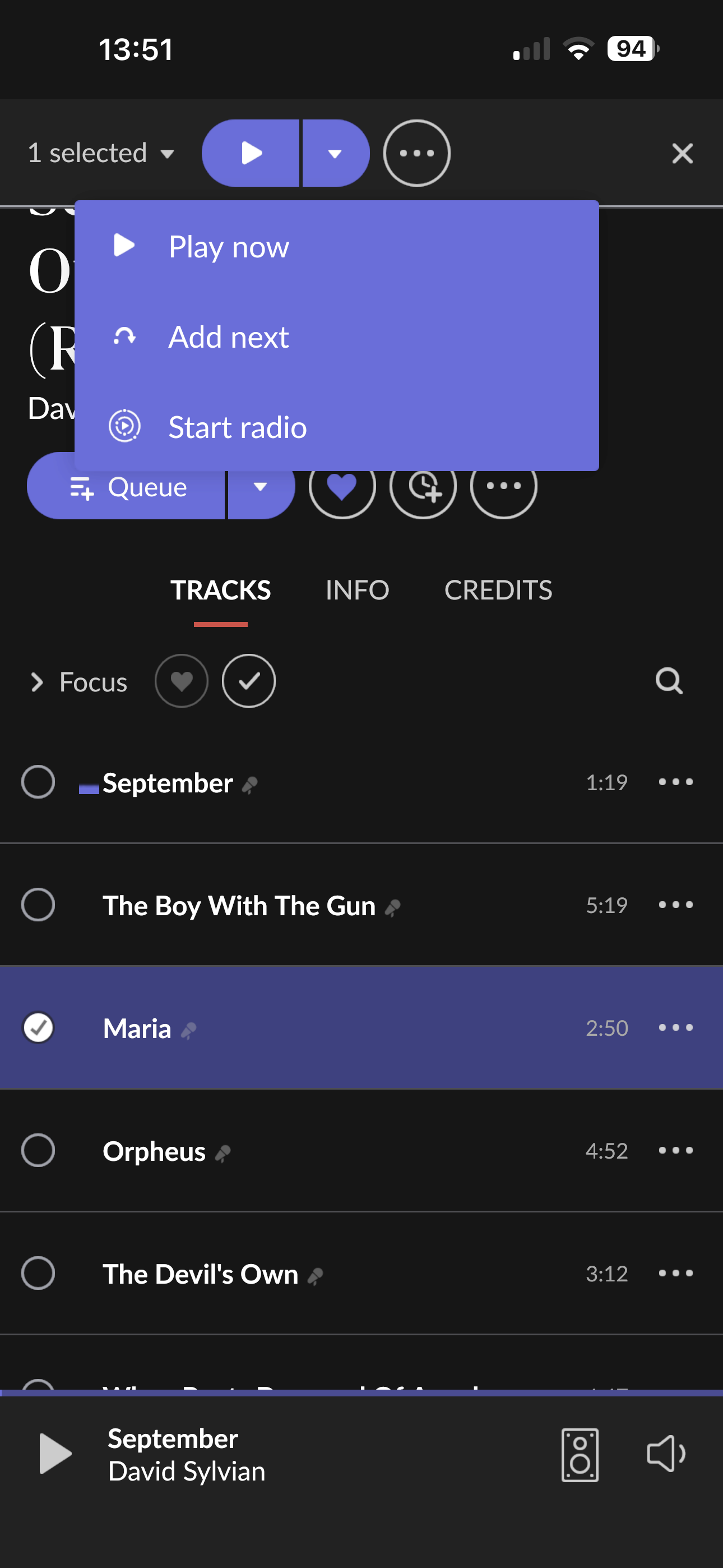
So here I am, playing a song, and there isn’t a Queue option ANYWHERE.
I’d like to see Roon expand into this DJ mode. I (hope!?) that skipping a track mid-way is a cardinal no-no. Then between tracks you could MAYBE beat match. But it’s a faaaaaar backseat to simply playing a queue and NOT accidentally clicking on a Track and hijacking what’s playing.
You should post this in Feedback > Feature Suggestions and I think it could do with a better description of what you want because I, at least, am not following.
2 Likes
mjw
(You want nice, supportive? Call a damn helpline.)
3
I’ve moved this discussion to Feedback. However, please respond to what @Suedkiez said, and describe how this would work.
If adding to queue is what you typically wish to do (as I do) that’s a cumbersome process to repeat each time, however, it can be streamlined as one can change Roon’s default click actions.
Roon → Settings → Play Actions
I have my system configured to queue, so it doesn’t disrupt what’s already playing.
Here’s an example screenshot… where I have moved “Queue” to be at the top of list (so it becomes the default action).
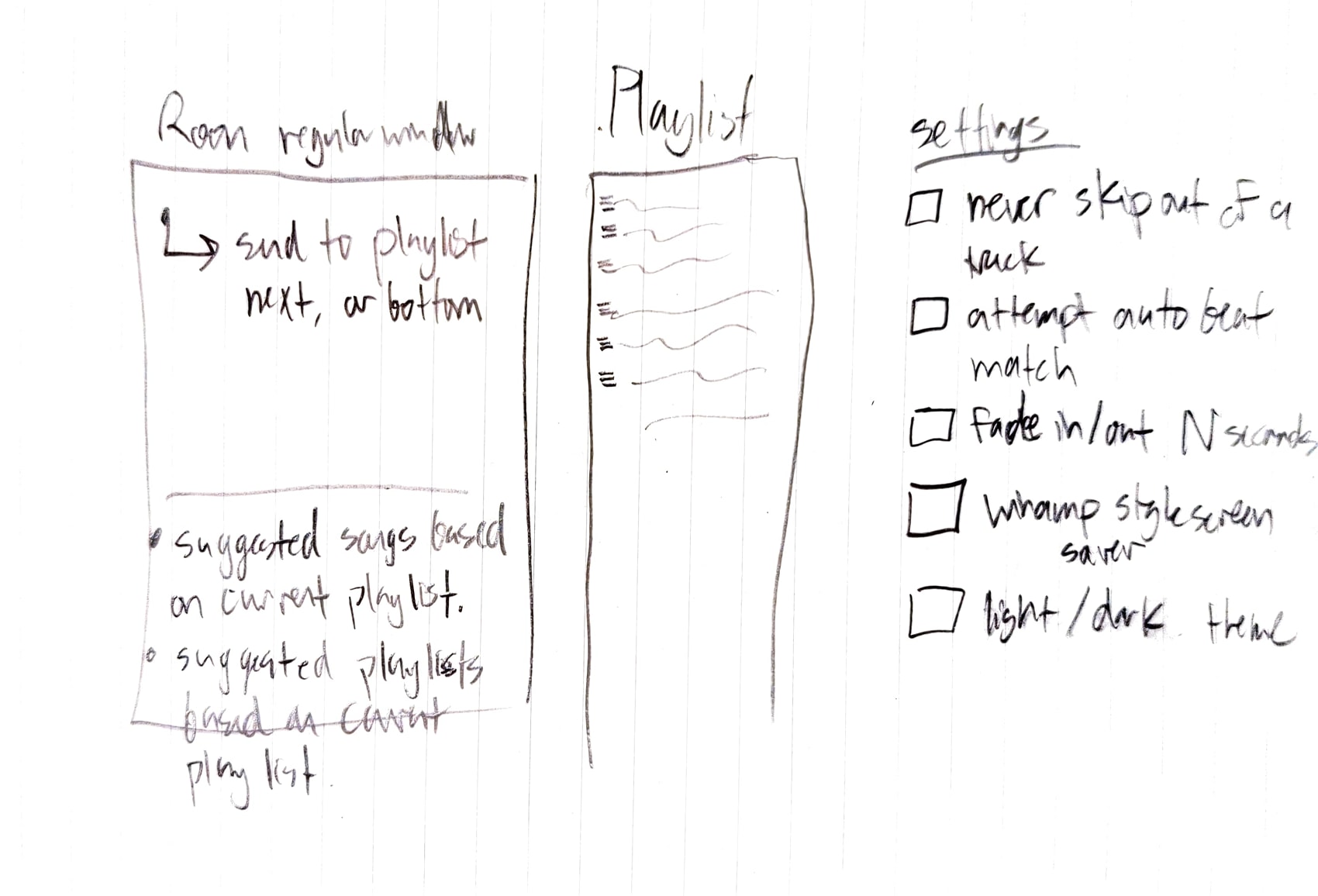
Thanks @Suedkiez yes, I need to clarify. We’ve got our annual Halloween party around the corner and it got me thinking about how this would work again. I drew a picture of a possible layout mode.
The main screen should be about 2/3 and 1/3. Left side is normal Roon stuff. Right side is the Playlist. This should be almost identical to the Queue.
Left side would be nice to have a send to playlist, or drag and drop to right side playlist. Option for Next or Bottom of Playlist.
A couole additions to the left side regular Room interface: there comes a time in the night when you get tired of curation (or too many beverages) and you want to let it go. This could take several forms:
Suggested tracks based on current playlist
Suggested (public) Playlists, based on current playlist.
Settings: what sets Party Mode different from regular mode.
Never skip song midway through. If you do, bring up a big ol: Are You Sure you want to do this?? (Too many times I’ve clicked on something that I thought was an album or I just wanted more info, and BLAM Queue gone, current track cut off, and now the party is listening to this other tune.
Attempt to beat match transitions
Fade in/out tracks with number of seconds.tenths of a fade
Winamp style screen saver for when the mouse isn’t wiggling. Perhaps a hot corner of the screen: out mouse in bottom right and screen saver EQ pops right up. This could also be dialed down album art, like dim vs 100% brightness
Whole screen has a light or dark theme
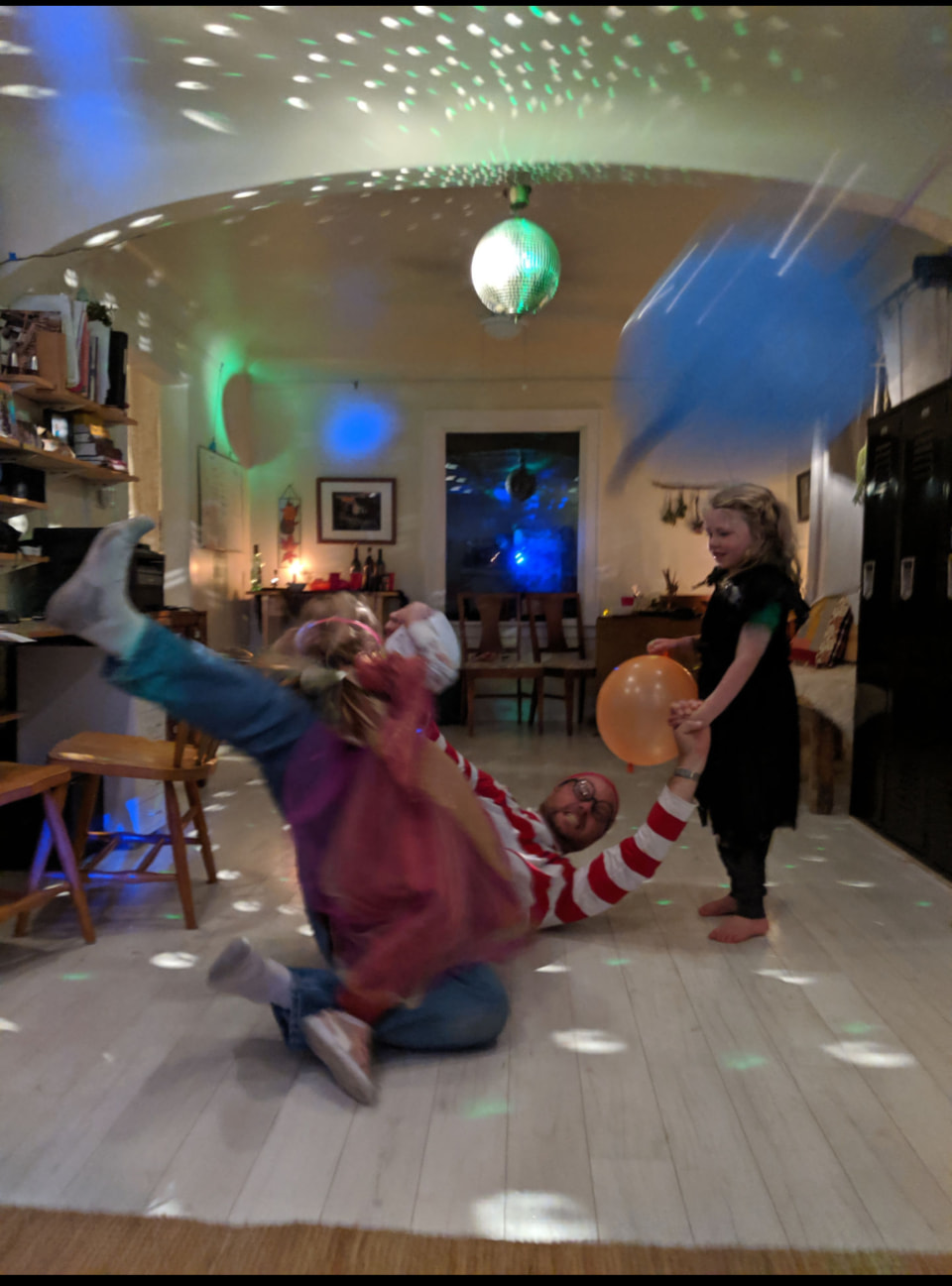
I hope some of this helps. Let me paint a picture for you of what’s going on. I have a Halloween party with families. At one end of the room is the “big stereo” and I’m known as the neighborhood hifi-guy. The computer sits in the same room as the stereo, the disco ball, and dance floor. I’ll find a pic!
Before the party the wife and I compile a playlist. She doesn’t use roon, but I can copy it over via Soundiiz if our Tidal/Spotofy app is giving us grief. The laylist just goes. As does the beverages. As the night wears on other folks will get in there with requests. Sometimes I’ll interface there, but other times kids come in and Really want the gummy bear song and will nuke the playlist and it’s gummy bears from there on out. They don’t mean to, but the regular Roon behavior does it.
Okay - I hope this helps. I’m not aware of any software that excels in this … niche. So it might be a neat thing to explore.
Juuuuuuust going to continue this thread with myself here.
The difference between the Queue and a Playlist.
Queue - exactly what’s playing next
Playlist - a list of songs in an order
When you hit play, anywhere on a playlist, it will copy that track, and all following tracks on the Playlist to the Queue.
If you hit play on the first song of a Playlist, the entire thing gets copied to the Queue. If you change the order of the tracks on the Playlist, the Queue does not change. The only time the Playlist and Queue interacted was the moment you hit play on something where it passed that track, and subsequent tracks, to the Queue.
In Roon (and ARC?) we have some options to interact with the Queue:
Add track to end of Queue
Add track to Next
Play now
View the Queue and:
change order of songs
Remove Tracks
DJ Mode should focus on the Queue. Like an enhanced Queue.
I also think it’s important to know the theoretical difference between the Queue and Playlists. How they interact, when you should use one or the other. Examples help there.