Hi I purchased an ESP23 s1 dial and managed to connect to the internet,I would like to know if anyone can explain an easy way to connect it to Roon Rock,I have very little experience with this sort of thing but I’m willing to have a crack  , Thanks
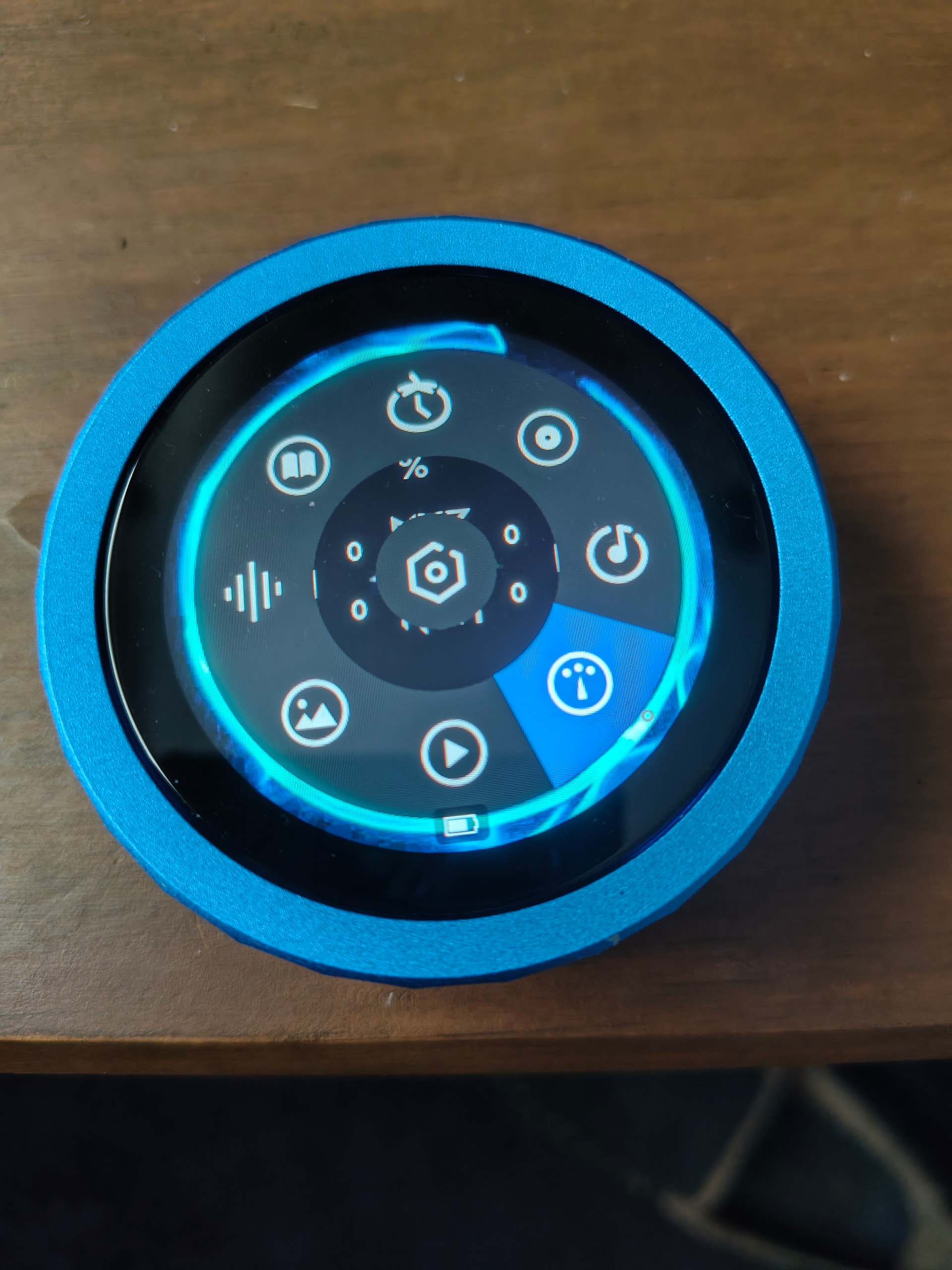
You mean ESP32, not 23, right? You will need a Roon extension and apparently this might help - though it says S3 and if I have no idea what the difference to S1 is:
There are also lots of other forum posts about ESP32:
https://community.roonlabs.com/search?q=esp32
1 Like
Thanks @Suedkiez - that looks like the ESP32-S3 knob that I built firmware for, and has lots of users.
BTW, I do have a couple of ESP32 devices I’ve built custom firmware for too, notably the m5Stack Tough.
2 Likes
Yes sorry 32
So how do I install it onto rock?
Hi! Depends on what you already have. There’s two parts:
- The Roon extension. Runs via a Roon Extension, Home Assistant Add-On, QNAP and Synology package or Docker. If you already have one, I’d start there.
- A firmware for the ESP32-S3 knob. Install via Chrome + connecting it via USB at Flash HiPhi firmware — Choose a channel .
2 Likes
And I suppose S3 because that’s what you said here:
I edited the title for the benefit of people using the forum search in the future
Thanks so much for your help but it’s way beyond my capabilities lol,I do wish I knew how but I don’t
Cheers
You can find actual instructions in the link I posted. You will have to follow the instructions though, nothing will happen magically on its own.
1 Like
Got some way towards it but getting Installation Failed, your ESP32 board is not supported
See also: https://community.roonlabs.com/t/new-big-thing-roonpilot-the-new-era-of-roon-control/
just installed mine today.
It’s not happening for me I’m afraid,just says my ESP32 isn’t compatible
Do you have the cable installed the right way around?
there are two processors in the puck, and which one you connect to depends on which way the cable is connected, i.e. rotated in the socket
1 Like
Thanks I got there in the end and that was one of the problems, took a while
1 Like
Got there in the end Thanks 
2 Likes
Go here. This is what you’re looking for.
Rick
The information I have received here has resolved my problem, Many thanks to all