I am obviously going blind or feeble but I cannot find the exclusive mode to disable it.
The help page tells me to click on zone - settings - audio device but there is no option there to disable it. Help with thanks?
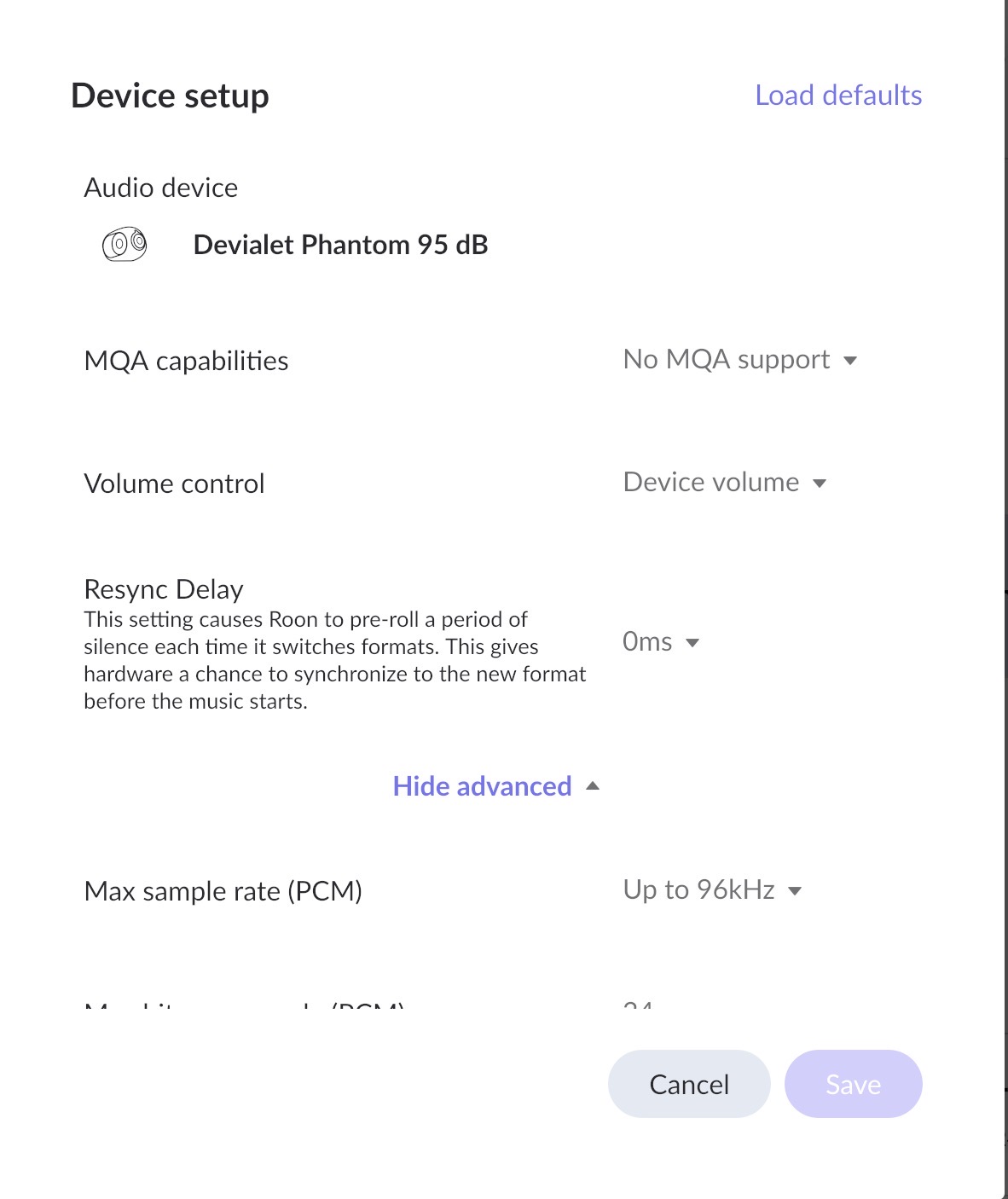
The option is missing if there is no choice for you to make (not available or always on).
PS: It is an option mainly for PC/MAC devices with built-in (shared) mixers only. For anything other than that, the option is usually missing (no choice to make – not needed).
1 Like
This topic was automatically closed 36 hours after the last reply. New replies are no longer allowed.