Hi
I’m writing to raise a feature request that I suspect will resonate with many users who manage large libraries and make extensive use of playlists for genre-based curation.
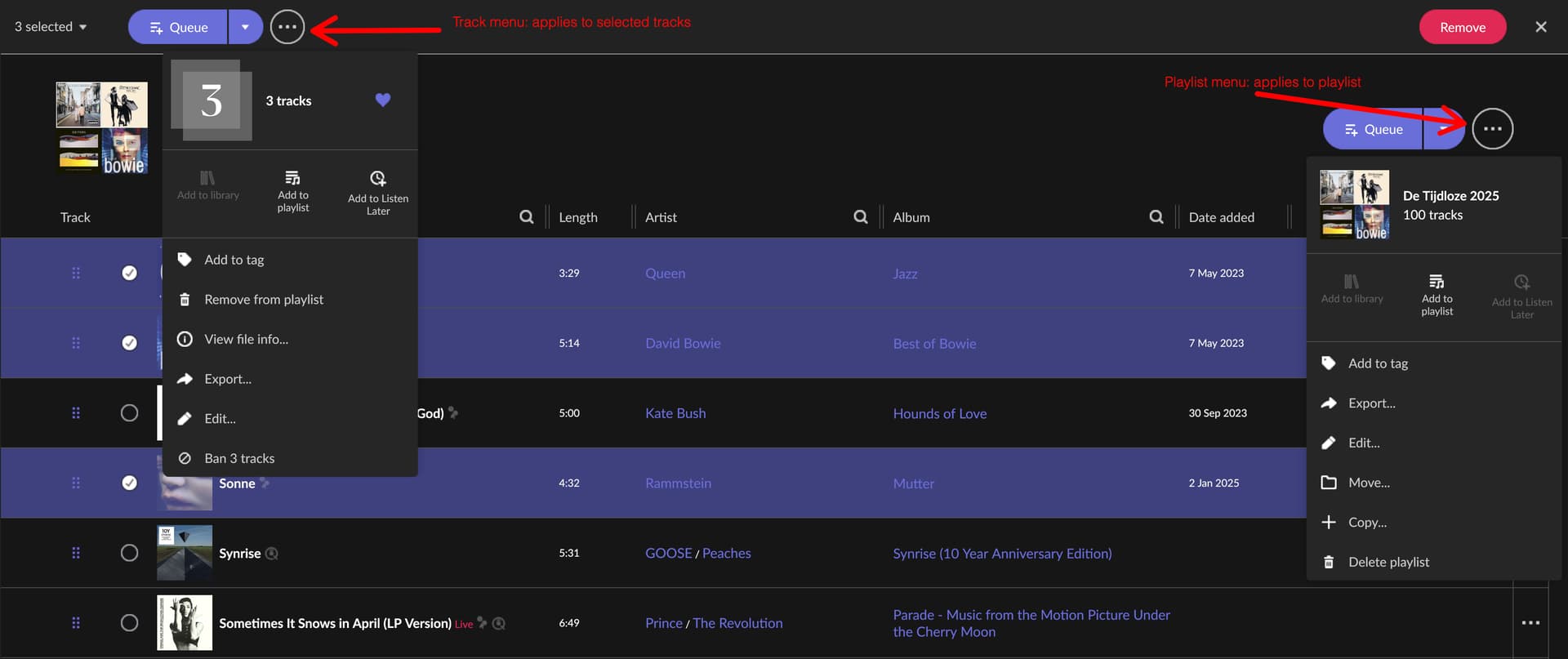
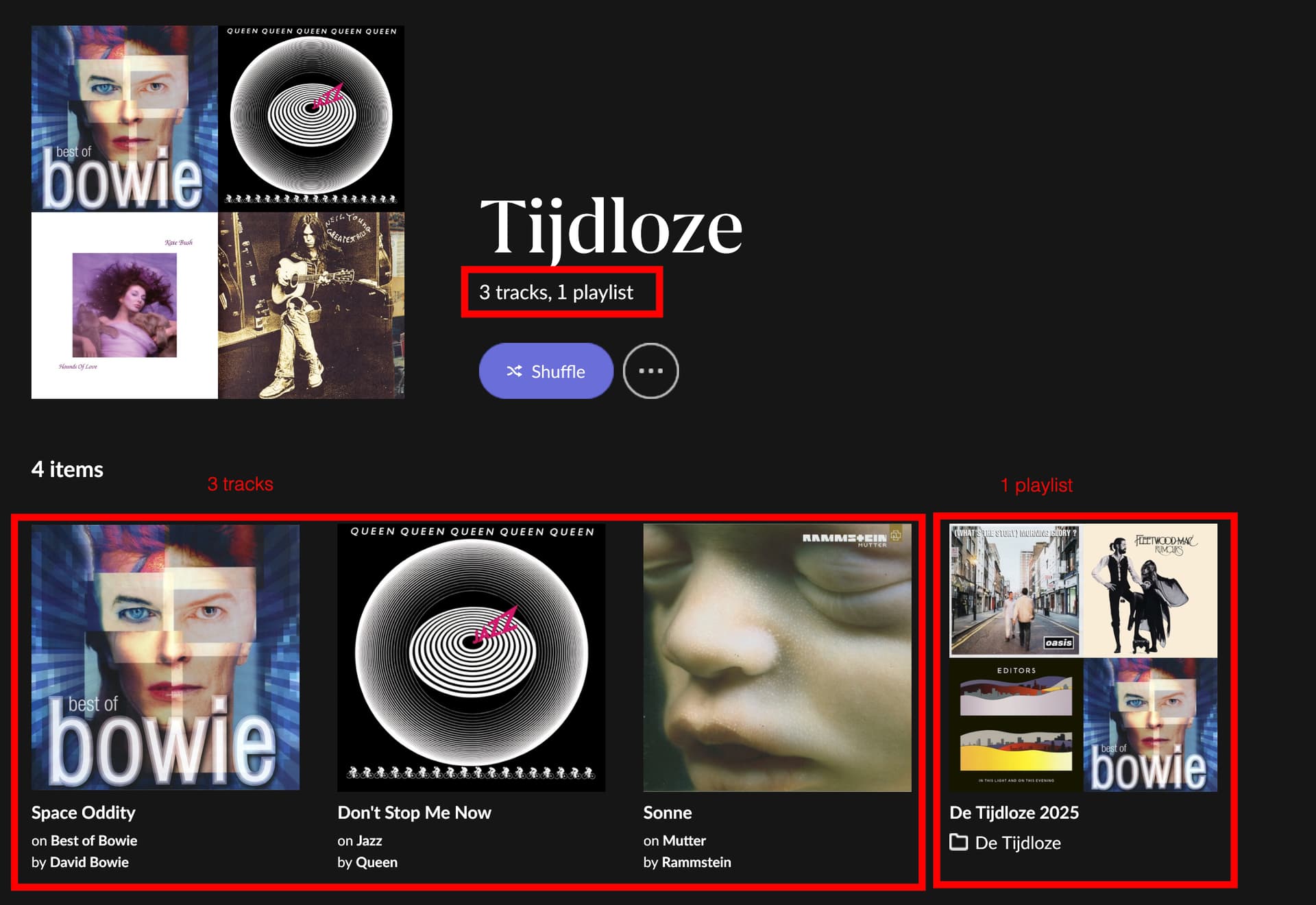
At present, Roon draws a very hard distinction between playlists and library objects (tracks, albums, artists), which I understand is intentional. However, this design creates a significant limitation when it comes to using Focus as a primary browsing and discovery tool.
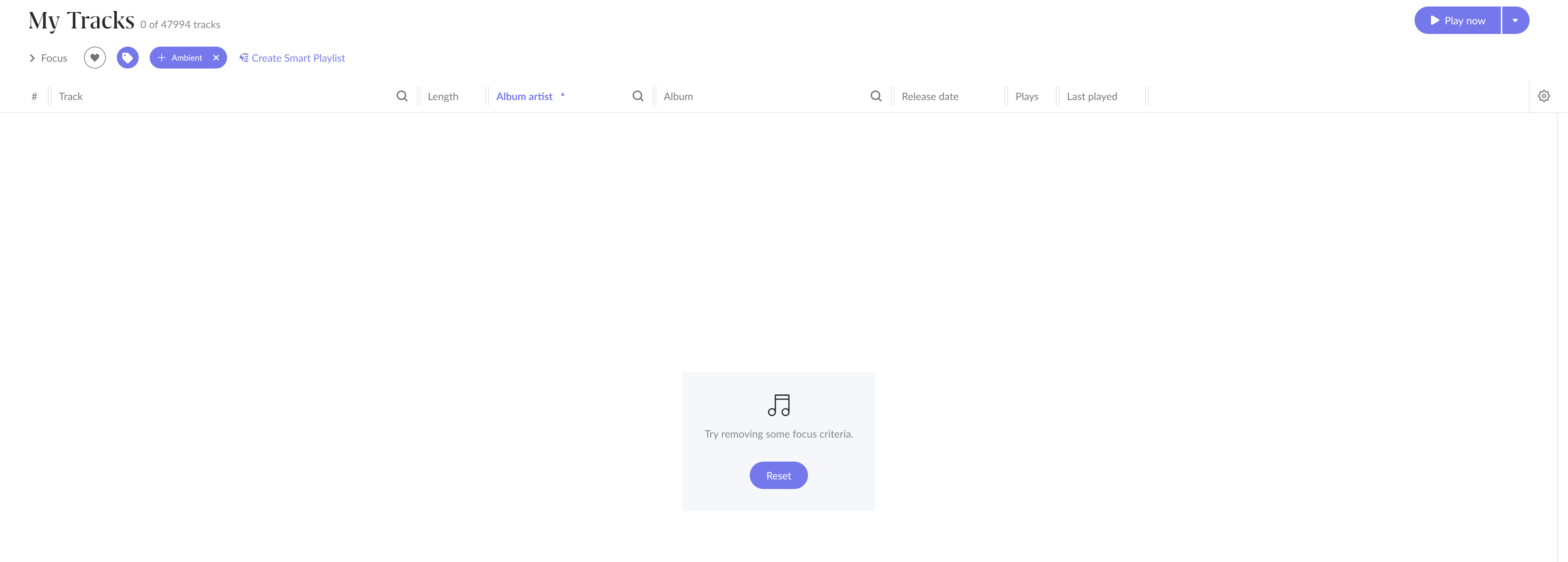
In my own case, I have a large library (50,000+ tracks) and a set of carefully curated genre-based playlists (Ambient, Disco, etc.) containing hundreds or thousands of tracks each. These playlists already represent a substantial investment of time and musical judgement. Naturally, I would like to use Focus to explore and refine these collections further — for example, to filter Ambient tracks by year, format, mood, or other criteria.
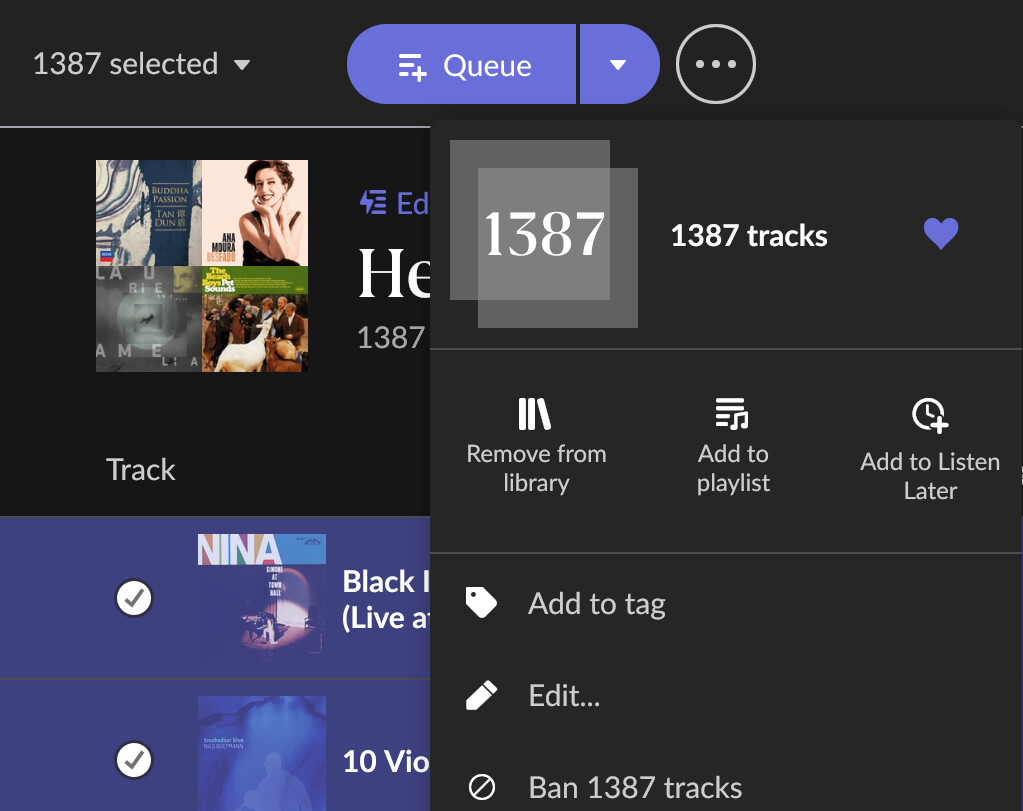
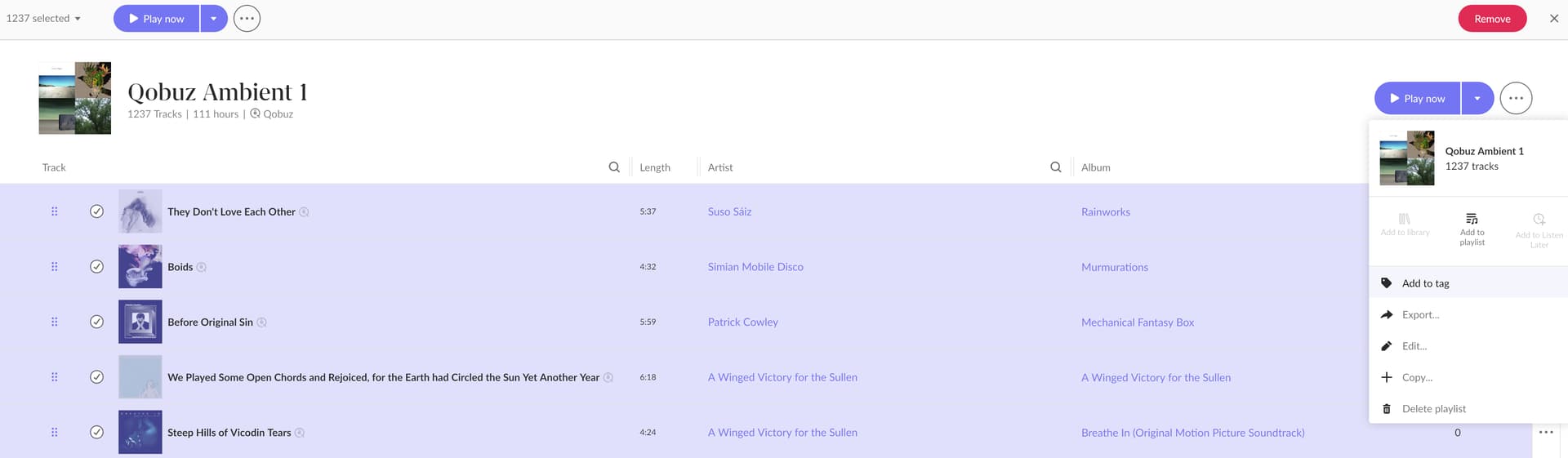
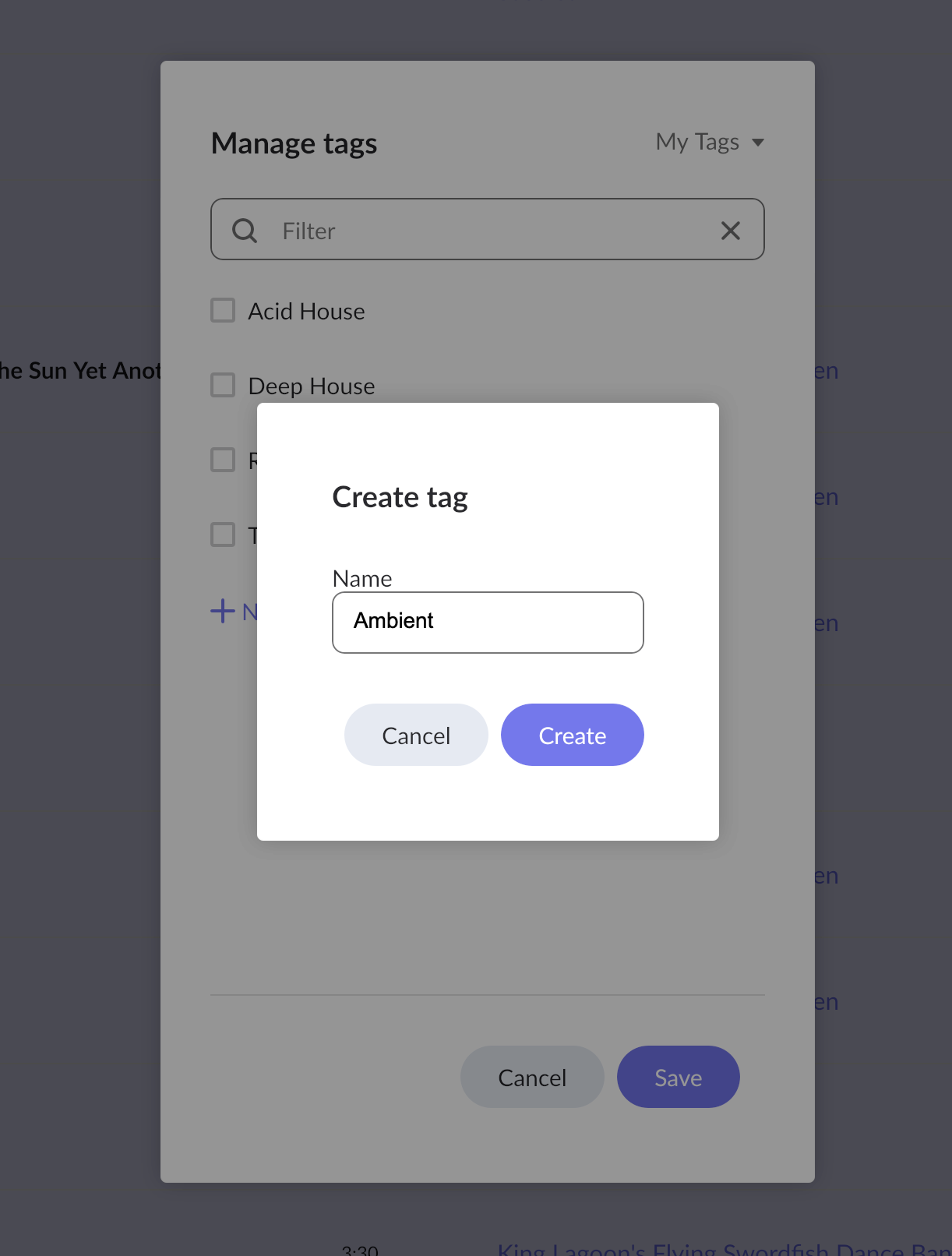
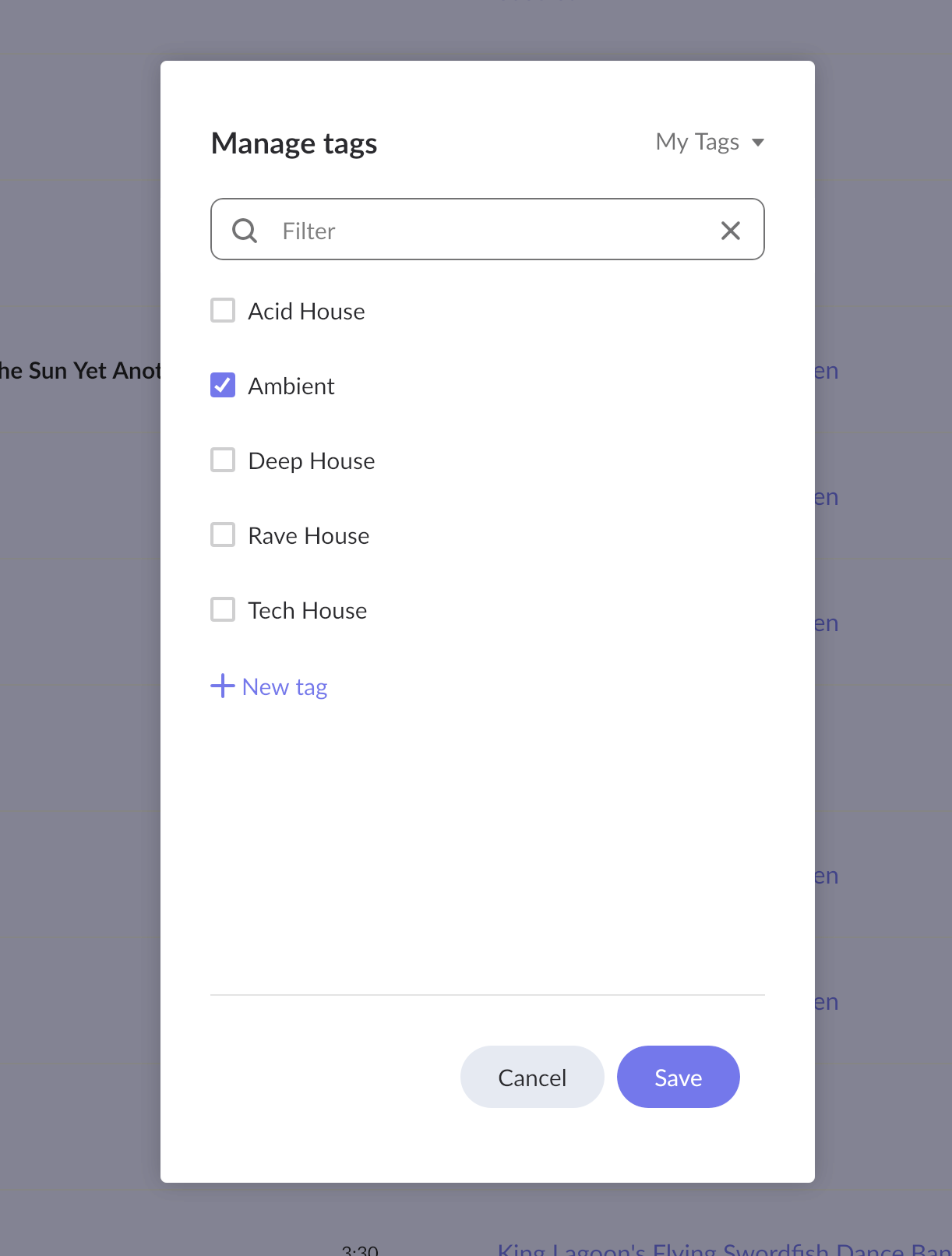
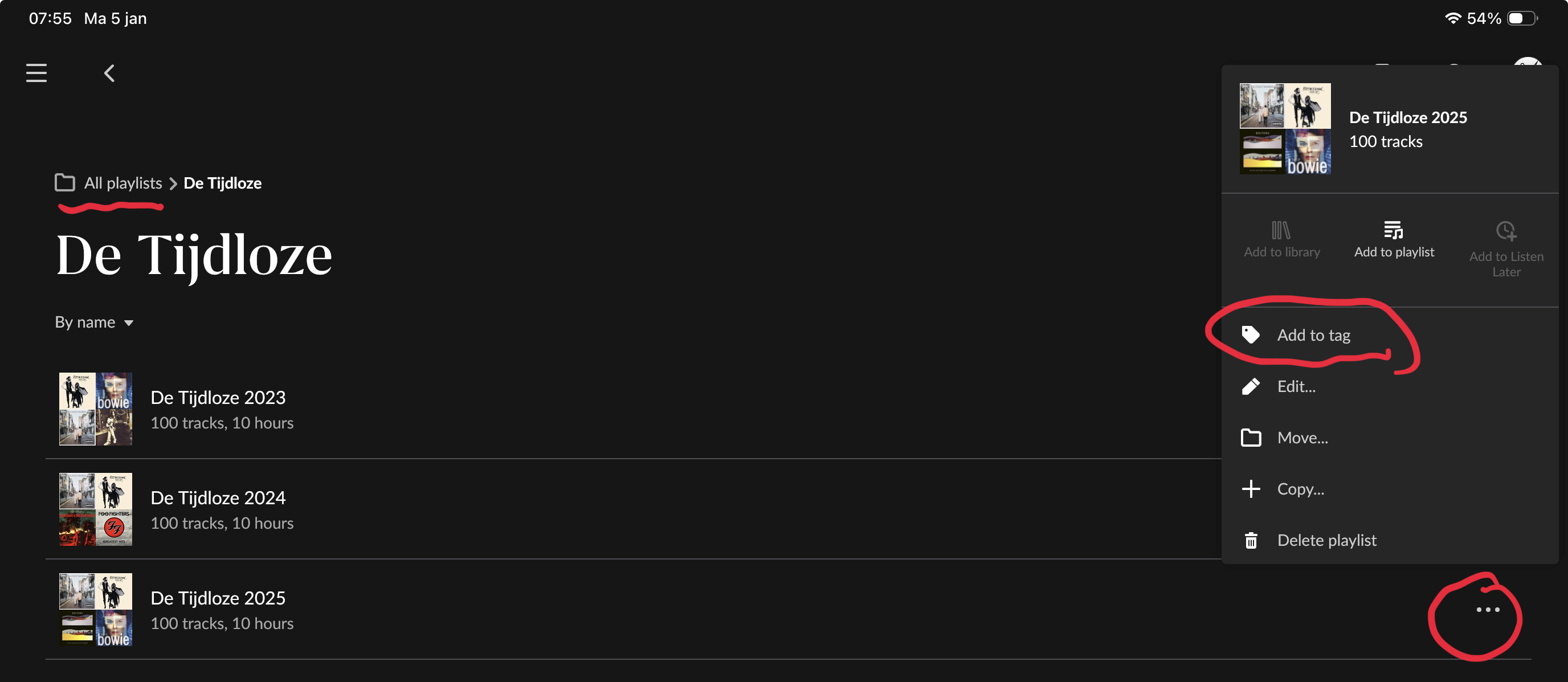
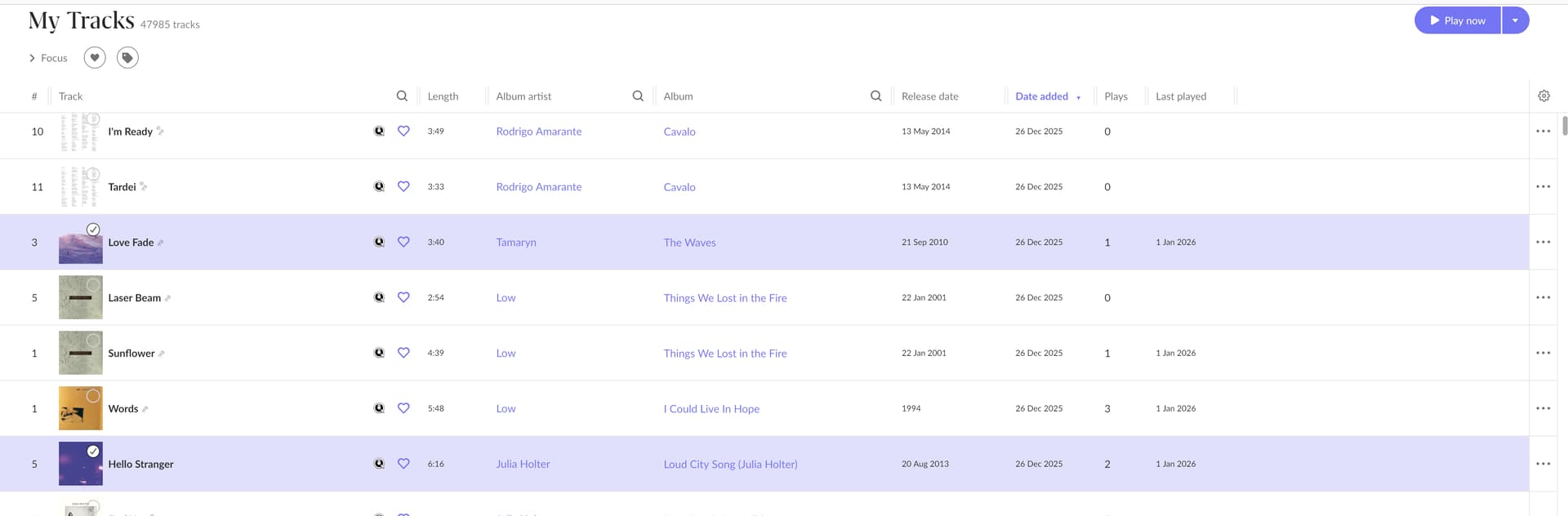
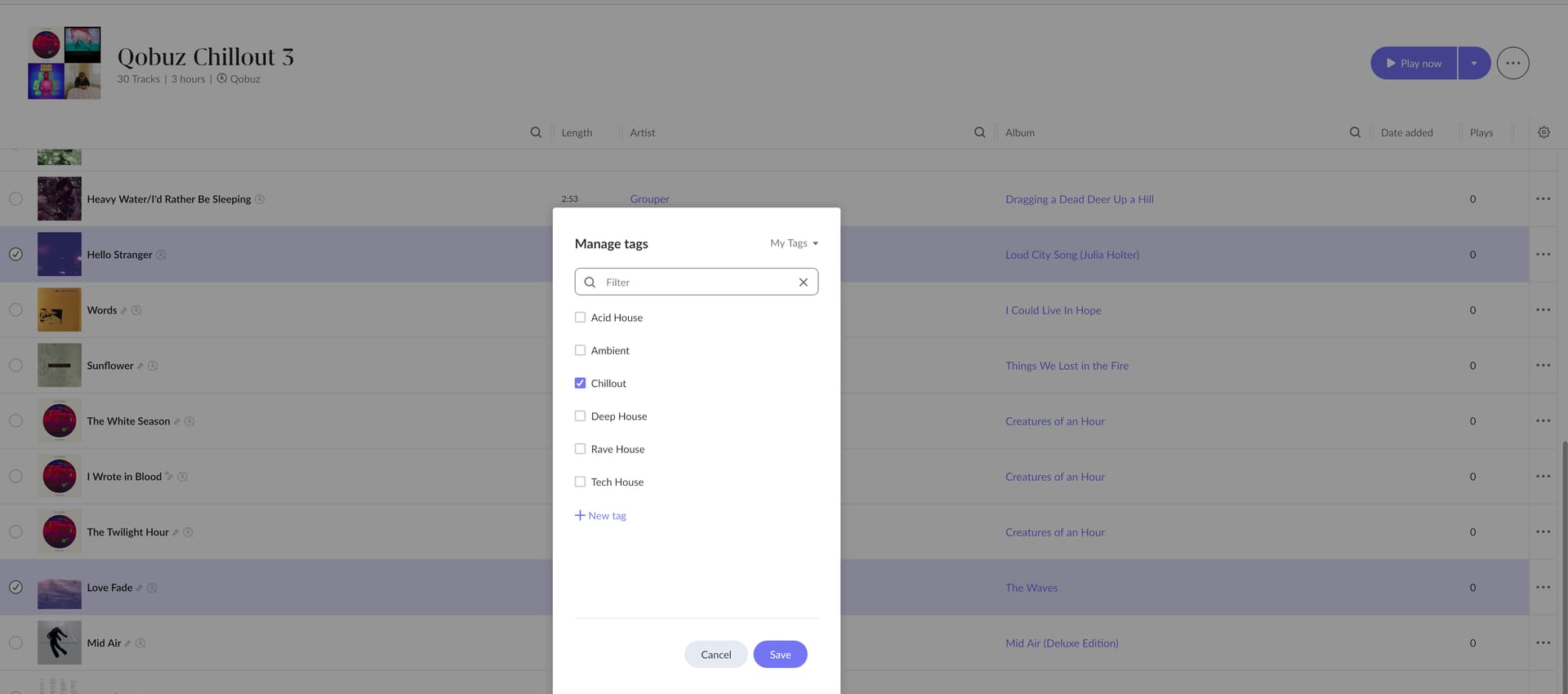
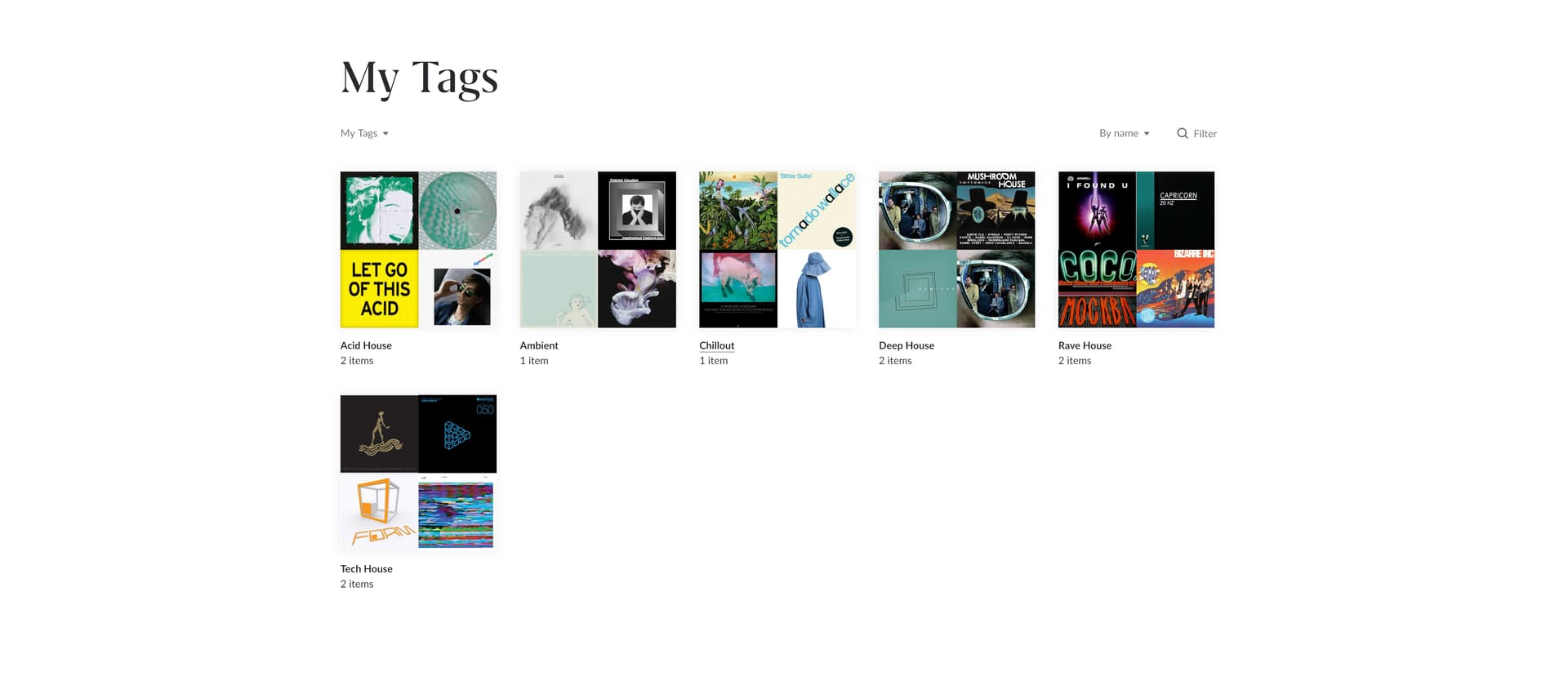
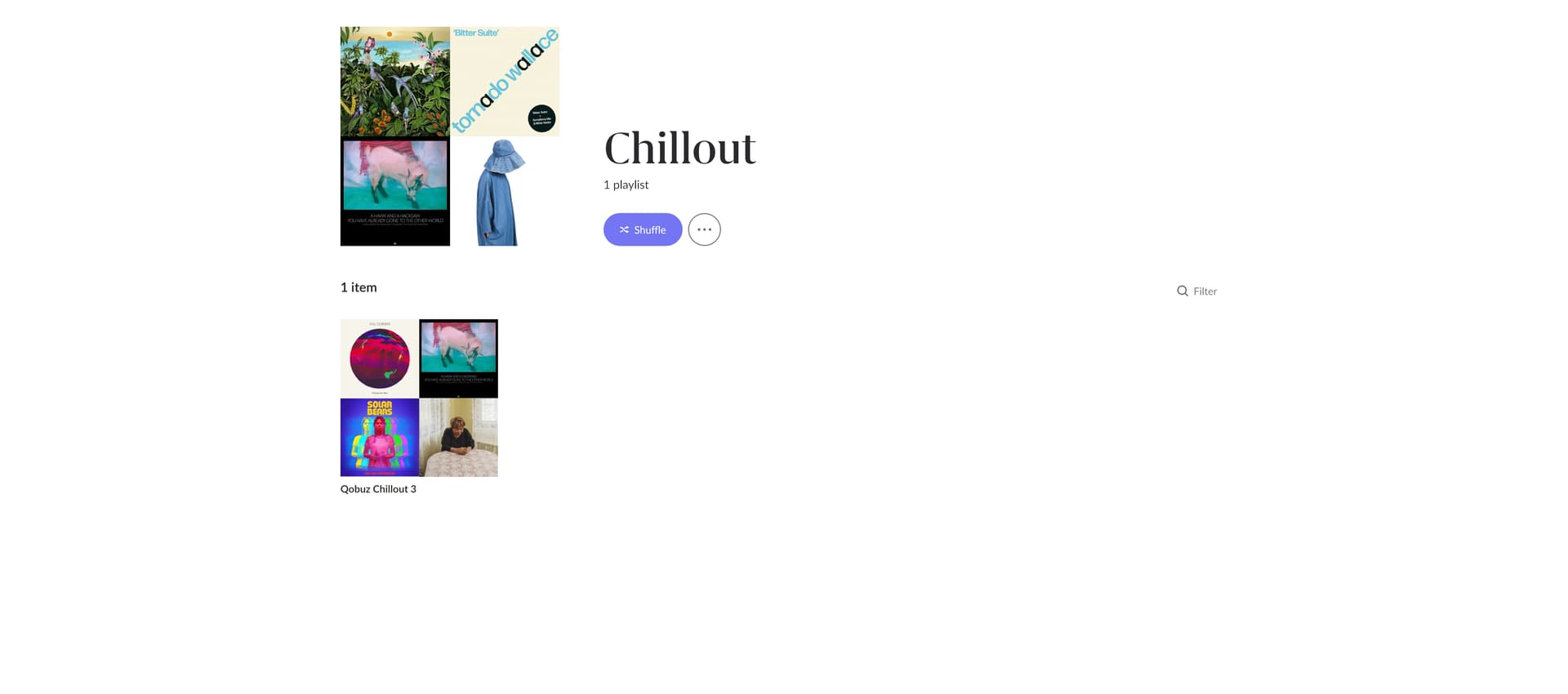
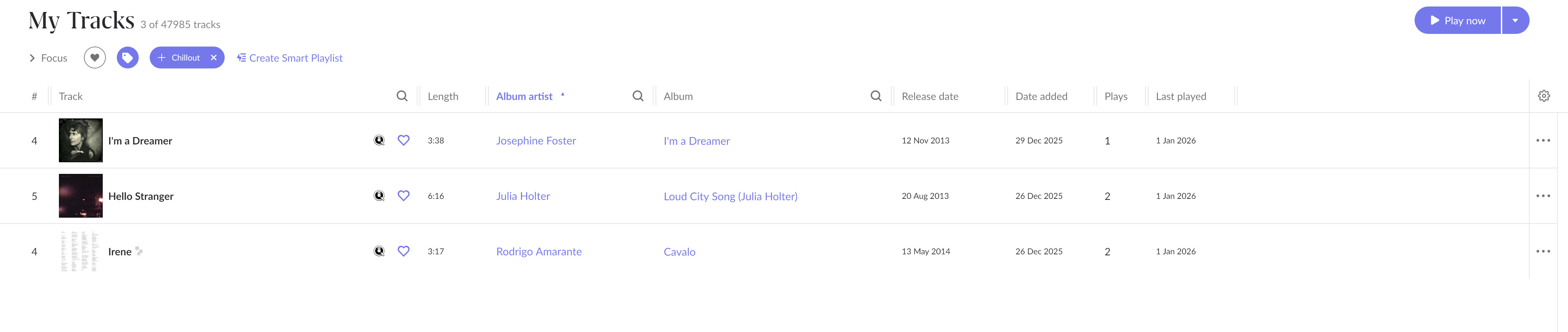
However, because Focus cannot interrogate playlist membership, and because tags applied to playlists do not propagate to the tracks they contain, there is currently no practical way to do this. The only workaround is to manually tag each track from the main Tracks view, which is not realistically scalable for large libraries and largely duplicates work that has already been done via playlist curation.
What I (and, I suspect, many others) would find immensely valuable is one of the following:
• An option to “Apply tag to playlist contents”
• Or the ability for Focus to include playlist membership as a selectable criterion
• Or a bulk action that converts a playlist into track-level tags
Any one of these would allow playlists to act as meaningful inputs to Focus, without undermining Roon’s existing metadata and tagging model.
At the moment, the result is a slightly frustrating mismatch: Focus is extremely powerful, but it cannot be used with one of the most common real-world methods people use to organise music at scale. The effort required to bridge that gap manually is far greater than the benefit gained, which discourages deeper use of Focus altogether.
I appreciate that there may be architectural or philosophical reasons for the current separation, but from a user perspective this feels like a missing bridge between two otherwise excellent features.
Thank you for considering this, and for the ongoing work you do on the platform.
Best regards
Alan