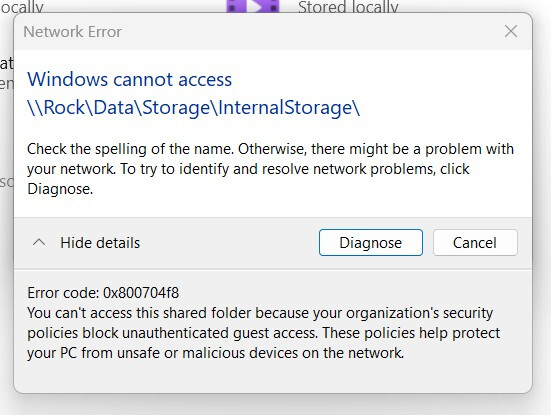
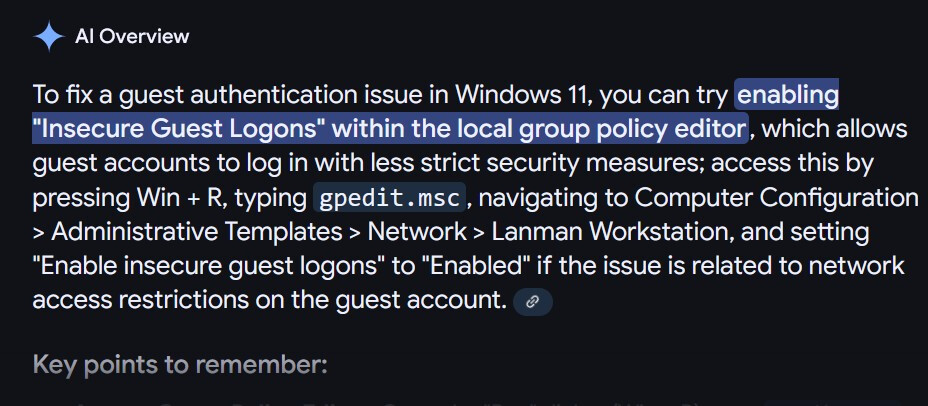
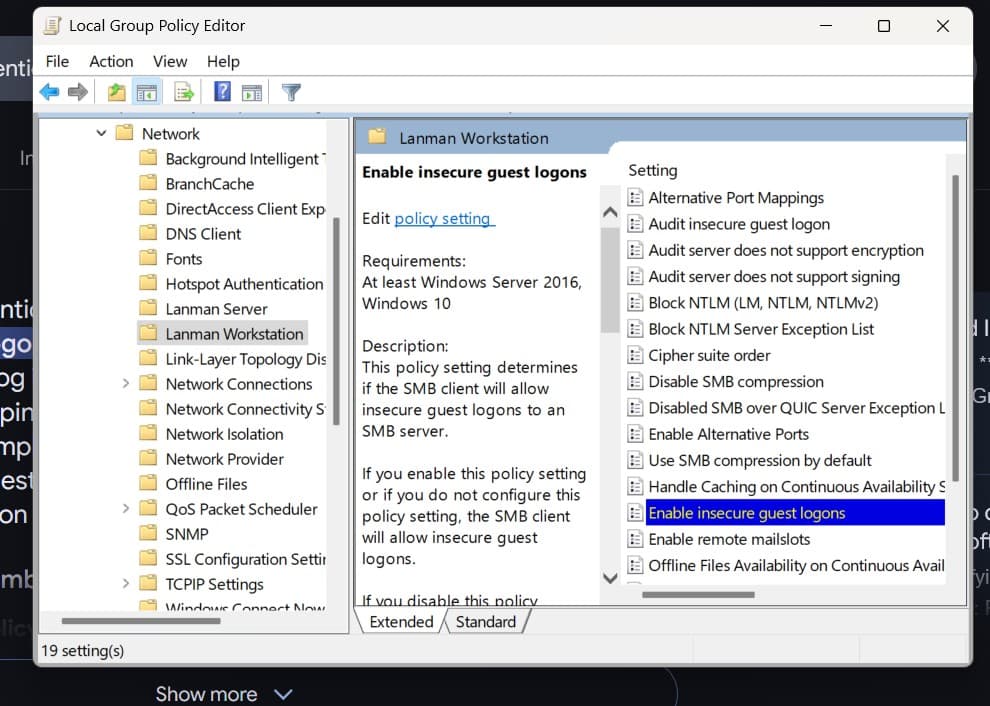
If you see this
Found this worked!
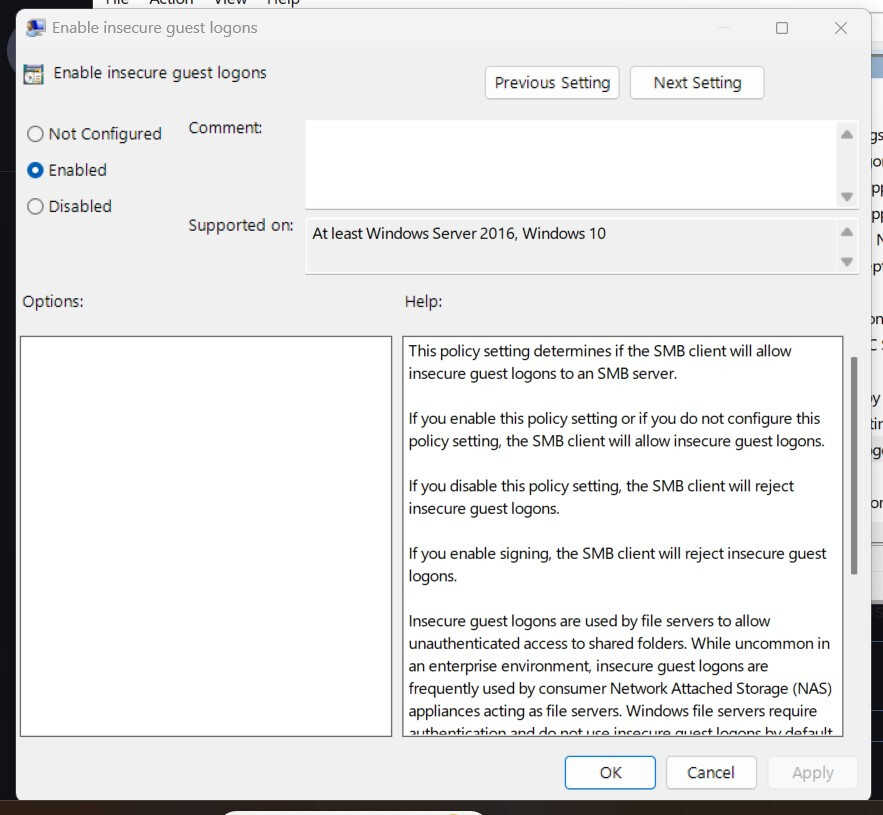
By default this is set to ‘Not Configured’ change to Enabled and you should be all set.
1 Like
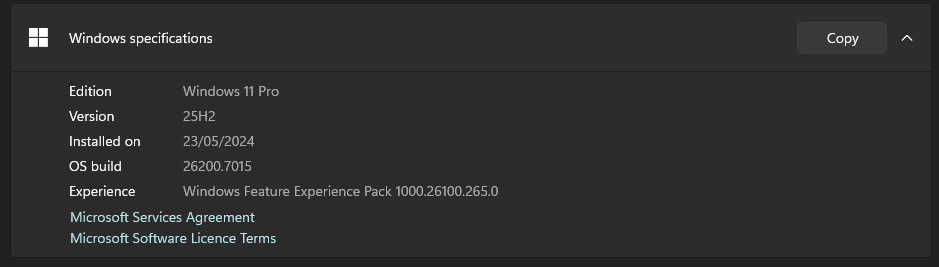
Since my windows system is updated to Windows 11 25H2 I cannot access my Roon Rock. I cannot map to the network drives. I get the error 0x80070043 although I have changed the settings for the guest fallback protection to enabled.
Please follow the steps provided in this article from Microsoft’s Tech Community. They seem to be the best at solving this Microsoft-created issue:
I followed the steps of Microsoft. It does not work.
Then please reboot your Windows 11 system and recheck what you have done - the steps appear to work for everyone else who has had this issue.
I rebooted my system several times.
Does anyone know if 25H2 has changed something that no longer allows the recommended fix to work?
I’m still on Windows 11 Home 24H2 (the fix worked for this version) and would hate to lose access again after updating to 25H2.
Works fine here.
It is Pro - but I would expect Home to be the same.
1 Like
Suedkiez
October 22, 2025, 7:46pm
11
It dunno but it worked just yesterday in the other thread for someone with 25H2 Pro after I posted this link:
I updated a computer to Windows 11 24H2 in the Release Preview channel. My question is, is Microsoft going to default insecure guest logins to disabled in 24H2? Windows Enterprise already is set this way. After updating a computer to 24H2 from 23H2,...
I went to the tech community link you provided and the only thig I had to do was to disable the "Microsoft network client:Digitally sign communication (always) to Disabled. I rebooted my pc and … wait for it… problem solved finally. Thank you so very much for pointing me in the right direction. I am planning on adding a NAS server to my network and now at least I fully understand what had to be done.
1 Like
Thanks. I remember that thread, but missed the OP was using the latest update (25H2).
2 Likes
I haven’t had any further problems over numerous updates since I first posted including the latest - I have not had to do anything.
1 Like
For Windows 11 Home I believe you have to actually edit the registry, the policy editor is not present in home edition. I like to remote into my machines and prefer the policy editor to messing around directly with the registry, hence all of my machines run Pro.
Not so - the article I linked to gives the Powershell commands for Home users in step 8.
2 Likes