e.g. i would like to be able to sort a column alphabetically. i’m told you can do this except that roon treats my macbook as a tablet with 1280 width, and displays a diminished interface. i gather the computer version of roon has other features, and functions like a spreadsheet. the 1280 appears to have something to do with how apple creates the retina display. i can’t be the only user with this problem. is there a fix? if not, can the roon people create one?
The tablet and computer versions are nearly identical. What’s limited is the phone version.
The computer version doesn’t “function like a spreadsheet” but there are some views that have sortable columns, and this is the same on a tablet.
Everything is fine on my MacBook Air 13” without any problems caused by retina and a horizontal 1280 resolution.
Please post a screenshot showing what you mean.
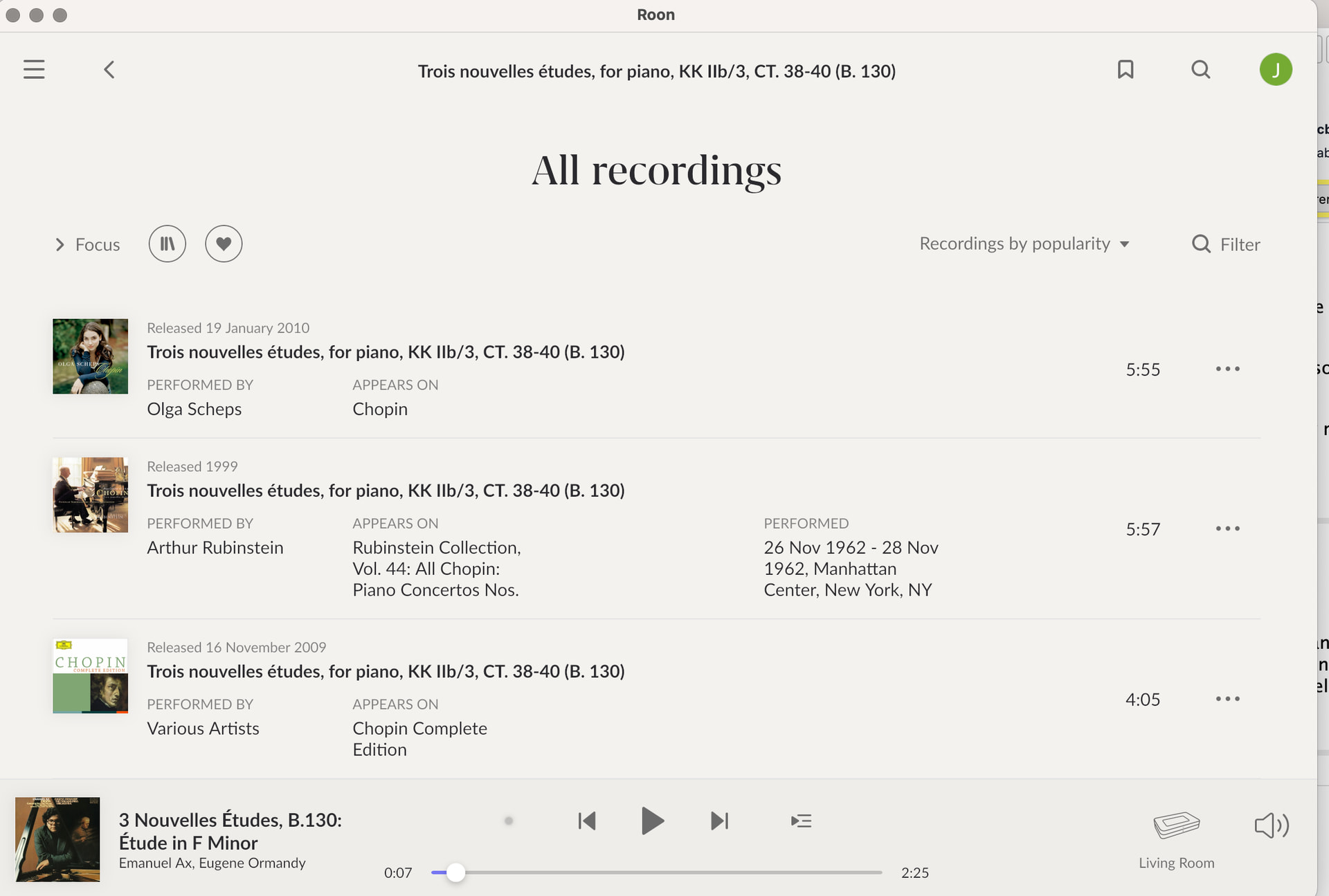
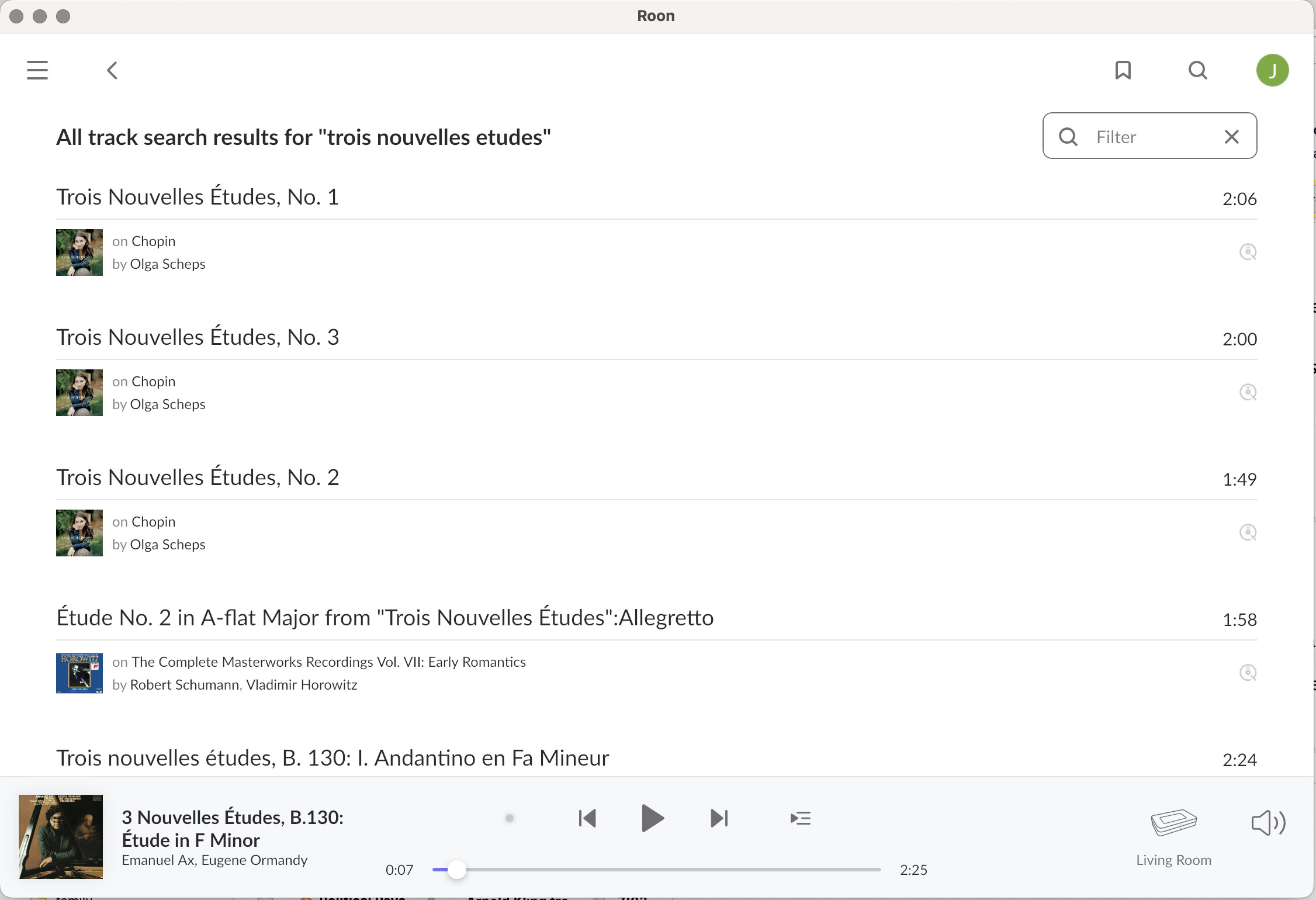
Any reason why you haven’t maximized the Roon display? Both screenshots are windows less than full resolution.
I see. You do have the full version, there is no problem here. A sort by performer feature is just not available when looking at recordings of a composition. The available sort options are in the menu on the right, where it’s now says “Recordings by popularity”. Those that aren’t there simply don’t exist.
There is a feature request here, where you can vote (see the button top left next to the topic title)
Switching to fullscreen won’t help here, though.
maximizing doesn’t change anything except maybe a slightly larger font