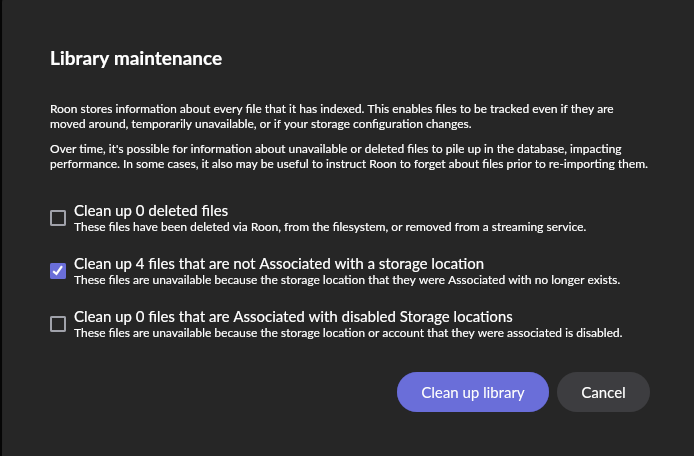
I cannot delete these files…
I do not now where they are supposed to be.
How can I get these files deleted?
I cannot delete these files…
I do not now where they are supposed to be.
How can I get these files deleted?
When files are shown as not Associated with a storage location this means that the storage location is no longer attached to Roon server.
Consequently, you can’t delete the files since the storage location was removed.
Therefore, remove them from Roon using Clean up library.
That is exactly what I try to do…but it did not work 
meanwhile did a reboot…got a message about updating database…problem solved.
This topic was automatically closed 36 hours after the last reply. New replies are no longer allowed.
