I have just configured my Internet router manually to port-forward a port to the Roon Server on my system. It works, which is great!
However I am no network security expert, so I am wondering whether creating a Port Forwarding rule where I “open” one specific port to the Internet is a safe undertaking?
I think port forwarding in this case is pretty safe — I certainly wouldn’t worry too much. However I did find that my Arc connection was more stable after switching to Tailscale.
The day I set up Arc I started getting attempted hack alerts on my router (likely auto port scanning by hackers). While it was low risk, I disabled it and the alerts immediately stopped. YMMV.
1 Like
Torben_Rick
(Torben - A Dane living in Hamburg - Roon Lifer)
6
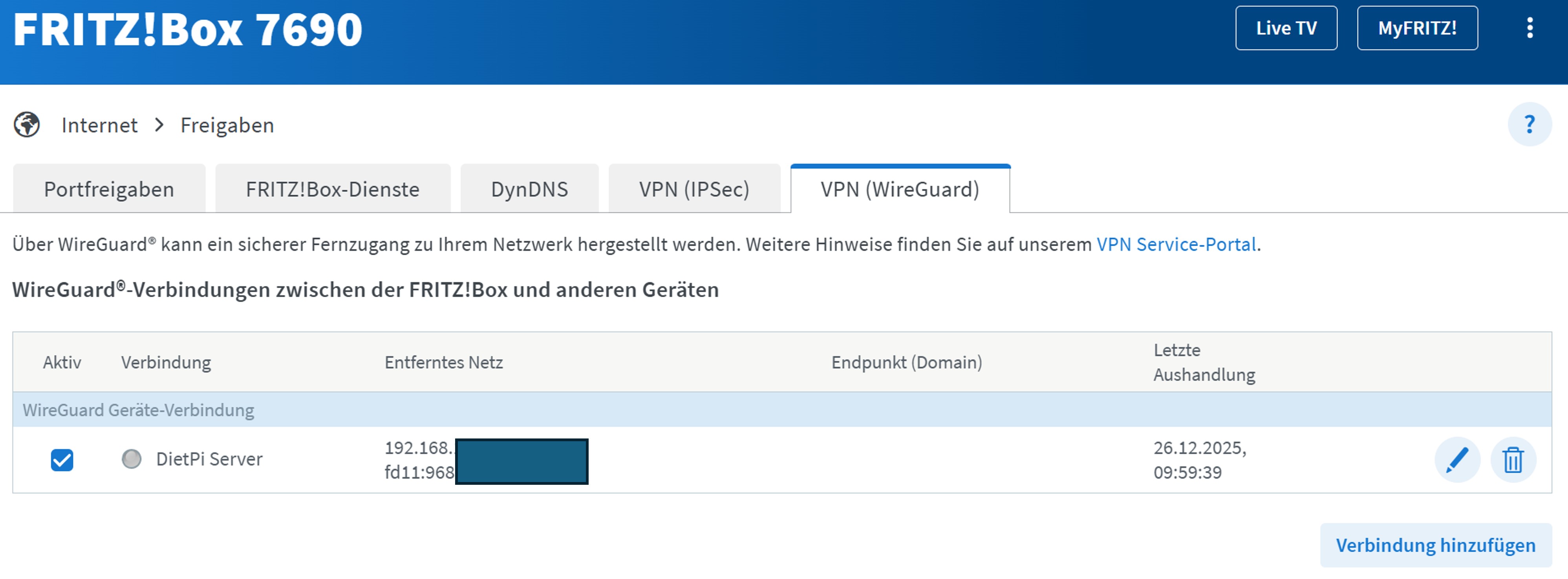
I use VPN (WireGuard) on my Router to connect with my DietPi Server where Roon is installed:
I’ve used ARC with a custom Port Forwarding Rule on my Unifi Dream Machine for quite some time. Of course like others, I became the target of port scans on this specific ARC Port.
Unifi denied these Port requests, so in fact nothing really happened.
As I’m afraid of getting hacked one day, I’ve turned off ARC and have since then ZERO port scans on my systems.
If you’ve set up a port forwarding rule, then why would UniFi deny the port request? It would be forwarded to Roon, just like you’ve configured. It’s Roon that rejects the request, due to the lack of authentication, or simply because of being invalid.
Maybe, if the port forwarding rule is set correctly, it accepts and forwards only TCP connections.
UDP (and other non-TCP protocol) connections would then still be denied by the UniFi gateway.
Zero port scans does not mean that they are not happening. It just means that they encountered a closed port and so we’re denied access at a lower level in the TCP/IP stack such that no packets reached the firewall. The port scans happen all of the time irrespective of whether the port is open on your gateway or not.
I’ve been unsuccessful at getting port forwarding to work with unbiquiti but I got arc to work via teleport without forwarding ports. Haven’t used it much yet though.
I tried the port forward thing but I think because the vlan all the audio stuff resides on is routed on a one of their l3 switches and not the udm pro max issues seem to be showing up, a port forward doesn’t seem to work. I must be over looking something.
But I guess teleport is probably more secure than port forwarding.
I’m fortunate enough to have port forwarding working in my UniFi network. I do have a public static IP address though. That certainly goes a long way.
Despite the above setup working, I prefer the VPN solution as well. In my particular case, it’s WireGuard. To put it bluntly, I have more faith in the security of WireGuard than that of Roon.
All my VPN clients end up on a separate subnet. With multicast DNS enabled, clients detect my Roon server and I can happily stream when out and about.
My internet provider recently “updated” our hardware and now I have a “double nat” and therefore ARC doesn’t work anymore. The removal of the double NAT requires paying an extra $18/month for a static IP address. I’ve been looking into a VPN but it would also need a port forwarding option and still would be an extra $5/mo or so. Not sure if WireGaurd or Tailscale have port forwarding. I’ll check it out.